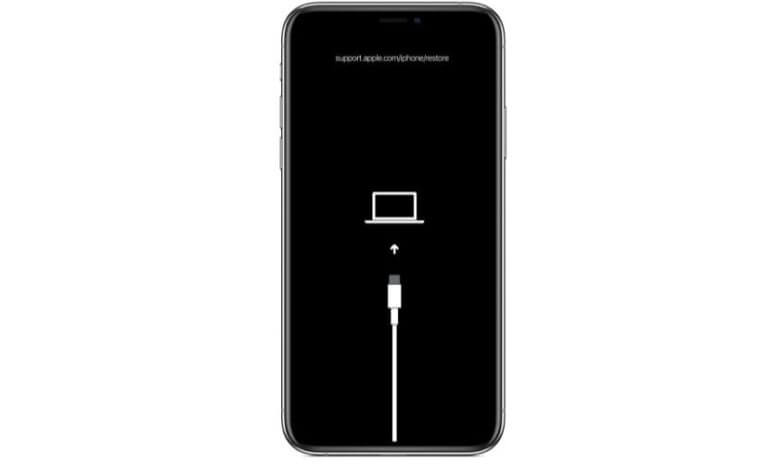
iPhone Won't Charge Repair: A Step-by-Step Guide
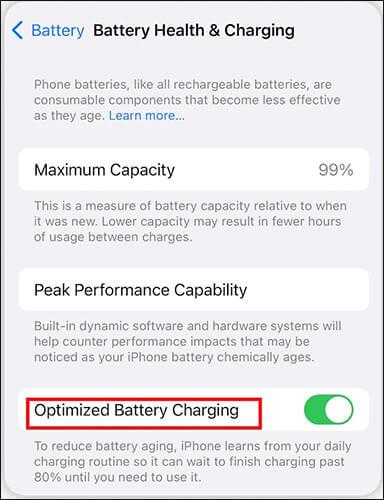
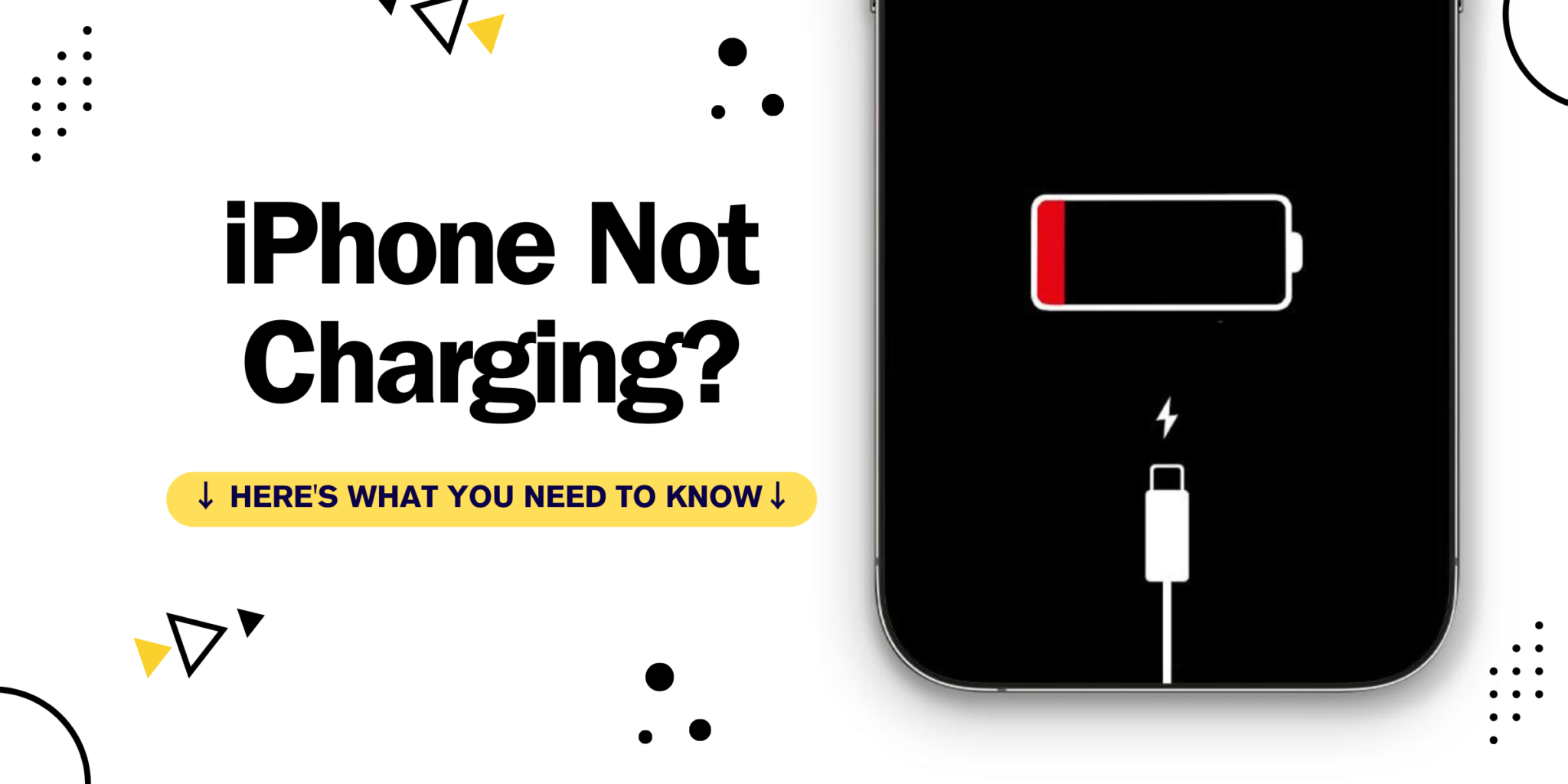
If your iPhone won't charge or stops charging at 80 percent, it can be a frustrating experience. However, in most cases, the issue can be fixed at home without the need for professional assistance. In this article, we will guide you through the process of troubleshooting and repairing an iPhone that won't charge.
Understanding iPhone Charging
The iPhone charging process involves several components, including the charger, Lightning cable, charging port, and the iPhone's battery. When any of these components fail to function correctly, it can prevent the iPhone from charging.
Common Causes of iPhone Not Charging
- Damaged or dirty charging port
- Clogged or damaged Lightning cable
- Battery issues, such as a dead or faulty battery
- Software glitches or issues with iOS
- Accessory compatibility issues
Step-by-Step iPhone Won't Charge Repair
Checking the Charging Port
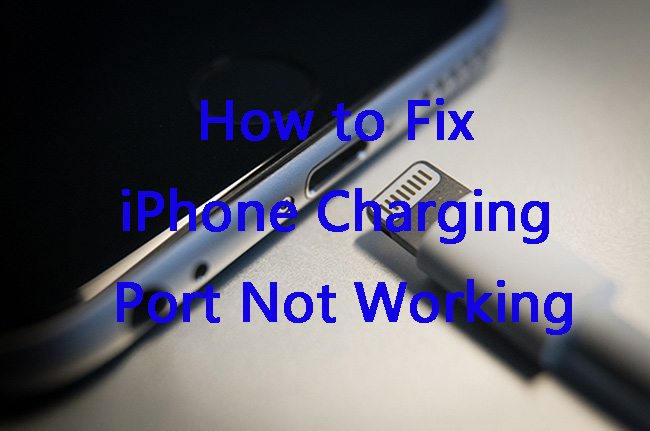
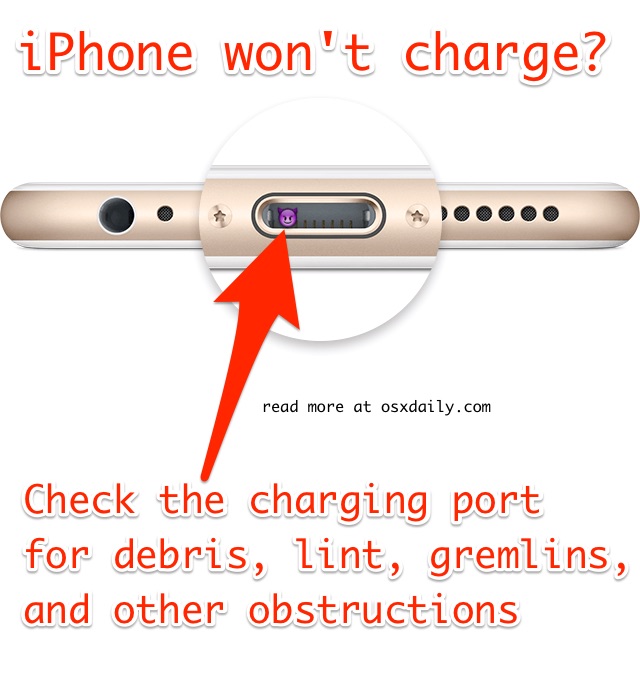
Start by checking the charging port for any debris or dust that may be preventing the iPhone from charging. Use a soft brush or a cotton swab to clean the port and ensure that it is free from any obstructions.
Inspecting the Lightning Cable
Inspect the Lightning cable for any damage or wear. If the cable is damaged, try using a different cable to rule out any issues with the current cable.
Updating iOS
Make sure that your iPhone is running the latest version of iOS. Updating iOS can resolve software-related issues that may be preventing the iPhone from charging.
Resetting the Charging System
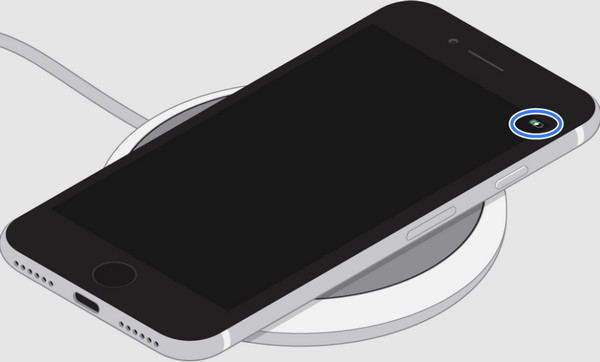
Resetting the charging system can resolve issues with the iPhone's charging circuitry. To reset the charging system, follow these steps:

- Connect your iPhone to a power source using a charger.
- Press and hold the Sleep/Wake button and the Volume Down button simultaneously for at least 10 seconds.
- Release the buttons when the Apple logo appears.
Replacing the Charging Port or Battery
If none of the above steps resolve the issue, it may be necessary to replace the charging port or battery. This can be a more complex and costly repair, but it may be necessary to restore your iPhone's charging functionality.
When to Seek Professional Help
If you have tried all of the above steps and your iPhone still won't charge, it may be time to seek professional help. If your iPhone is still under warranty, you may be able to get it repaired or replaced for free. If your iPhone is out of warranty, you can take it to an authorized Apple repair center or a third-party repair shop for assistance.
Conclusion
Fixing an iPhone that won't charge can be a straightforward process if you know where to start. By following the steps outlined in this article, you can troubleshoot and repair your iPhone's charging issues and get it up and running again. If you're not comfortable with DIY repairs or if the issue is more complex, it's always best to seek professional help from an authorized Apple repair center or a third-party repair shop.
iPhone Won't Charge Repair Cost
The cost of repairing an iPhone that won't charge can vary depending on the complexity of the issue and the type of repair needed. Here are some estimated costs for common repairs:
- Charging port repair: $60-$100
- Battery replacement: $100-$200
- Logic board repair: $200-$500
iPhone Charging Port Repair Pricing
Here are some estimated costs for iPhone charging port repair:
- iPhone 6s - 8: $60
- iPhone X - 11: $70
- iPhone 12 - 13: $80
- iPhone 14 - 15: $90
- iPhone 16 Pro Max: $100





![[Fixed] iPhone is Findable and Won't Turn On - Dr.Fone](https://cdn.osxdaily.com/wp-content/uploads/2016/02/iphone-not-charging-fix.jpg "[Fixed] iPhone is Findable and Won't Turn On - Dr.Fone")