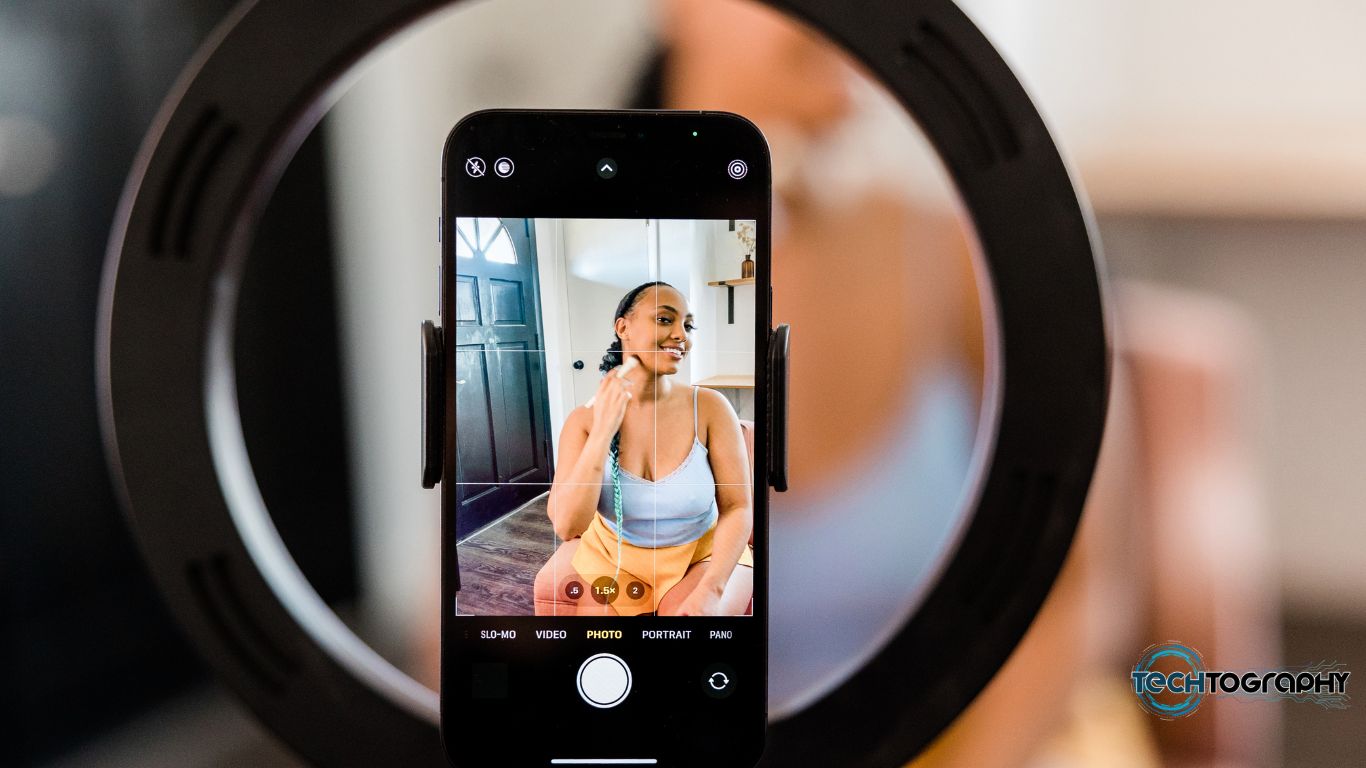
Setting Up a YouTube Channel for Mobile Game Reviews
If you're a mobile gamer with a passion for sharing your opinions with others, setting up a YouTube channel for mobile game reviews is a great way to engage with your community and potentially earn some revenue. In this comprehensive guide, we'll walk you through the process of creating and launching a successful YouTube channel for mobile game reviews.
Why Start a YouTube Channel for Mobile Game Reviews?
- Share your passion for gaming with a wider audience
- Connect with like-minded individuals and build a community
- Showcase your review skills and expertise
- Earn money through ads, sponsorships, and merchandise sales
Step 1: Choose Your Channel Name and Niche
Before setting up your channel, it's essential to decide on a unique and memorable name that reflects your brand and niche. Consider your target audience, the type of content you'll be creating, and your personal branding. Your channel name should be easy to type, remember, and pronounce.
Choose a niche within the mobile gaming category that you're passionate about. This could be a specific genre, such as puzzle games or multiplayer games, or a specific platform, like Android or iOS. Having a clear niche will help you stand out and attract a dedicated audience.
Step 2: Create Your Channel Art and Branding
Your channel art, including your logo, banner, and icon, is the first thing viewers will see when they visit your channel. Make sure it's eye-catching, relevant, and consistent with your brand's personality. Your branding should also extend to your channel's description, keywords, and tags.
- Create a recognizable logo and icon
- Design a visually appealing banner and thumbnail
- Write a compelling channel description and introduction
Step 3: Set Up Your Channel and Equipment
Once you have your channel name, niche, and branding in place, it's time to set up your channel and equipment. This includes:
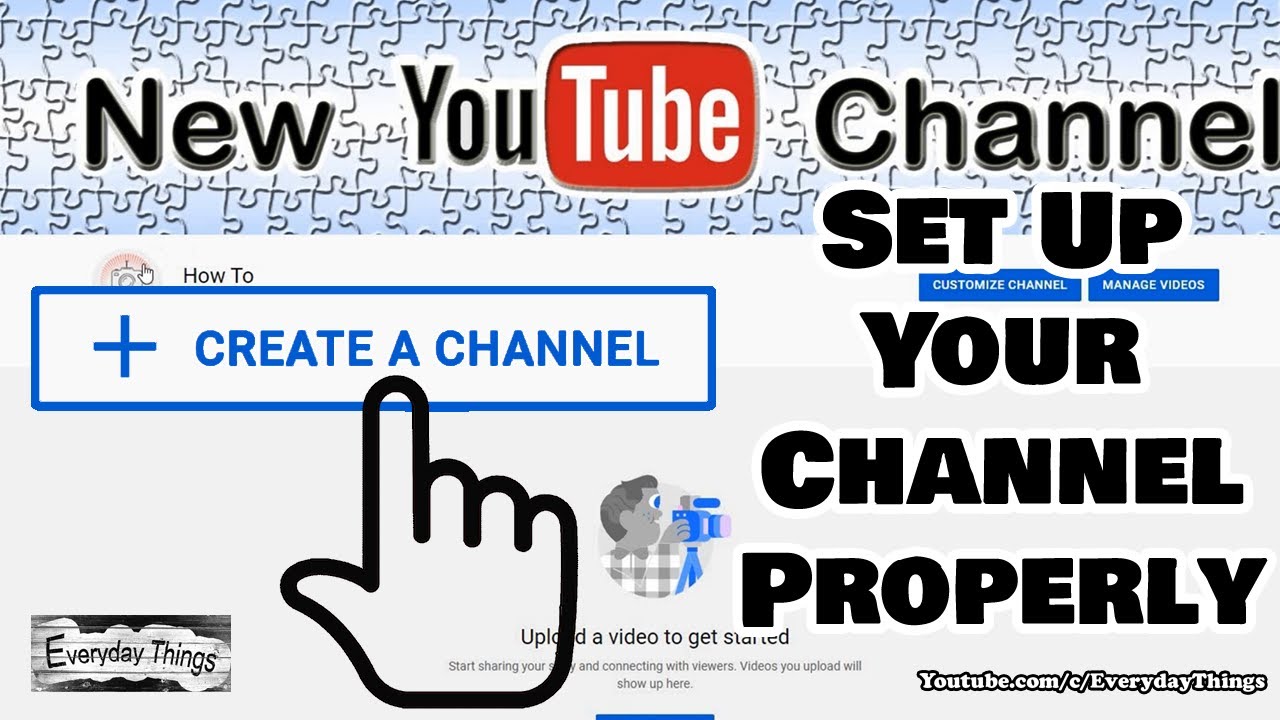
- Creating a YouTube account and verifying your email address
- Downloading and setting up recording software or a capture card
- Investing in a good quality headset, microphone, and camera
- Ensuring a stable and reliable internet connection
Step 4: Plan and Record Your Content
Before recording your first video, plan and prepare your content. Research the game you'll be reviewing, script your intro and outro, and gather any necessary equipment or props. Record your gameplay footage, speak clearly and concisely, and don't forget to include sound effects and music to enhance the viewing experience.
- Plan and script your content
- Invest in quality recording equipment
- Record high-quality audio and video
- Use sound effects and music to enhance the viewing experience
Step 5: Optimize and Promote Your Channel
Once you've uploaded your video, it's essential to optimize and promote your channel to reach a wider audience. This includes optimizing your video titles, descriptions, and tags, as well as promoting your channel on social media, forums, and gaming communities.
- Optimize your video titles, descriptions, and tags
- Promote your channel on social media and gaming communities
- Engage with your audience and respond to comments and feedback
Conclusion
Setting up a YouTube channel for mobile game reviews requires effort, dedication, and a passion for gaming. By following these steps, you can create a successful channel that showcases your expertise and connects with a dedicated audience. Remember to stay up-to-date with the latest trends, engage with your viewers, and continually improve your content and branding.