How to Protect Yourself from Phishing Attacks
Phishing attacks have become a serious threat to online security, and understanding the most common attack vectors is crucial to protecting yourself. In this article, we will discuss how to recognize phishing scams, how to protect yourself, and what to do if you fall victim to a phishing attack.
What is Phishing?
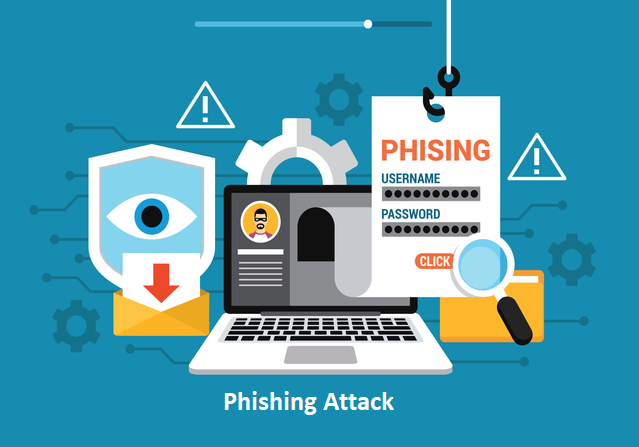
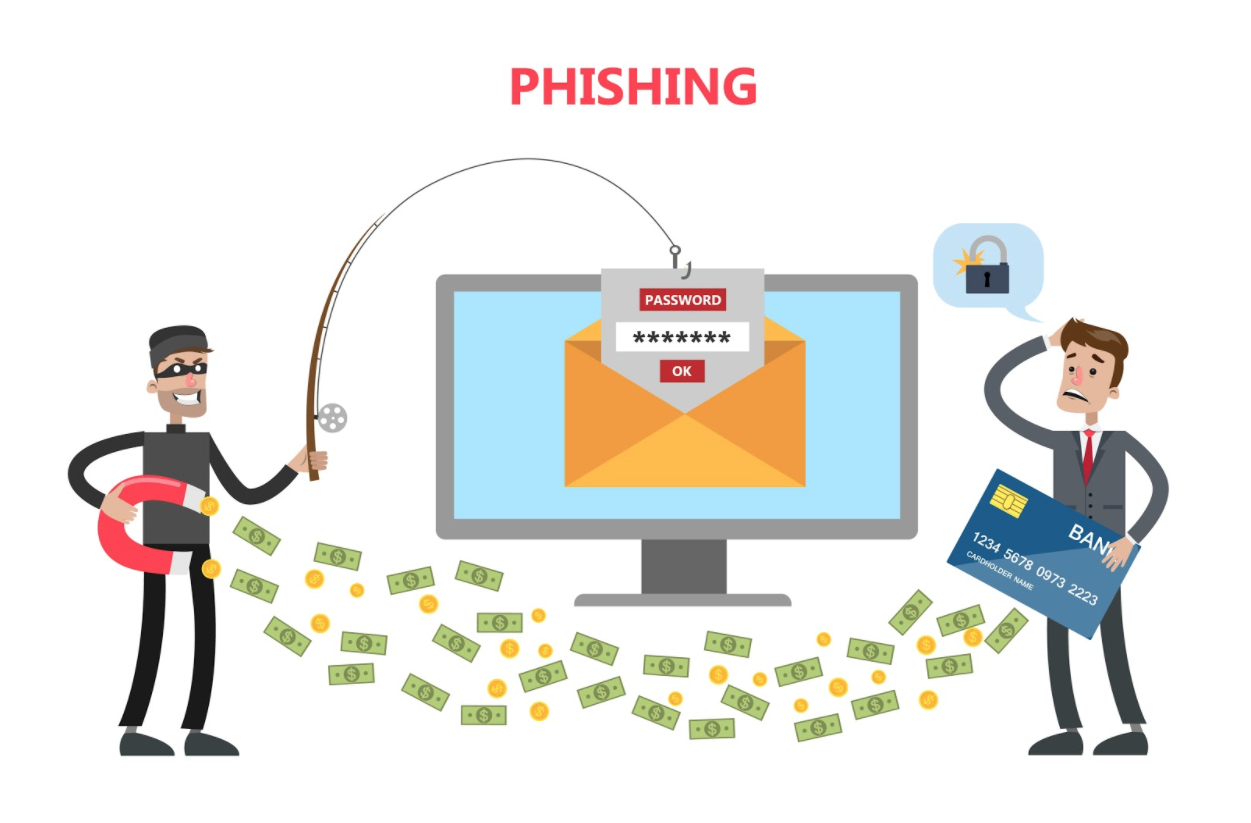
Phishing is an attack that attempts to steal your money, or your identity, by getting you to reveal personal information -- such as credit card numbers, bank information, or passwords -- on websites that pretend to be legitimate. Cybercriminals typically pretend to be reputable companies, friends, or acquaintances in a fake message, which is often sent via email or text message.
How to Recognize Phishing Scams
To recognize phishing scams, follow these tips:
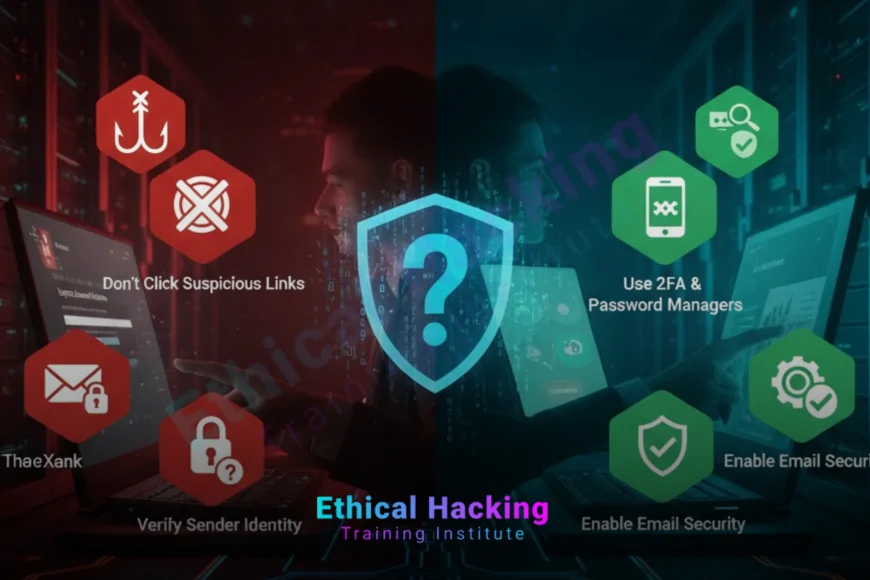
- Study the subject line. Watch for overly urgent subject lines and language like "Verify your account" or "URGENT." Emails saying your account has been compromised are common phishing bait.
- Look for spelling and grammar mistakes. Legitimate companies usually have professional language and spelling.
- Check the sender's email address. Phishing emails often have fake or misspelled email addresses that resemble those of legitimate companies.
- Be cautious about links and attachments. Phishing emails often contain links or attachments that lead to malware or phishing websites.
- Verify the information with the company. If you receive an email claiming to be from your bank or another company, call the company directly to verify the information.
How to Protect Yourself
To protect yourself from phishing attacks, follow these tips:
- Use strong passwords and keep them confidential.
- Use two-factor authentication (2FA) whenever possible.
- Keep your operating system, browser, and other software up to date.
- Use antivirus software and a firewall to protect your device.
- Be cautious about sharing personal or sensitive information online, especially on social media platforms.
- Limit the amount of personal information you disclose publicly, as it can be used by attackers to craft convincing scams.
What to Do if You Fall Victim to a Phishing Attack
If you fall victim to a phishing attack, follow these steps:
- Report the incident to the company or organization that was impersonated.
- Change your passwords and enable 2FA if you haven't already.
- Monitor your account activity and credit reports for any suspicious activity.
- Consider reporting the incident to your local law enforcement agency.
Conclusion
Phishing attacks are a serious threat to online security, but by understanding how to recognize phishing scams, how to protect yourself, and what to do if you fall victim to a phishing attack, you can help stop this crime. Remember to always be cautious when receiving emails or messages that ask for personal or sensitive information, and never click on suspicious links or attachments.
Additional Resources
For more information on how to protect yourself from phishing attacks, see the following resources:
- Federal Bank, Thrift and Credit Union Regulatory Agencies Provide Brochure with Information on Internet "Phishing"
- Norton 360 Deluxe, which features a built-in scam-detection engine to help detect phishing attacks
- Microsoft OneDrive has built-in protection against Ransomware attacks
- Malicious Office macros Microsoft Office includes a powerful scripting language that allows developers to create advanced tools to help you be more productive