The Power of Micro-Interactions: Enhancing User Experiences
As technology continues to evolve, user experience (UX) has become a crucial factor in determining the success of digital products. One often-overlooked aspect of UX is micro-interactions – small, subtle animations and effects that significantly impact the way users interact with products. In this article, we'll delve into the world of micro-interactions, explore their importance, and provide examples of best practices to get you started.
What are Micro-Interactions?
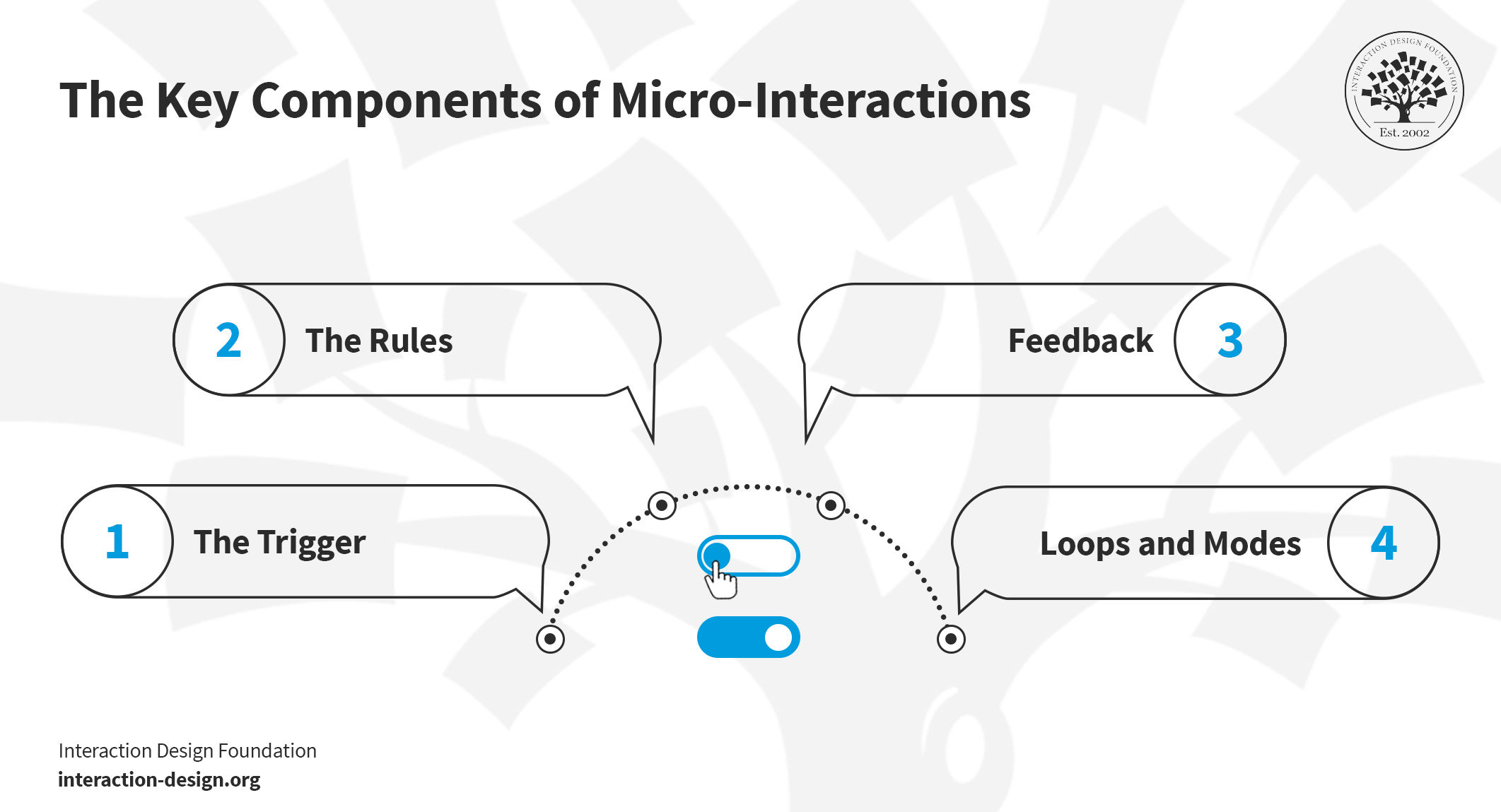
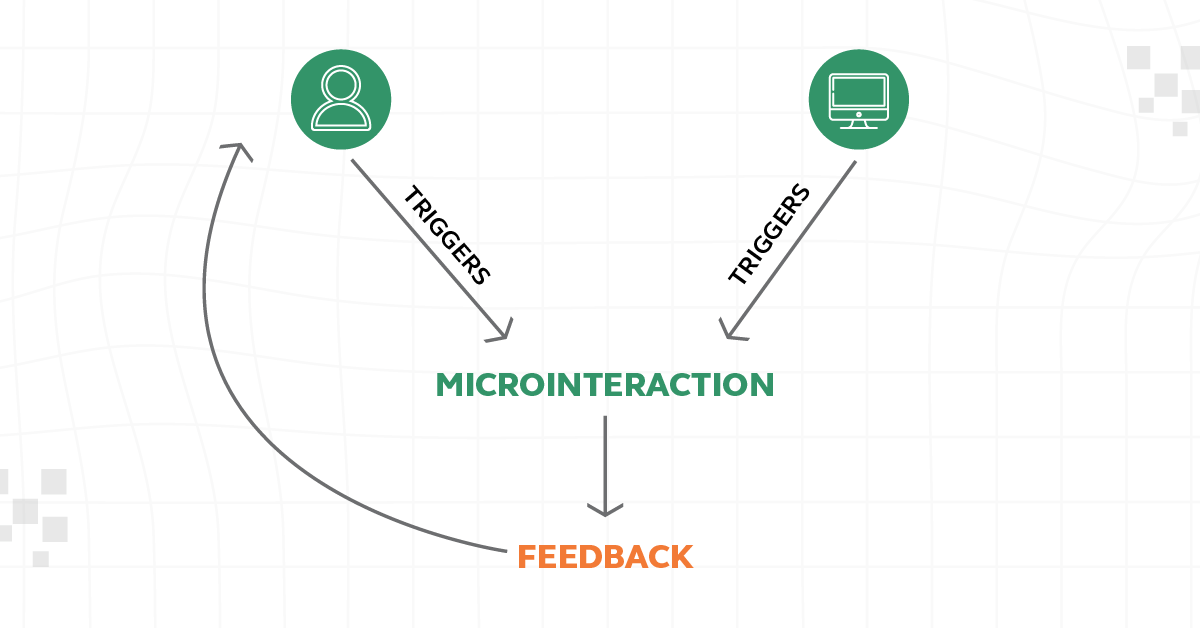
Micro-interactions are small, trigger-feedback pairs that provide visual cues to guide users through the digital product. They can convey system status, help prevent errors, and even infuse brand personality into the user experience.
Definition:
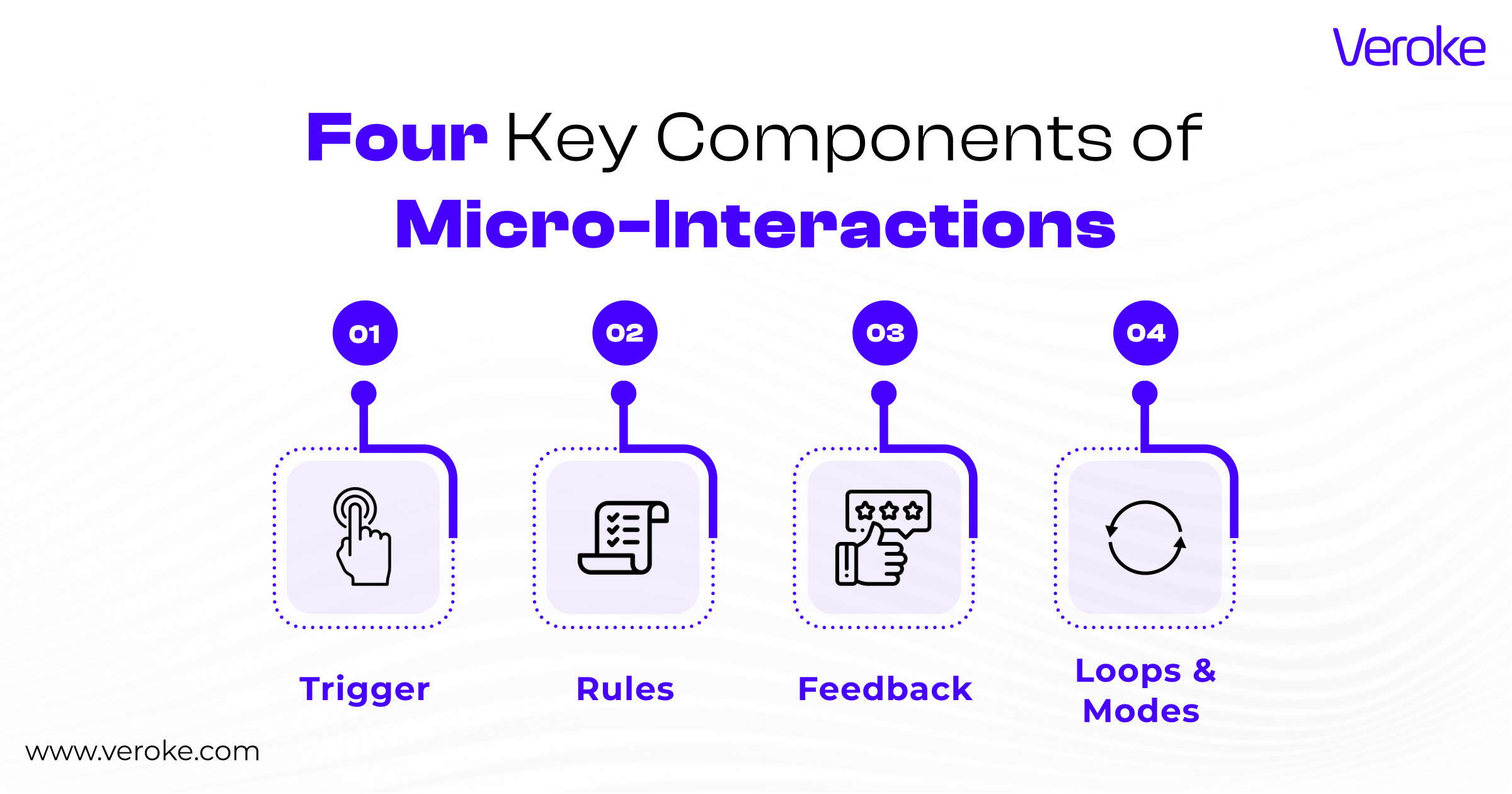
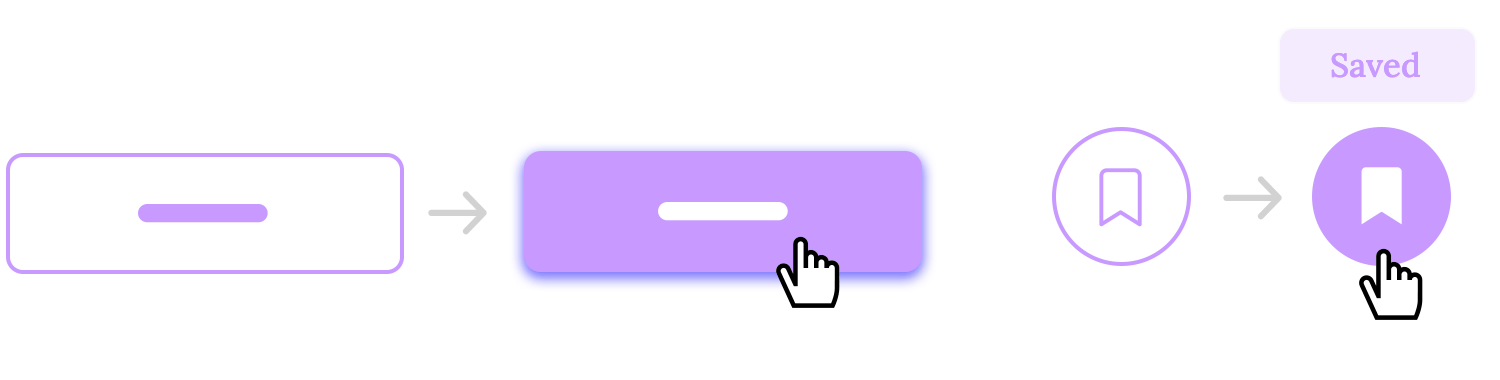
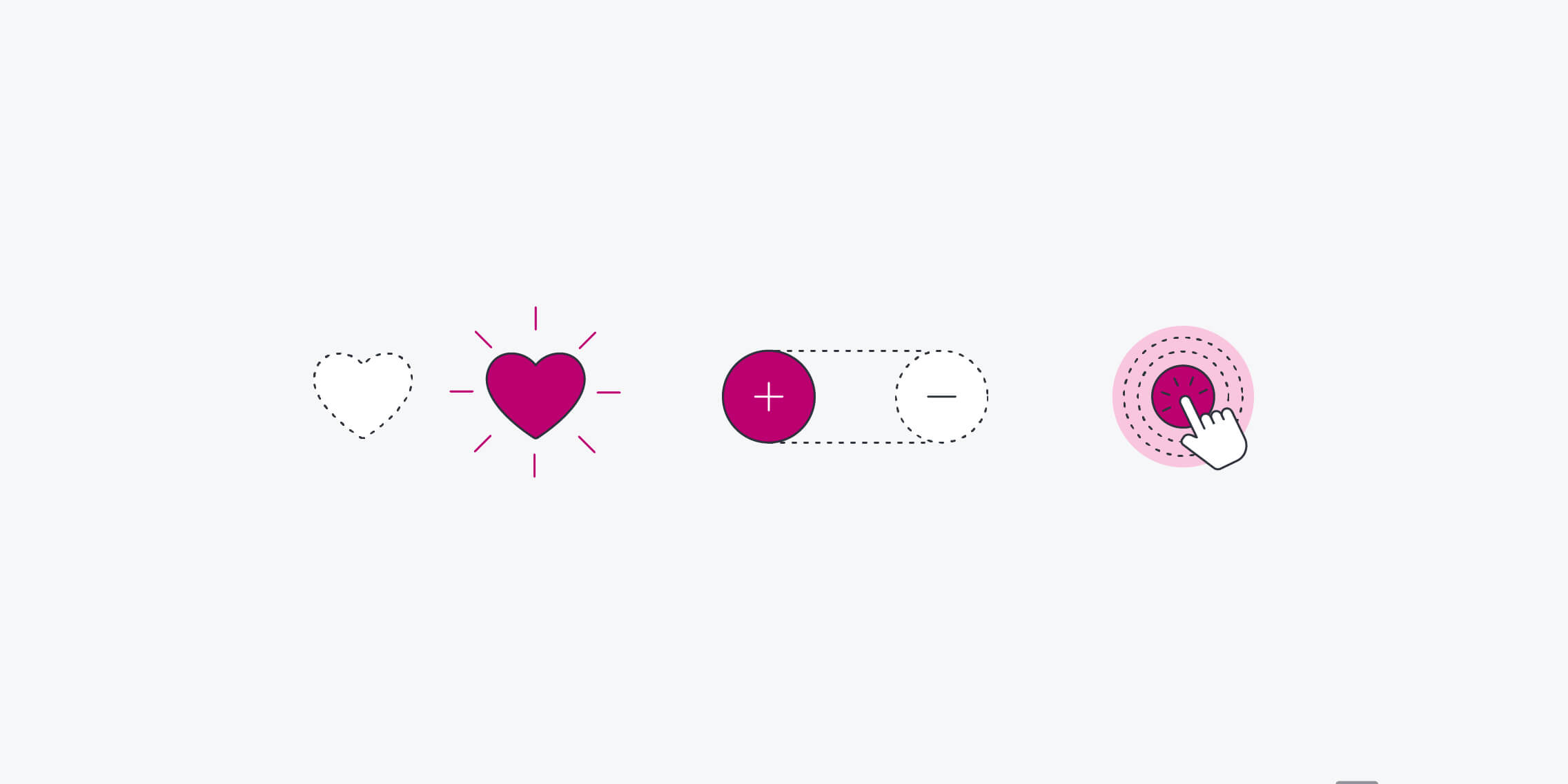
- Micro-interactions are trigger-feedback pairs where (1) a user performs an action, (2) and the system responds with a visual or auditory cue (feedback) in a non-intrusive and intuitive way.
- Micro-interactions aim to provide a seamless and user-friendly experience by reducing cognitive load and minimizing user frustration.
Why Micro-Interactions Matter in UX
Micro-interactions play a critical role in creating intuitive and engaging digital experiences. They:
- Provide feedback to users, ensuring they understand the consequences of their actions.
- Help prevent errors by warning users of potential issues or unexpected outcomes.
- Infuse brand personality into the user experience, creating an emotional connection with users.
- Make digital products more accessible and user-friendly, reducing the learning curve for new users.
Best Practices for Designing Effective Micro-Interactions
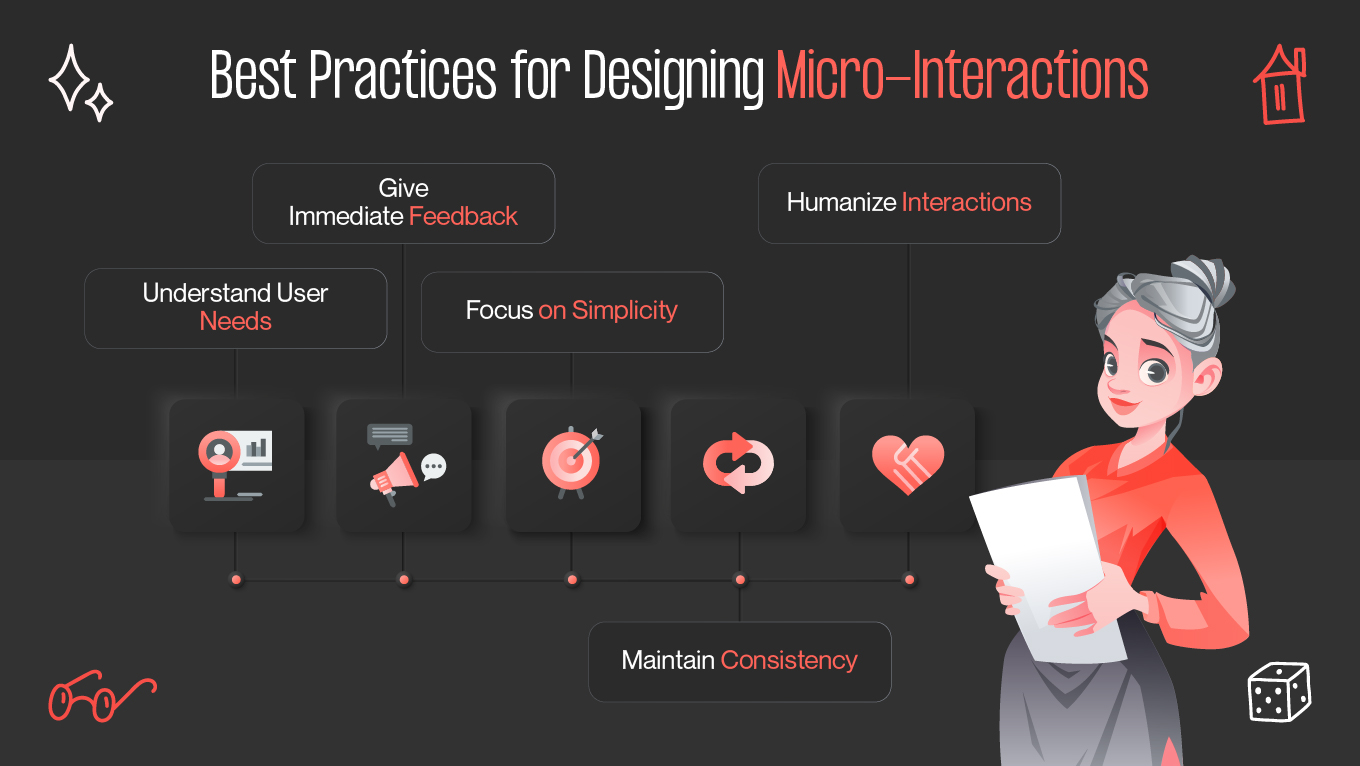
Effective micro-interactions follow a few key principles:
- Immediate response: The system should respond in under 100 milliseconds to create a sense of continuity and responsiveness.
- Continuous animation: Elements should morph and travel smoothly, rather than teleporting abruptly, to create a sense of fluidity.
- Playful interaction: Use physics or other animations to create a more engaging and human-centered interaction.
Real-World Examples of Micro-Interactions
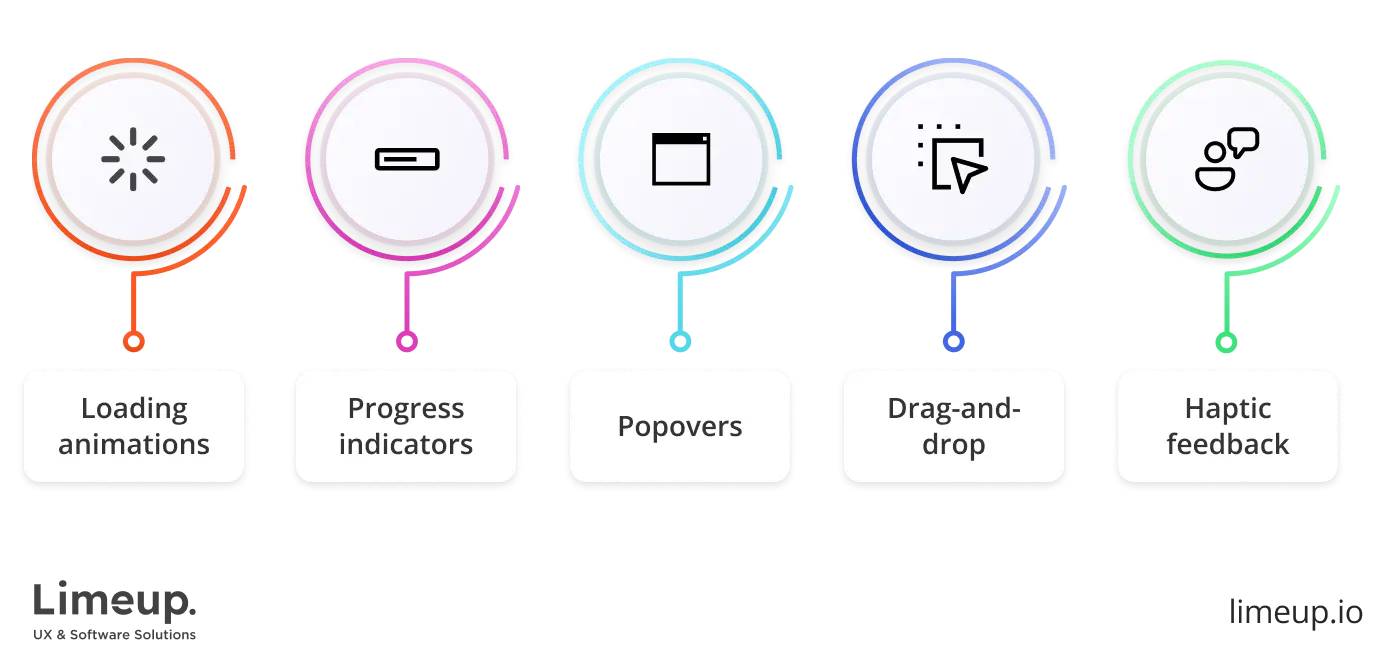
From button animations to loading feedback, micro-interactions can enhance the user experience in various ways. Here are a few inspiring examples:
- Button animations: Visual cues that signal the start and completion of an action, ensuring users understand the current state of the system.
- Loading feedback: Animations that provide visual confirmation during loading processes, reducing user anxiety and uncertainty.
- Hover effects: Visual cues that respond to user interaction, guiding users through the digital product and reducing cognitive load.
- Subtle transitions: Animations that smoothly transition users between different screens or states, creating a smooth and seamless experience.
Conclusion
Micro-interactions may seem like a small aspect of UX design, but their impact on the user experience is significant. By incorporating effective micro-interactions, designers can create intuitive, engaging, and user-friendly digital products that boost engagement and conversions. Remember to follow best practices, such as responsive design, immediate response, and playful interaction, to create micro-interactions that elevate your digital products.