How to Protect Against Phishing: A Comprehensive Guide
Phishing attacks are a serious threat to online security, and understanding the most common attack vector is crucial to protecting yourself. With the rise of technology, phishing scams have become increasingly sophisticated, making it essential to educate yourself on how to protect against phishing.
Understanding Phishing
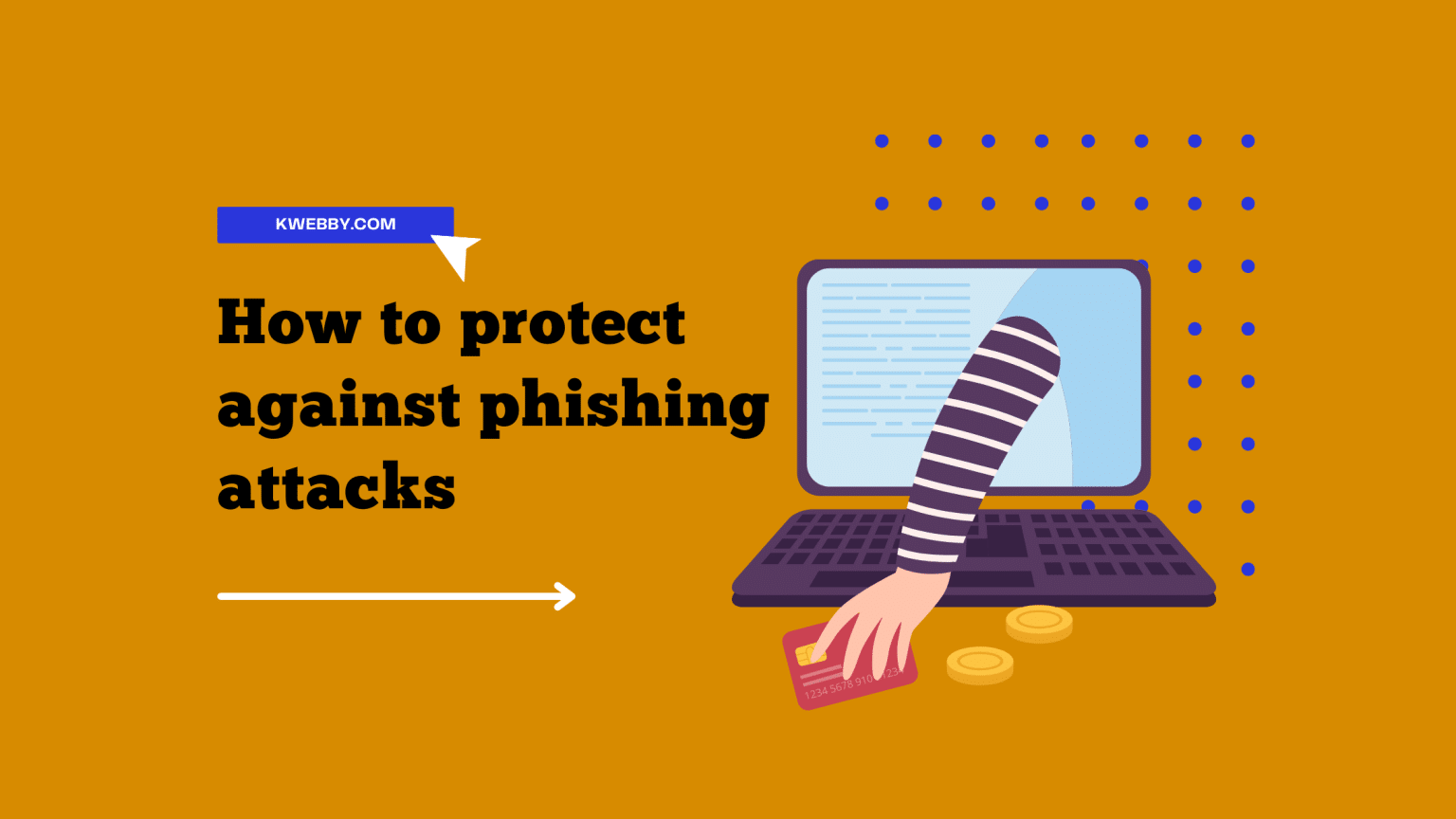
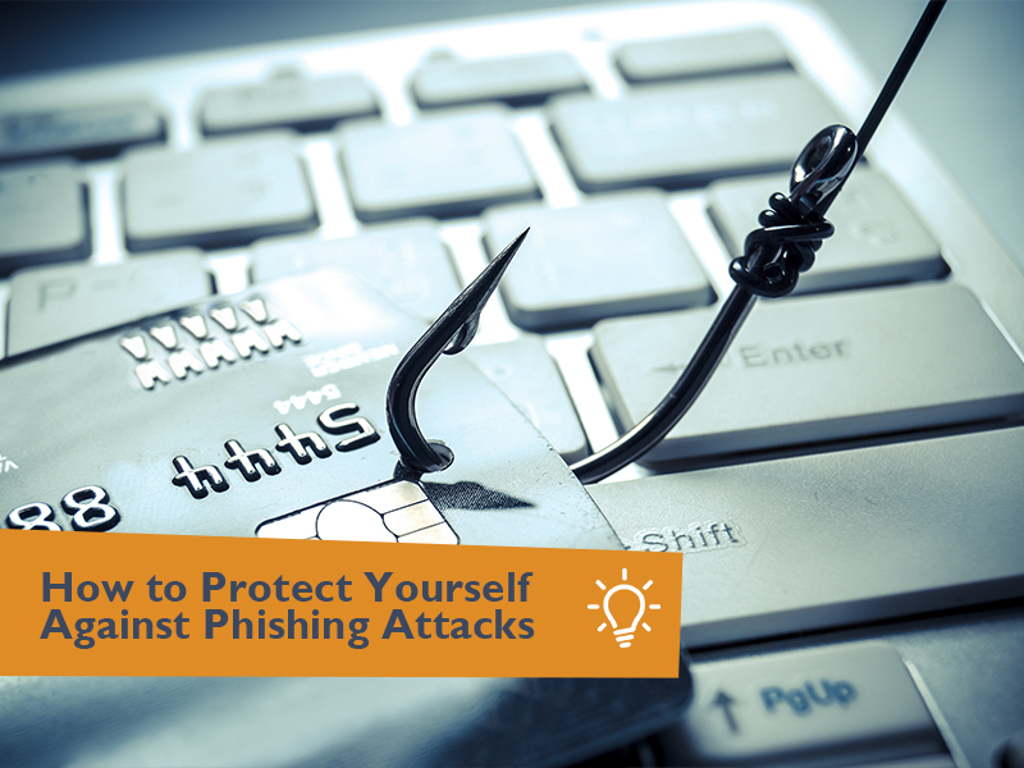
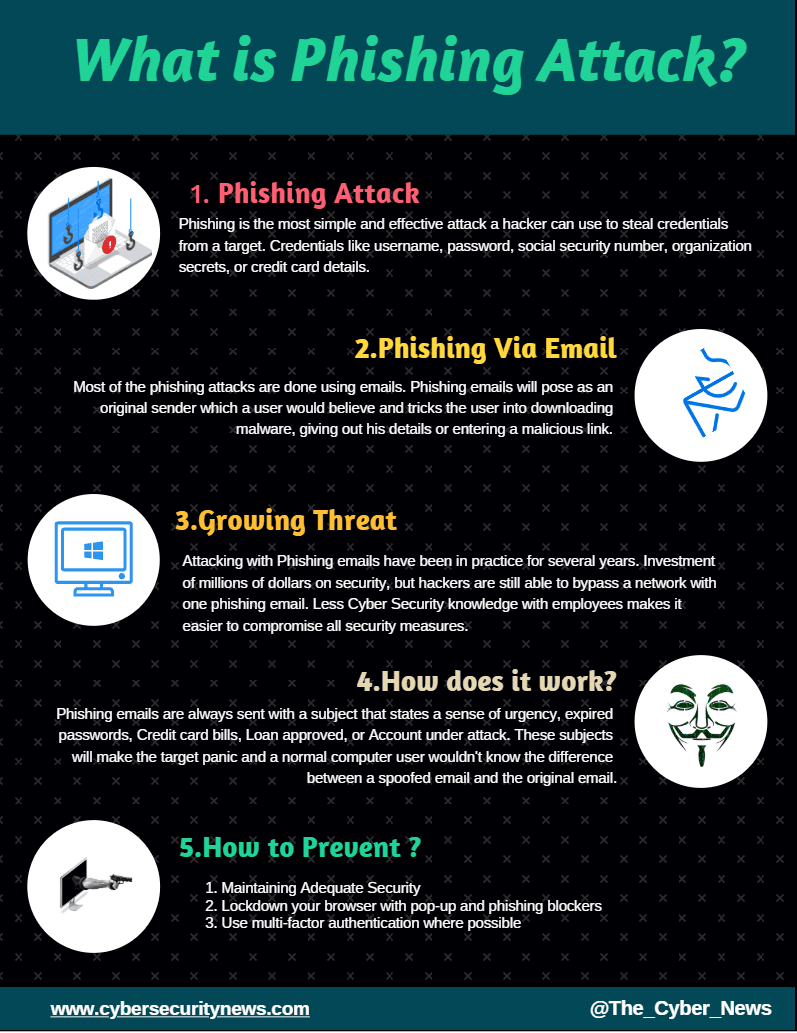
Phishing is an attack that attempts to steal your money or identity by getting you to reveal personal information, such as credit card numbers, bank information, or passwords, on websites that pretend to be legitimate.
How Phishing Works
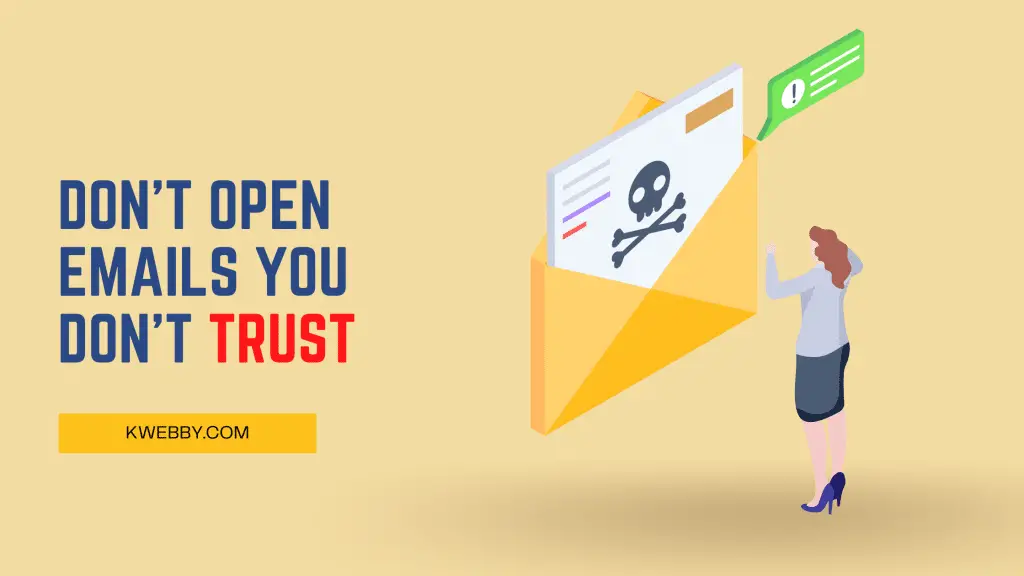
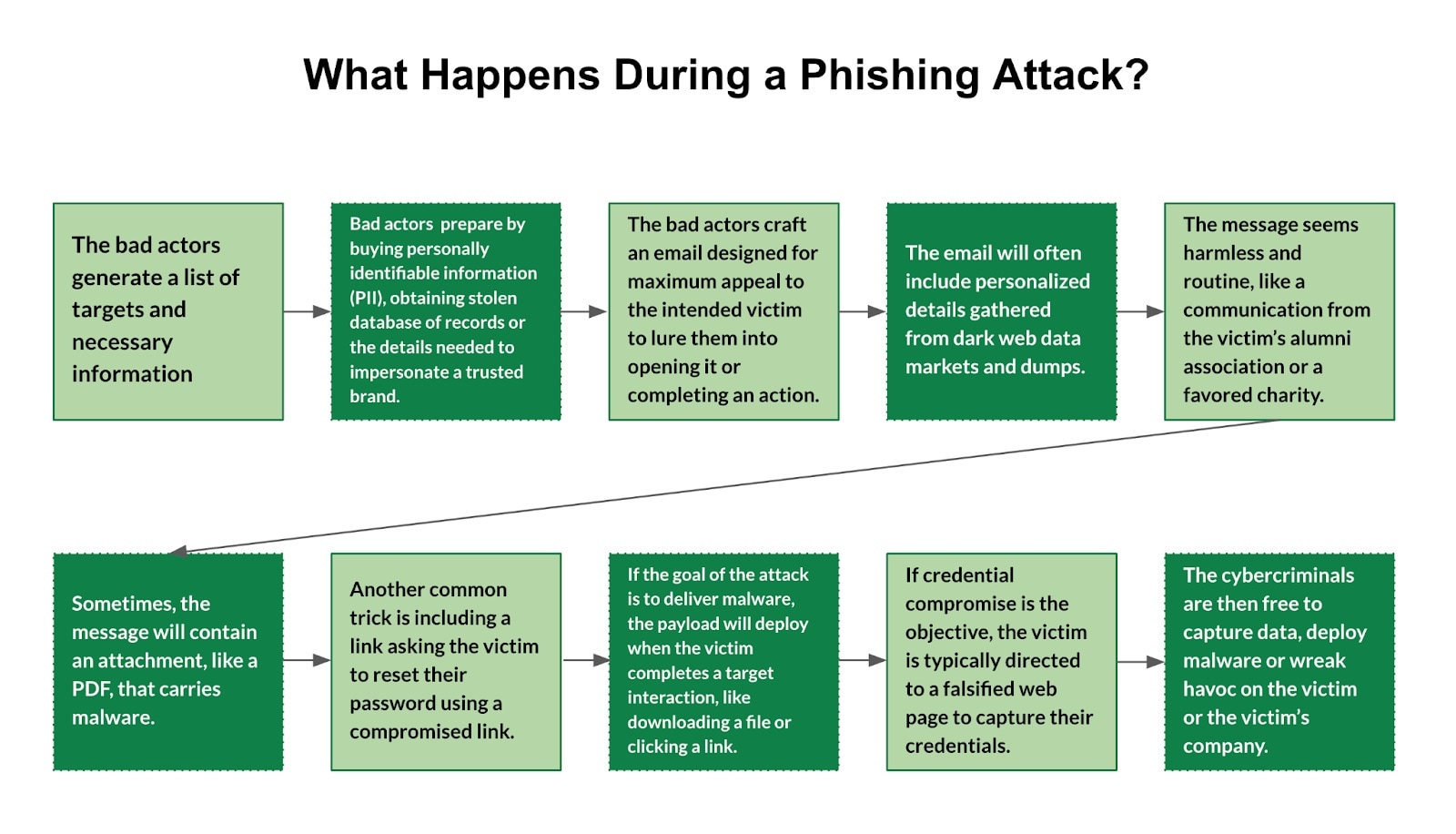
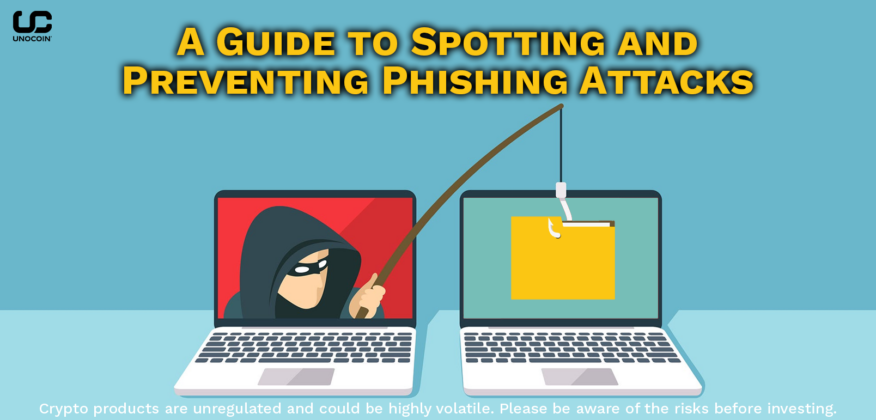
Phishing attacks typically begin with a phishing email or message that appears to be from a legitimate source, such as a bank or a well-known company. The email or message may ask you to click on a link or respond with sensitive information. If you click on the link or respond with the information, you may inadvertently give the attacker access to your sensitive information.
Prevention is Key
Protecting yourself against phishing attacks requires a combination of common sense, awareness, and technical measures. Here are some essential tips to help you protect against phishing:
- S迹 sensible and avoid suspicious email or messages Be cautious of generic greetings, poor grammar, or spelling errors in emails or messages. Legitimate companies typically address you by name and use professional language.
- Verify authenticity Ensure that the sender is legitimate by checking the email address, phone number, or website URL. Legitimate companies generally have professional branding and contact information.
- Don't click on suspicious links Avoid clicking on links from unknown senders, especially if they appear to be from a legitimate company. Instead, type the company's website directly into your browser.
- Use strong passwords and two-factor authentication Use unique and complex passwords for your online accounts, and consider enabling two-factor authentication to add an extra layer of security.
- Keep your software up to date Ensure that your operating system, browser, and other software are updated with the latest security patches to prevent exploitation by attackers.
- Be cautious of attachments and downloads Avoid downloading attachments or files from unknown sources, as they may contain malware or phishing links.
What to Do if You Suspect a Phishing Attack
If you suspect a phishing attack, follow these steps:
- Report the incident Inform the relevant authorities, such as the Federal Trade Commission (FTC) or your local police department.
- Change your passwords Immediately change your passwords for the affected accounts to prevent further unauthorized access.
- Run a virus scan Use an anti-virus software to scan your device for malware or other threats.
Conclusion
Protecting yourself against phishing attacks requires education, awareness, and technical measures. By understanding how phishing works and taking preventative steps, you can significantly reduce the risk of falling victim to a phishing attack. Remember to be cautious of suspicious emails or messages, verify authenticity, and use strong passwords and two-factor authentication to keep your sensitive information secure.
Additional Resources
For more information on how to protect against phishing, consult the following resources: