How to Get Back Deleted Photos: A Step-by-Step Guide
Accidentally deleting a photo or video can be a stressful experience, especially if it's a cherished memory or a professional image. However, in most cases, deleted photos are not gone forever. In this article, we will guide you on how to get back deleted photos from various devices and storage options.
Check the Recently Deleted Folder
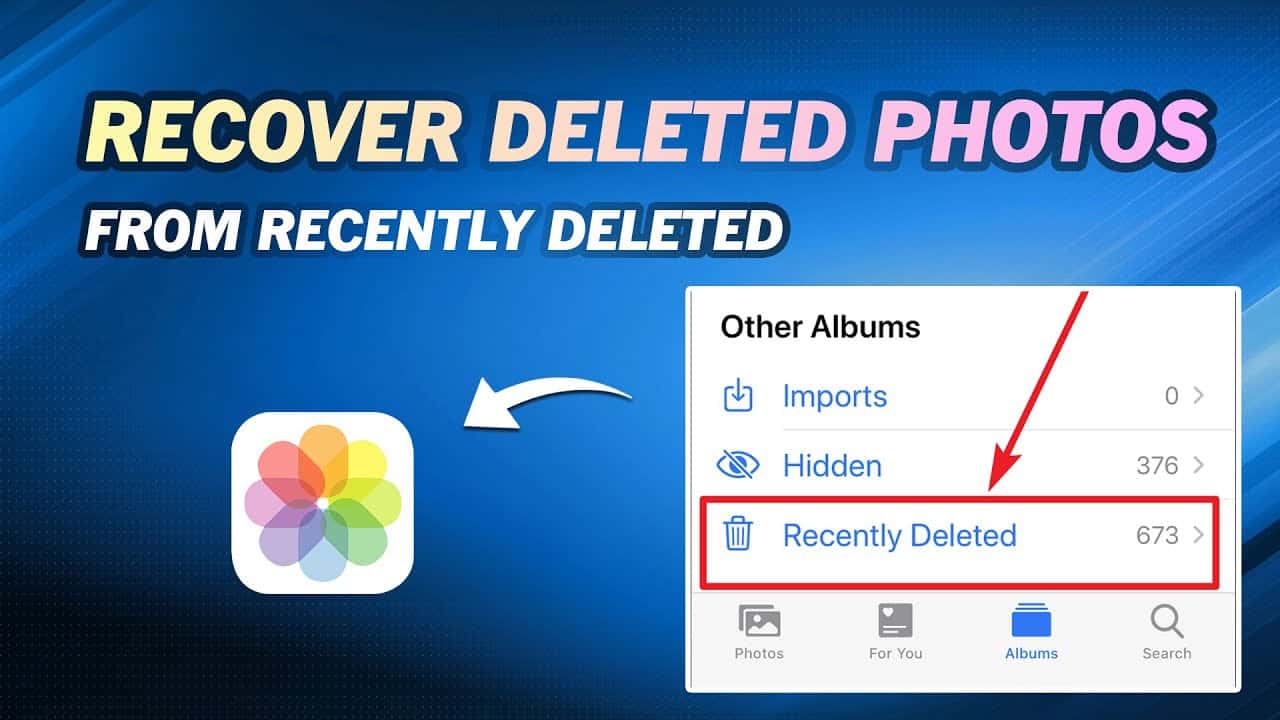
One of the easiest ways to recover deleted photos is by checking the Recently Deleted folder on your device. Here's how to do it:
- For iPhone and iPad, go to the Photos app, select Albums, and tap Recently Deleted. Select the photos you want to recover and tap Recover.
- For Android devices, go to the Google Photos app, select Trash, and select the photos you want to recover.
- For Samsung devices, go to the Gallery app, select Menu, and select Recycle Bin. Select the photos you want to recover.
Use a Photo Recovery Tool
Photo recovery tools can help you recover deleted photos from various devices and storage options. Some popular photo recovery tools include:
- PandaOffice Drecov
- Recuva
- EaseUS Data Recovery Wizard
These tools can scan your device or storage media and recover deleted photos. However, the success rate depends on the type of storage device, the number of deleted files, and the tool's capabilities.
Check iCloud and Google Photos
Many devices backup photos to cloud storage services like iCloud and Google Photos. Check these services to see if your deleted photos are stored there:
- iCloud: Go to iCloud.com, select Photos, and check the Recently Deleted folder.
- Google Photos: Go to google.com/photos, select Trash, and check the deleted photos.
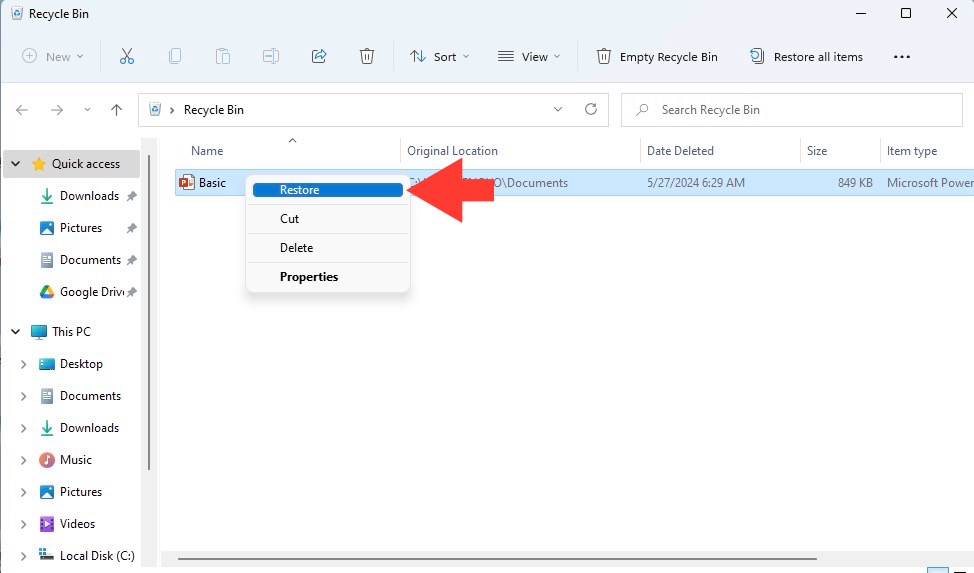
Check Your Computer's Recycle Bin or Trash
If you've deleted photos from your computer, check the Recycle Bin or Trash to see if they're still there:
- Windows: Go to the Recycle Bin, select the deleted files, and right-click to restore them.
- Mac: Go to the Trash, select the deleted files, and right-click to restore them.
Use Dropbox Recovery
Dropbox allows you to recover deleted files from your account. To do this:
- Go to dropbox.com, select the file you want to recover, and click Restore.
Consult a Data Recovery Service
If you're unable to recover your deleted photos, consider consulting a data recovery service. These professionals have the necessary tools and expertise to recover deleted files from various storage devices.
Preventing Future Accidents
While it's possible to recover deleted photos, it's always better to prevent accidents from happening in the first place. Here are some tips to help you avoid deleting important photos:
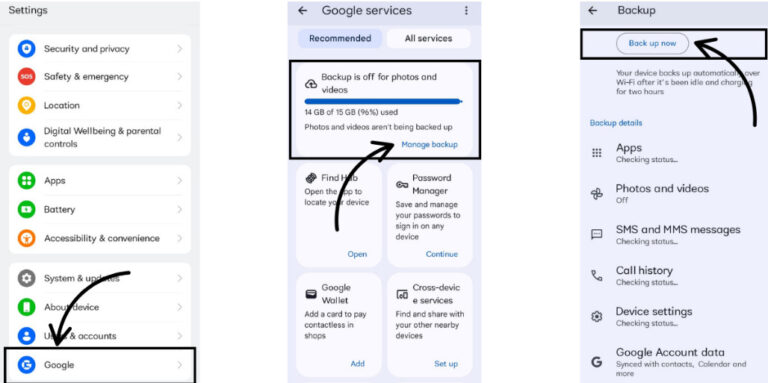
- Use cloud storage services like iCloud and Google Photos to automatically backup your photos.
- Set up automatic backups on your device or computer.
- Use a photo management app to keep your photos organized and easily accessible.
- Double-check the delete confirmation window before deleting a photo.
Accidentally deleting a photo or video may be stressful, but it's not the end of the world. With these step-by-step guides and tips, you can recover deleted photos and memories in no time. Remember to always be mindful of your photos and take precautions to prevent accidental deletions in the first place.









:max_bytes(150000):strip_icc()/how-to-recover-deleted-emails-in-outlook-10-e7b144306fe844d2a6e75ed842866a0d.jpg "How to Retrieve Permanently Deleted Photos? - PandaOffice Drecov")