Ways to Keep Your Online Presence Private: A Comprehensive Guide
In an era dominated by the digital realm, our lives are intricately woven into the fabric of the internet. From social media platforms to online banking, we're constantly sharing and accessing sensitive information online. However, this convenience comes with a cost – our online presence can be vulnerable to hackers, intrusive companies, and even our own mistakes. In this article, we'll explore the importance of online privacy and provide you with actionable tips on how to keep your online presence private and secure.
What is Online Privacy?
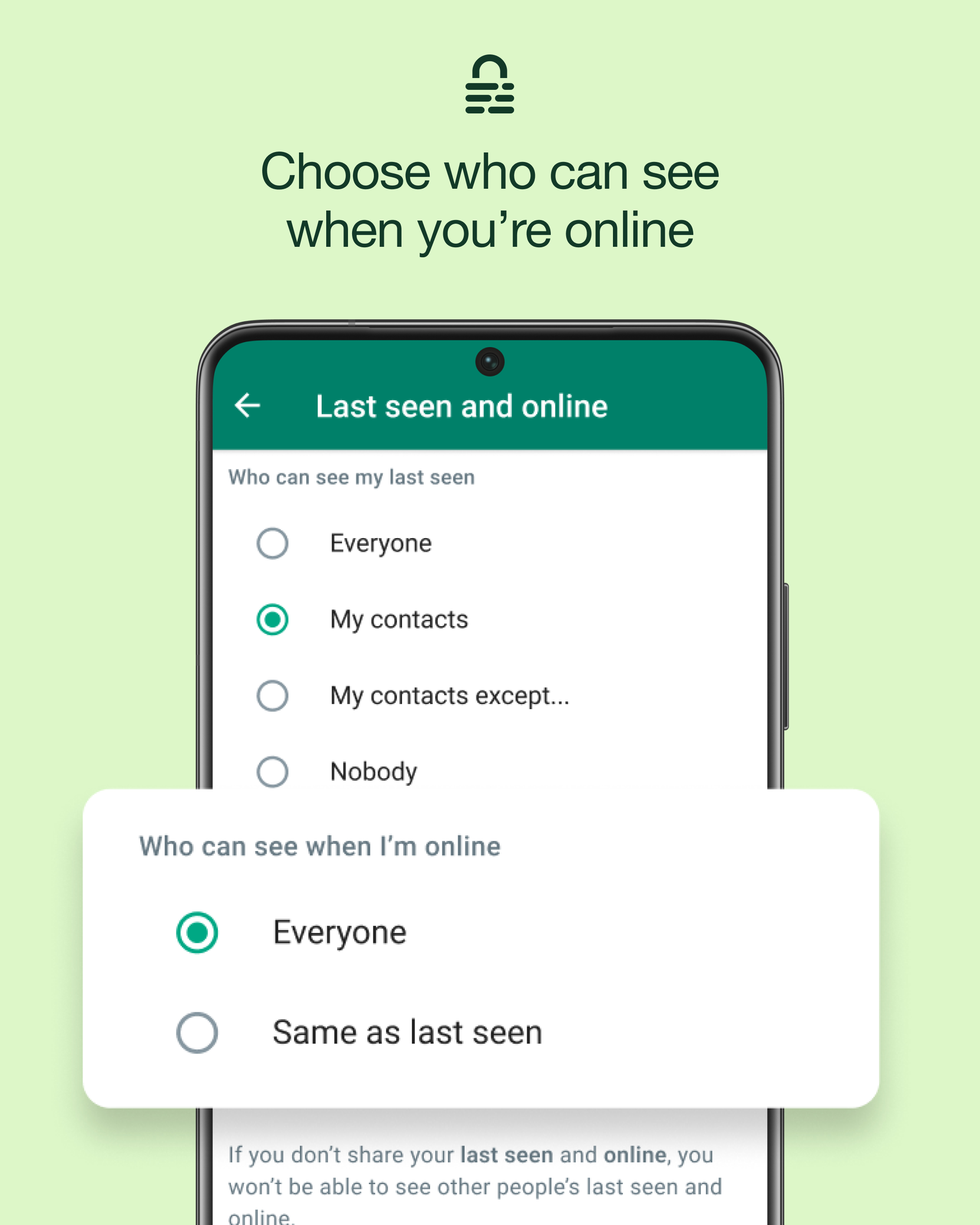
Online privacy refers to the protection of your personal information and data from unauthorized access, use, or disclosure. It encompasses various aspects, including data collection, storage, transmission, and sharing. In simple terms, online privacy is about controlling what you share online, who can see it, and how it's used.
The Risks of Oversharing
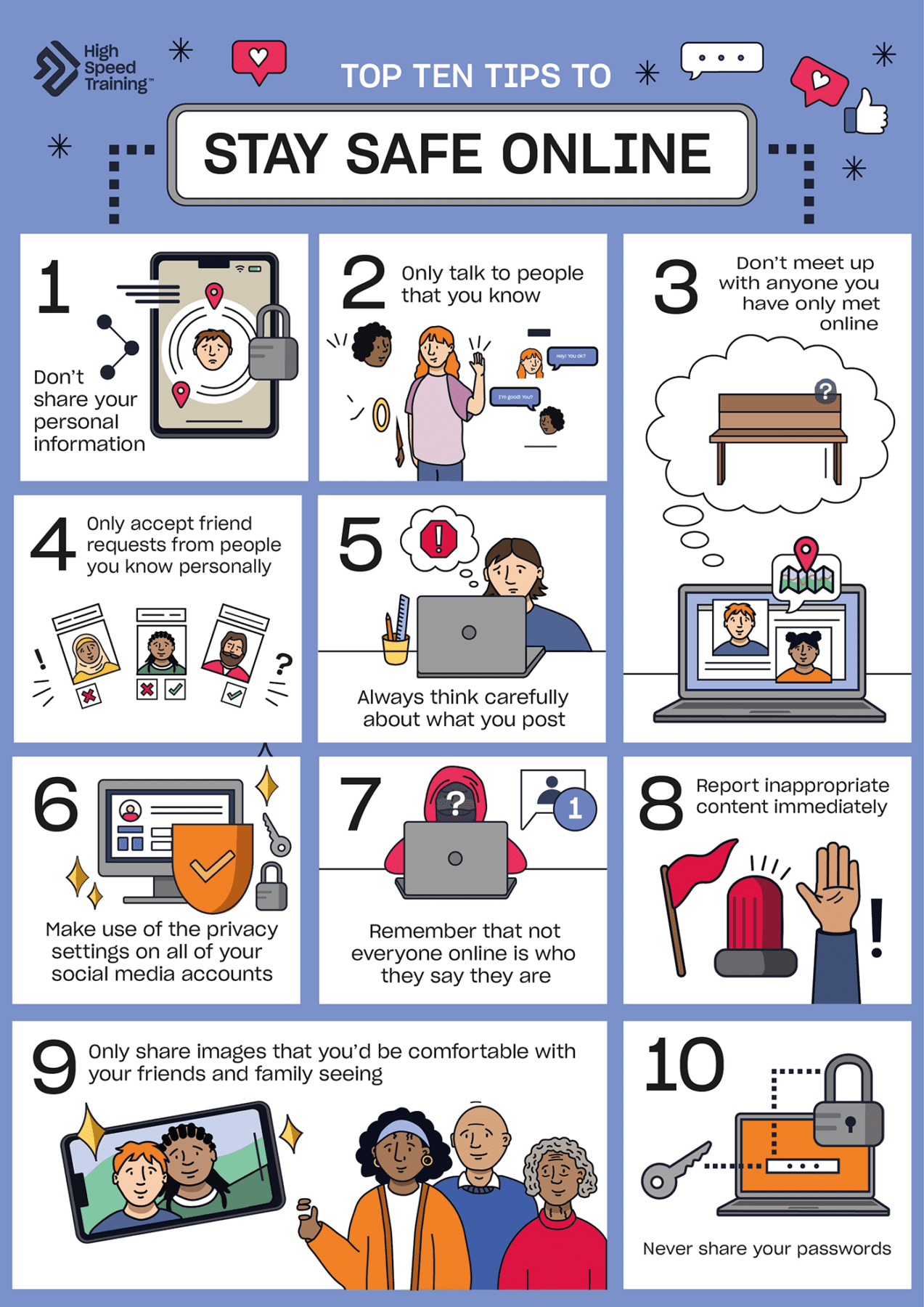
When we share too much information online, we create an open door for potential threats. Oversharing can lead to identity theft, stalking, harassment, and even cyberbullying. Moreover, our personal data can be exploited for targeted advertising, credit card scams, and other malicious activities. By being mindful of what we share, we can significantly reduce the risk of online harassment and protect our digital footprint.
Ways to Keep Your Online Presence Private
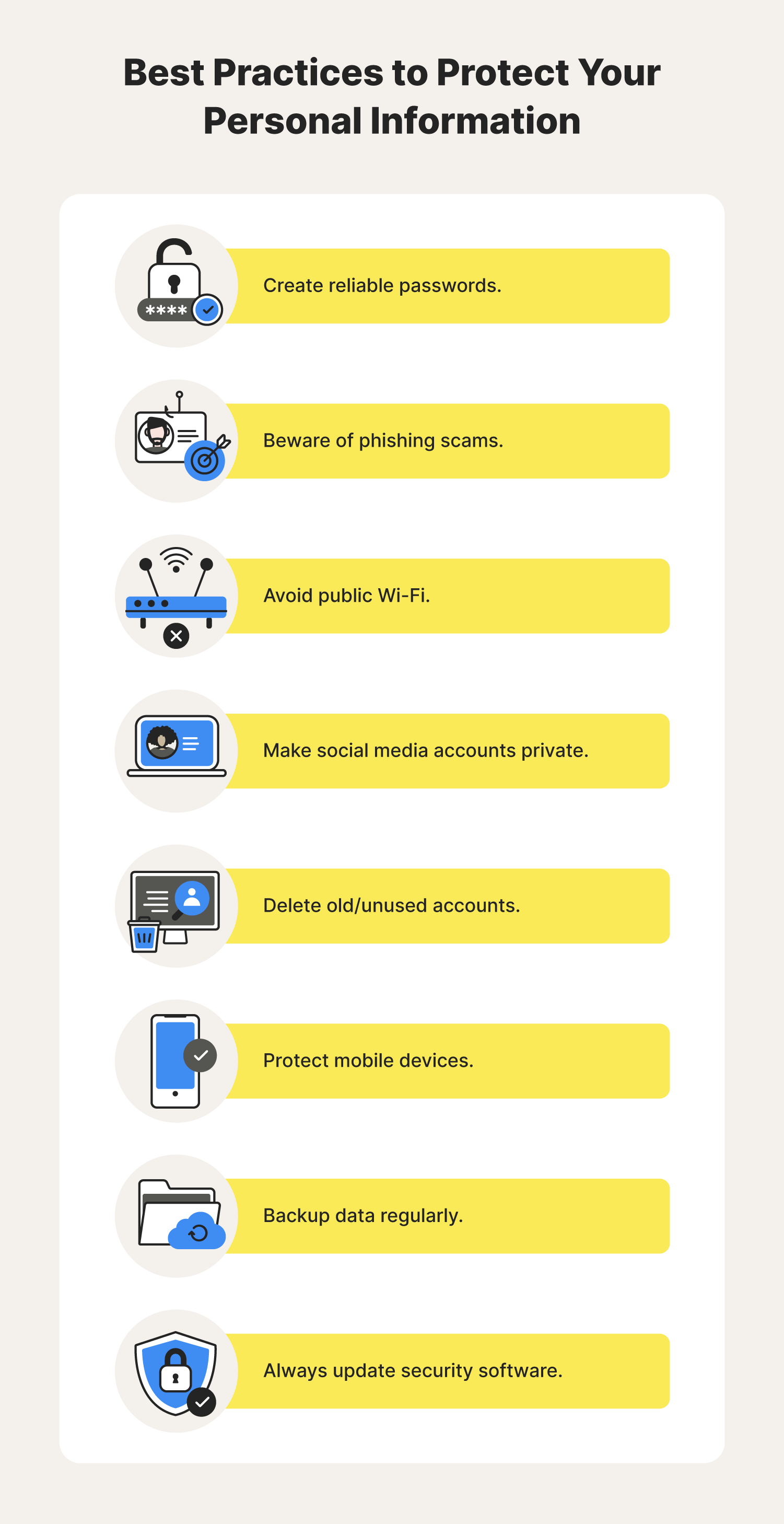
Here are some actionable tips to help you keep your online presence private and secure:
-
Limit the Personal Information You Share on Social Media
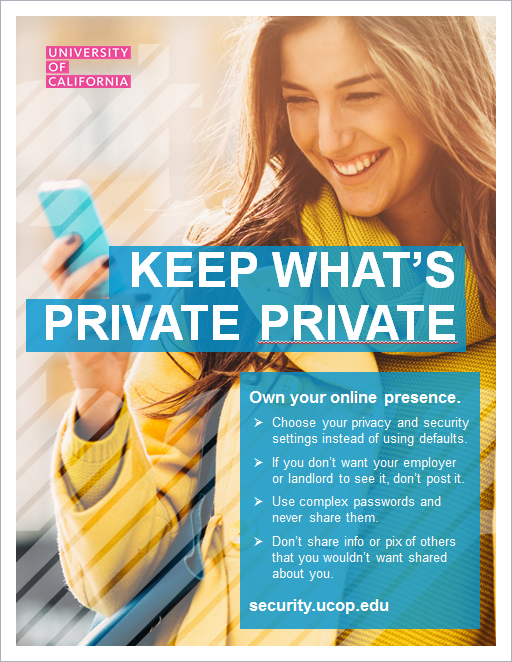
Be cautious when sharing personal details on social media platforms. Avoid sharing sensitive information like your address, phone number, or financial details. Instead, use platforms like Facebook's " About" section or LinkedIn's " Connections" feature to control who can see your contact information.
-
Use Strong, Unique Passwords and Enable Two-Factor Authentication
Use a password manager to generate and store complex passwords for each account. Enable two-factor authentication (2FA) whenever possible, adding an extra layer of security to your accounts.
-
Monitor Your Online Activity and Footprint
Regularly check your online activity, such as your browsing history, search queries, and social media posts. Use tools like Google Trends or Social Mention to monitor your online presence and identify any potential issues.
-
Use a Virtual Private Network (VPN)
A VPN encrypts your internet traffic, making it difficult for hackers and third-party companies to intercept your data. Use a reputable VPN provider to secure your online activity, especially when using public Wi-Fi networks.
-
Stay Up-to-Date with Software Updates and Patches
Regularly update your operating system, browser, and other software to ensure you have the latest security patches and features. This will help protect your devices from known vulnerabilities and malware.
-
Use Browser Extensions and Ad Blockers
Install browser extensions like uBlock Origin or AdBlock Plus to block trackers and ads. This will help reduce the amount of data collected about your online behavior and improve your browsing experience.
-
Be Cautious with Public Wi-Fi Networks
Avoid using public Wi-Fi networks for sensitive activities like online banking or shopping. If you must use public Wi-Fi, use a VPN to encrypt your internet traffic and protect your data.
-
Use Encryption Tools and Apps
Use encryption tools like Signal or WhatsApp to secure your messaging apps. You can also use encryption apps like DiskCryptor or Veracrypt to protect your data on external devices.
Conclusion
Keeping your online presence private requires a combination of awareness, caution, and proactive measures. By following these tips and staying informed about online security best practices, you can protect your digital footprint and maintain control over your online presence. Remember, online privacy is a right, not a privilege. Take control of your online presence and stay safe online!