Home Button Repair: A Comprehensive Guide to Restoring Your Device's Functionality
Is your iPhone's Home button not working, and you're not sure what to do? A faulty Home button can be frustrating, especially if you rely on it to navigate your device. In this article, we'll explore the possible causes of a non-functional Home button and provide you with step-by-step solutions to get it working again.
Causes of a Non-Functional Home Button
- Damage from a physical drop or fall
- Accumulation of dirt, dust, or other debris
- Water damage or exposure to moisture
- Software issues or glitches
- Hardware failure or defect
Step-by-Step Solutions for Home Button Repair
Before attempting any repairs, it's essential to determine the cause of the issue. If you're unsure, try the following solutions:
Method 1: Clean the Home Button
Clean the Home button and your finger to ensure a smooth scanning experience. Wipe your finger on your pants or a clean cloth, and then use a soft, lint-free cloth to gently clean the circular Home button.
- Turn off your device and power it on again to see if the Home button works.
- If the issue persists, try pressing the Home button several times to reset it.
- If the problem is resolved, you can skip the next steps.
Method 2: Hard Reset Your Device
A hard reset can often resolve software-related issues. To perform a hard reset:

- Press and hold the Sleep/Wake button and the Home button at the same time.
- Release the Sleep/Wake button but keep holding the Home button.
- Release the Home button when the Apple logo appears.
Method 3: Reboot Your Device in Recovery Mode
Recovery mode can help resolve software issues or repair the Home button. To reboot in recovery mode:
- Connect your device to a computer and open iTunes.
- Power off your device and press the Home button while connecting it to the computer via USB.
- Release the Home button when the Apple logo appears.
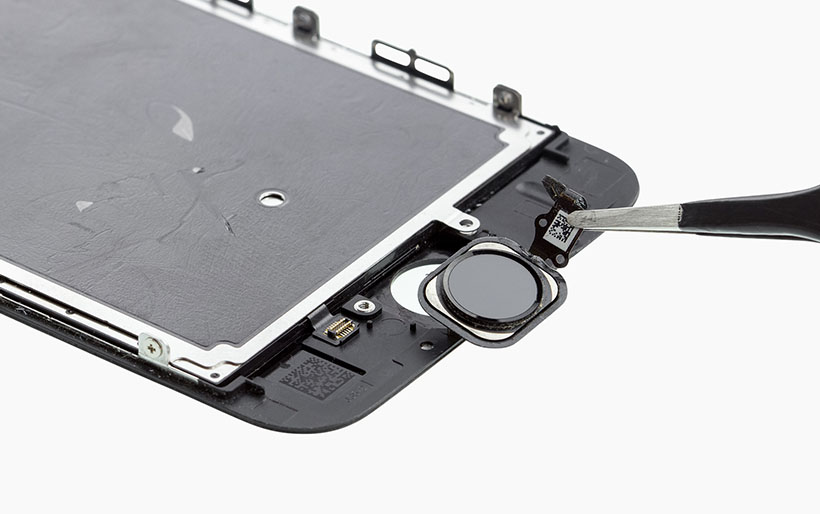
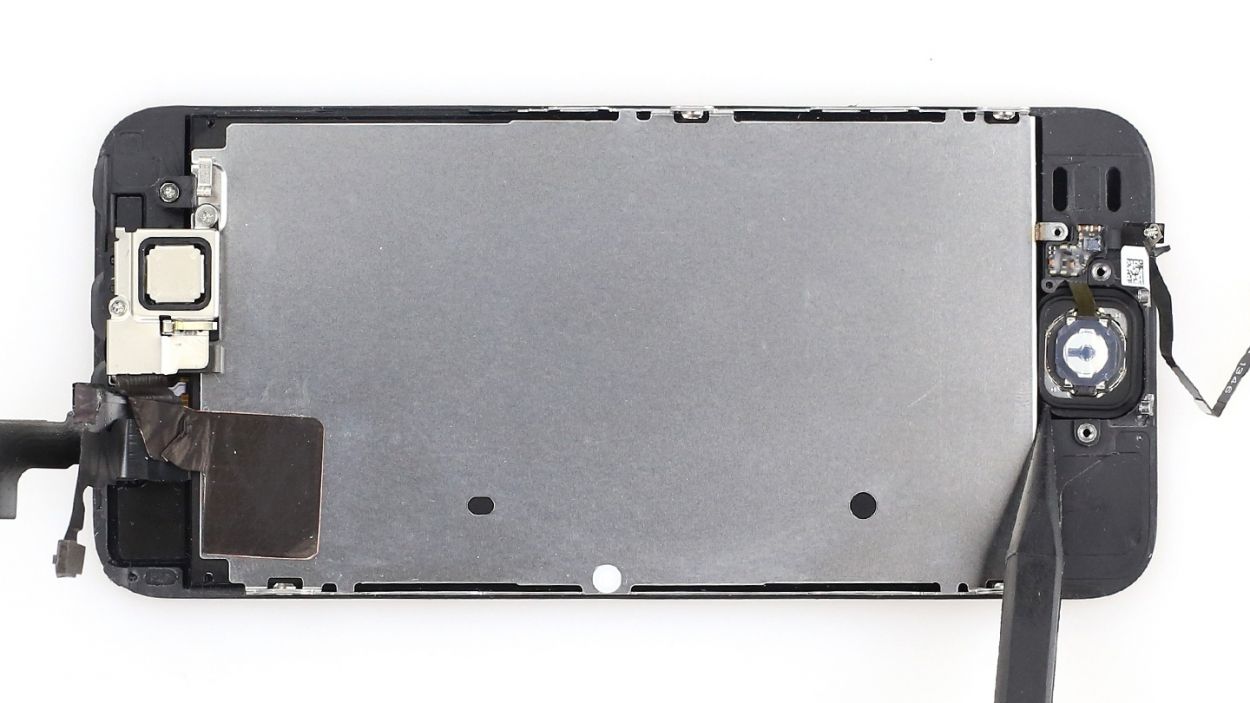
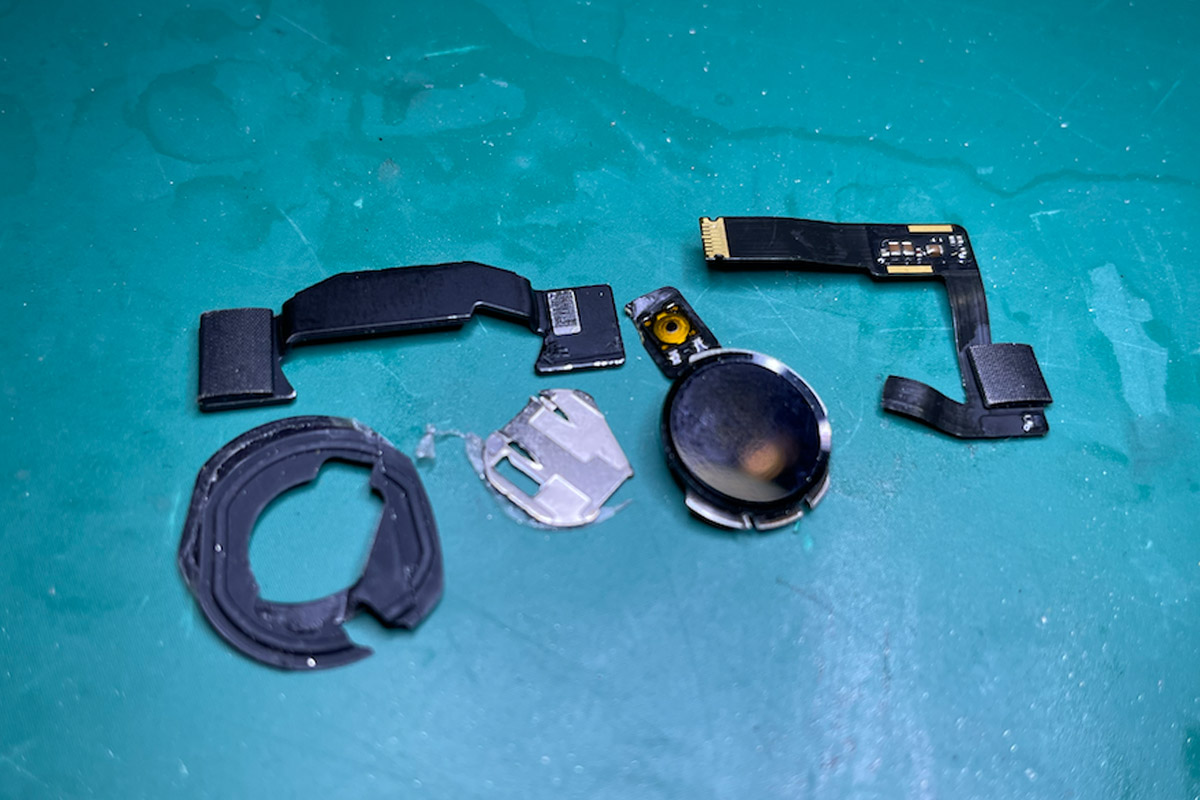
Method 4: Replace the Home Button
If none of the above methods work, it's time to replace the Home button. You can either:
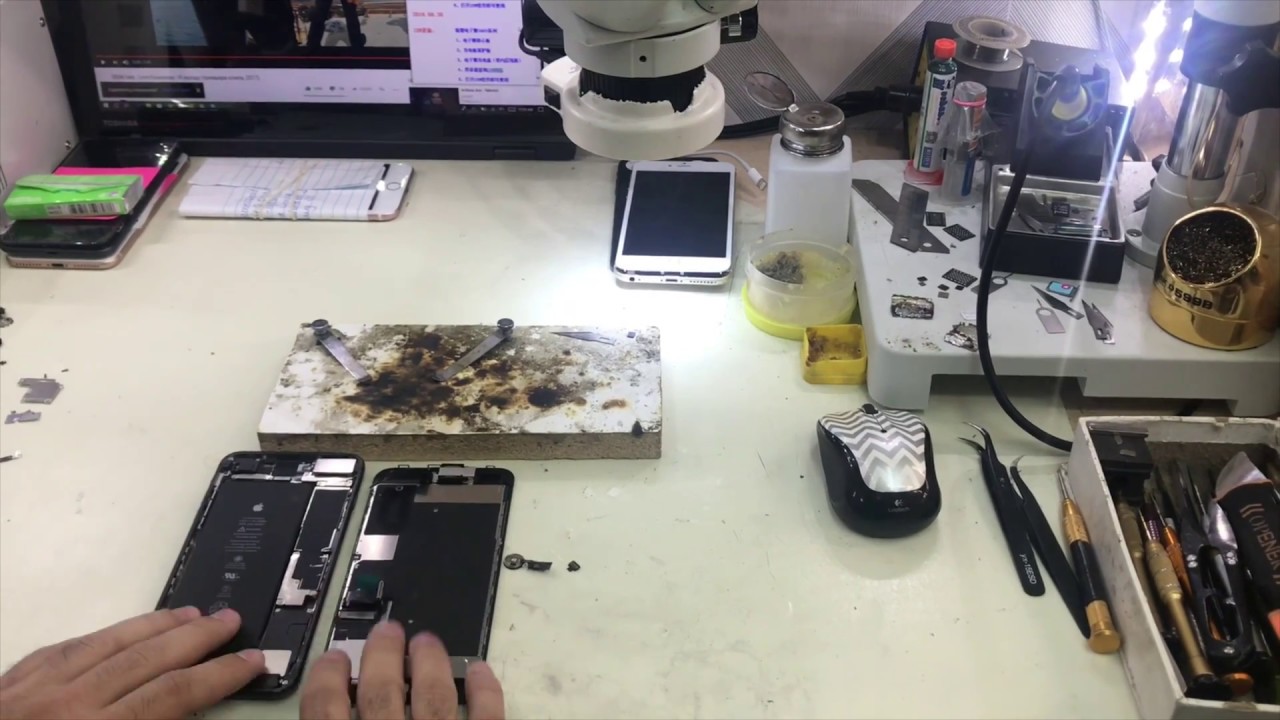
- Visit an authorized Apple Service Provider or a reputable third-party repair shop for professional assistance.
- DIY replacement using a replacement parts kit (note: this can be challenging and may void your warranty).
Conclusion
With these step-by-step solutions, you should be able to diagnose and repair a non-functional Home button on your iPhone. If the issue persists, it's likely due to a hardware failure, and you may need to consider replacing the entire device. Before attempting any repairs, ensure you're familiar with the instructions and take necessary precautions to avoid causing further damage.