Water Damaged Tablet Repair: A Comprehensive Guide
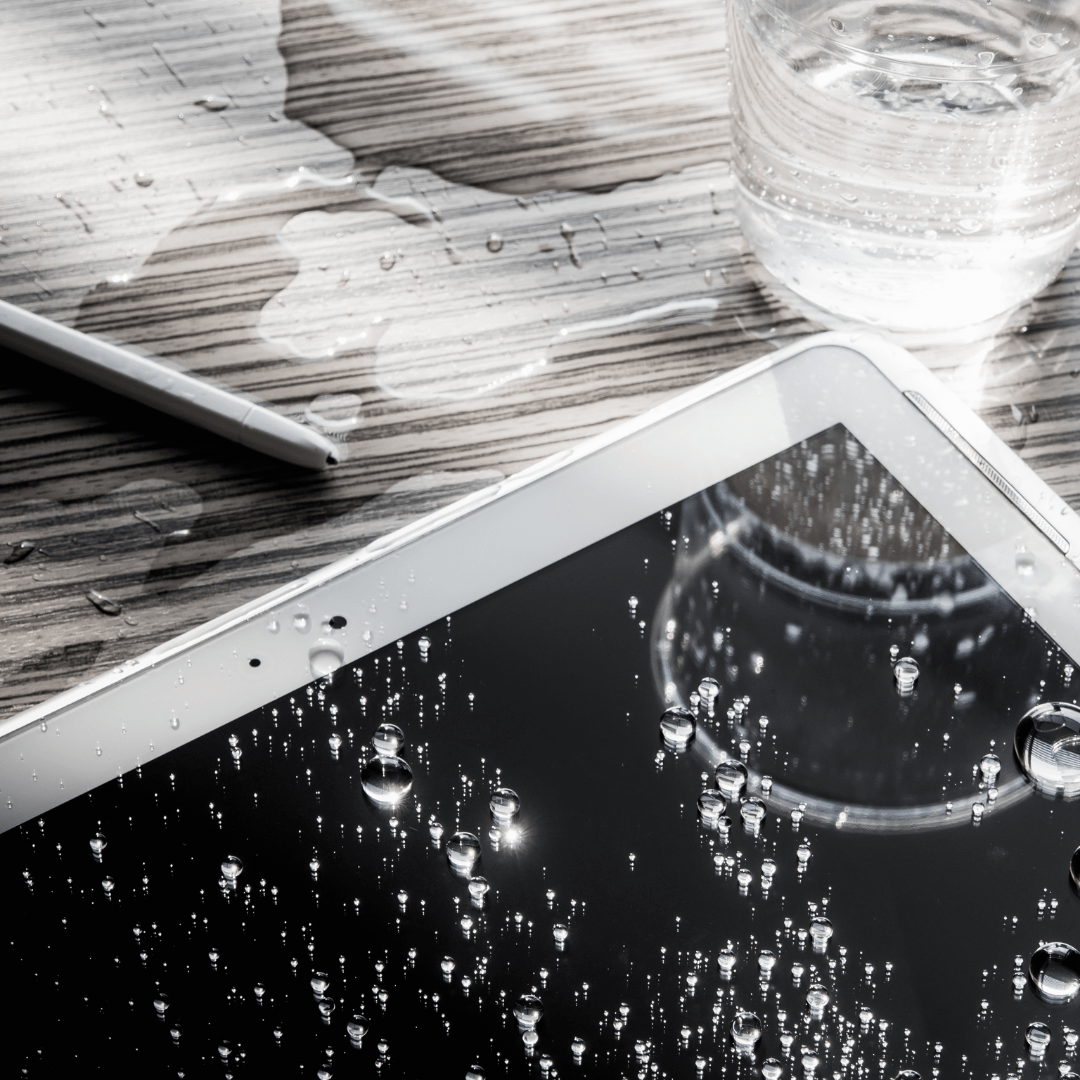
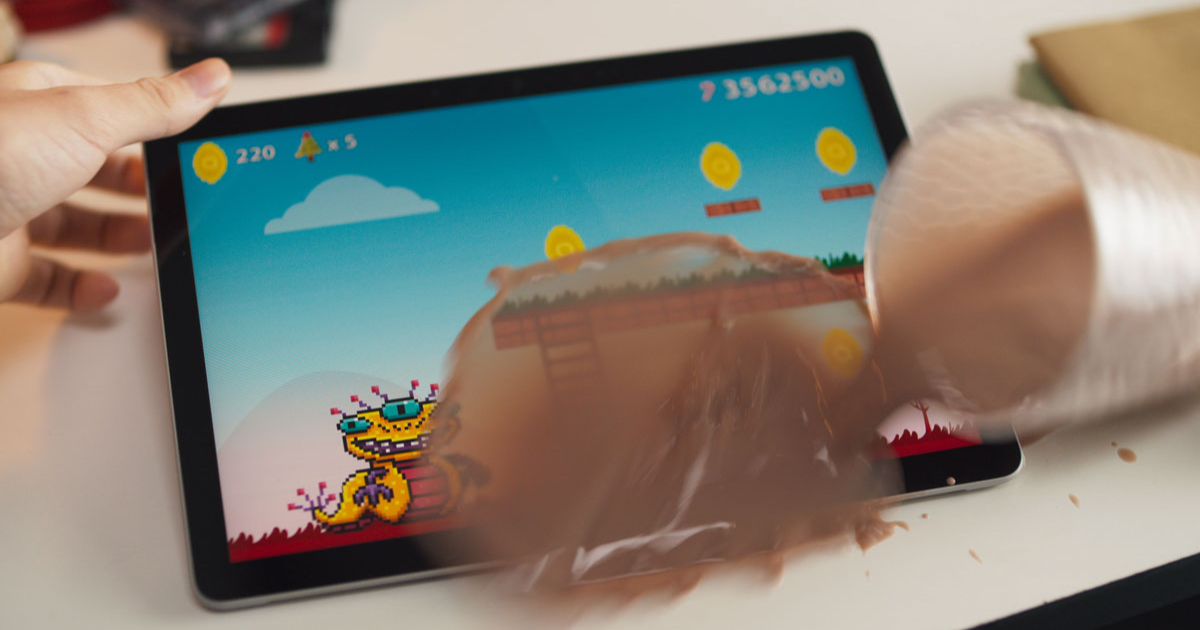
Discovering that your tablet has taken an unintended swim can be quite unsettling. However, you can often rescue your device from water-related woes with the right actions and timely responses. This guide will walk you through every step to assess the damage, provide immediate assistance, explore emergency fixes, consider professional repair options, and learn how to prevent water-damaged tablets in the future.
Assessing the Damage: The First Steps
When you realize your tablet has been submerged in water, act quickly. The sooner you intervene, the less likely your device is to suffer permanent damage. Identify the symptoms of water damage, such as a malfunctioning screen, reduced or absent response, or visible moisture evidence from the device's internal components.
- Power off the device immediately to prevent short circuits and permanent damage.
- Check for corrosion and mineral deposits on the USB ports, charging pins, or other exposed metal components.
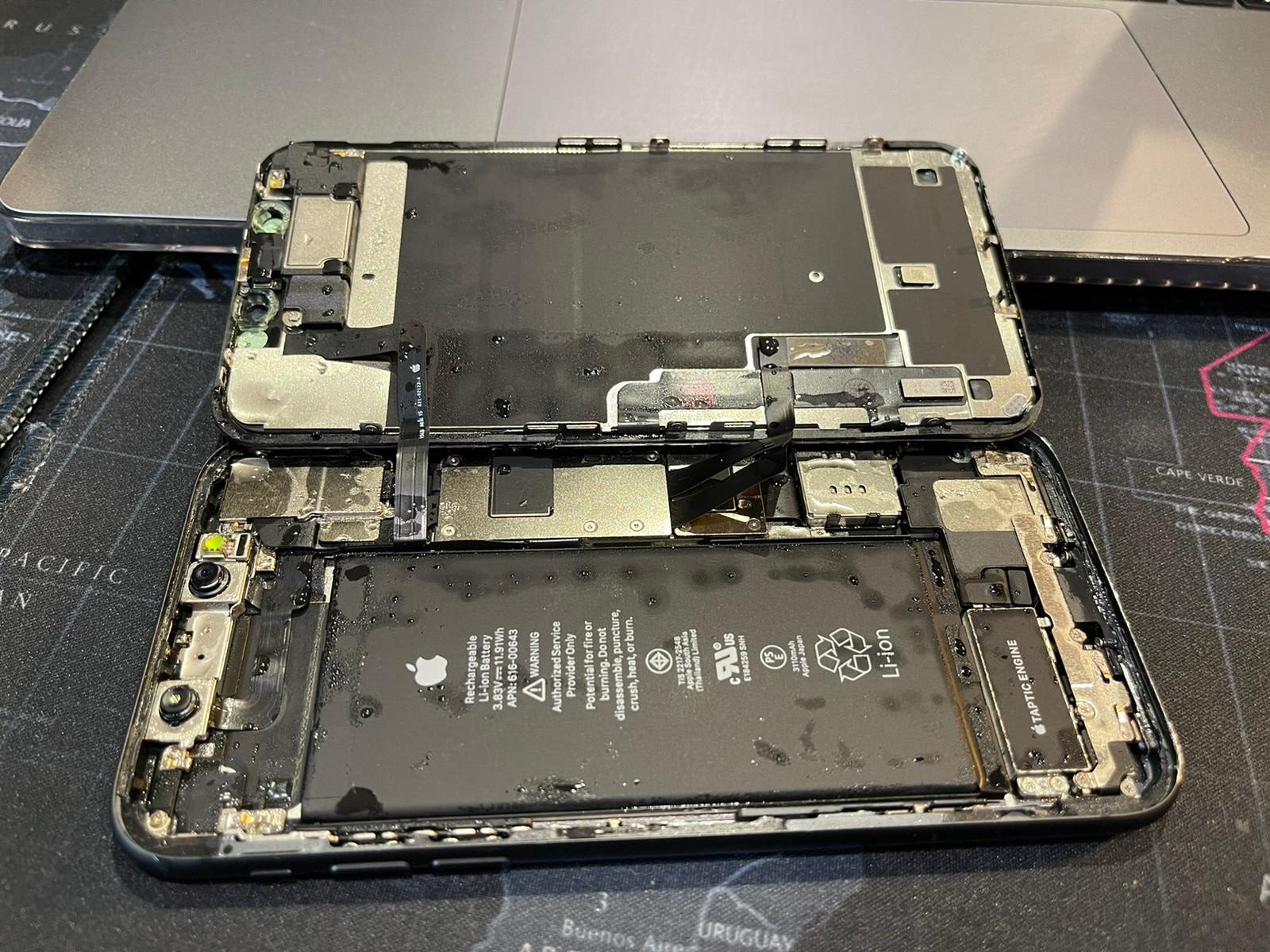
- Inspect the tablet's internal components, including the motherboard, circuit boards, and other sensitive electronics.
Immediate Assistance: Quick Fixes
When your tablet comes in contact with water, the key is to act fast. If you don't, corrosion can set in and short-circuit your device. Attempt the following quick fixes:
- Remove any external accessories, such as cases, covers, or SIM cards.
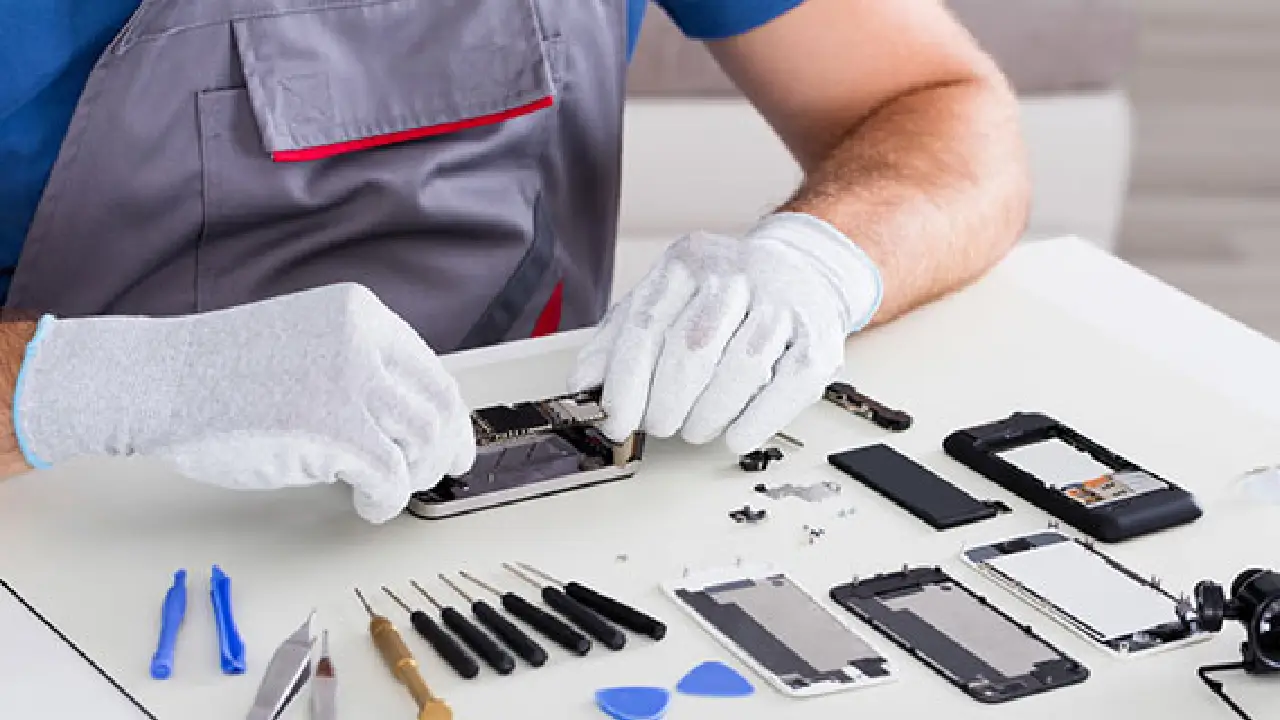
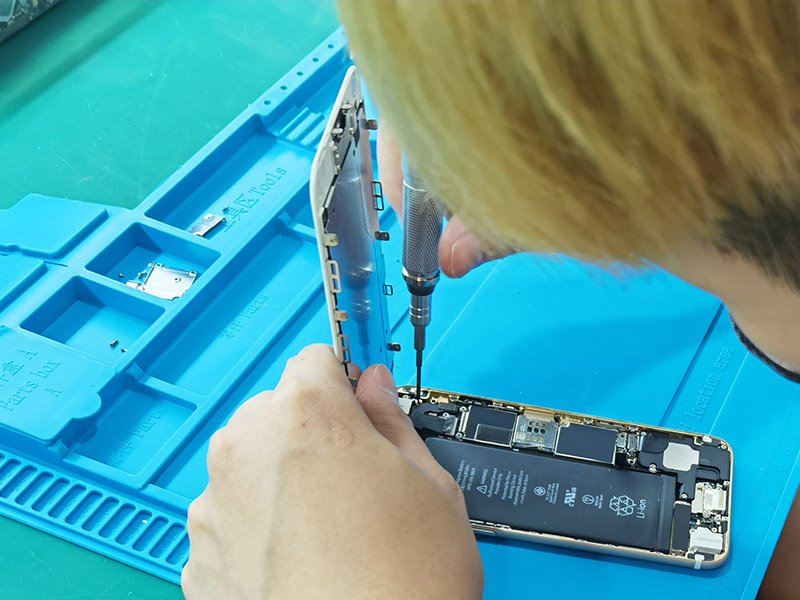
- Disassemble the device (if possible) and dry the internal components with a soft brush or a lint-free cloth.
- Use a desiccant or silica gel pack to absorb moisture from the device's air vents and crevices.
- Place the device in a dry, well-ventilated area to prevent moisture buildup.
Professional Repair: When to Seek Help
Repairing a water-damaged tablet can be a complex task, requiring specialized tools and expertise. Consider the following scenarios where professional repair is strongly recommended:
- Corrosion or mineral deposits have rendered your tablet's internal components inoperable.
- The device's battery, charging port, or other components have suffered significant water damage.
- You're unsure about the severity of the water damage or the best course of action to take.
Professional repair is the safest and most effective way to restore your water-damaged tablet. Visit a localized store specializing in tablet repair for same-day service or mail your device for expert analysis and restoration.
Preventing Future Water Damage
Now that you've learned the essentials of water-damaged tablet repair, let's explore strategies for preventing future disasters:

- Invest in a protective case or cover to shield your tablet from accidental submersion.
- Regularly clean and inspect your device's air vents and crevices to prevent moisture buildup.
- USe waterproof or water-resistant accessories to safeguard your device's internal components.
- Keep your tablet away from liquids and clean it regularly to maintain a dry environment.
Conclusion: The Art of Water Damaged Tablet Repair
Water-damaged tablet repair is a delicate process, requiring patience, attention to detail, and the right expertise. By following this comprehensive guide, you'll be empowered to tackle water-related disasters and save your tablet from the brink of destruction. Whether you choose to tackle the repair yourself or seek professional help, one thing is certain: acting quickly and taking the right steps can make all the difference in salvaging your device.
Checklist for Successful Water Damaged Tablet Repair
Immediate Actions:
- Power off the device.
- Remove external accessories.
- Disassemble the device (if possible).
- Apply desiccants or silica gel packs.
- Place the device in a dry, well-ventilated area.
Professional Assistance:
- Assess the severity of water damage.
- Identify affected components.
- Propose emergency fixes or repair options.
- Diagnose internal damage and assess repair feasibility.
Preventive Measures:
- Invest in protective cases or covers.
- Regularly clean air vents and crevices.
- Use waterproof or water-resistant accessories.
- Keep the tablet away from liquids, and clean it regularly.
Choosing the Right Water Damaged Tablet Repair Service
When seeking professional assistance, ensure that the repair service you choose is reputable, experienced, and equipped to handle your device's specific needs. Consult recommendations from friends or online reviews to find a trustworthy repair provider for your tablet.