Preventing Malware from Executing on Mac Computer
Malware is a type of software that is designed to disrupt, damage, or gain unauthorized access to a computer system. For many years, Mac users were able to boast that Macs can't get malware. However, those days are long gone. There are many more ways to infect a Mac and steal data now. In this guide, you'll learn how to prevent malware from executing on your Mac computer and keep your device running smoothly.
Understanding Malware on Mac
Malware can be installed when you download items from email, messages, and websites. Some malware is simply annoying, while others have more sinister intentions, such as collecting personal and financial information, hosting illegal content, sending spam, or harming other computers on the network. Mac users often think that Macs are immune to malware, but the truth is that Macs can and do get infected.
Protecting Your Mac from Malware
One common way malware is distributed is by embedding it in a harmless-looking app. You can reduce this risk by using software only from reliable sources. Here are some ways to protect your Mac from malware:
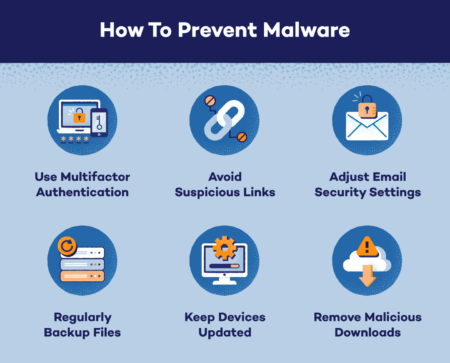
- Use only software from the App Store or trusted developers.
- Keep your Mac and its software up to date, as newer versions often include security patches and updates.
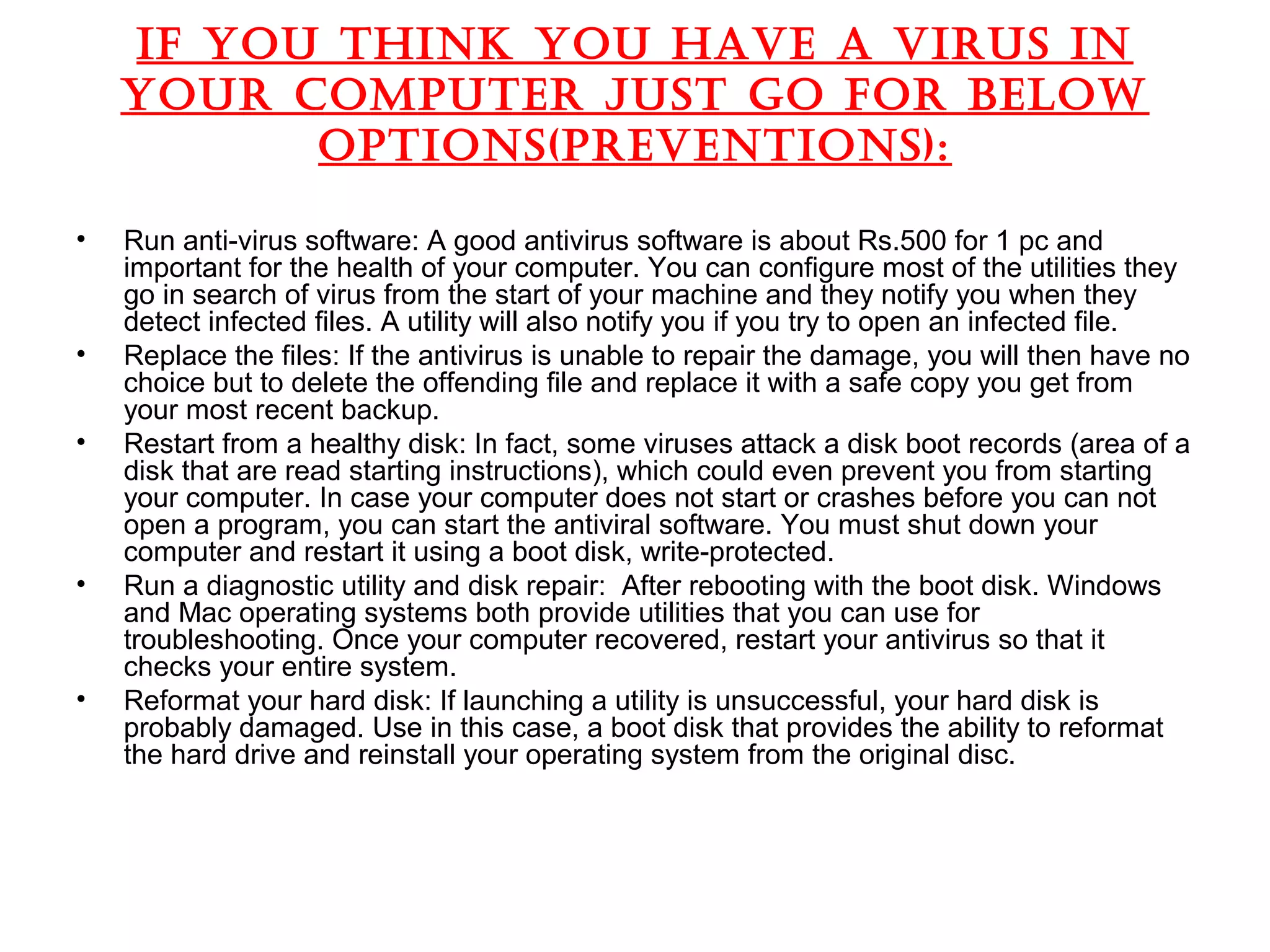
- Use a reputable antivirus program to scan for and remove malware.
- Be cautious when downloading items from email, messages, and websites, and never click on suspicious links or download attachments from unknown sources.
- Use a firewall to block incoming and outgoing network traffic.
- Regularly back up your data to prevent loss in case your Mac gets infected with malware.
App Store and Gatekeeper
The App Store and Gatekeeper are designed to prevent untrusted apps and software from running on your Mac. Gatekeeper checks the identity of apps and software, and if they are not signed by a trusted developer, it will prevent them from running. This can help prevent malware from executing on your Mac.
XProtect

XProtect is a built-in antivirus tool that comes with macOS. It monitors your Mac for malware and other threats, and can remove them if it finds any. XProtect also blocks malware from executing on your Mac by identifying and preventing known malware from running.
Preventing Malware from Executing on Mac Computer
Preventing malware from executing on your Mac computer requires a combination of caution, common sense, and the right tools. Here are some tips to help you prevent malware from executing on your Mac:
- Use only software from the App Store or trusted developers.
- Keep your Mac and its software up to date.
- Use a reputable antivirus program to scan for and remove malware.
- Be cautious when downloading items from email, messages, and websites.
- Use a firewall to block incoming and outgoing network traffic.
- Regularly back up your data.
Conclusion
Preventing malware from executing on your Mac computer is crucial to keeping your device running smoothly and protecting your personal information. By using the right tools, being cautious when downloading items, and following the tips outlined above, you can help prevent malware from executing on your Mac and keep your device safe from harm.
Additional Resources
If you suspect that your Mac has been infected with malware, you can use the built-in malware removal tool, Malware Removal Tool, or third-party antivirus software, such as Malwarebytes for Mac. You can also contact Apple Support or visit an Apple Store for further assistance.