Facebook Privacy Protection: Understanding Your Options and Staying Safe
In today's digital age, maintaining online privacy has become increasingly important. With over 3 billion monthly active users, Facebook remains a prime target for cyberattacks, data harvesting, and privacy breaches. As a result, it's essential to understand Facebook's privacy settings and take necessary steps to protect your personal information and control what others can see on your profile.Why Facebook Privacy Protection Matters
Facebook's vast user base and vast collection of personal data make it an attractive target for hackers and data harvesters. If you're not careful, your sensitive information could be exposed to unauthorized parties, leading to identity theft, financial loss, and other severe consequences. By taking control of your Facebook privacy settings, you can limit data collection, restrict ad targeting, and keep your account safer from hacking and online trolls.Adjusting Facebook Privacy Settings for Better Protection
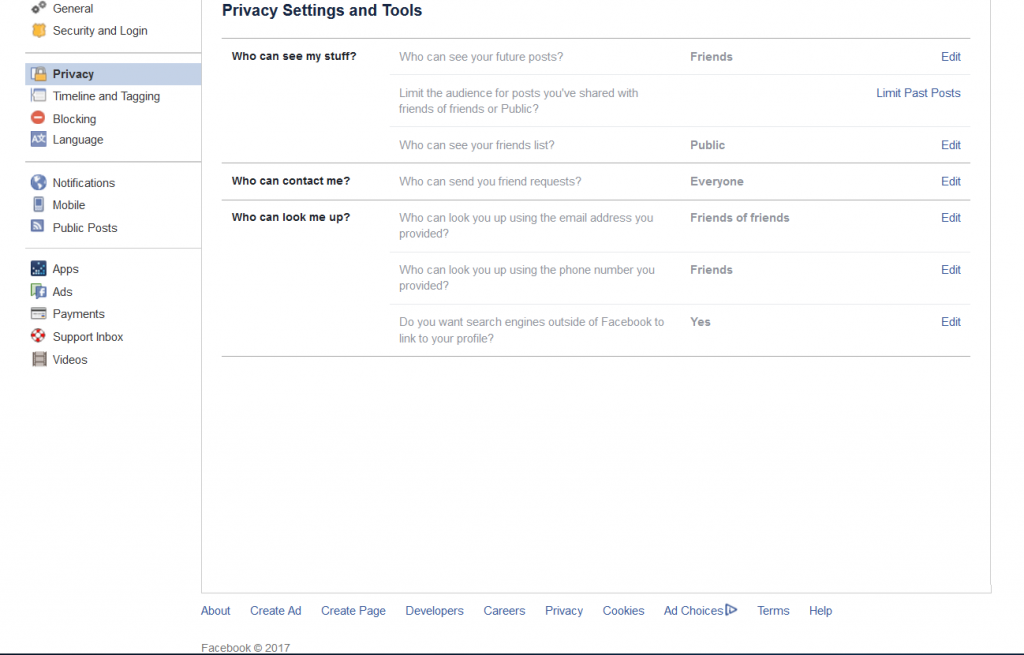
To start, familiarize yourself with Facebook's privacy settings and adjust them to suit your needs. Here are some essential settings to consider:- Account Settings: Review your account settings, including your name, email address, and password. Consider using a unique password and enabling two-factor authentication for added security.
- Profile Visibility: Determine who can see your profile, including friends, friends of friends, and the public. You can also control who can see your posts, photos, and other content.
- Sharing Settings: Set the audience for your posts, photos, and other content. You can choose to share with everyone, just friends, or a specific group.
- App Settings: Review the apps connected to your Facebook account and consider removing any unused or suspicious apps.
- Notification Settings: Customize your notification preferences to control what you see and receive.
Protecting Your Data on Facebook
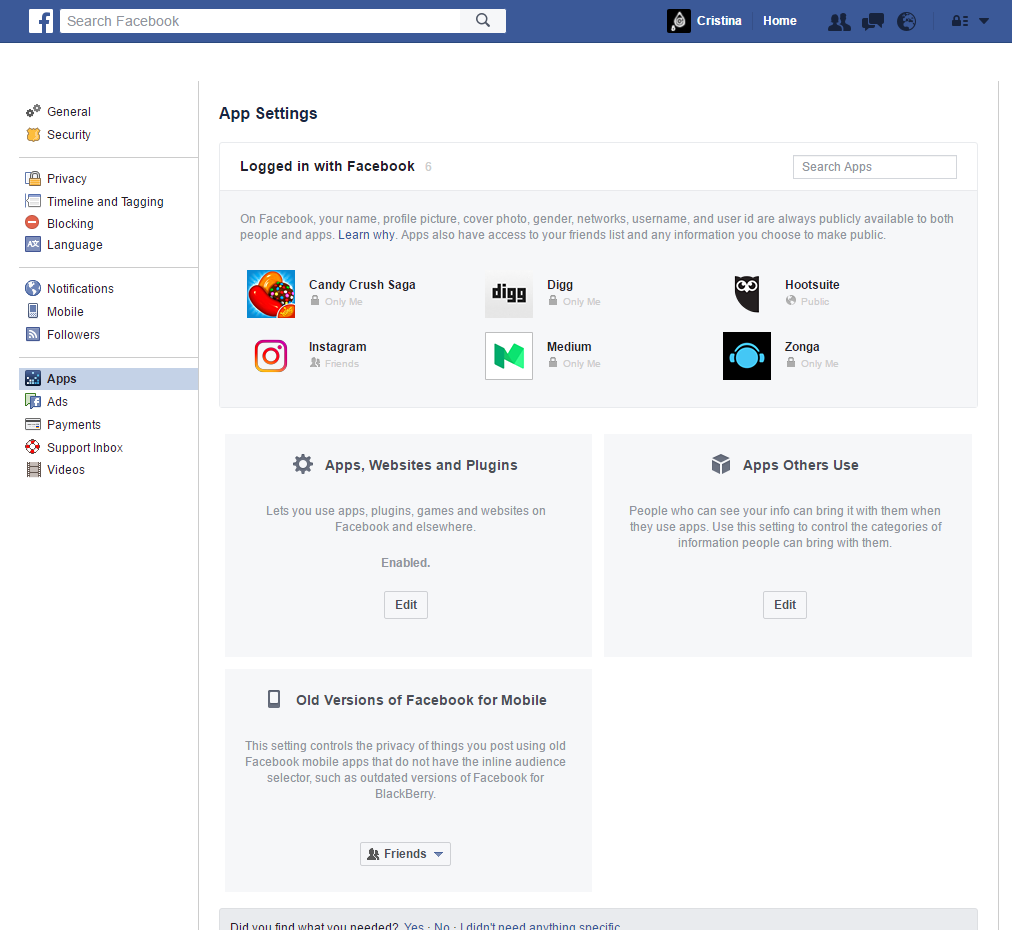
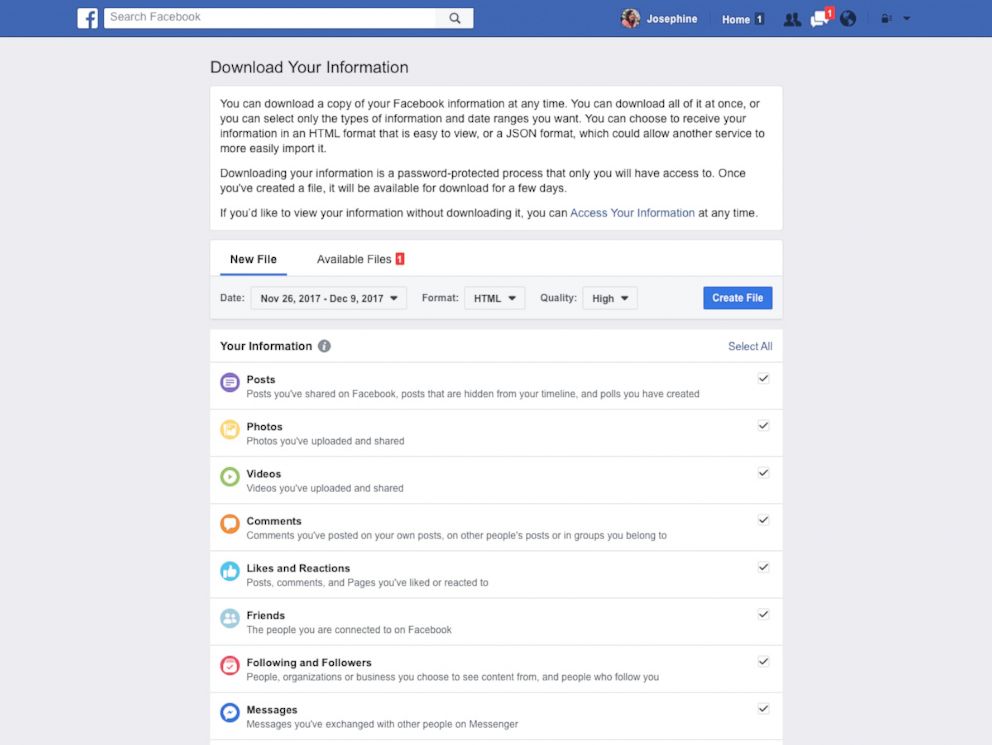
- Data Settings: Review your data settings and adjust them to limit data collection. You can also opt out of targeted advertising and data sharing.
- Location Settings: Consider turning off location services to prevent Facebook from tracking your physical location.
- App Permissions: Review the permissions granted to connected apps and consider revoking any unnecessary permissions.
Staying Safe on Facebook
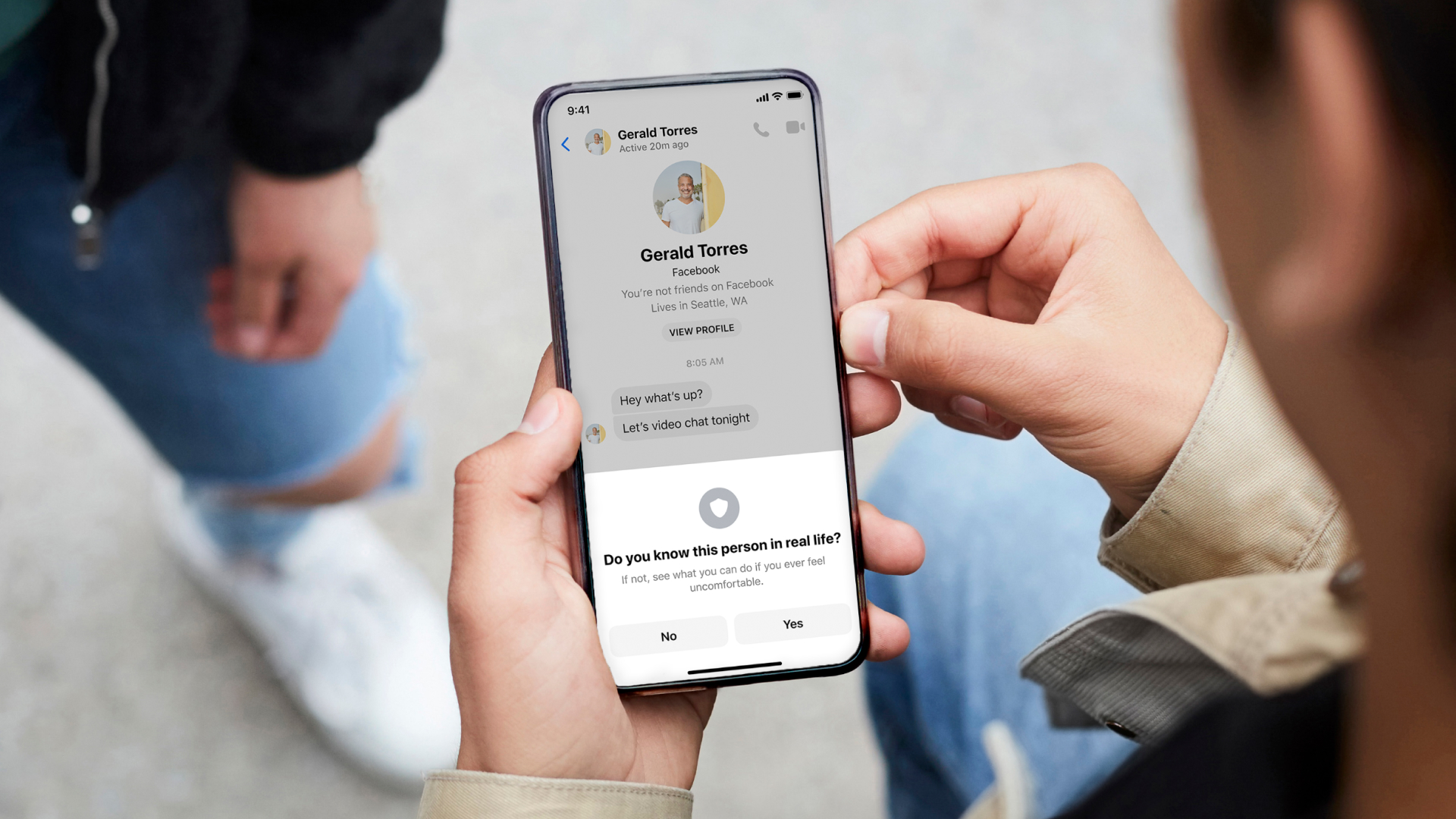
In addition to adjusting your privacy settings, there are several steps you can take to stay safe on Facebook:- Be Cautious with Friend Requests: Only accept friend requests from people you know and trust.
- Be Vague with Profile Information: Avoid sharing sensitive information, such as your hometown, employer, birth date, and contact information.
- Use Strong Passwords: Use unique, strong passwords and consider enabling two-factor authentication for added security.
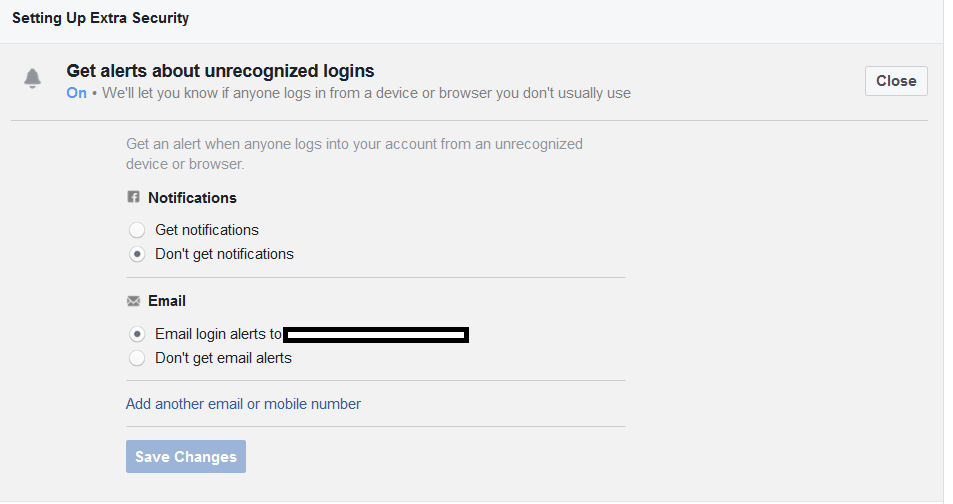
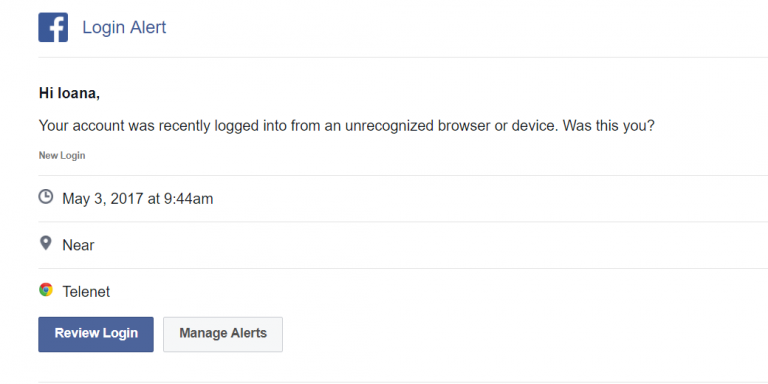
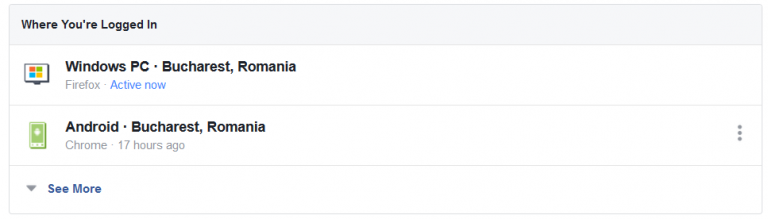
- Monitor Your Account Activity: Regularly review your account activity to detect any suspicious behavior.