Setting Up Your Printer on a Wired Network: A Step-by-Step Guide
Whether you're a home user or a business owner, setting up a printer on a wired network can be a straightforward process. In this article, we'll guide you through the steps to configure your printer for a wired LAN connection.
Before You Start
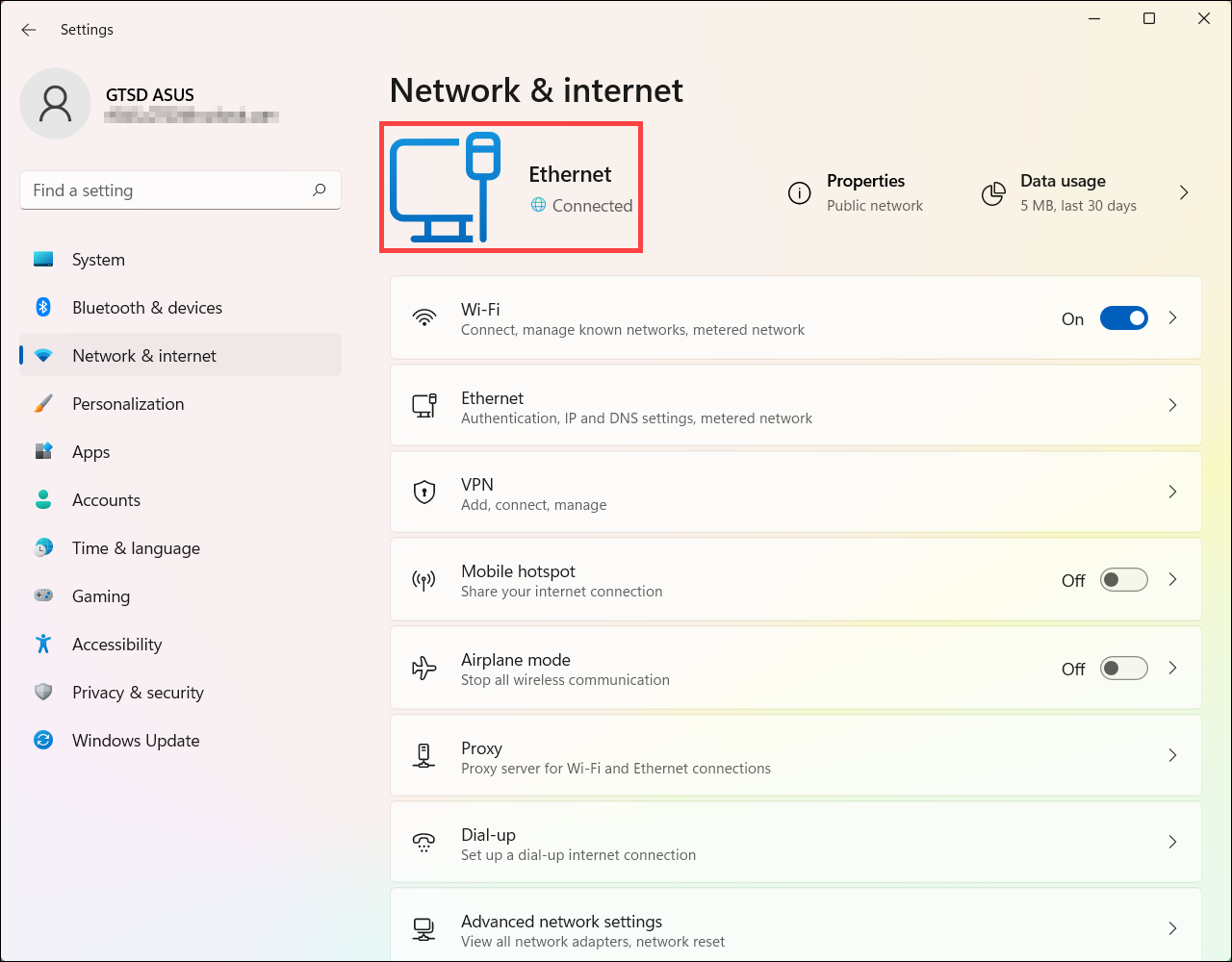
Before you begin, ensure that your network settings are completed on the computer. If the network has not been set up properly, you won't be able to use the printer on the wired LAN network, even if you complete the rest of the procedure below.
Step 1: Connect the Printer to the Network
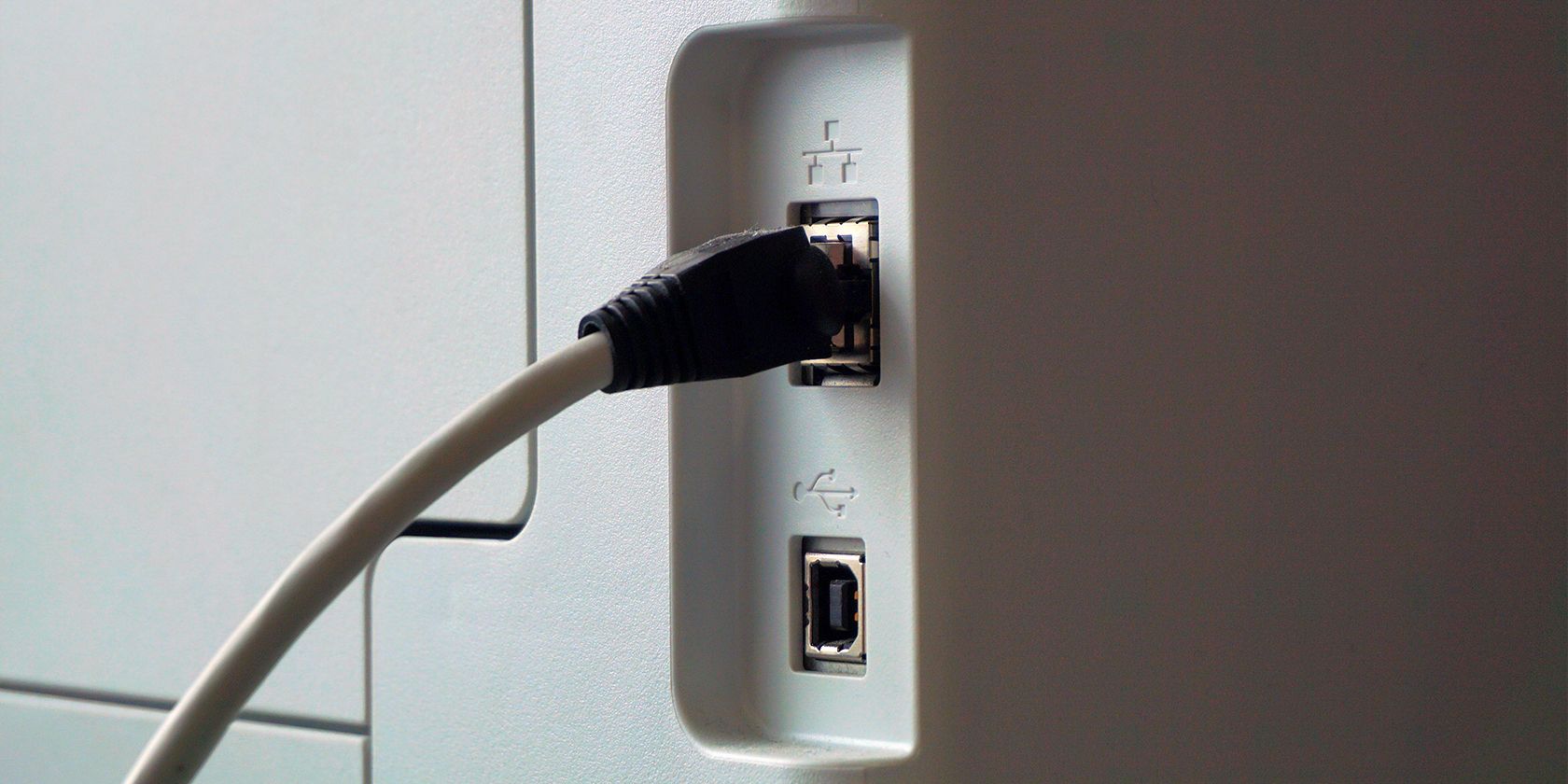
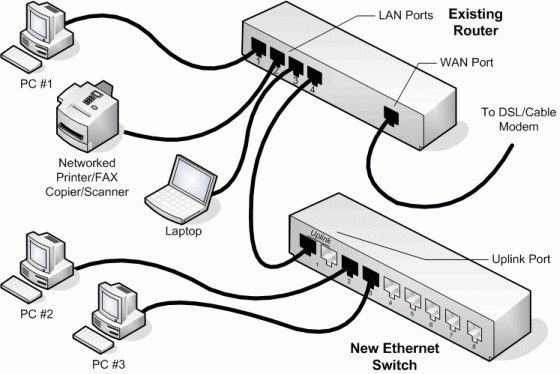
Connect an Ethernet cable from the port in the Brother machine to an available port on your access point or router. Make sure the cable is securely connected to both the printer and the router.
Step 2: Install the Printer Software
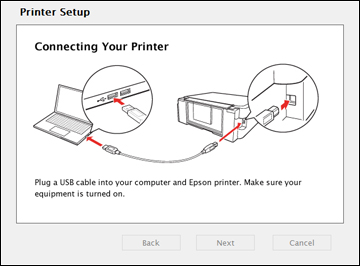
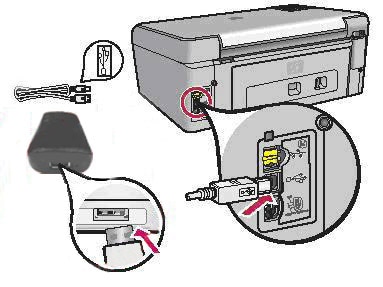
- Use a USB cable to connect the printer to the Windows device.
- Turn on the printer and the Windows device.
- Install the printer software from the CD that came with the printer or download and install it from the manufacturer's website.
- Follow the on-screen instructions to complete the installation process.
Step 3: Configure the Printer Settings
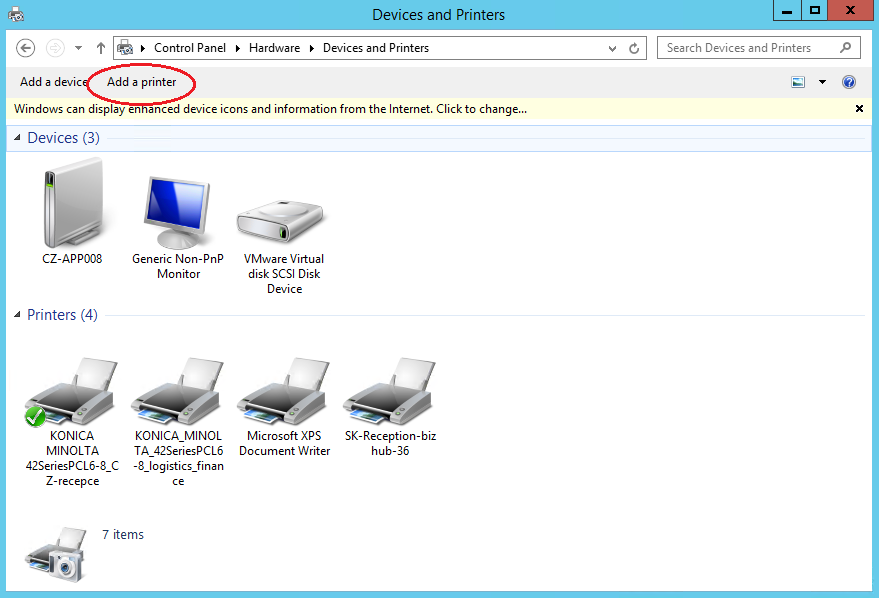
- Open the Control Panel and go to Devices and Printers.
- Right-click on the printer and select "Properties."
- In the Properties window, click on the "Port" tab.
- Select the TCP/IP port and enter the IP address of the printer.
- Click "OK" to save the changes.

Step 4: Verify the Printer Connection
Once you've completed the above steps, verify that the printer is connected to the network by checking the printer's control panel for a steady green light and an orange activity light that blinks.
Troubleshooting Tips
If you encounter any issues during the setup process, refer to the printer's user manual or contact the manufacturer's support team for assistance. Some common issues that may arise include connection problems, outdated drivers, or incorrect printer settings.
Why Set Up Your Printer on a Wired Network?
Setting up your printer on a wired network offers several benefits, including:
- Improved connectivity and reliability
- Reduced network interference
- Enhanced security
Conclusion
Setting up your printer on a wired network is a relatively straightforward process that requires basic technical knowledge and attention to detail. By following the steps outlined in this article, you'll be able to connect your printer to your wired LAN network and enjoy seamless printing performance.