Protect Email Account Security: A Comprehensive Guide
Cybersecurity threats are on the rise, and your email account is a prime target for hackers and identity thieves. In this article, we'll provide you with tips and best practices on how to protect email account security and safeguard your personal and professional information.
Why It's Essential to Protect Email Account Security
Email accounts are an entry point for hackers to gain access to your sensitive information, including passwords, account numbers, and Social Security numbers. If they get into your email account, they could potentially use that information to hack into your other accounts, steal your identity, and even sell your information on the dark web.
Best Practices to Secure Your Email Account
- Use a strong and unique password: Choose a password that's a combination of letters, numbers, and special characters. Avoid using easily guessable information, such as your name, birthdate, or common words.
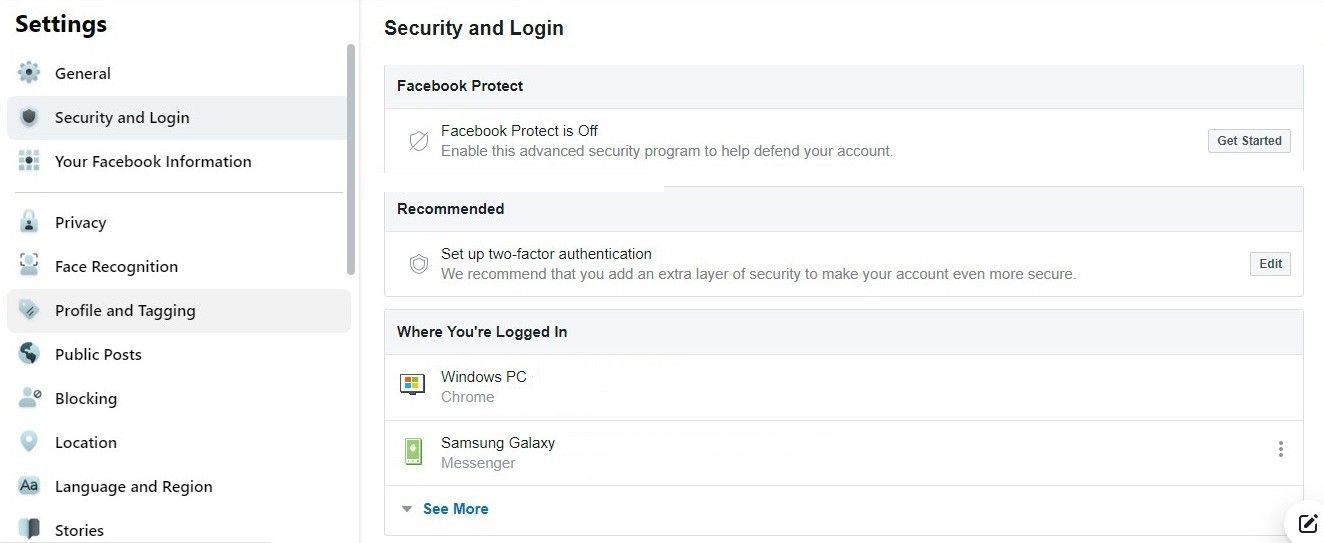
- Enable two-factor authentication (2FA): 2FA adds an extra layer of security by requiring a code sent to your phone or email in addition to your password.
- Use a reputable email service provider: Choose an email service provider that's known for its security features, such as Google Workspace or Microsoft Outlook.
- Regularly update your software: Make sure your email client, browser, and operating system are up-to-date with the latest security patches.
- Be cautious with links and attachments: Avoid clicking on suspicious links or opening attachments from unknown senders, as these could contain malware or phishing scams.
- Use a VPN: A virtual private network (VPN) can help encrypt your internet traffic and protect your email account from hacking.
Recognizing Phishing Scams
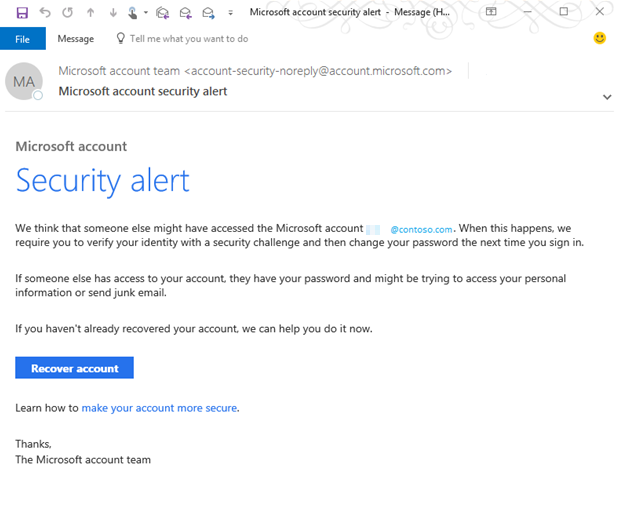
Phishing scams are a common way for hackers to steal sensitive information. Be wary of emails that:
- Ask for sensitive information: Legitimate companies won't ask for sensitive information via email, such as passwords or account numbers.
- Contain spelling and grammar errors: Reputable companies will have well-written and error-free communications.
- Urge you to act quickly: Legitimate companies won't pressure you to take immediate action.
Additional Tips to Protect Email Account Security
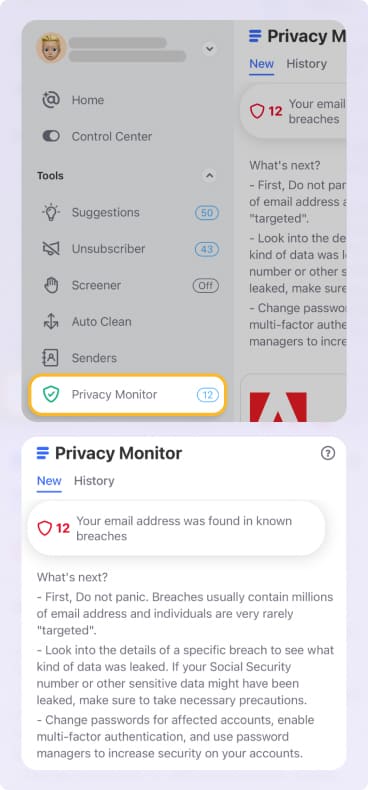
- Monitor your account activity: Regularly check your email account for suspicious activity, such as unauthorized login attempts or changes to your account settings.
- Use a security freeze: A security freeze can prevent identity thieves from accessing your credit reports and can also help protect your email account.
- Avoid using public Wi-Fi: Public Wi-Fi networks are often unsecured and can be easily hacked.
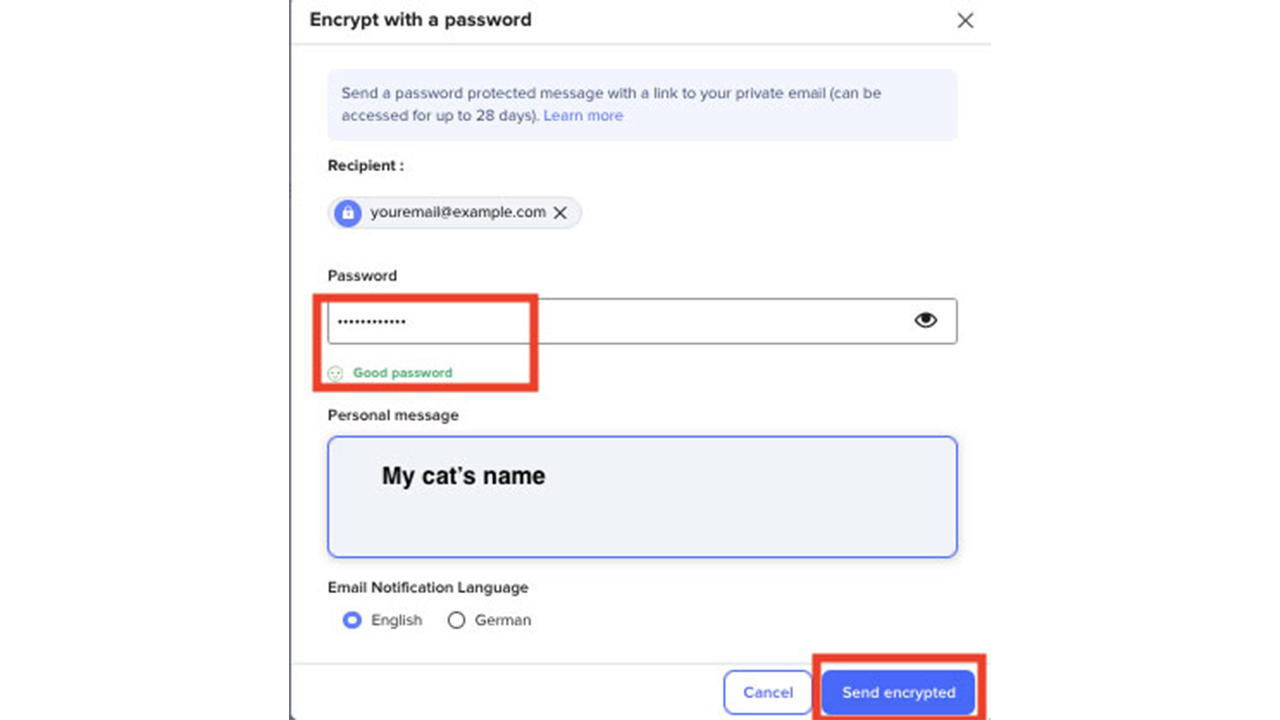
- Use encryption: Encrypting your email messages can help protect sensitive information from being intercepted or read by unauthorized parties.
Conclusion
Protecting your email account security is a critical step in safeguarding your personal and professional information. By following the best practices outlined in this article, you can significantly reduce the risk of your email account being hacked and your sensitive information being stolen. Remember to stay vigilant, be cautious with links and attachments, and always prioritize security when it comes to your email account.
Further Resources
- Google Support: Learn how to secure your Google account and protect your email account security.
- Microsoft Support: Find out how to keep your Microsoft account safe and secure.
- Wells Fargo Security Center: Get resources and tools to avoid bank scams and financial fraud.