Online Password Protection for Non-Technical Users: A Comprehensive Guide
As technology advances, our online presence grows, and with it, the importance of password security. For non-technical users, managing passwords can be a daunting task. However, with the right tools and knowledge, anyone can protect their online accounts and sensitive information. In this article, we'll explore the concept of online password protection for non-technical users and provide practical advice on how to create and manage strong, unique passwords.
The Risks of Weak Passwords
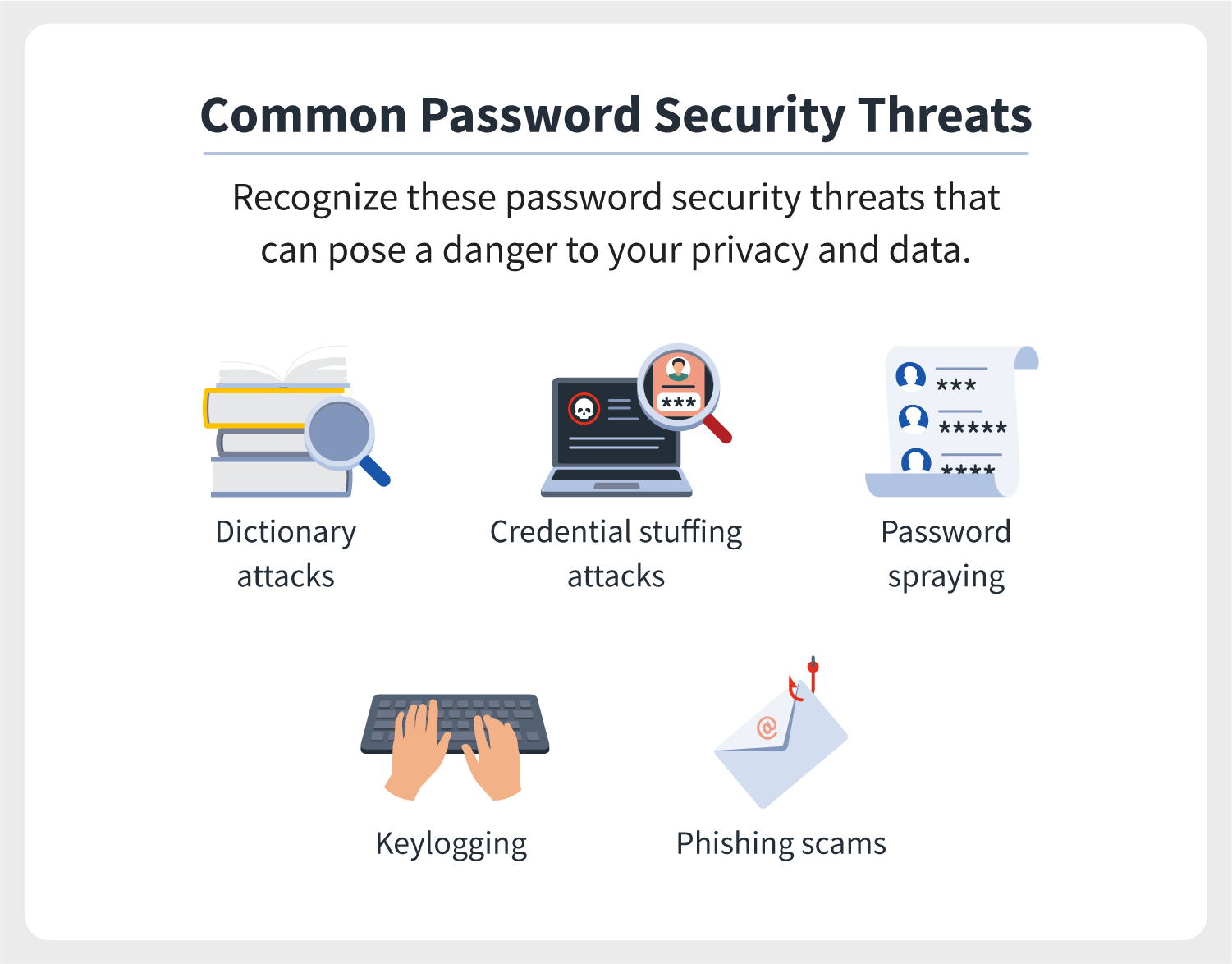
We've all been there - struggling to remember a unique, strong password for every online account. But weak passwords are a breeding ground for hackers, who can use various tools to guess or crack passwords. According to a study, using the same login credentials across multiple sites increases the risk of password compromise by 60%.
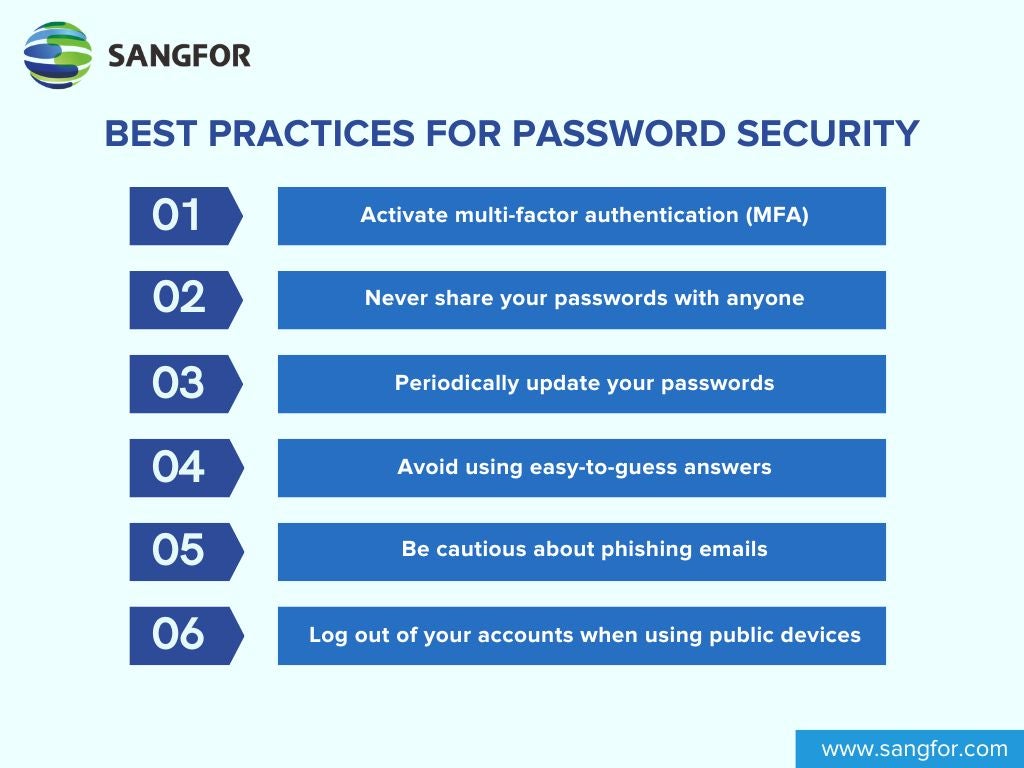
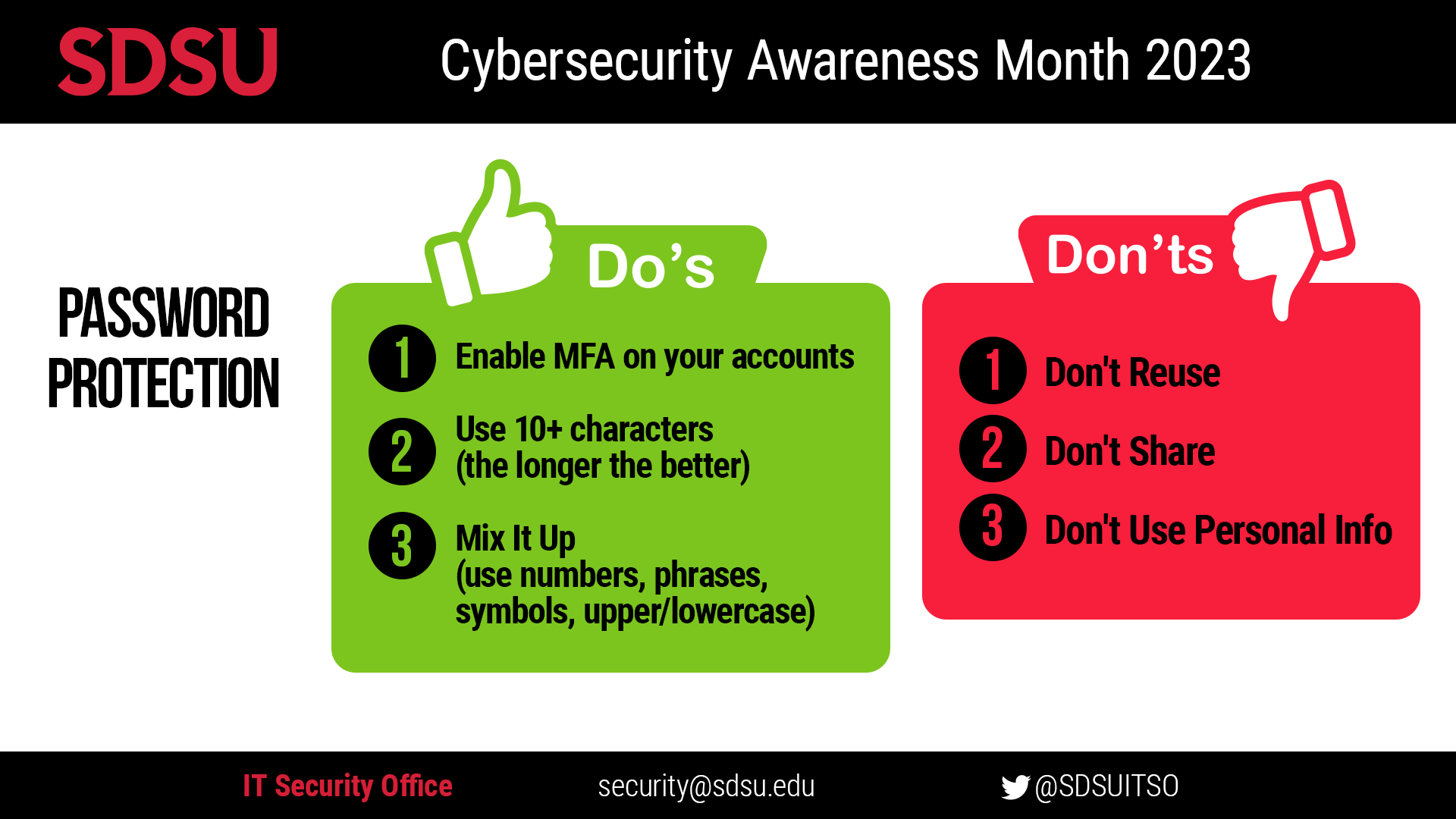
- Using easily guessable information, such as birthdays or common words
- Sharing passwords with others or writing them down
- Using the same password across multiple sites
- Not changing passwords regularly
Password Managers: A Game-Changer for Non-Technical Users
Password managers represent a major step forward in making online life both safer and more convenient. By choosing the right tool and embracing its features, anyone can take control of their digital security - no tech expertise required. A good password manager makes it simple to create strong, unique passwords and keep them safe - without adding complexity to everyone's day.
The Benefits of Using a Password Manager
- Generates strong, unique passwords for every online account
- Stores passwords securely, using advanced encryption methods
- Automatically logs you in to websites and apps
- Warns you about potential data breaches and compromised passwords
- Offers two-factor authentication (2FA) and other security features
Top Password Managers for Non-Technical Users

There are many password managers available, each with its unique features and pricing plans. Here are some of the top options:
- LastPass: A user-friendly interface and top-notch security make LastPass a popular choice
- Bitwarden: A free, open-source password manager with advanced security features
- Dashlane: A comprehensive password manager with 2FA, password analysis, and more
- 1Password: A secure password manager with a simple, intuitive interface
Best Practices for Password Management
While password managers are a significant step forward, there are still best practices to follow to ensure maximum security:
- Use a unique password for every online account
- Change passwords regularly (every 60-90 days)
- Use a password manager to generate and store strong passwords
- Enable 2FA whenever possible
- Keep your password manager software up-to-date
Conclusion
Online password protection for non-technical users is a critical aspect of digital security. By understanding the risks of weak passwords and embracing the benefits of password managers, anyone can take control of their online accounts and sensitive information. Remember, password security is a collective responsibility - protect yourself, and you'll be safer online.
With this guide, you're now equipped to create and manage strong, unique passwords, and take the first step towards a more secure online existence. Don't wait - start protecting your online presence today!