**Keep Your Smartphone a Fortress Against Hackers: A Comprehensive Guide
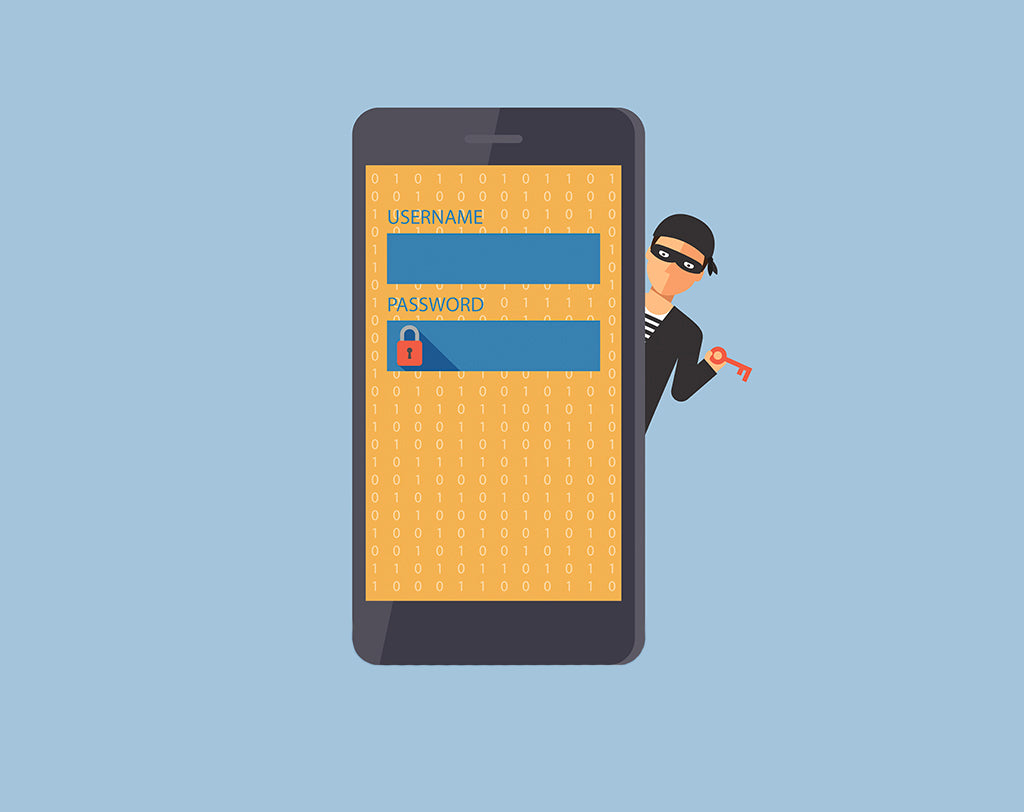
As we spend more and more time online, the risk of our smartphones being compromised by hackers increases exponentially. Losing your phone can be a nightmare, especially if it falls into the wrong hands. This is where security comes into play.
**Understanding the Threats: What Is Mobile Security?
Mobile security refers to the measures you take to protect your personal information, such as photos, messages, bank details, and passwords, from unauthorized access even if your phone is lost or stolen. It's essential to prioritize mobile security to safeguard your digital life.
**Simple Steps to Keep Your Phone Safe from Hackers
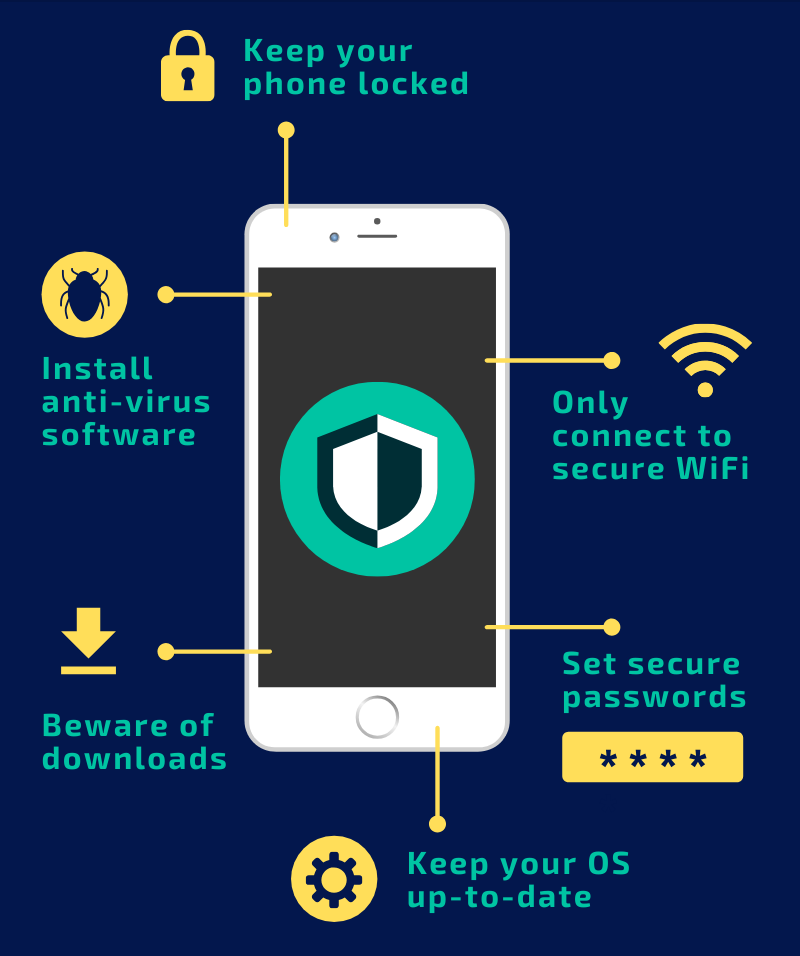
Fortunately, keeping your phone safe from hackers is not a daunting task. Here are some easy-to-implement steps to get you started:
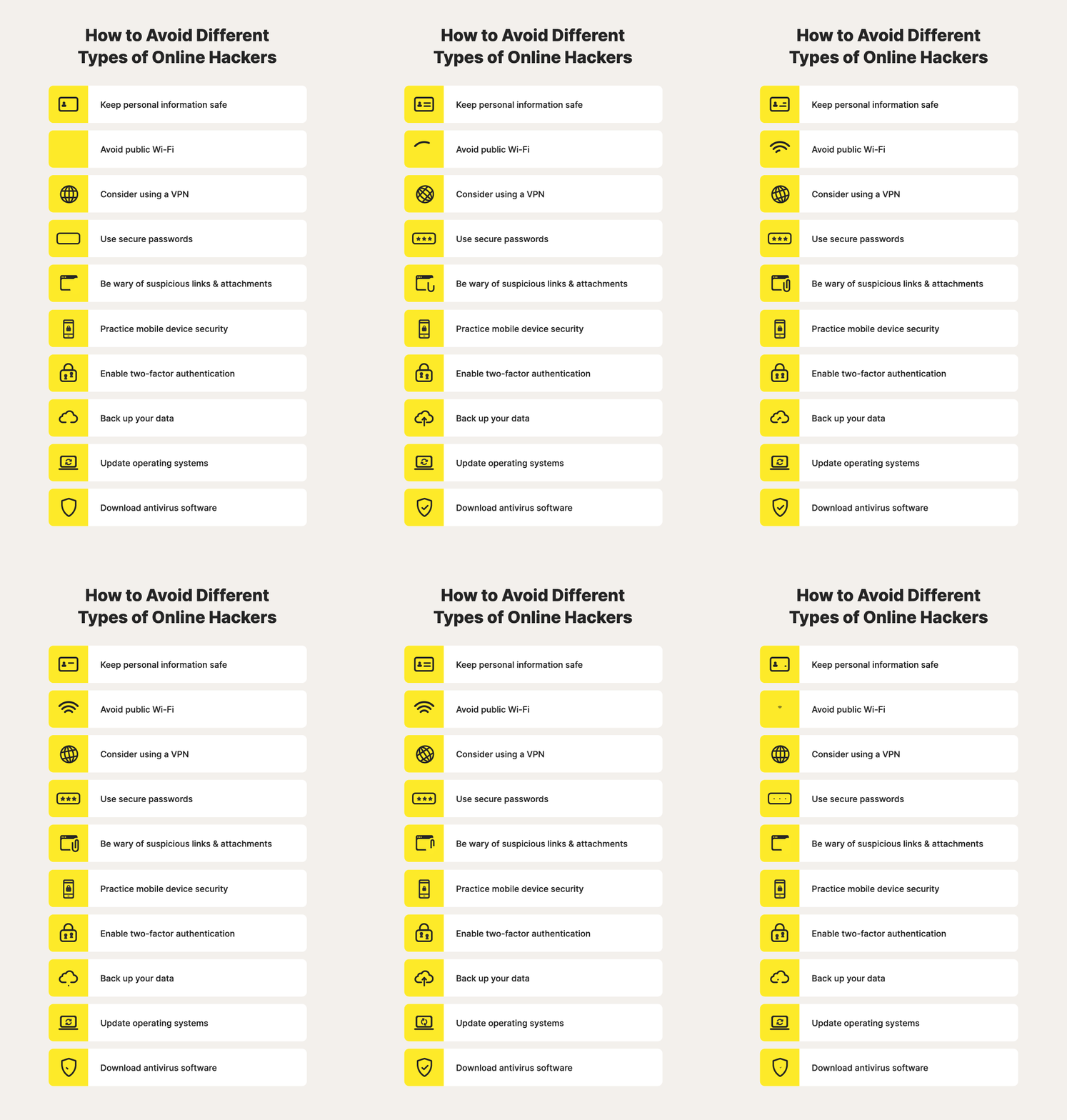
- Keep your phone's software up-to-date: Ensure you're running the latest operating system and update your apps regularly to patch security vulnerabilities.
- Use a PIN, pattern, or password: Lock your screen with a strong password to prevent unauthorized access.
- Enable two-factor authentication (2FA): This adds an extra layer of security, requiring a code sent to your phone or another device to access your account.
- Be cautious with public Wi-Fi and Bluetooth: Avoid using public networks for sensitive activities, and disable Bluetooth when not in use to minimize the risk of data breaches.
- Use antivirus software: Install reputable antivirus apps to scan your phone for malware and viruses.
- Keep an eye on your online accounts: Monitor your accounts regularly for unauthorized transactions or activity.
- Use a VPN: A Virtual Private Network (VPN) encrypts your internet traffic and hides your IP address, keeping your online activities private.
- Back up your data: Regularly back up your phone's data to avoid losing important files and information in case your phone is lost or stolen.
**Using Preloaded Safety Features
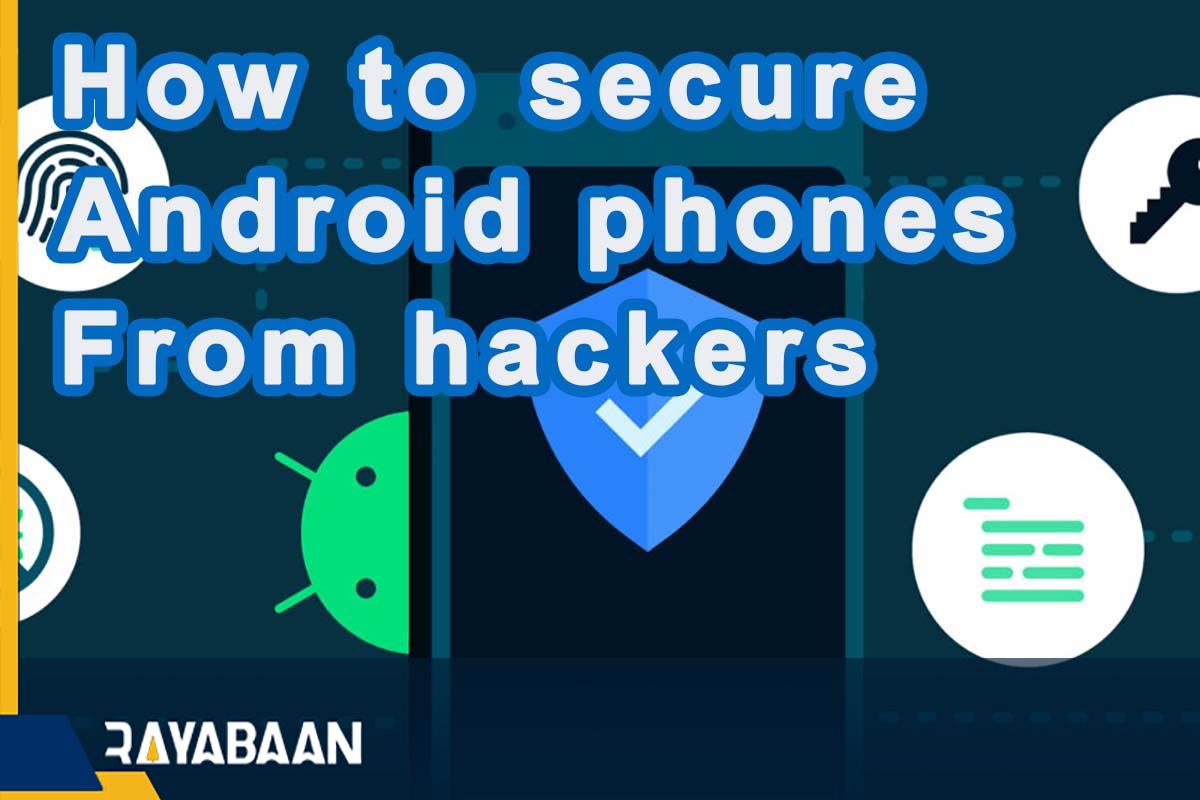
Many phones come with built-in security features designed to protect against hacking attempts. Use them! For example, Apple devices have Face ID and Touch ID, while Android phones offer fingerprint recognition and facial recognition. You can also take advantage of built-in features like app sandboxing, App permissions manager, and vulnerability scanning.
**Keeping Your Data Safe Online
It's not just about your phone; online security is essential for protecting your digital life. Don't forget to:
- Use strong, unique passwords: Avoid reusing passwords across multiple accounts, and change them regularly.
- Be wary of phishing emails and messages: Never click on suspicious links or download attachments from unknown sources..
- Enable two-factor authentication (2FA) on online accounts: Add an extra layer of security to your online accounts by requiring a code sent to your phone or another device.
- Regularly review your account activity: Monitor your online accounts for suspicious transactions or login attempts.
- Report any breaches or suspicious activity: If you spot anything unusual, immediately report it to the relevant authorities.
**Protecting Your Phone and Data
Remember, keeping your phone safe from hackers requires proactive efforts. Set up a security strategy and implement these simple steps to safeguard your digital world. Your phone is a valuable tool in your daily life, and with these easy-to-follow tips, you'll be more confident than ever in protecting your personal information and online accounts from cyber threats.