How to Set Up a Shopify Store: A Step-by-Step Guide
Do you want to start an online store and sell your products to a global audience? Shopify is one of the most popular e-commerce platforms for setting up an online store. With thousands of customizable themes, integrated payment gateways, and a user-friendly dashboard, Shopify is an ideal choice for entrepreneurs and businesses of all sizes. In this comprehensive guide, we will walk you through the steps to set up a Shopify store in just 10 minutes.
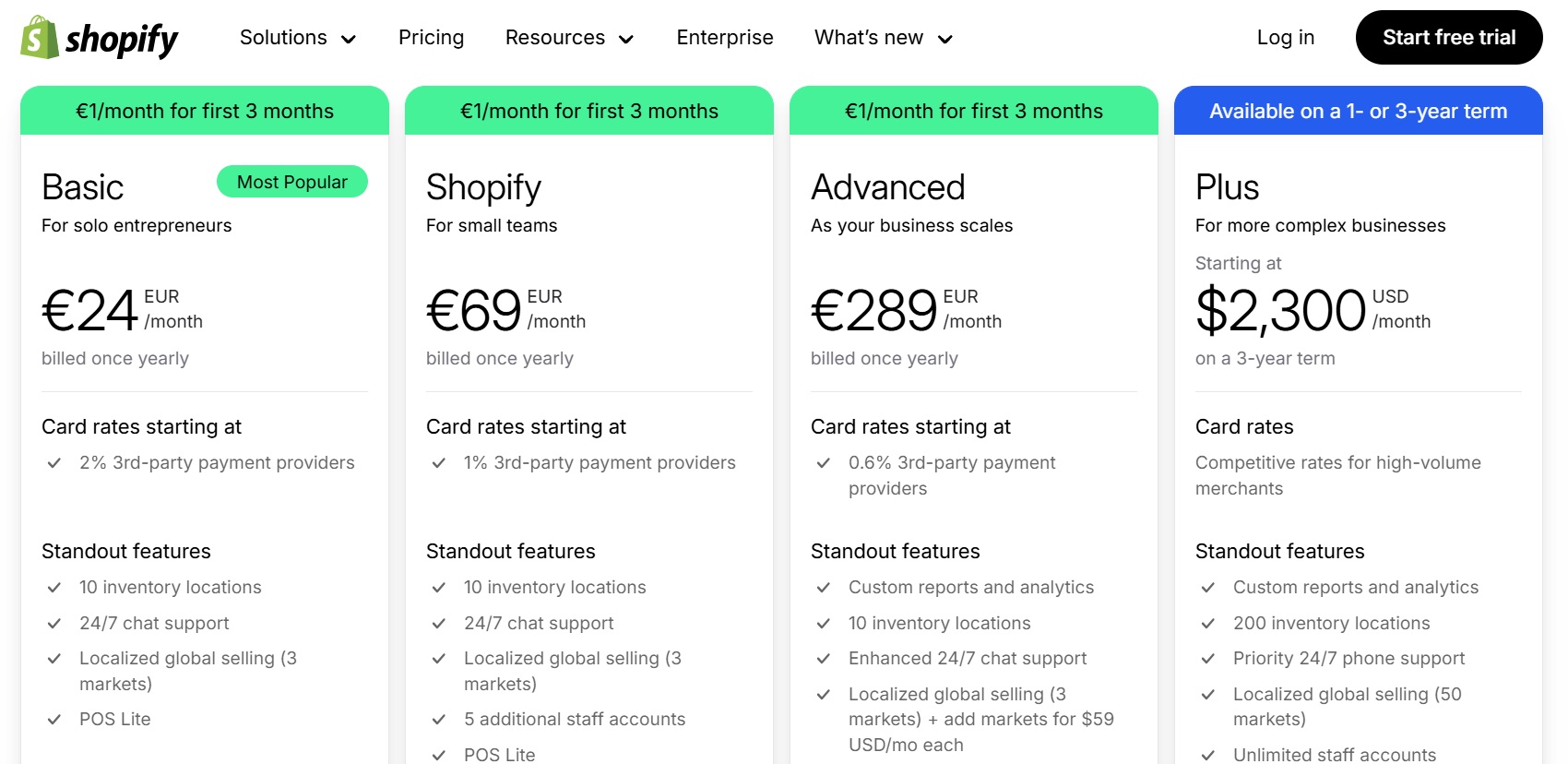
Step 1: Choose Your Shopify Plan
The first step in setting up a Shopify store is to choose a plan that suits your business needs. Shopify offers three main plans: Basic Shopify ($29/month), Shopify ($79/month), and Advanced Shopify ($299/month). Each plan has its own set of features, capabilities, and costs. You should choose a plan that aligns with your business goals and budget.
Step 2: Sign Up for Shopify
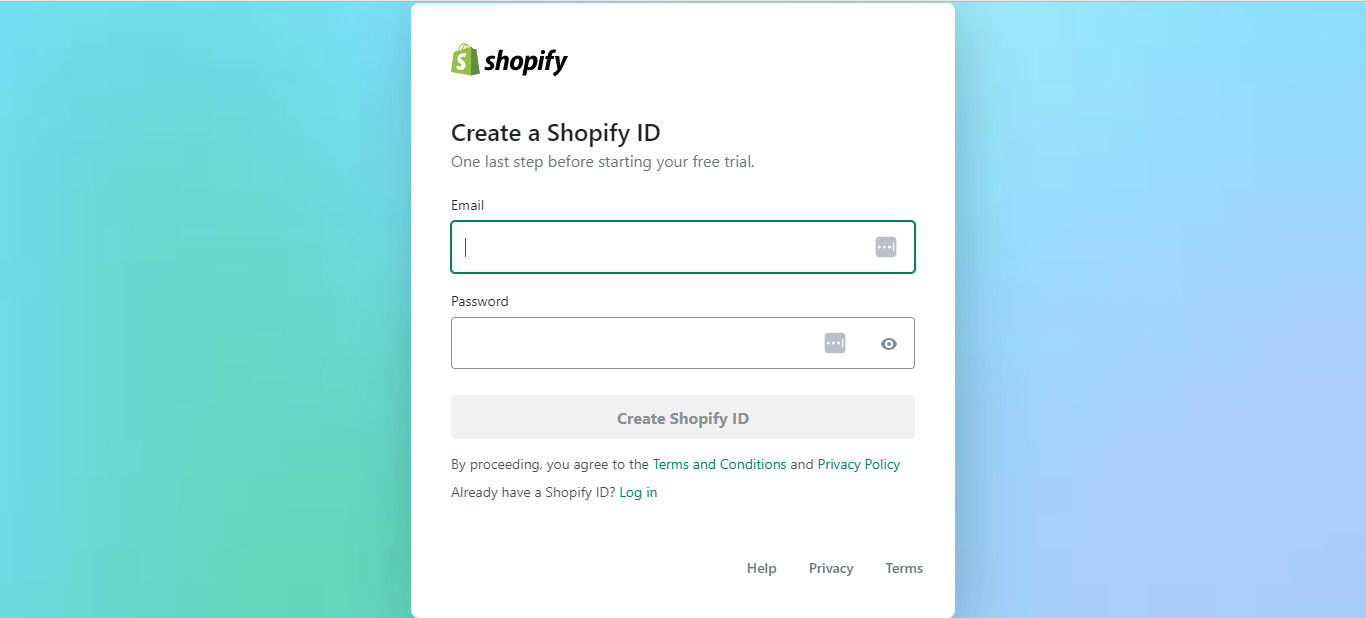
Once you have chosen your plan, sign up for Shopify by providing some basic information, such as your name, email address, and password. You will also need to provide some business information, such as your business name and address.
Step 3: Set Up Your Store
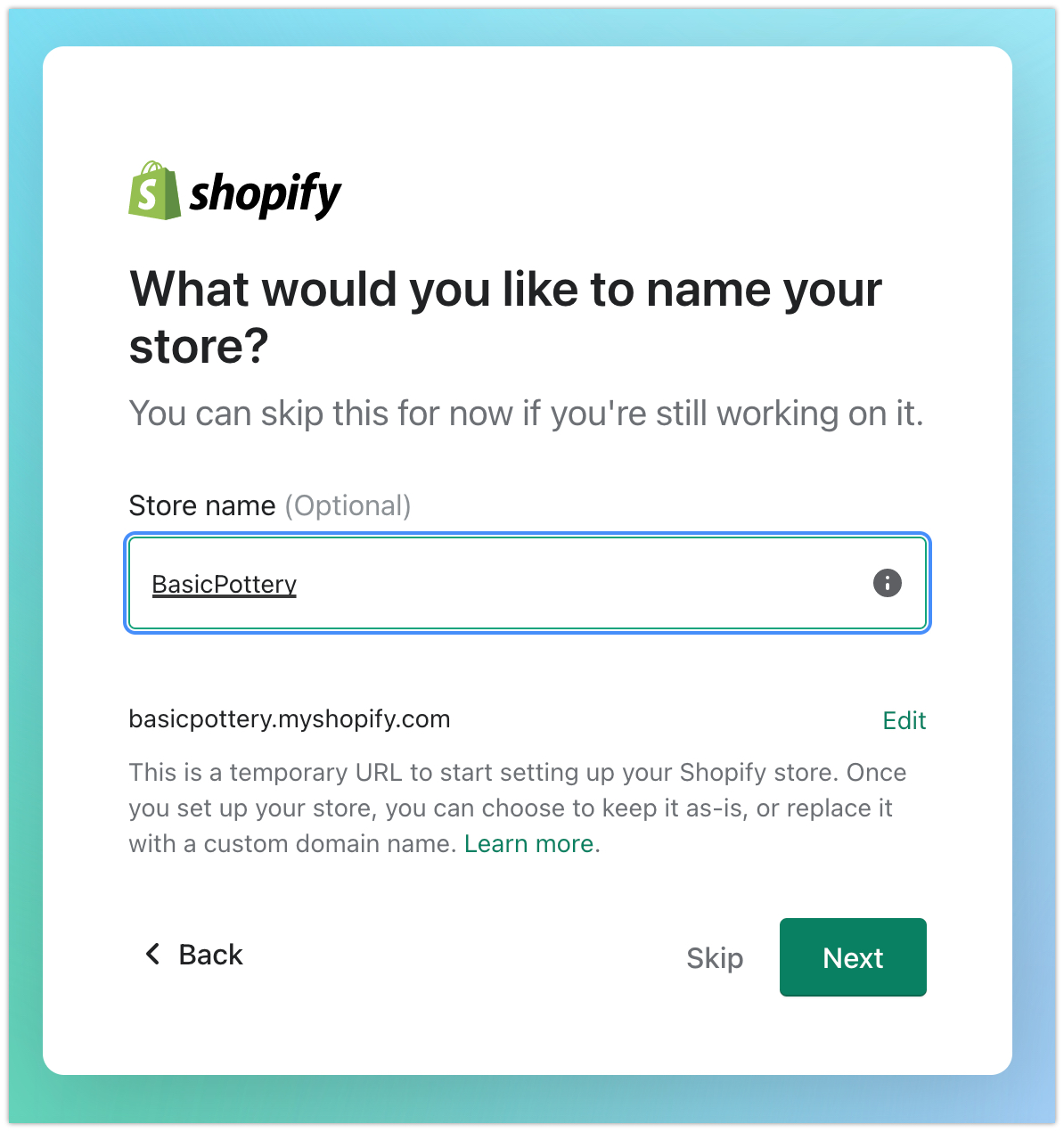
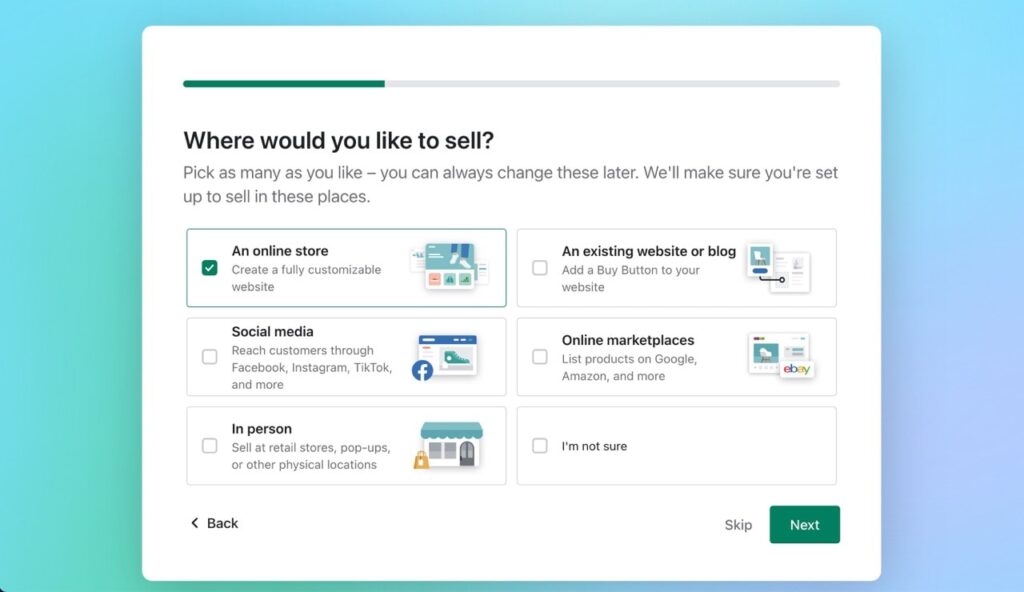
After signing up, you will be taken to the Shopify dashboard, where you will need to set up your store. This includes setting up your store name, description, and logo. You will also need to choose a theme for your store, which will determine the layout and design of your online store.
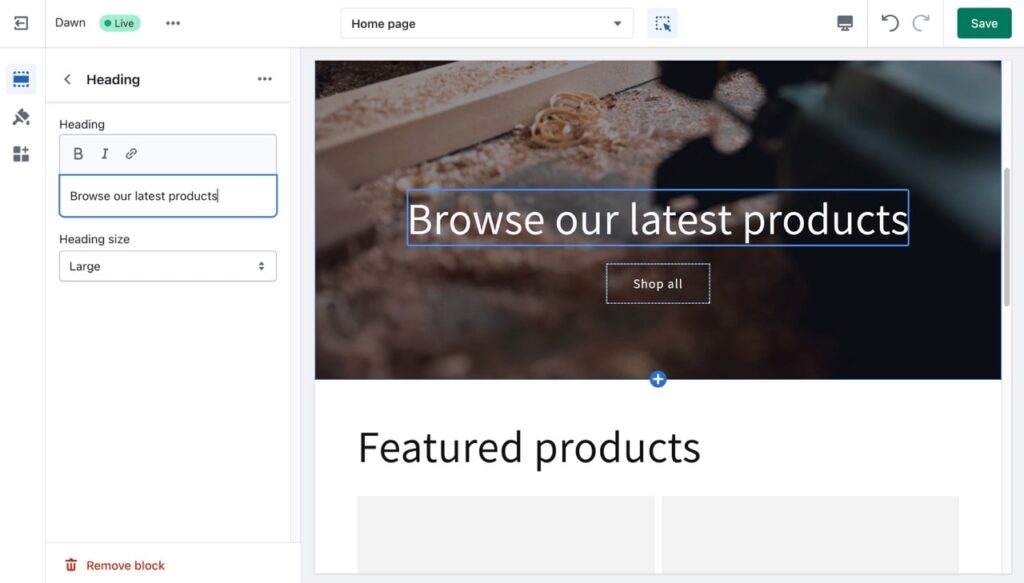
Step 4: Customize Your Store
Once you have set up your store, it's time to customize it. You can choose from thousands of customizable themes, add your products, set up payment gateways, and configure shipping options. You can also use Shopify's built-in apps to add functionality to your store, such as social media integration and product reviews.
Step 5: Add Products
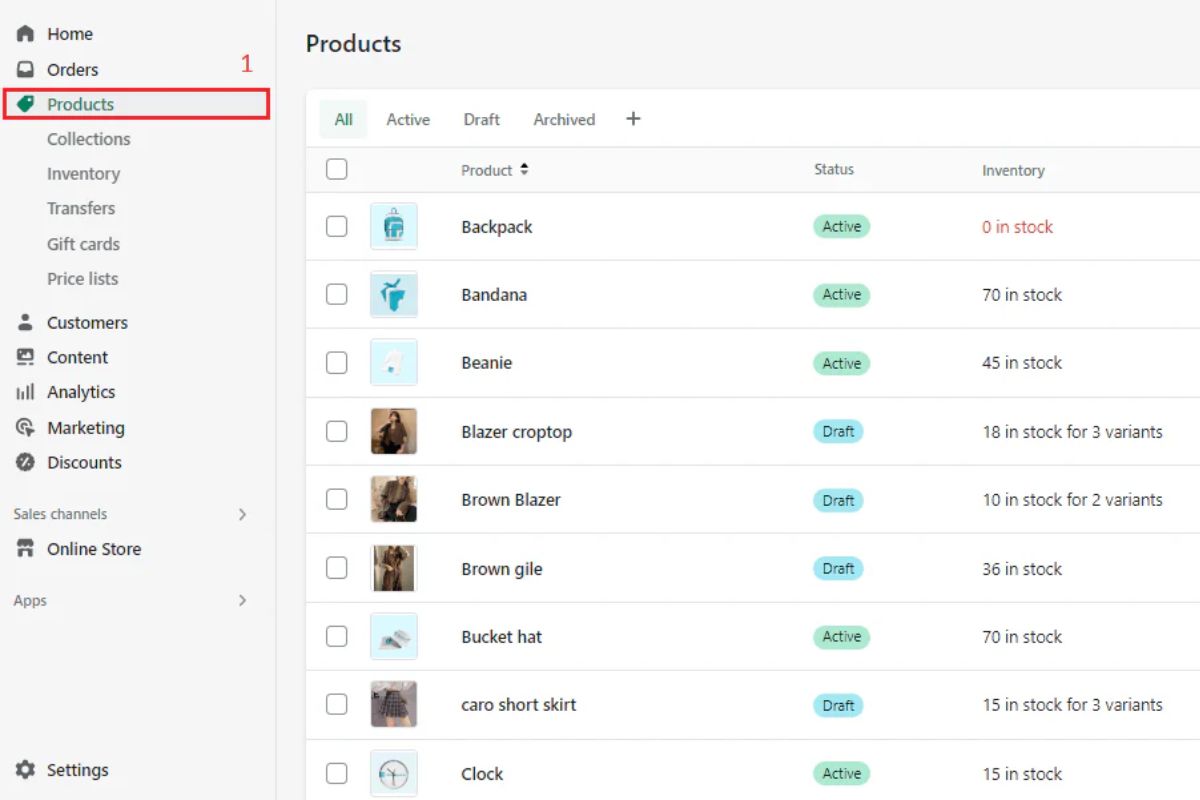
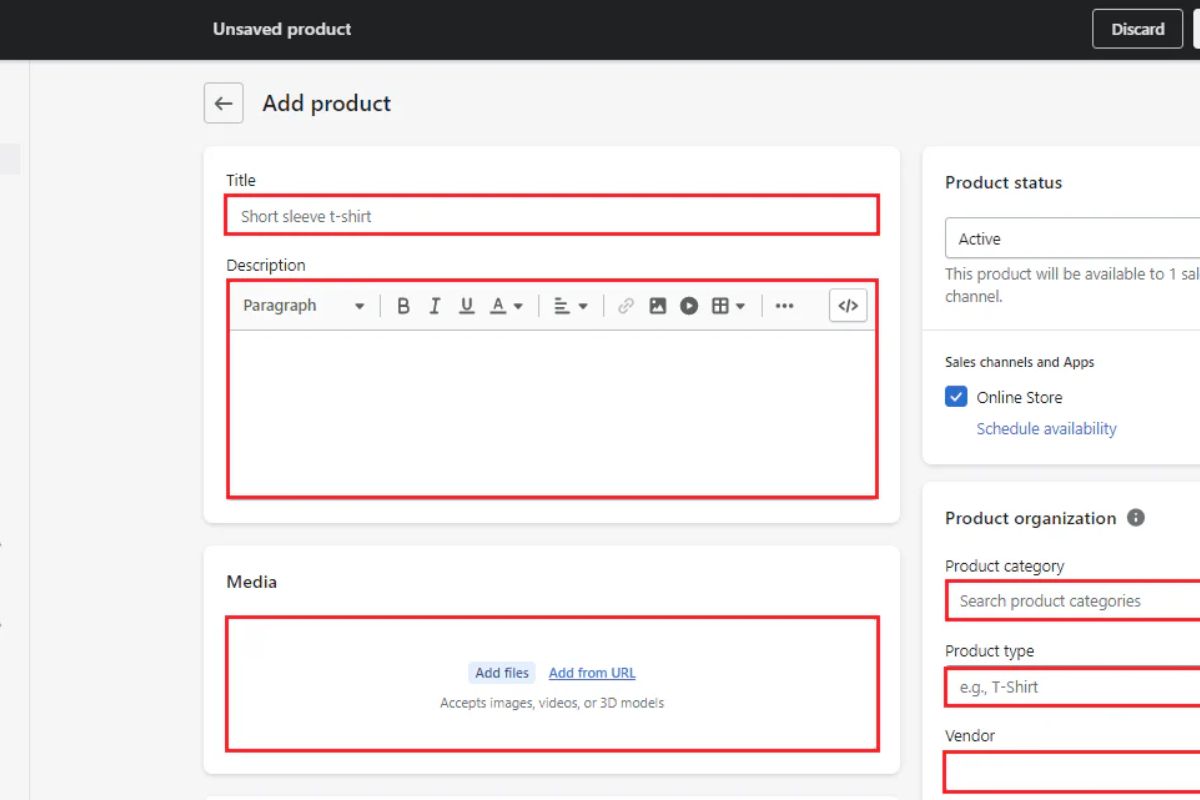
Adding products to your store is a crucial step in setting up a Shopify store. You can add products manually or import them from a CSV file. You will need to specify the product details, such as name, description, price, and images.
Step 6: Configure Payment Gateways

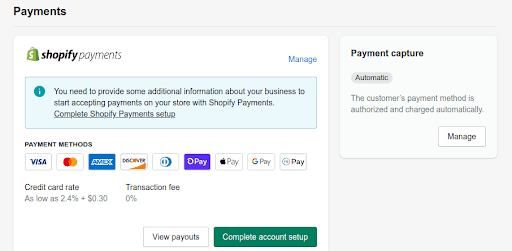
Shopify supports a wide range of payment gateways, including credit card payments, PayPal, and Apple Pay. You will need to configure your payment gateways to accept payments from your customers. You can also use Shopify's built-in payment solutions, such as Shopify Payments.
Step 7: Set Up Shipping
Shipping is an essential part of setting up a Shopify store. You can configure shipping options, such as rates, zones, and services. You can also use Shopify's built-in shipping solutions, such as Shopify Shipping and Shopify Fulfillment.
Step 8: Test Your Store
Before launching your store, it's essential to test it thoroughly. You can test your store's functions, payment gateways, and shipping options to ensure that everything is working smoothly.
Step 9: Launch Your Store
Once you have set up and tested your store, it's time to launch it. You can choose to launch your store publicly or keep it private for now. Once you launch your store, it will be visible to the public, and customers can start browsing and purchasing your products.
Conclusion
Setting up a Shopify store is a straightforward process that can be completed in just 10 minutes. By following these steps, you can create a professional-looking online store that sells your products to a global audience. With Shopify's user-friendly dashboard, customizable themes, and integrated payment gateways, you can focus on growing your business and increasing sales.
Additional Tips and Resources
* Learn how to set up shipping in Shopify with zones, flat rates, and free shipping strategies. * Discover how to create a loyalty program in Shopify to reward your customers. * Find out how to set up SMS notifications on Shopify to keep your customers informed about orders and shipping updates. * Check out the Shopify App Store for a wide range of apps that can enhance your store's functionality and conversion rates. * Explore the Shopify blog for tips, tutorials, and resources to help you grow your business.