How to Protect Against Malware: 10 Essential Tips for a Safe Online Experience
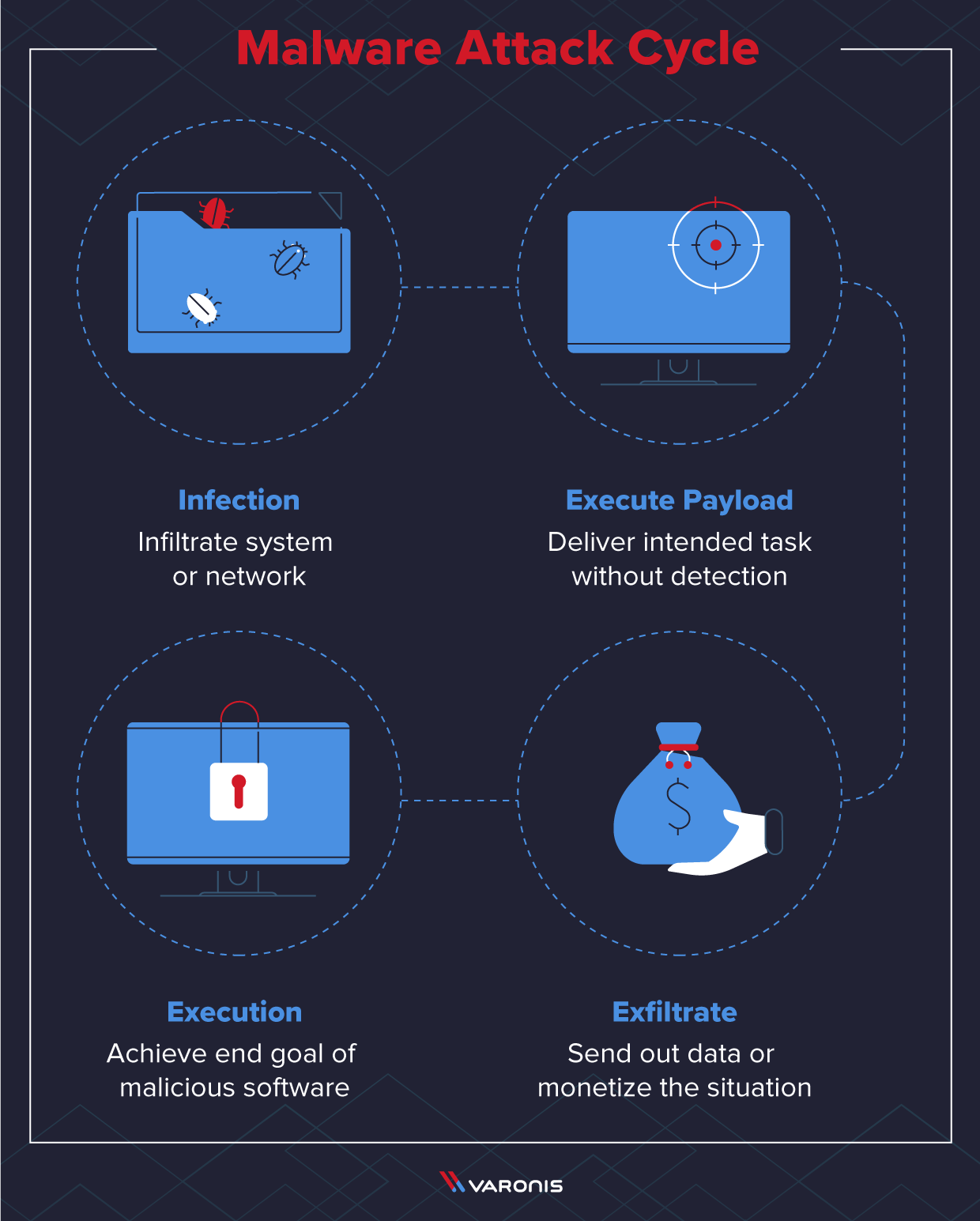
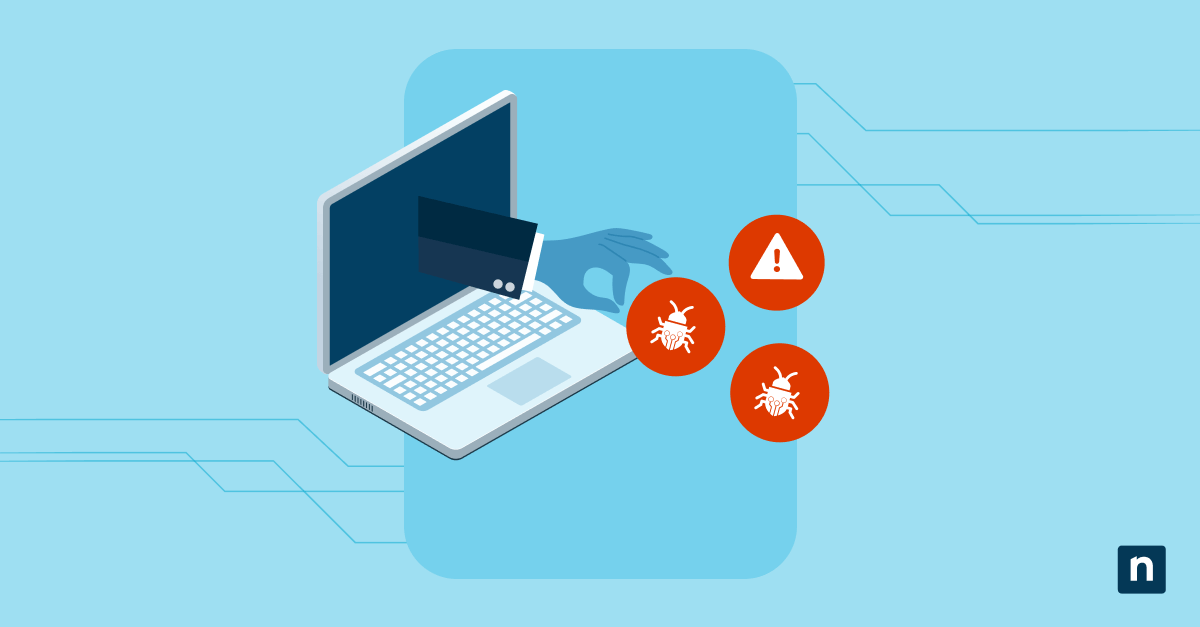
Malware is one of the biggest threats to the security of your computer, tablet, phone, and other devices. It can cause significant harm, from stealing sensitive information to disrupting device operations and even taking control of your device remotely. However, protecting yourself against malware is easier than you think. In this article, we will guide you through the 10 essential tips on how to protect against malware and ensure a safe online experience.
1. Use Antivirus Software
Antivirus software is one of the most effective ways to protect against malware. Antivirus software can help detect, prevent, and remove malware from your device. Make sure you turn on your antivirus software and keep it up-to-date to ensure it can detect the latest malware threats.
2. Keep Your Operating System and Software Up-to-Date
Malware often takes advantage of security vulnerabilities in outdated software. Keeping your operating system and software up-to-date ensures that you have the latest security patches and fixes, which can help prevent malware infections.
3. Use a Firewall
A firewall helps block malicious traffic from entering your device and prevents malware from communicating with its command and control center. Enable the firewall on your device and configure it to block incoming and outgoing traffic to suspicious ports and IP addresses.
4. Use Strong and Unique Passwords
Weak passwords are a common entry point for malware. Use strong and unique passwords for all accounts, including email, banking, and social media accounts. Avoid using easily guessable information, such as your name, birthdate, or common words.
5. Enable Password Managers
Password managers can help generate and store unique and complex passwords. Use a password manager to securely store your passwords and avoid the hassle of remembering multiple passwords.
6. Use Two-Factor Authentication (2FA)
2FA adds an extra layer of security to your accounts by requiring a second form of verification, such as a code sent to your phone or a biometric scan. Enable 2FA for all accounts to prevent unauthorized access.

7. Be Careful with Email and Instant Messaging
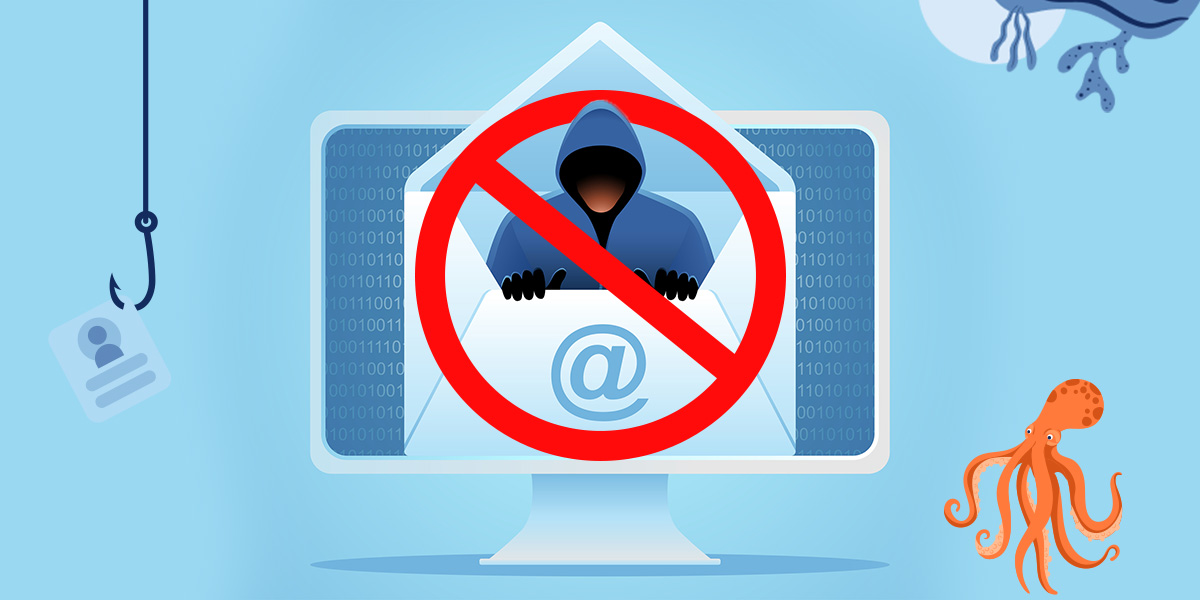
Email and instant messaging are common vectors for malware. Be cautious when opening email attachments or clicking on links from unknown senders. Malware can be embedded in emails and links, so it's essential to be vigilant.
8. Use Safe Browsing Habits
Malware can spread through suspicious websites, so using safe browsing habits is crucial. Avoid visiting suspicious websites, and never click on pop-up ads or links from unknown sources. Use reputable antivirus software and browser extensions to block malicious websites.
9. Regularly Back Up Your Data
Malware can cause data loss and corruption. Regularly back up your data to an external hard drive or cloud storage to ensure that your files are safe in case of a malware infection.
10. Educate Yourself and Others
Malware is often spread through social engineering tactics, such as phishing and scams. Educate yourself and others about the risks of malware and how to protect against it. Stay informed about the latest cybersecurity threats and best practices.
Conclusion
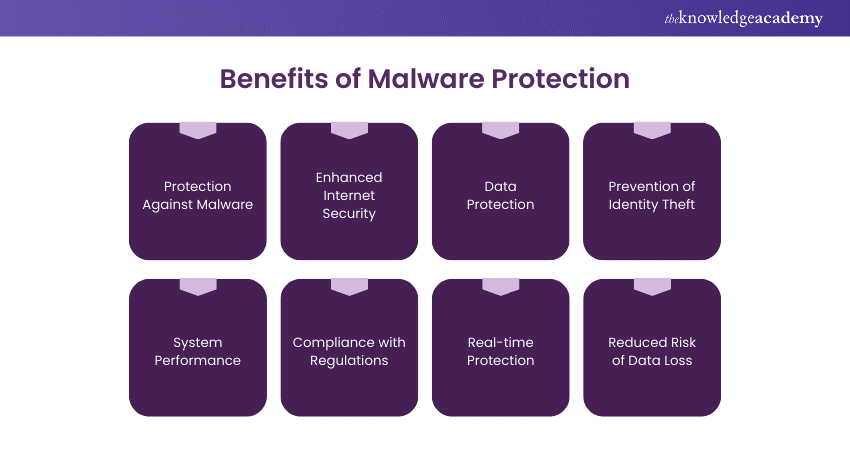
Protecting against malware requires a combination of technical measures and safe browsing habits. By following these 10 essential tips, you can significantly reduce your risk of being affected by malware and ensure a safe online experience. Remember, a safe online experience is a shared responsibility, and every user has a role to play in preventing malware infections.
Additional Resources
For more information on how to protect against malware, visit these reputable sources: