Computer Protection Against Phishing: A Comprehensive Guide
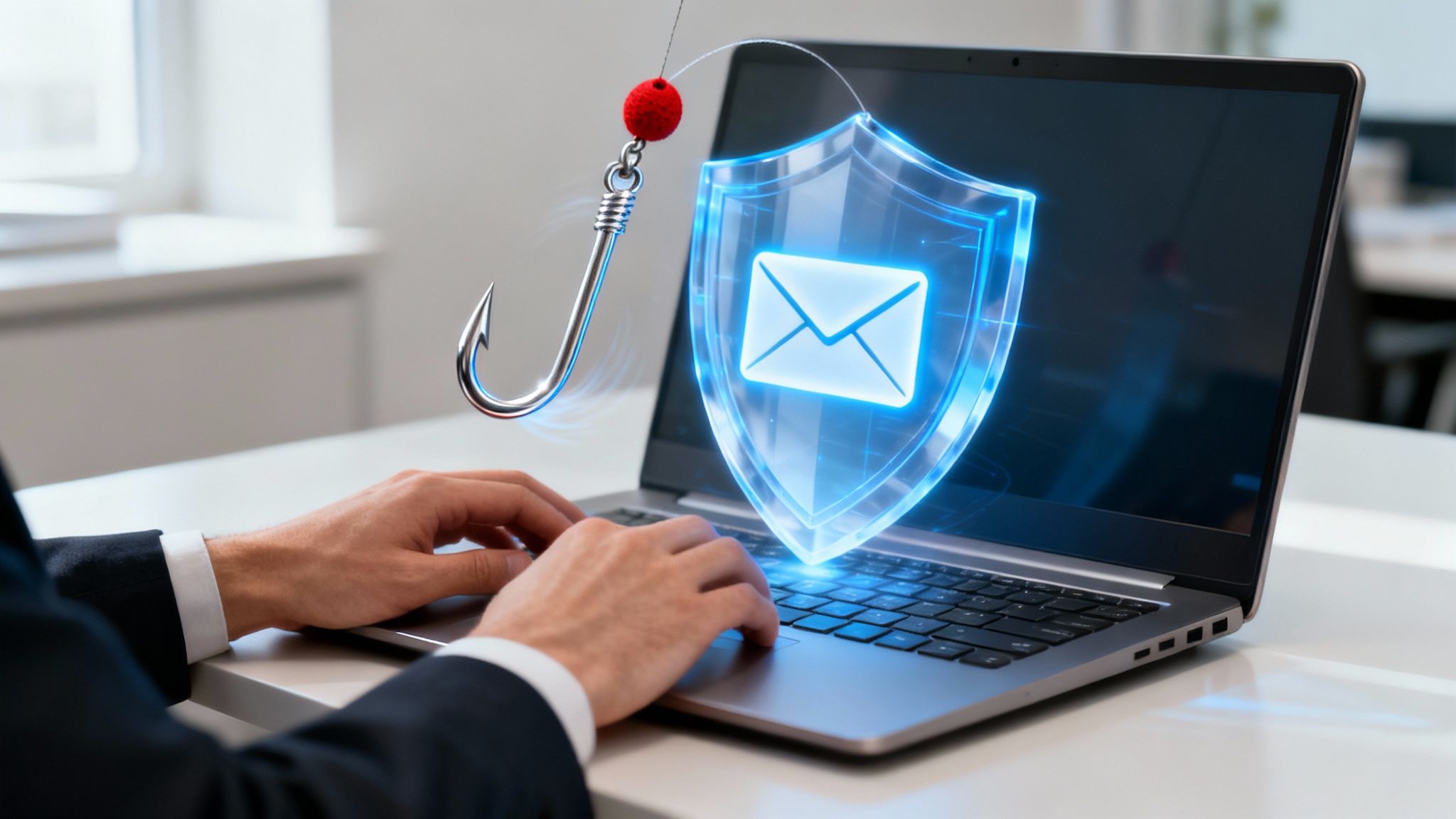
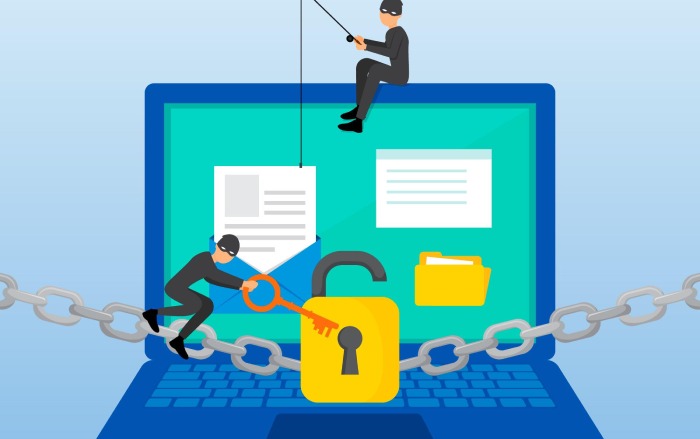
Phishing attacks are a constant threat to computer users, with scammers launching thousands of attacks every day. These attacks are designed to trick victims into revealing sensitive information, such as passwords, credit card numbers, or social security numbers. In this article, we will explore the world of phishing, its tactics, and provide tips on how to protect your computer against these attacks.
What is Phishing?
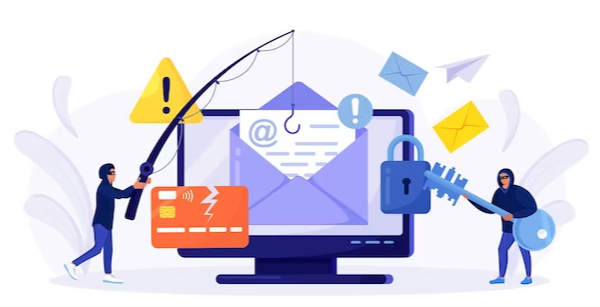
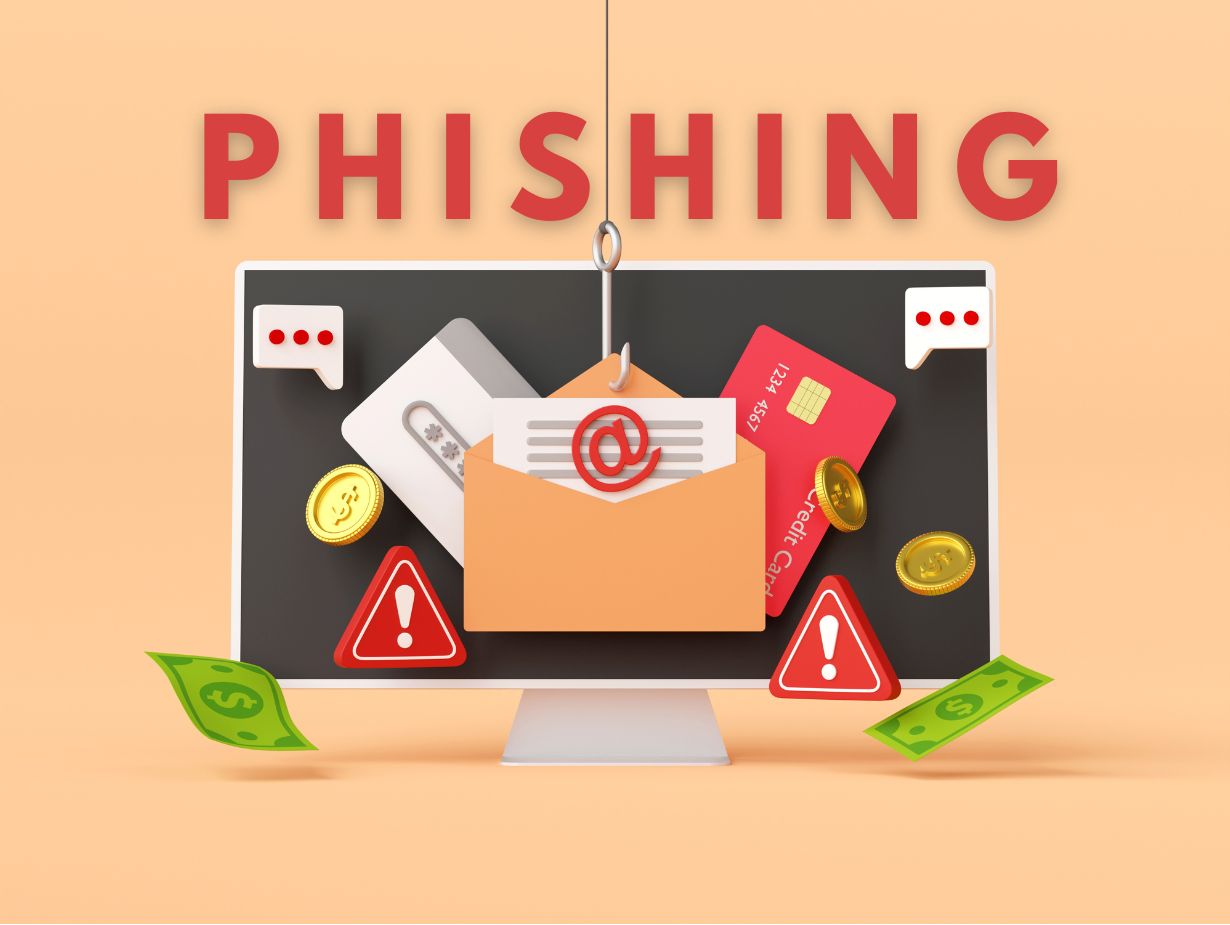
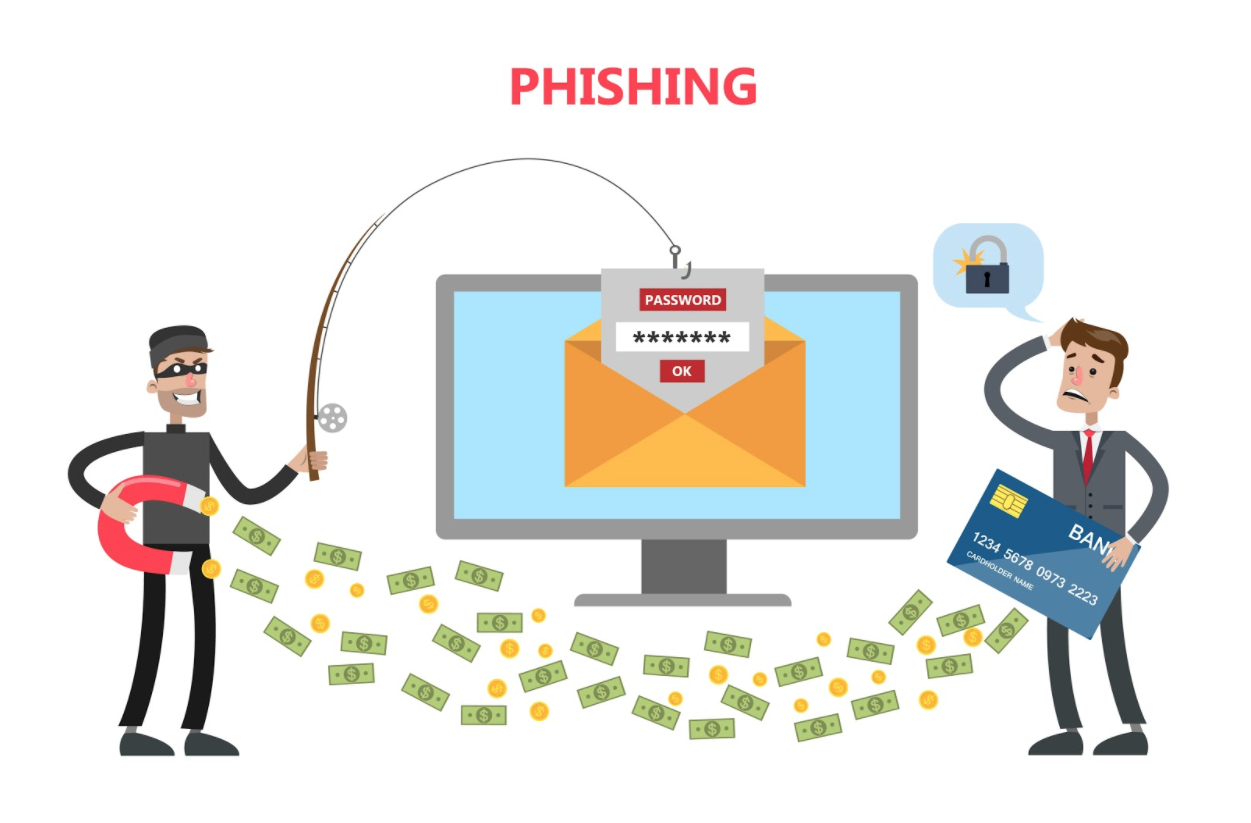
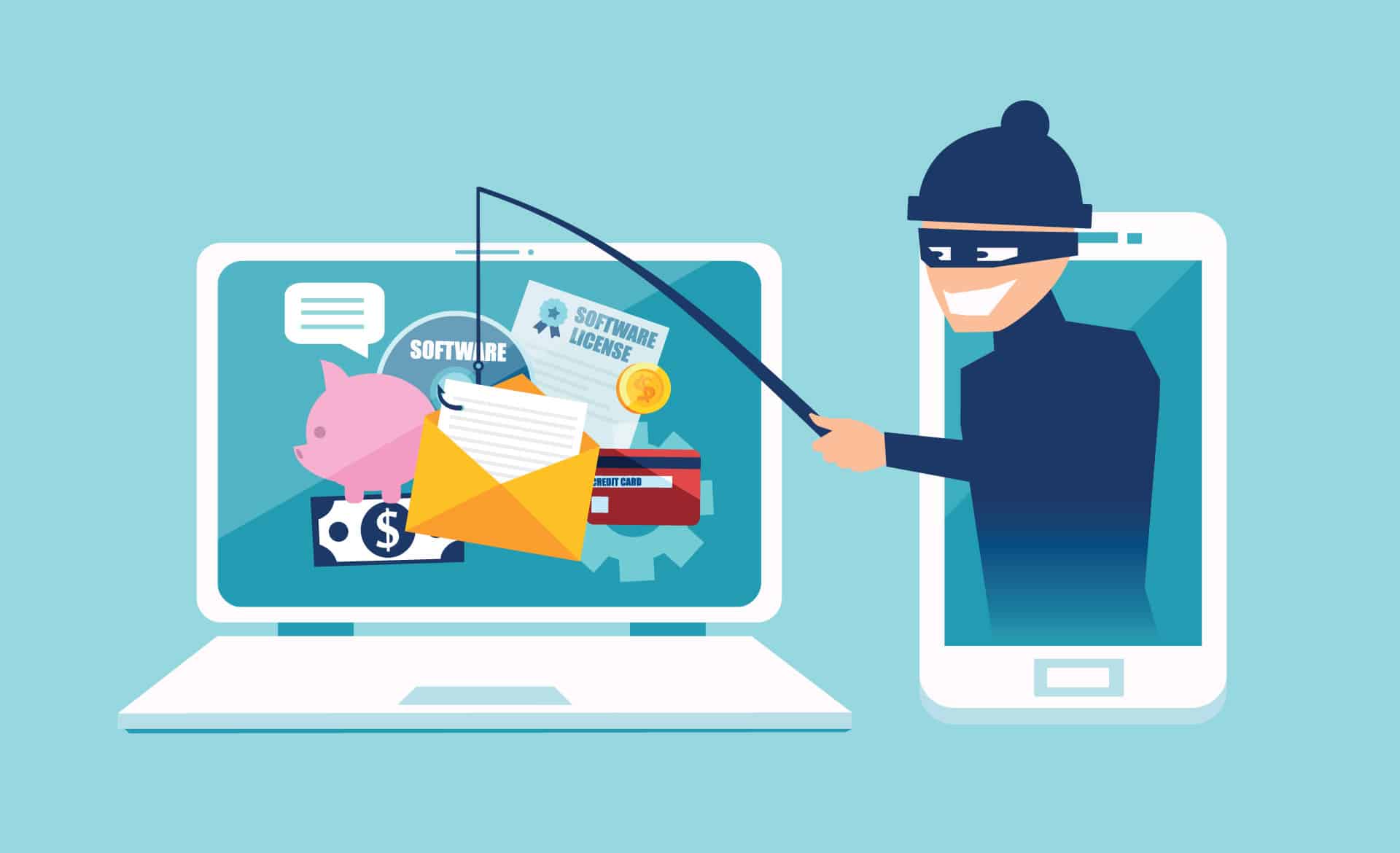
Phishing is a type of cyberattack that involves sending fake emails, messages, or websites to trick victims into revealing sensitive information. These attacks are often sophisticated and convincing, making it difficult for victims to distinguish between legitimate and fake communications.
How Phishing Attacks Work
Phishing attacks typically involve the following steps:
- Email or Message**: Scammers send fake emails or messages that appear to be from a legitimate source, such as a bank, credit card company, or social media platform.
- Urgent Request**: The message creates a sense of urgency, asking the victim to take immediate action, such as verifying their account information or updating their password.
- Malicious Link**: The message includes a link that, when clicked, takes the victim to a fake website or downloads malware onto their computer.
- Information Theft**: The victim reveals sensitive information, such as passwords, credit card numbers, or social security numbers, which are then used by scammers for malicious purposes.
Signs of Phishing Attacks
To protect your computer against phishing attacks, it's essential to recognize the signs of a phishing attack. Look out for the following red flags:
- Suspicious Emails**: Be wary of emails that are poorly written, contain spelling or grammatical errors, or ask for sensitive information.
- Urgent Requests**: Be cautious of messages that create a sense of urgency, such as asking you to take immediate action to verify your account information.
- Malicious Links**: Avoid clicking on links from unfamiliar sources, especially those that ask you to enter sensitive information.
Computer Protection Against Phishing
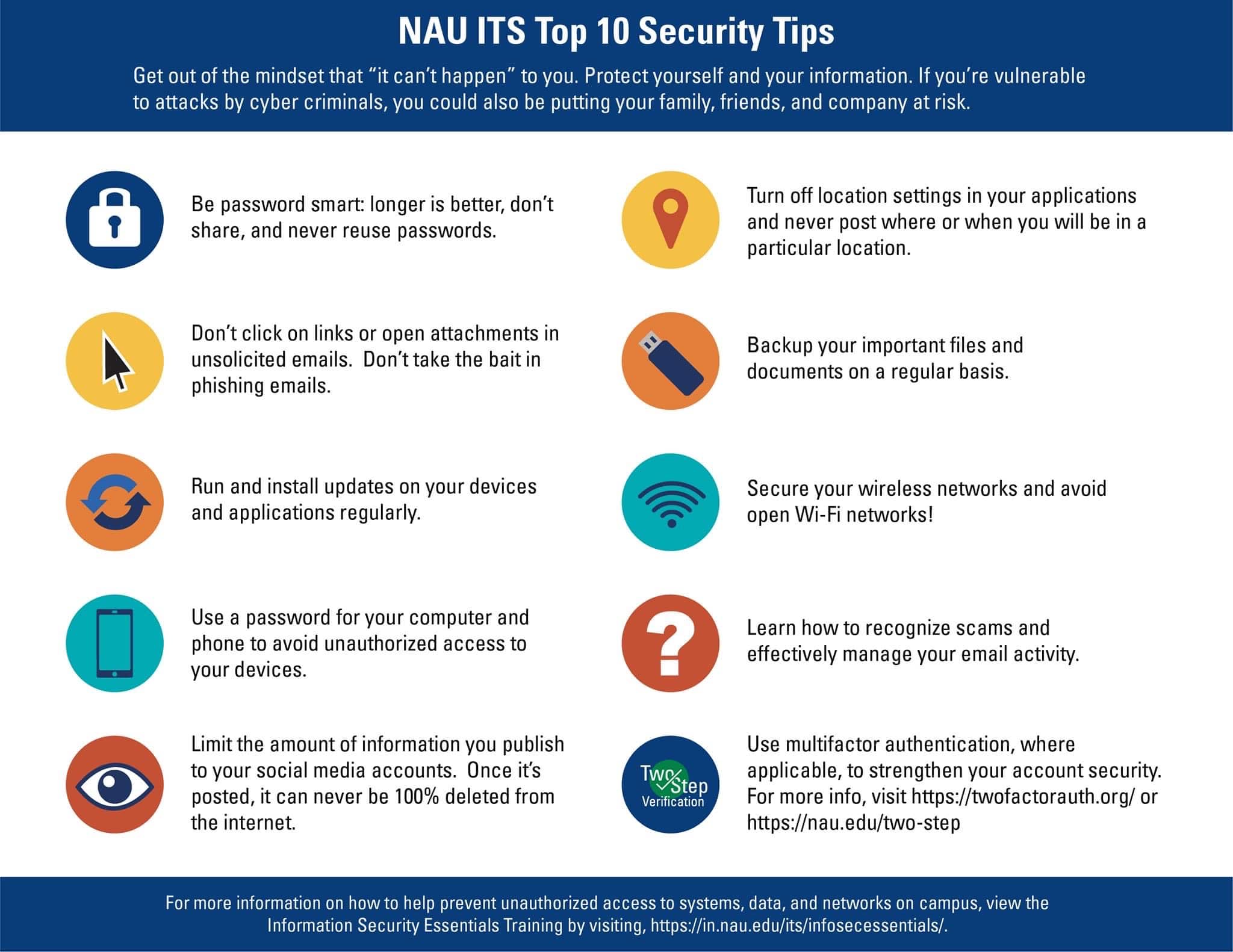
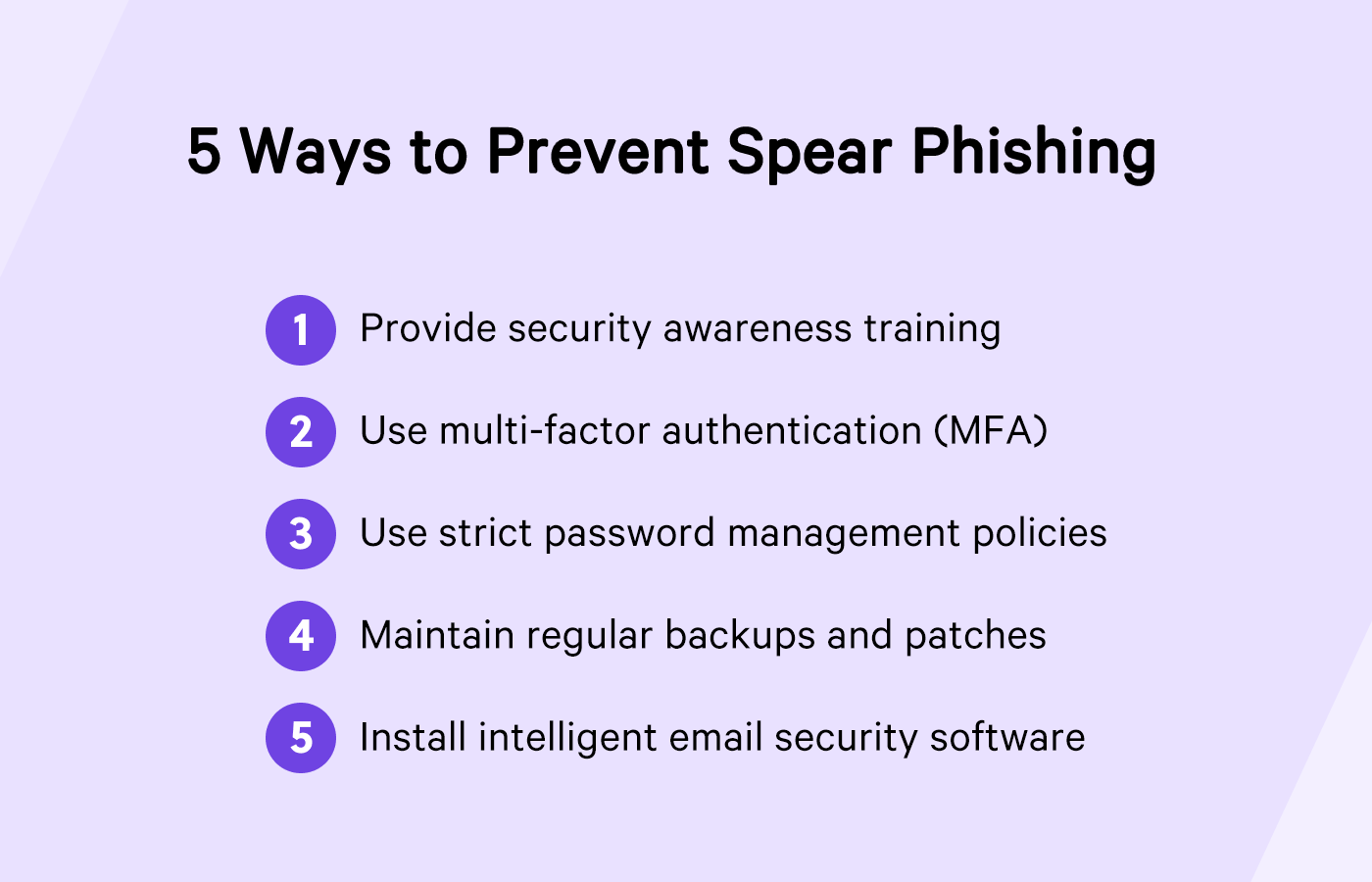
To protect your computer against phishing attacks, follow these tips:
- Use Anti-Phishing Software**: Install anti-phishing software that detects and blocks phishing attacks in real-time.
- Be Cautious with Emails**: Avoid opening emails from unknown sources, and be wary of messages that ask for sensitive information.
- Verify Links**: Always verify the authenticity of links before clicking on them, especially if they ask you to enter sensitive information.
- Use Strong Passwords**: Use strong, unique passwords for all accounts, and avoid using the same password across multiple platforms.
- Keep Your Computer Up-to-Date**: Regularly update your computer's operating system, browser, and security software to ensure you have the latest security patches and features.
Conclusion
Phishing attacks are a constant threat to computer users, but by being aware of the signs of these attacks and taking steps to protect your computer, you can significantly reduce the risk of falling victim to a phishing attack. Remember to use anti-phishing software, be cautious with emails, verify links, use strong passwords, and keep your computer up-to-date to stay safe online.
Additional Resources
For more information on computer protection against phishing, check out the following resources:
- PhishTank**: A collaborative clearing house for data and information about phishing on the internet.
- Microsoft Security Response Center Blog**: A blog that provides information on the latest security threats and tips on how to protect your computer.
- AVG Antivirus Free**: A free antivirus software that guards against phishing and ransomware attacks.