Tablet Won't Turn On Repair: A Comprehensive Guide
If your tablet won't turn on, it can be a frustrating experience, especially when you need to be productive or enjoy your favorite entertainment. However, there's no need to panic or rush to a professional repair service just yet. In this article, we'll explore the possible causes of a tablet not turning on and provide a step-by-step guide on how to troubleshoot and fix the issue.
Before You Start: Basic Troubleshooting
Before diving into more complex solutions, let's start with some basic troubleshooting steps:
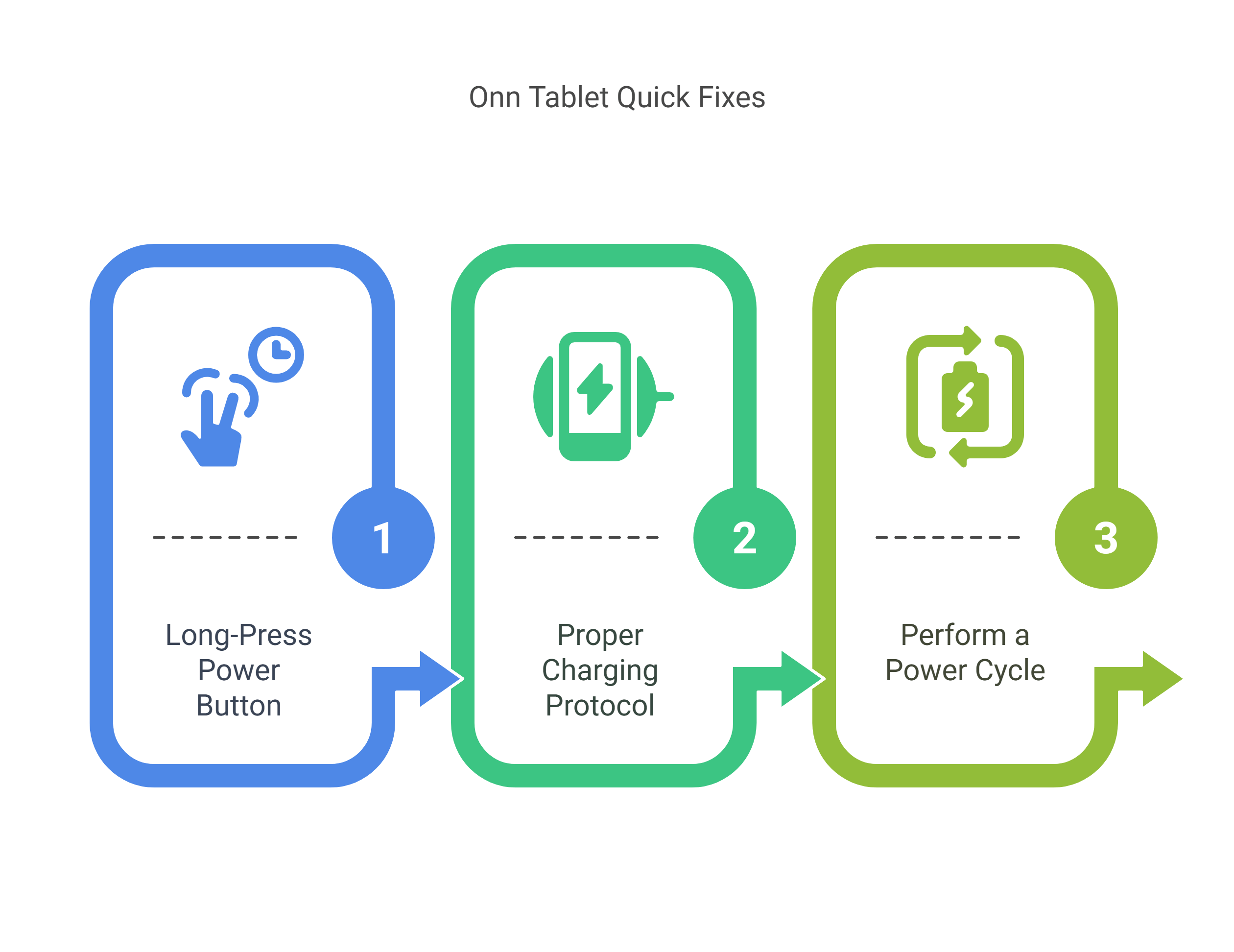
- Check the power source: Ensure that the power cord is securely connected to both the tablet and the charger. Try using a different charger or power source to rule out any issues with the current one.
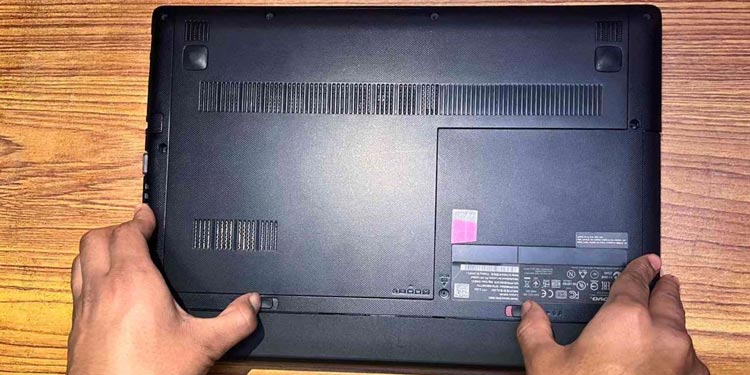
- Check the battery: If your tablet has a removable battery, try taking it out and putting it back in. If you're using a non-removable battery, try pressing the power button for a longer duration to see if it will turn on.
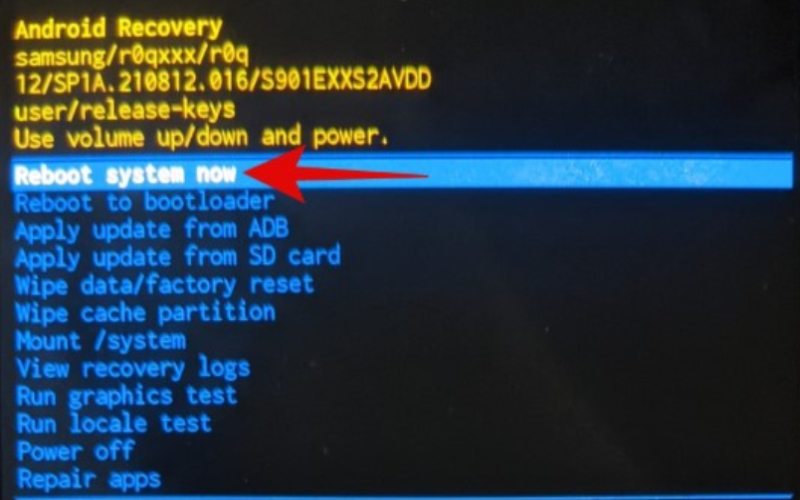
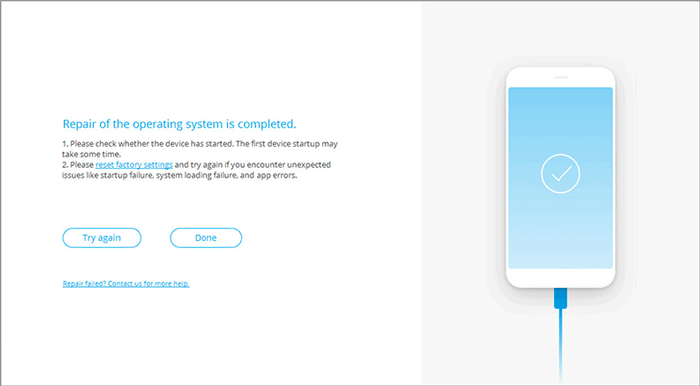
- Check for software issues: If your tablet is running on a software issue, try restarting it in safe mode or performing a hard reset by pressing the power button and the volume down button simultaneously for 10-15 seconds.
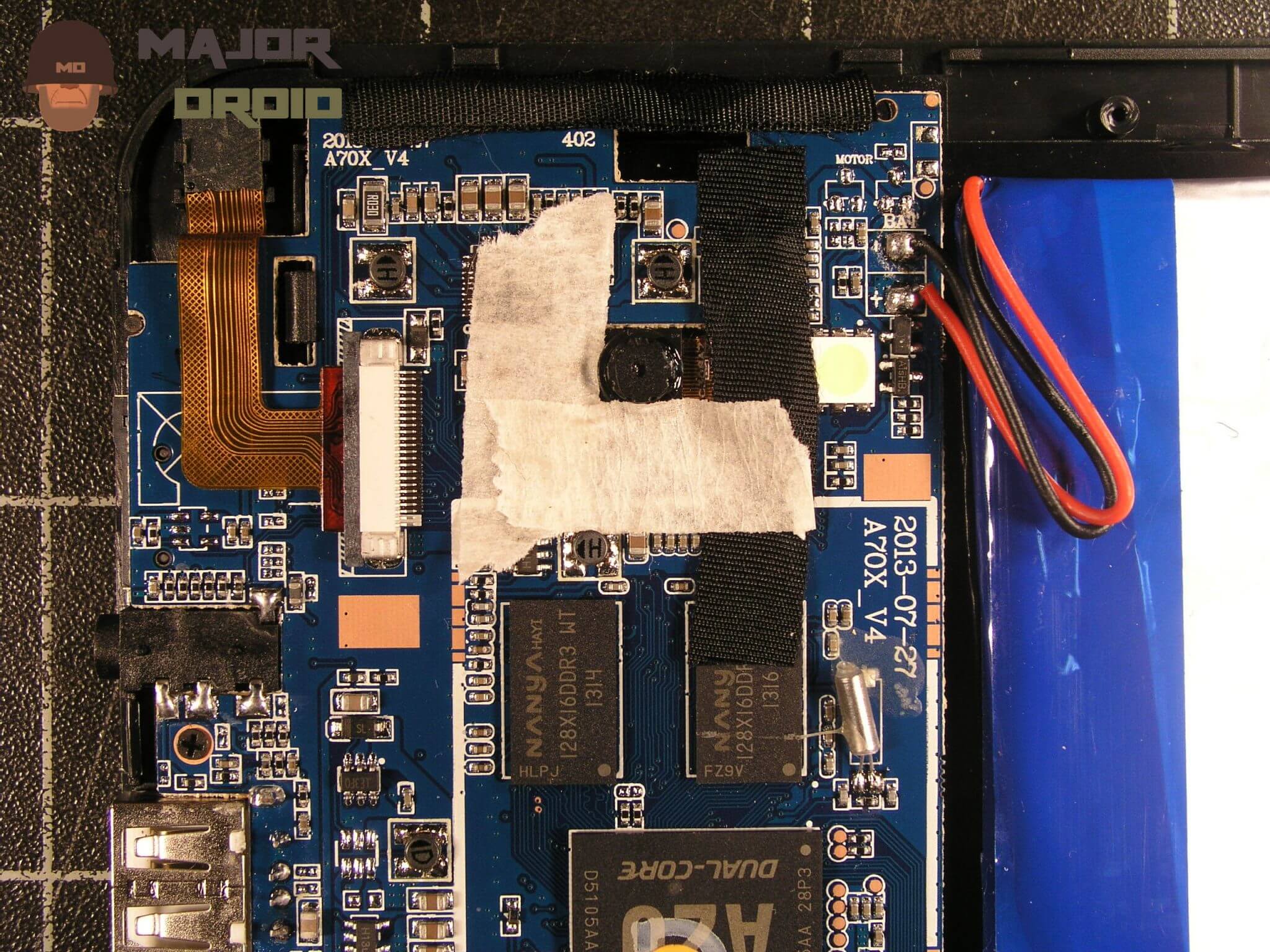
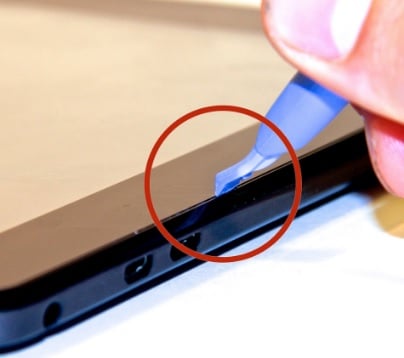
- Check for hardware issues: If you've tried the above steps and your tablet still won't turn on, it's possible that there's a hardware issue. Look for any signs of physical damage, such as cracks or dents on the screen or casing.
If Your Table Won't Turn On After Trying the Basic Steps
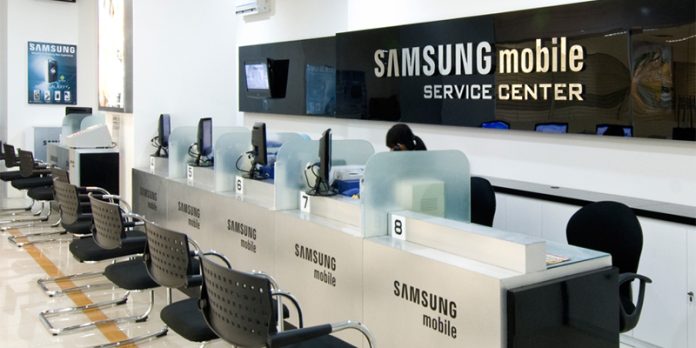
If your tablet still won't turn on after trying the above basic troubleshooting steps, it's time to move on to more complex solutions or seek the help of a professional repair service. Expert technicians have the tools and knowledge to diagnose and fix various tablet issues, from cracked tablet screens to complex internal problems.
Common Causes of a Tablet Not Turning On
There are several common causes of a tablet not turning on, including:
- Drained battery: If your tablet's battery is completely drained, it may not turn on. Try charging it for at least 30 minutes to see if it will turn on.
- Faulty charger: A faulty charger can prevent your tablet from charging and turning on. Try using a different charger or power source to rule out any issues with the current one.
- System crash: If your tablet's software has crashed, it may not turn on. Try restarting it in safe mode or performing a hard reset by pressing the power button and the volume down button simultaneously for 10-15 seconds.
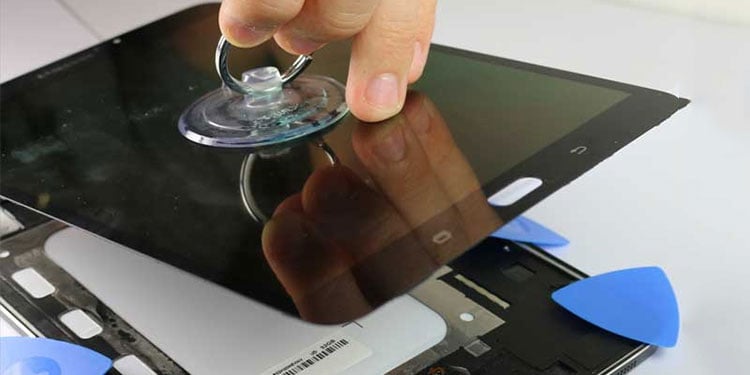
- Physical damage: If your tablet has been physically damaged, such as a cracked screen or casing, it may not turn on. Try to diagnose the issue and see if it can be fixed or replaced.
When to Seek Professional Repair Services
If your tablet has been physically damaged or still won't turn on after trying the above steps, it's time to seek the help of a professional repair service. A professional repair service will be able to diagnose and fix the issue, or replace your tablet if it's beyond repair.
Conclusion
Tablet won't turn on repair is a common issue that can often be resolved with basic troubleshooting steps or professional repair services. By understanding the common causes of a tablet not turning on and following the step-by-step guide in this article, you can try to fix the issue yourself or seek the help of a professional repair service. Remember to always follow proper safety precautions when working with electronics, and don't hesitate to seek help if you're unsure about how to troubleshoot or fix the issue.