Setting up Google Home with Zigbee Devices: A Step-by-Step Guide
Introduction
Zigbee is a widely used wireless communication protocol that operates on low-power devices, ideal for home automation systems. With the growing popularity of smart home devices, setting up a Zigbee network can be a bit daunting. However, with the right tools and knowledge, you can seamlessly integrate your Zigbee devices with Google Home using voice commands for advanced home automation.
What are Zigbee Devices?
Zigbee devices are low-power smart home gadgets that connect via the Zigbee protocol. They are ideal for home automation systems as they provide reliable device-to-device communication and support mesh networking, where devices can communicate directly with one another, creating a robust and scalable network.
Why is Zigbee Good?
Zigbee has one specific feature that makes it incredible; there's no need for a centralized hub as it is possible for devices to send data from one to another creating the mesh. This feature makes Zigbee an excellent choice for home automation systems, as it provides a reliable and efficient way to connect devices.
Setting up Google Home with Zigbee Devices
Setting up Google Home with Zigbee devices requires a few steps. First, you need to ensure that your Zigbee devices are compatible with Google Home. You can check the compatibility of your devices with the Google Home app. Once you have confirmed that your devices are compatible, you can follow these steps:
Step 1: Choose a Hub
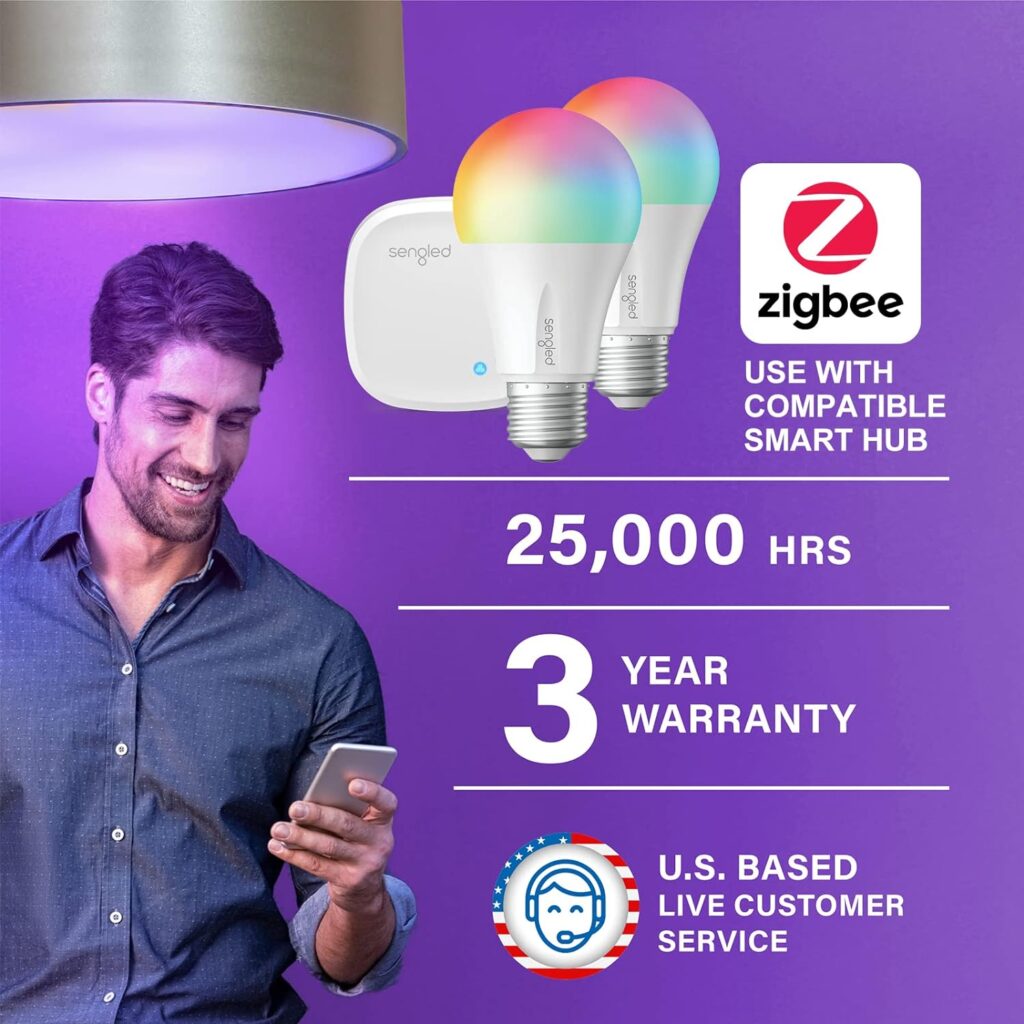
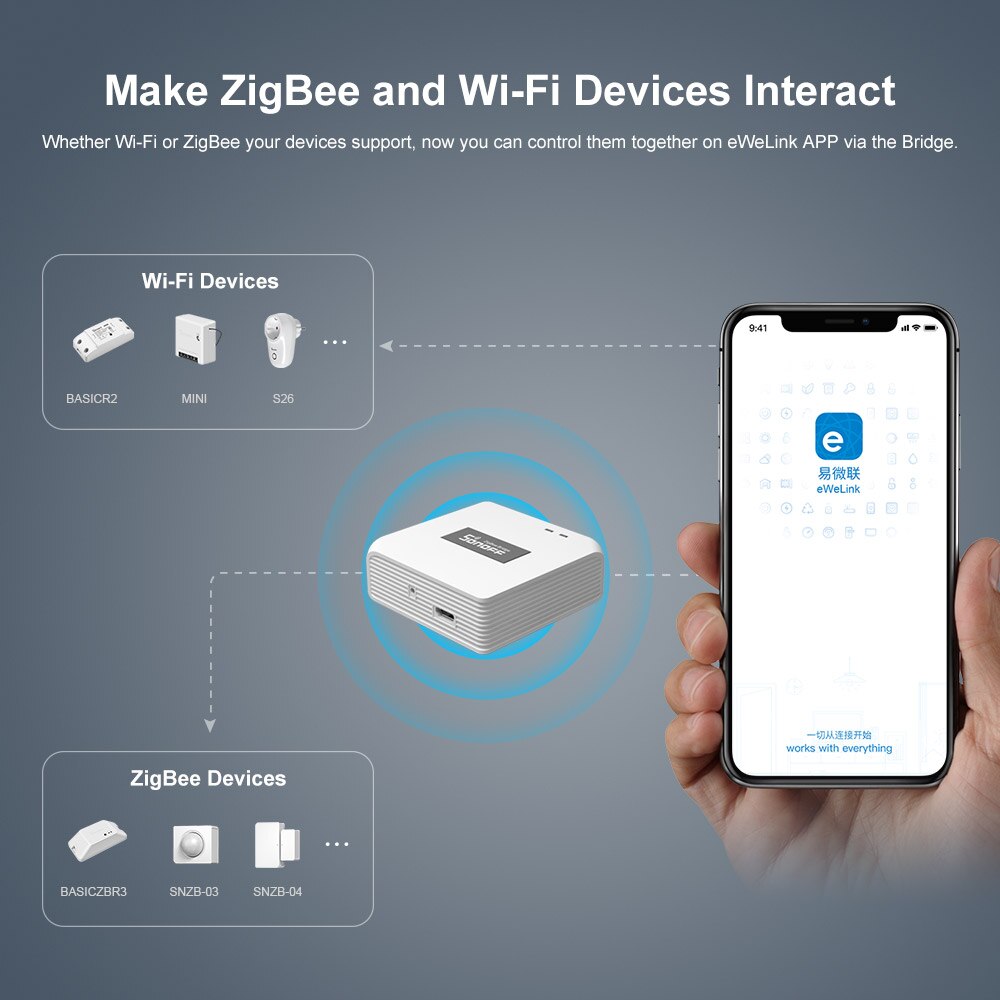
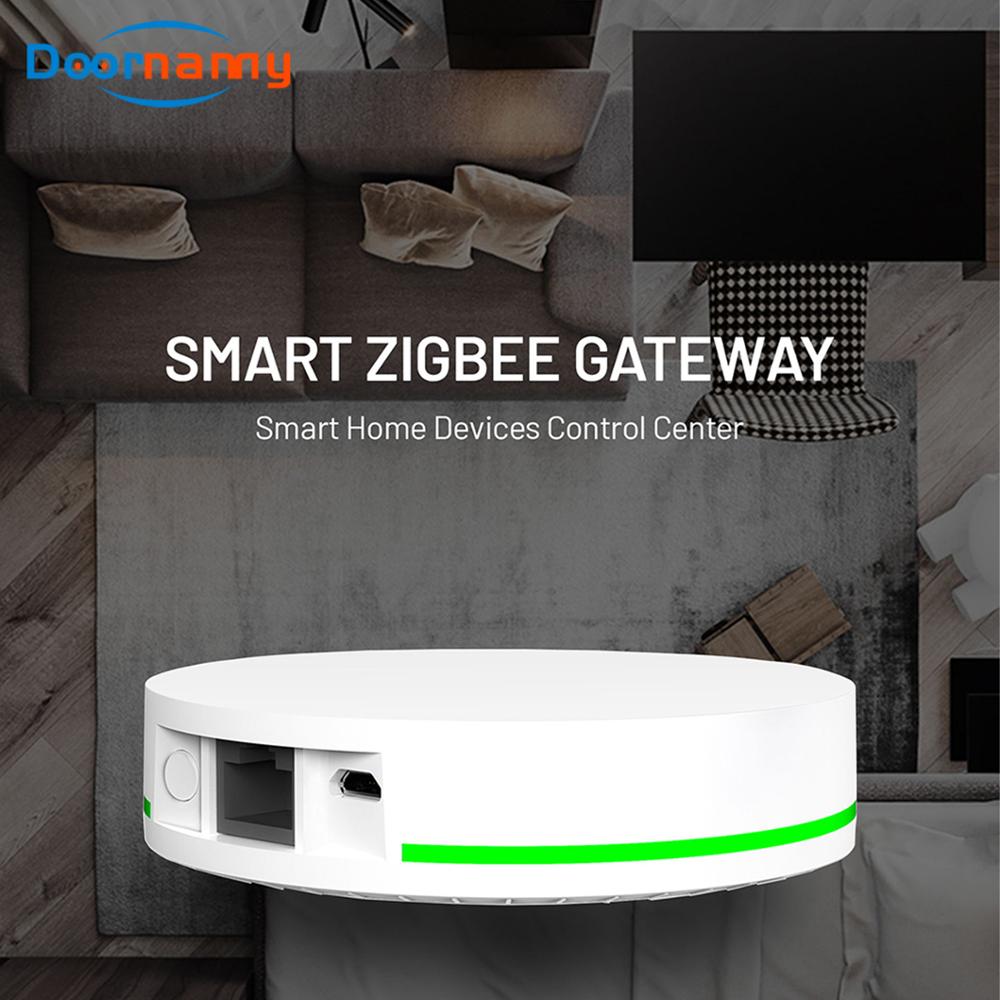
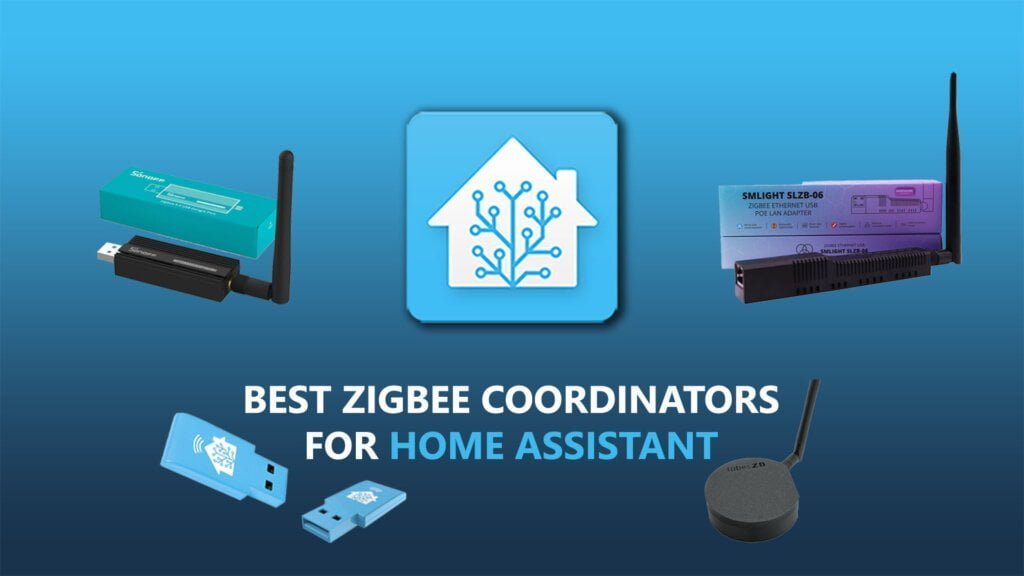
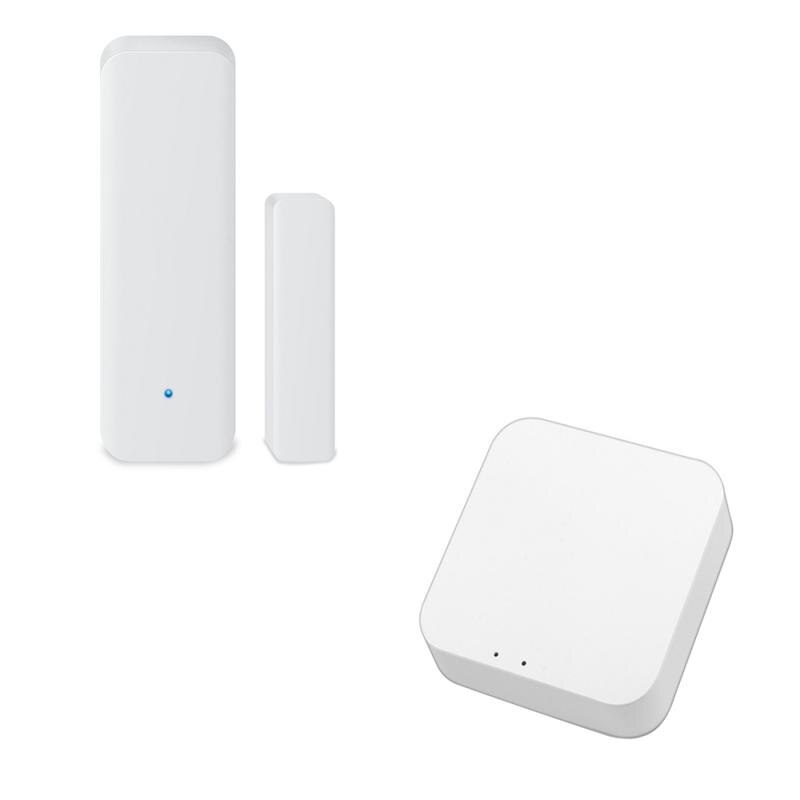
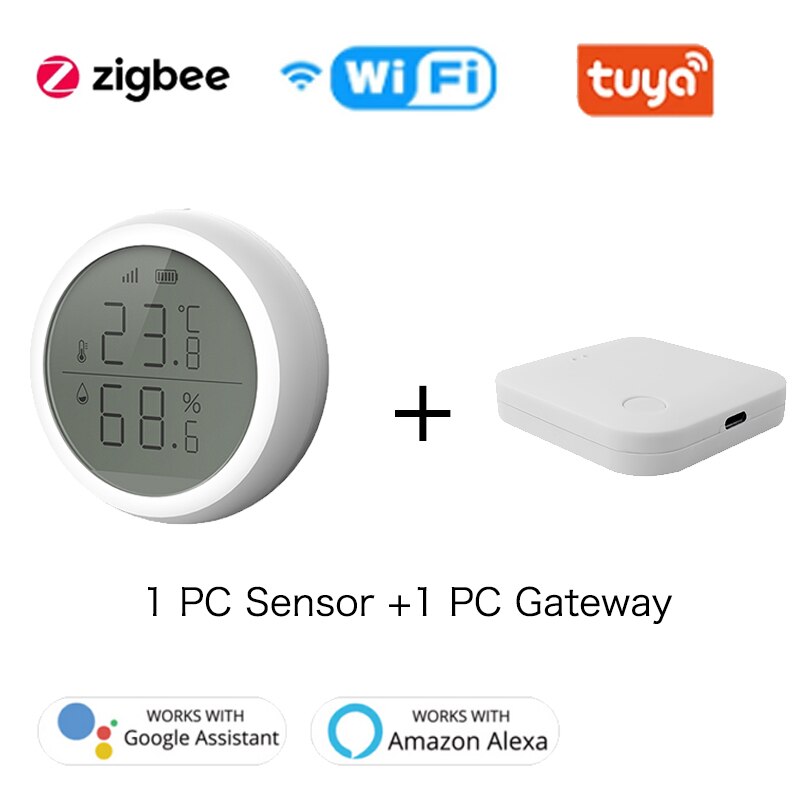
The first step in setting up Google Home with Zigbee devices is to choose a hub. A hub is a device that connects your Zigbee devices to your home network. There are many hubs available in the market, and the choice of hub depends on the number of devices you want to connect and the level of automation you want to achieve. Some popular hubs include SmartThings, Wink, and Homey.
Step 2: Connect Your Devices
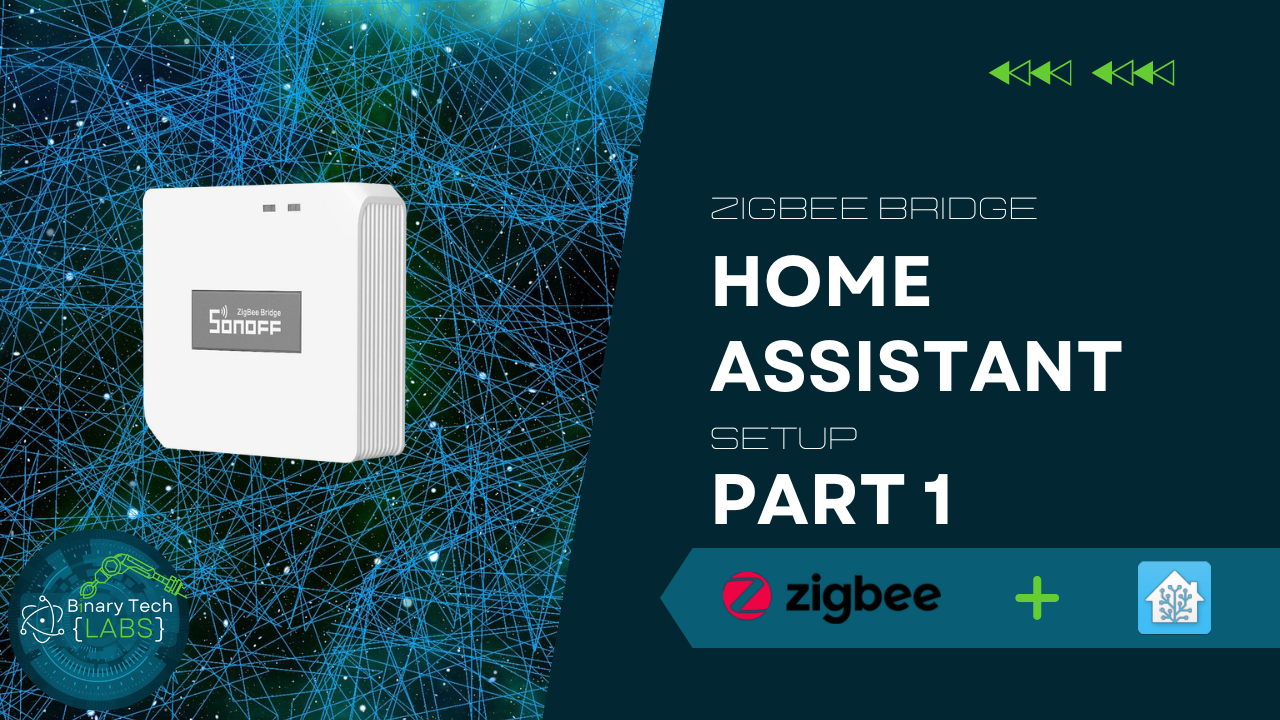
Once you have chosen a hub, you need to connect your Zigbee devices to the hub. This typically involves pairing the devices with the hub using the Zigbee Pairing Mode. After pairing the devices, you can configure them using the hub's app.
Step 3: Integrate with Google Home
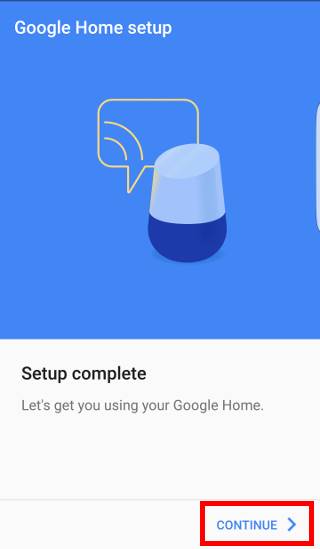
After configuring your devices, you can integrate them with Google Home using the Google Home app. This will allow you to control your devices using voice commands with Google Home.
Step 4: Optimize Network Settings
Once you have integrated your devices with Google Home, you need to optimize your network settings to ensure seamless communication between devices. This includes configuring the hub's network settings and adjusting the device's settings as needed.
Benefits of Setting up Google Home with Zigbee Devices
Setting up Google Home with Zigbee devices offers several benefits, including:
- Advanced Home Automation: With Zigbee devices and Google Home, you can achieve advanced home automation capabilities, including voice control and remote access.
- Reliable Device-to-Device Communication: Zigbee devices provide reliable device-to-device communication, ensuring that your devices work seamlessly together.
- Mesh Networking: Zigbee devices support mesh networking, allowing devices to communicate directly with one another and creating a robust and scalable network.
- Scalability: With Zigbee devices, you can easily add or remove devices from your network, making it easy to scale your home automation system.
Conclusion
Setting up Google Home with Zigbee devices is a straightforward process that requires a few steps. By following the steps outlined above, you can seamlessly integrate your Zigbee devices with Google Home using voice commands for advanced home automation. With the benefits of reliable device-to-device communication, mesh networking, and scalability, setting up Google Home with Zigbee devices is an excellent choice for home automation systems.