Securing Router Wireless Network: Essential Tips For Protecting Your Network
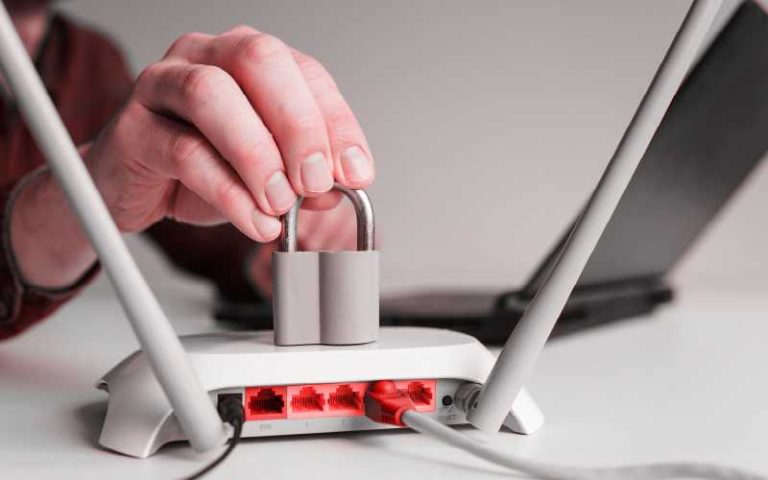
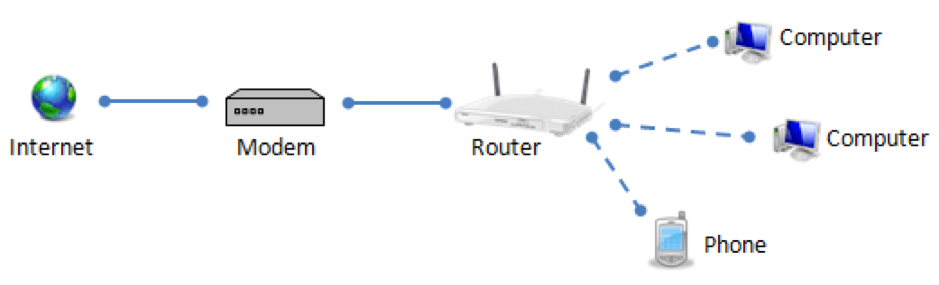
As a homeowner, securing your home Wi-Fi network is crucial in today's digital age. Your router is the gatekeeper of your home network, and it's essential to ensure that it doesn't introduce any unnecessary cybersecurity risks. In this article, we'll provide you with the minimum essential steps that you must take to optimize your wireless router's security settings and protect your home network from cyber threats.
The Problem
If you don't secure your home Wi-Fi network, cyber threat actors can perform a number of operations that can compromise your network and devices. These operations include unauthorized access, data theft, malware distribution, and more. A secure router is the first line of defense against these threats, and neglecting to secure it can have devastating consequences.
Changing the Default Wireless Network Name (SSID)
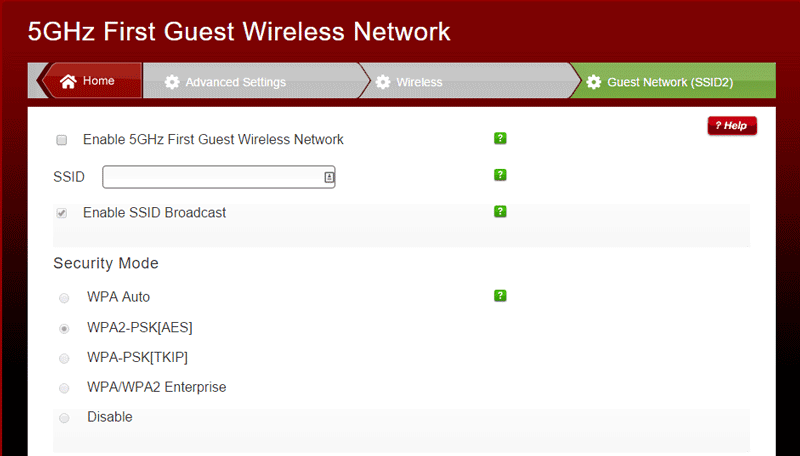
The first step to securing your home Wi-Fi is to change the default Service Set Identifier (SSID) or network name. Most routers come with a generic, factory-set name that can indicate the router's make or model. Hackers often use this information to exploit known vulnerabilities. To change your SSID, follow these steps:
- Log in to your router's web interface
- Find and click on the Advanced Settings or Wireless Settings tab
- Click on the Change SSID or Network Name option
- Enter a new SSID that is a combination of letters and numbers
- Save the changes and restart your router
Disabling Remote Access
Routers offer a web interface that allows you to configure your network settings, including remote access. Disabling remote access is essential to prevent hackers from accessing your router and compromising your network. To disable remote access, follow these steps:
- Log in to your router's web interface
- Click on the Advanced Settings or Maintenance tab
- Look for the Remote Access or Administration access option
- Choose the option to disable remote access
- Save the changes and restart your router
Wireless Security Settings
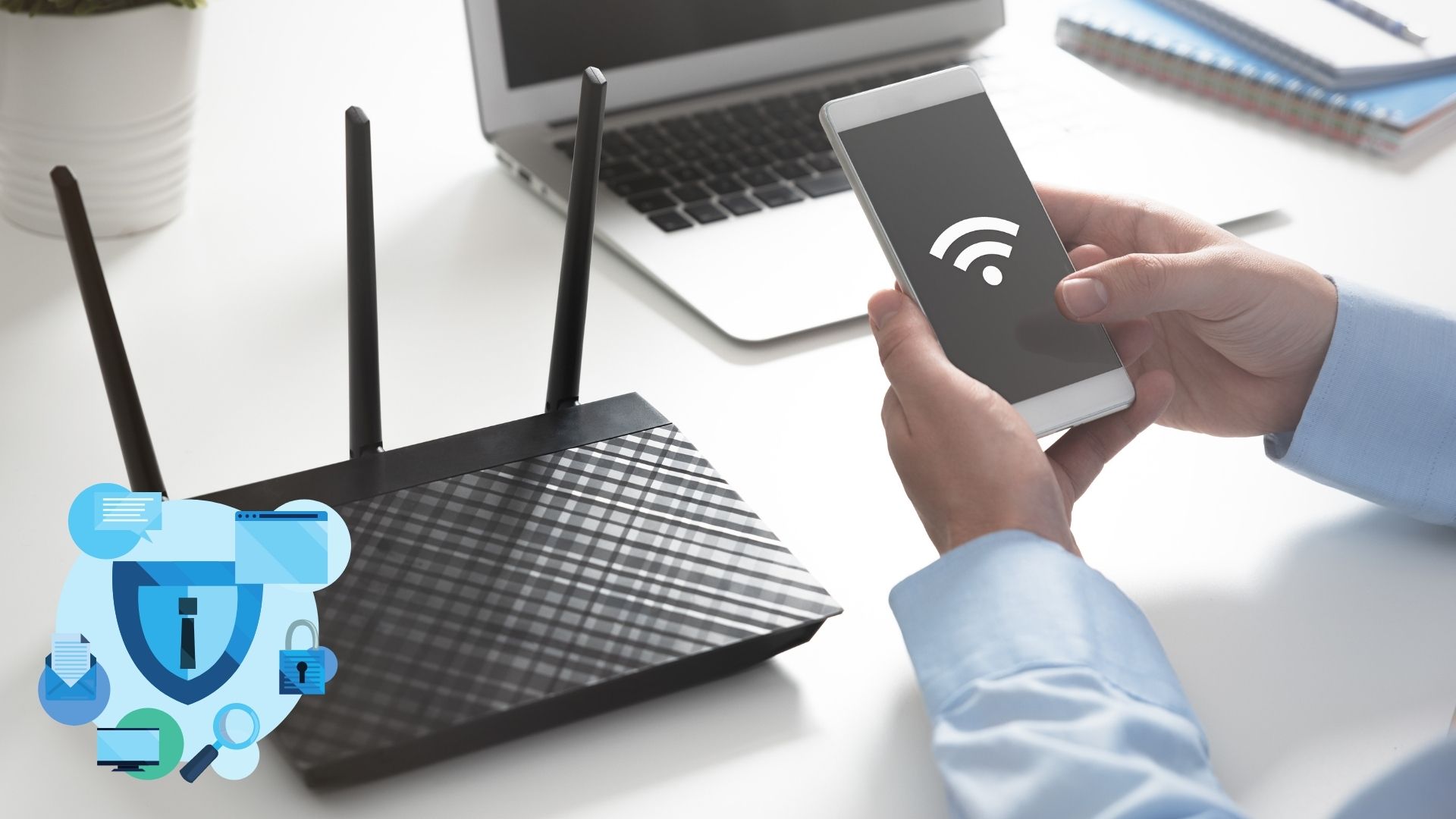
Ensure that your router is using the latest wireless security protocol, WPA3 or WPA2. You can also enable WPA3's additional security features, such as device authentication and periodic password rotation. Here's how to do it:
- Log in to your router's web interface
- Click on the Wireless Settings or Security tab
- Choose the WPA3 or WPA2 protocol
- Enable device authentication and periodic password rotation (if available)
- Save the changes and restart your router
Regular Firmware Updates
Keeping your router's firmware up-to-date is crucial in maintaining the security of your network. Manufacturers regularly release security patches and updates to fix vulnerabilities and improve performance. Make it a habit to regularly check for firmware updates and apply them promptly:
- Log in to your router's web interface
- Click on the Advanced Settings or Maintenance tab
- Check for firmware updates and download the latest version
- Follow the instructions to update the firmware
Monitoring and Maintenance
Monitoring and maintaining your router's security settings is an ongoing process. Regularly check for potential vulnerabilities, update your firmware, and stay informed about the latest security practices to ensure that your network remains secure:
- Regularly scan your network for vulnerabilities
- Check for firmware updates and apply them promptly
- Stay informed about the latest security practices and trends
The Bottom Line
Securing your router wireless network is not a one-time task. It requires ongoing effort and maintenance to ensure that your network remains secure and protected from cyber threats. By following the tips outlined in this article, you can optimize your wireless router's security settings and safeguard your home network from unauthorized access and potential threats.