Protecting Your Online Activity from Surveillance: A Guide to Freedom and Security
As we navigate the digital landscape, it's becoming increasingly clear that governments, corporations, and Internet Service Providers (ISPs) are monitoring our online activities. The good news is that there are effective ways to evade internet surveillance techniques and protect your online privacy. In this article, we'll explore the importance of safeguarding your personal data, the risks associated with online surveillance, and practical tips to shield your digital footprint.
Risks of Online Surveillance
- Location Tracking: Websites, apps, and social media platforms collect your location data, allowing third parties to track your movements and activities.
- Data Collection: Online businesses gather extensive data on your browsing habits, purchases, and online behavior, selling this information to advertisers and other parties.
- IPv6 Monitoring: The Internet Protocol version 6 (IPv6) enabled devices, allowing authorities and other organizations to track your device and location in real-time.
- Browser Fingerprinting: Websites collect information on your device, browser, and operating system, creating a unique identifier.
- Device Fingerprinting: Online services track your device's unique characteristics, such as screen resolution, browser type, and language settings.
Protecting Your Online Activity from Surveillance
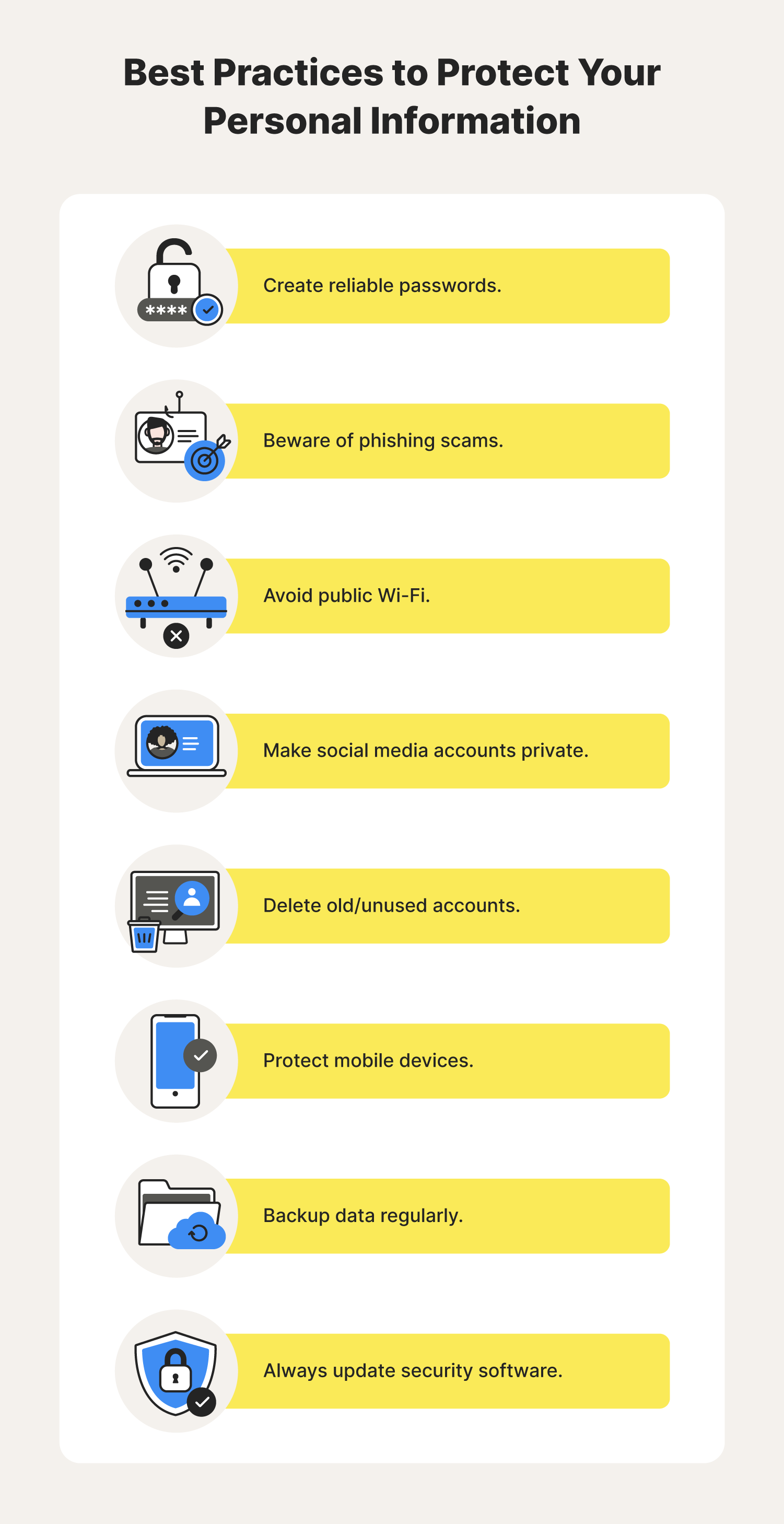
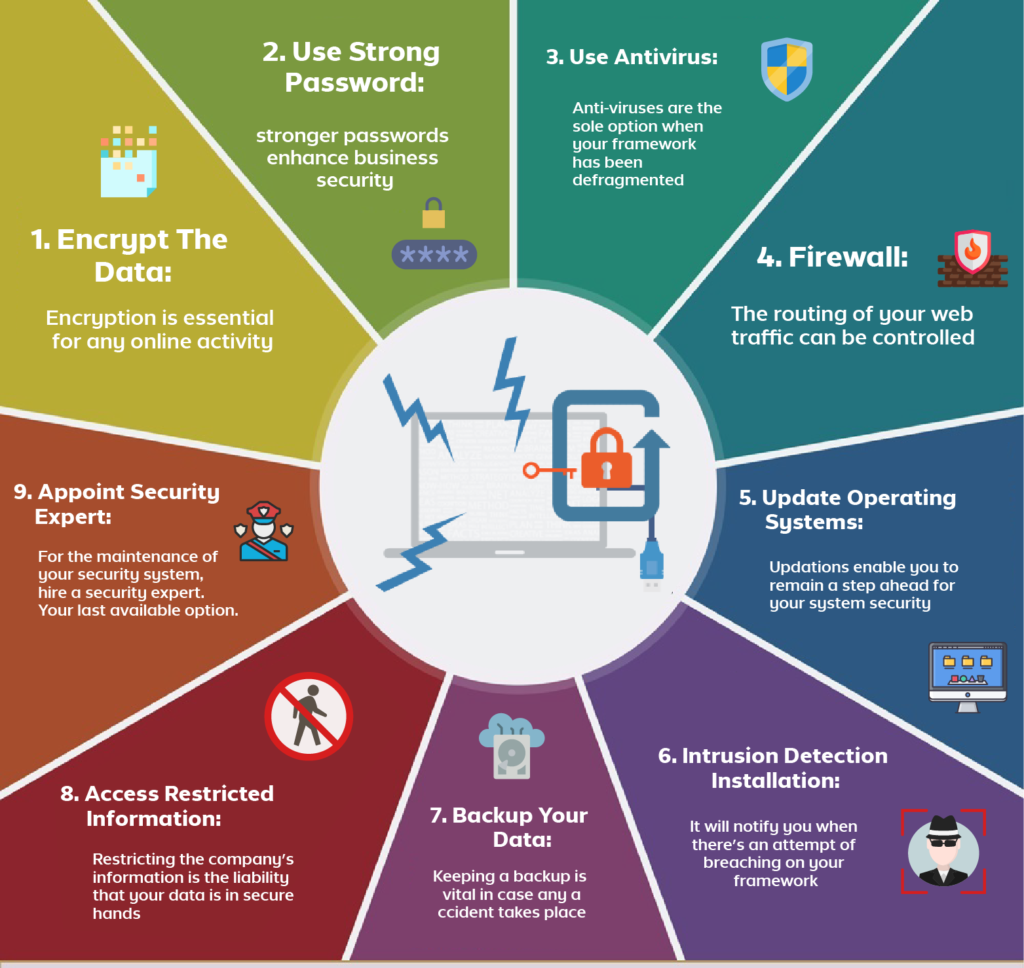
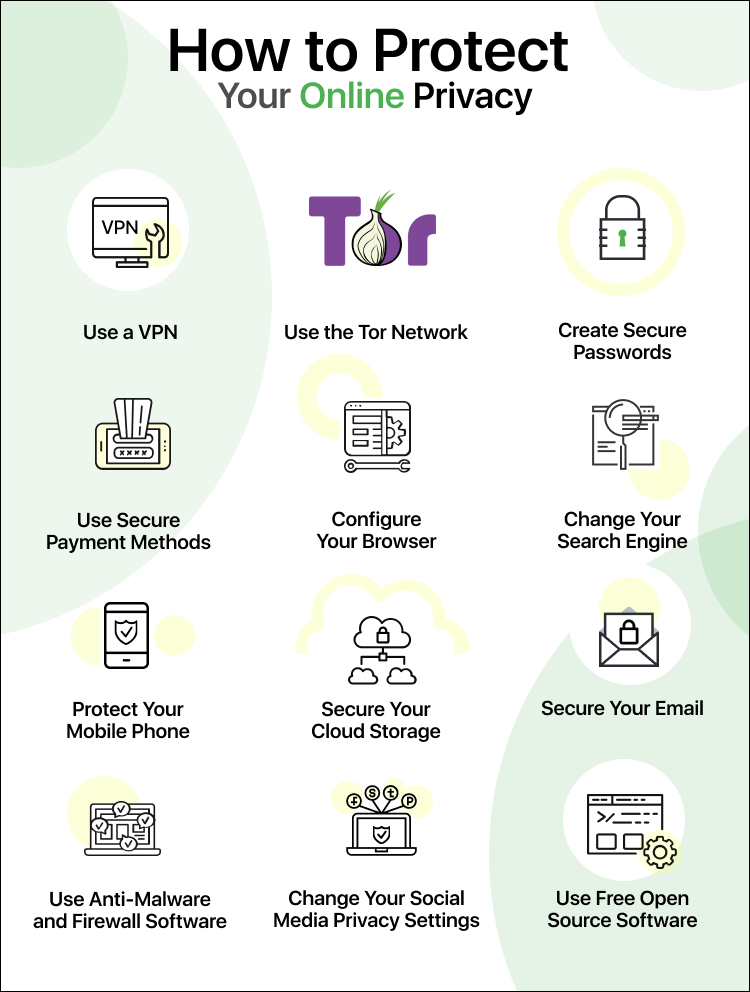
Protecting your online activity from surveillance requires a multi-layered approach, incorporating a combination of software solutions, browser extensions, and behavioral adjustments. Here are some simple yet effective ways to safeguard your digital security:
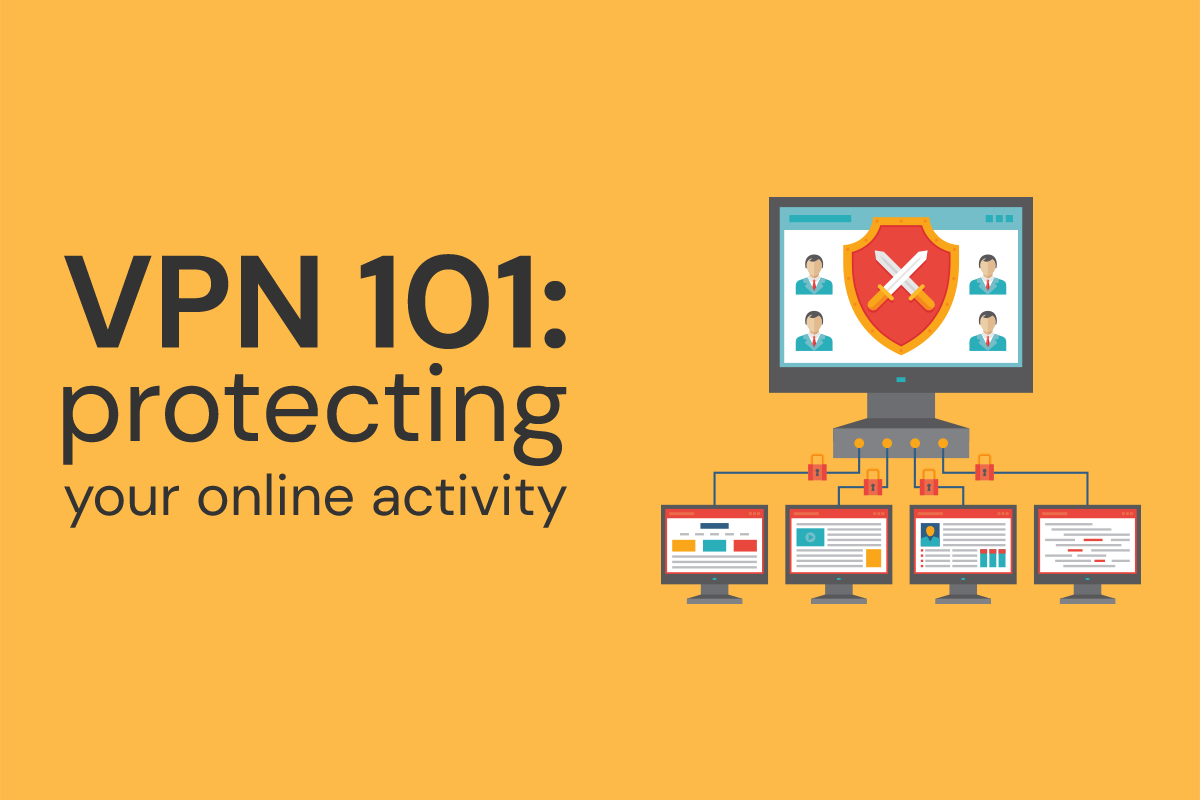
1. Use a Virtual Private Network (VPN)
A VPN encrypts your internet traffic, masking your IP address, and hiding your location. This vital security measure ensures that your online activities remain private, even on public Wi-Fi.
2. Enable Browser Extensions
Browser extensions like uBlock Origin, Ghostery, and HTTPS Everywhere block tracking scripts and secure your browsing experience. These tools prevent websites from collecting your location, browser, and device information.
3. Use a Secure Search Engine
Switch from mainstream search engines to a secure alternative like DuckDuckGo, which doesn't collect your browsing history or store your location data.

4. Manage Cookies and Tracking
Disable third-party cookies in your browser settings to prevent websites from tracking your online activities.
5. Use a Firewall and Antivirus Software
Install a comprehensive firewall and antivirus software to shield your device from malicious activities and malware.
6. Keep Your Device and Browser Up-to-Date
Regularly update your device, browser, and operating system to stay protected from known vulnerabilities.
7. Opt Out of Data Brokersp>Analyze browser websites and disable targeted advertising to opt out of data brokers and selling your information.
8. Use a Secure Email Service
Choose an email service that encrypts your messages and protects your account information.
Protecting Your Online Activity from Surveillance: Conclusion
Protecting your online activity from surveillance is a vital aspect of maintaining your digital freedom and security. By incorporating the tips outlined above, you'll be able to safeguard your online presence and enjoy a safer, more secure online experience. Remember, protecting your online activity is a continuous process that requires ongoing vigilance and awareness. Stay informed, stay safe, and stay private.