Protecting Your Twitter Account from Cyber Attacks Online
In today's digital age, social media platforms like Twitter have become essential for individuals, businesses, and organizations to communicate, share information, and build relationships. However, with great power comes great responsibility. Cyber attacks on Twitter accounts are increasingly common, and it's essential to take proactive steps to protect your personal and professional online presence.Risks of Cyber Attacks on Twitter
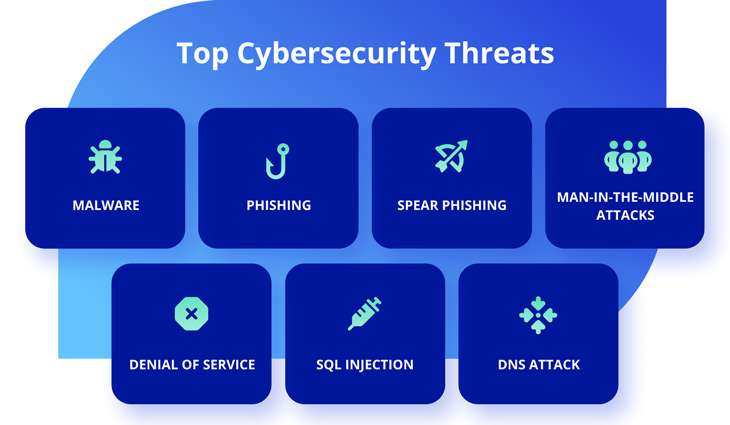
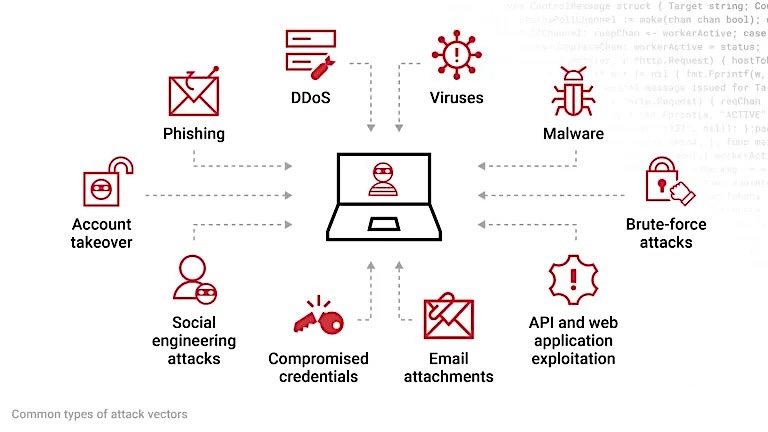
Twitter is a treasure trove for hackers, with millions of users worldwide making it an attractive target for cybercriminals. A hacked Twitter account can lead to identity theft, financial loss, and damage to your reputation. Cyber threats on Twitter include:- Ransomware attacks, which encrypt user data and demand payment for restored access
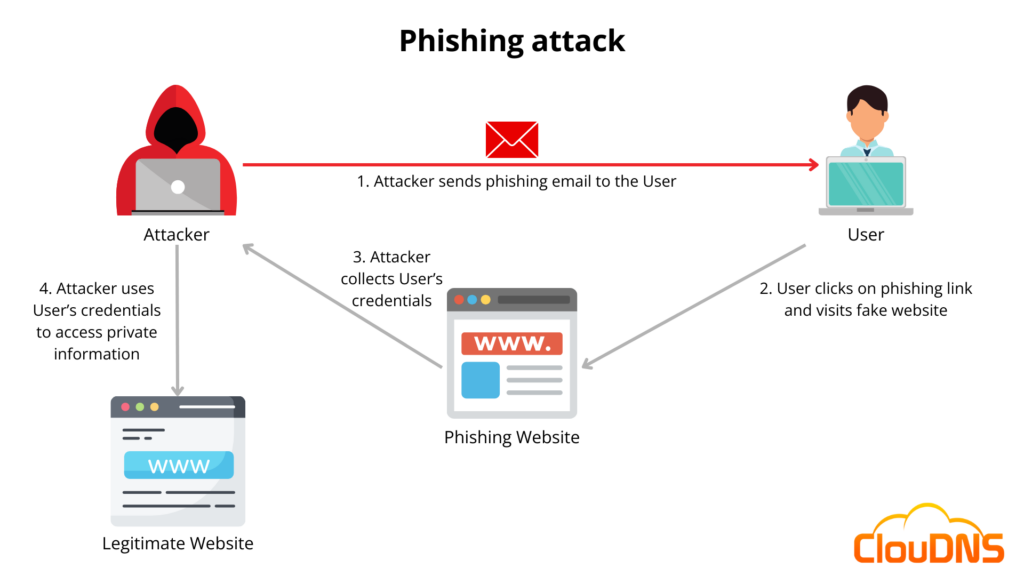
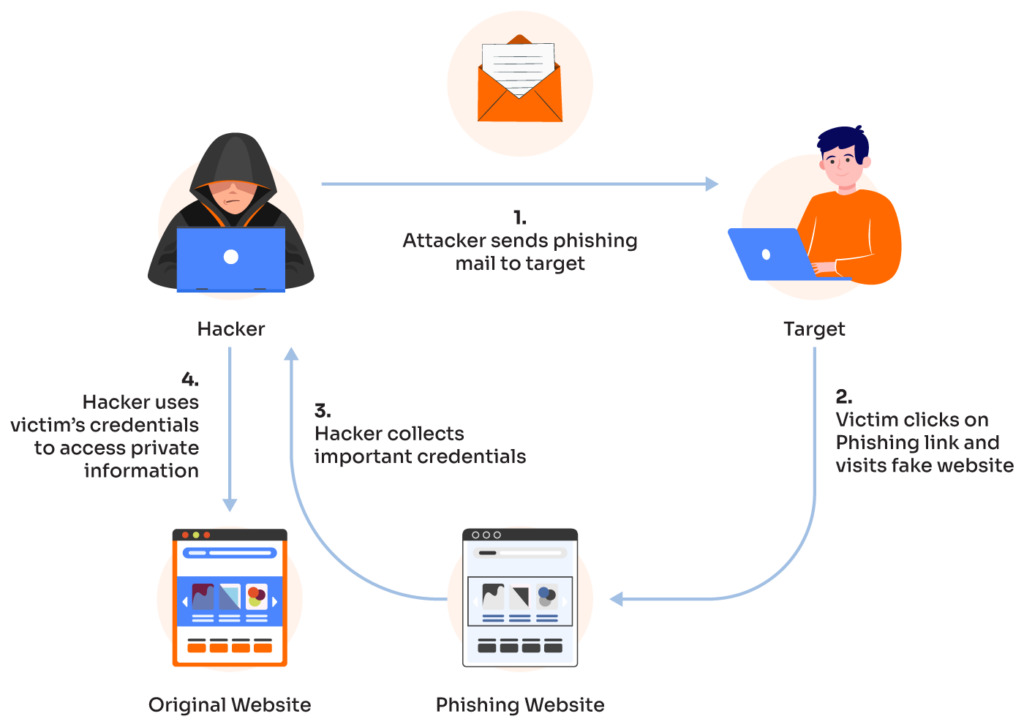
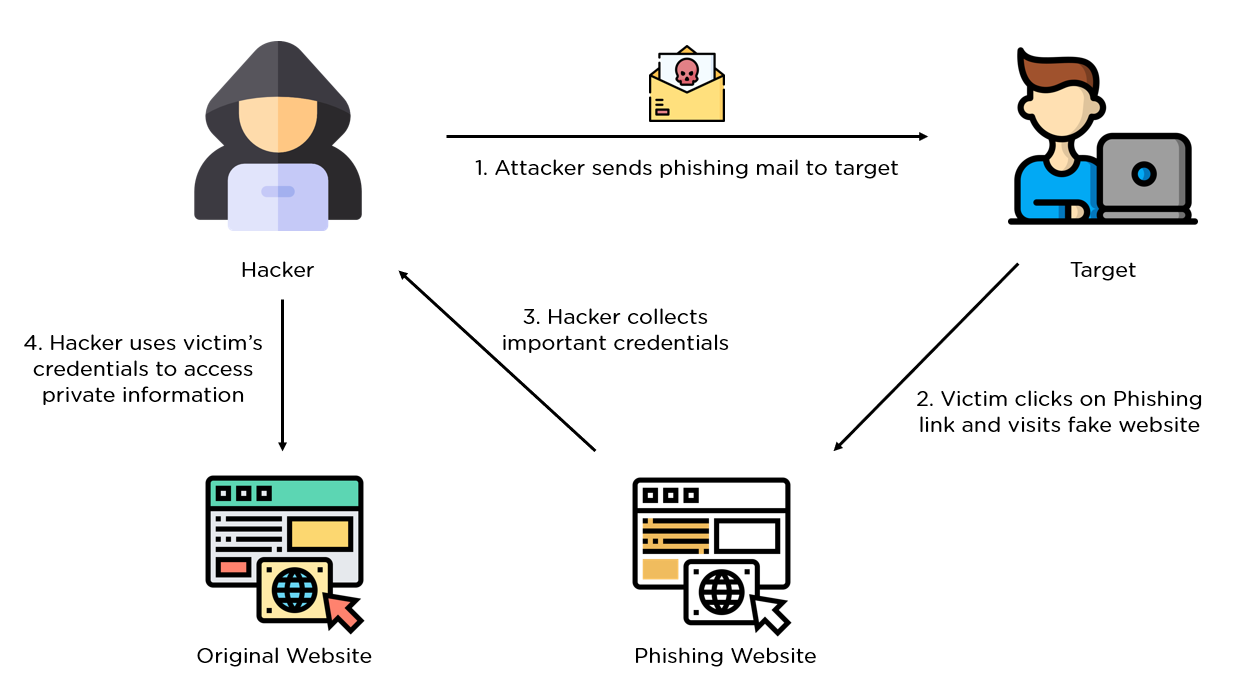
- Phishing attacks, which trick users into revealing sensitive information
- Doxxing, which involves publishing private and identifying information about an individual online
- Impersonation attacks, where hackers take control of a legitimate account to spread misinformation or scams
Protecting Your Twitter Account from Cyber Attacks
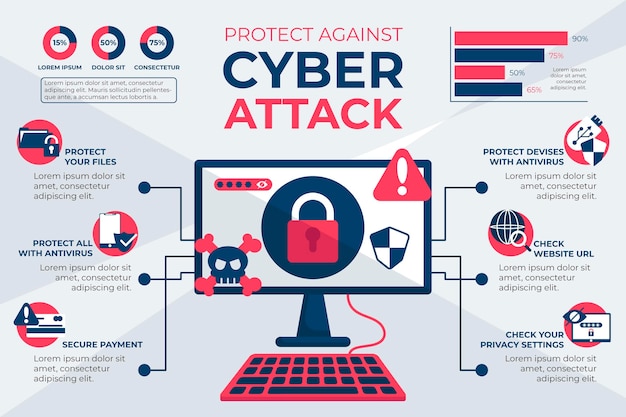
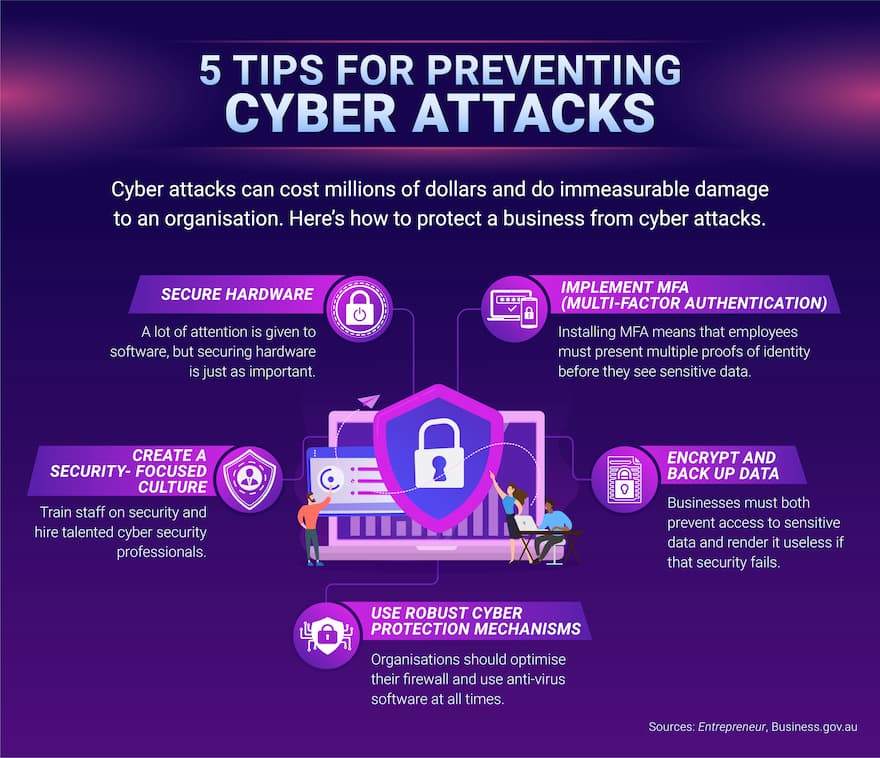
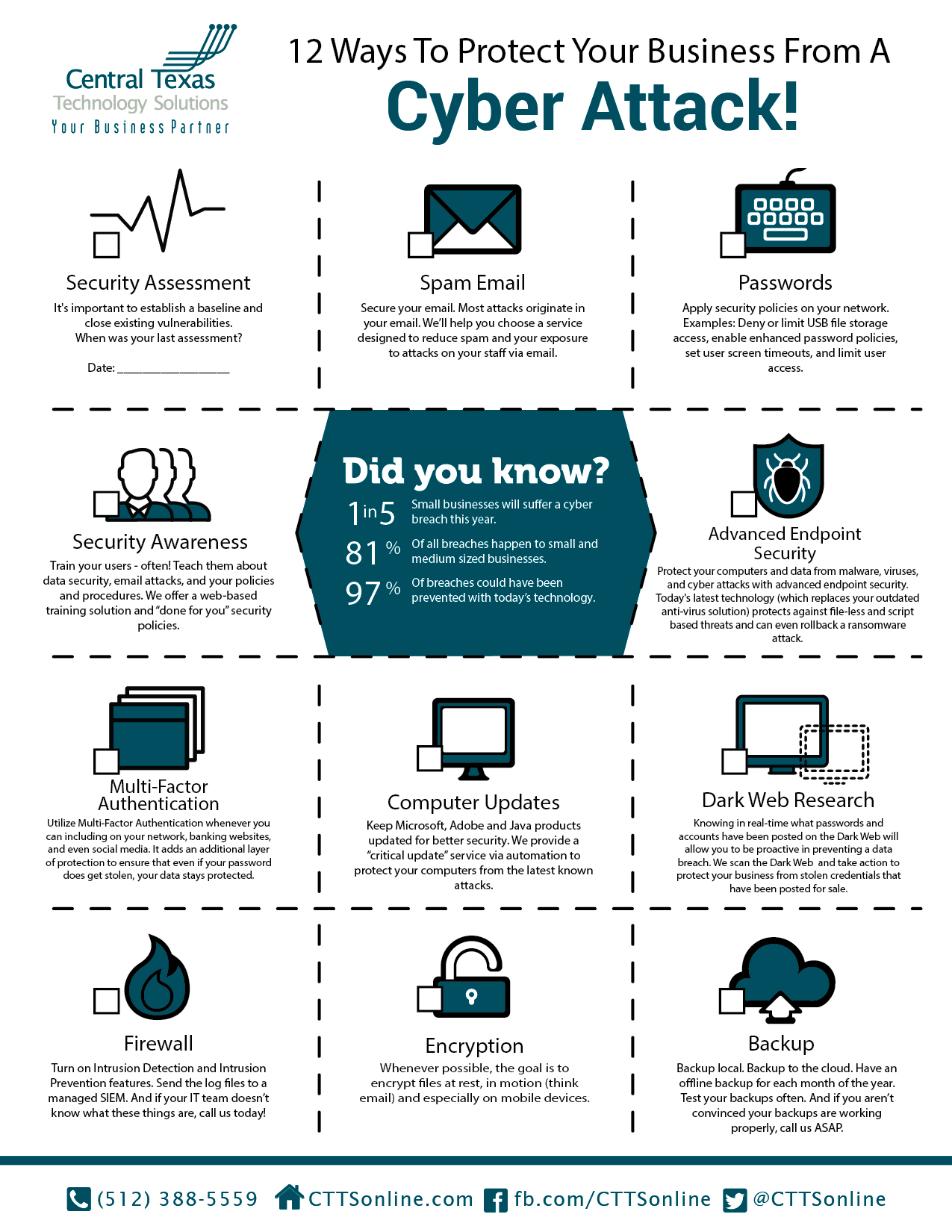
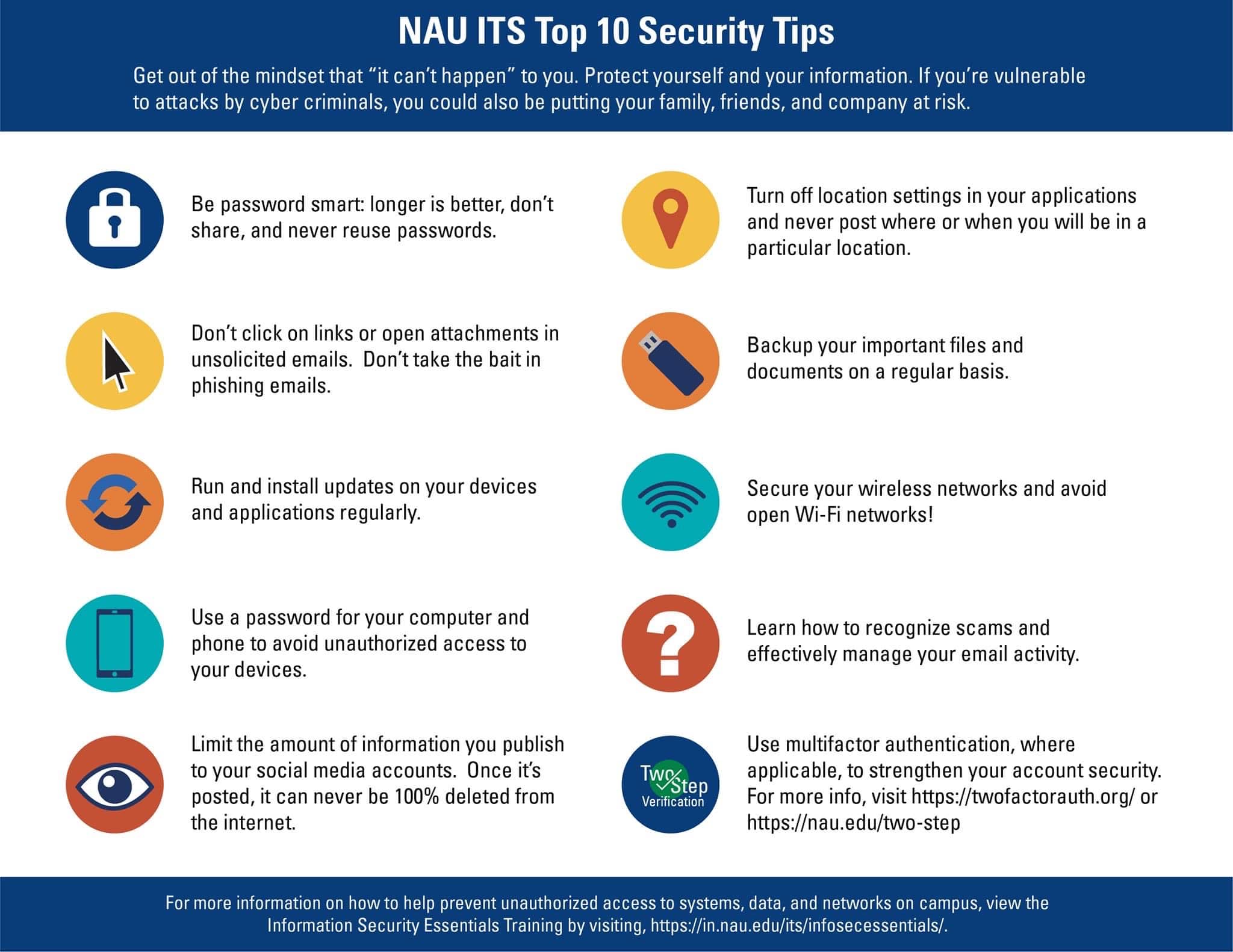
To safeguard your Twitter account from cyber threats, follow these essential steps:- Use a strong and unique password**: Create a password that is difficult to guess and avoid using the same password for multiple accounts. Enable two-factor authentication (2FA)**: Add an extra layer of security by requiring a verification code sent to your phone or email after entering your password. Keep your apps and software up to date**: Regularly update Twitter, your phone, and other apps to ensure you have the latest security patches and features. Monitor your account activity**: Regularly check your account for suspicious activity, such as unfamiliar login locations or unexpected followers. Use a password manager**: Consider using a password manager to generate and store unique, complex passwords for all your accounts. Be cautious of phishing attempts**: Be wary of suspicious emails, messages, or links that ask for sensitive information or try to lure you into revealing your login credentials. Use Twitter's built-in security features**: Take advantage of Twitter's security features, such as account lock, impersonation protection, and two-factor authentication.

What to Do If Your Account is Hacked
If you suspect your Twitter account has been hacked, act quickly to regain control and prevent further damage:- Change your password and enable 2FA
- Report the incident to Twitter support
- Review your account activity and remove any suspicious connections
- Monitor your other online accounts for potential hacks
Staying Safe Online
Cyber threats are an ongoing concern, but by following these simple steps, you can significantly reduce the risk of your Twitter account being hacked. Remember:- Use strong, unique passwords and consider a password manager
- Stay up to date with the latest software and app updates
- Monitor your account activity regularly
- Be cautious of phishing attempts and suspicious links