Protecting Your Instagram Password: A Comprehensive Guide
In today's digital age, social media platforms like Instagram have become an essential part of our online presence. With millions of users worldwide, Instagram has become a breeding ground for hackers and scammers. One of the most critical aspects of maintaining a secure Instagram account is protecting your password. In this article, we will delve into the world of password security and provide you with a comprehensive guide on how to protect your Instagram password.
Why Password Security Matters
Weak passwords are a common entry point for hackers to gain unauthorized access to your Instagram account. A strong password serves as the first line of defense against security risks. When you use a weak password, you put your account at risk of being hacked, compromised, or even sold on the dark web. This can lead to identity theft, account takeover, and other serious consequences.
Creating a Strong Instagram Password
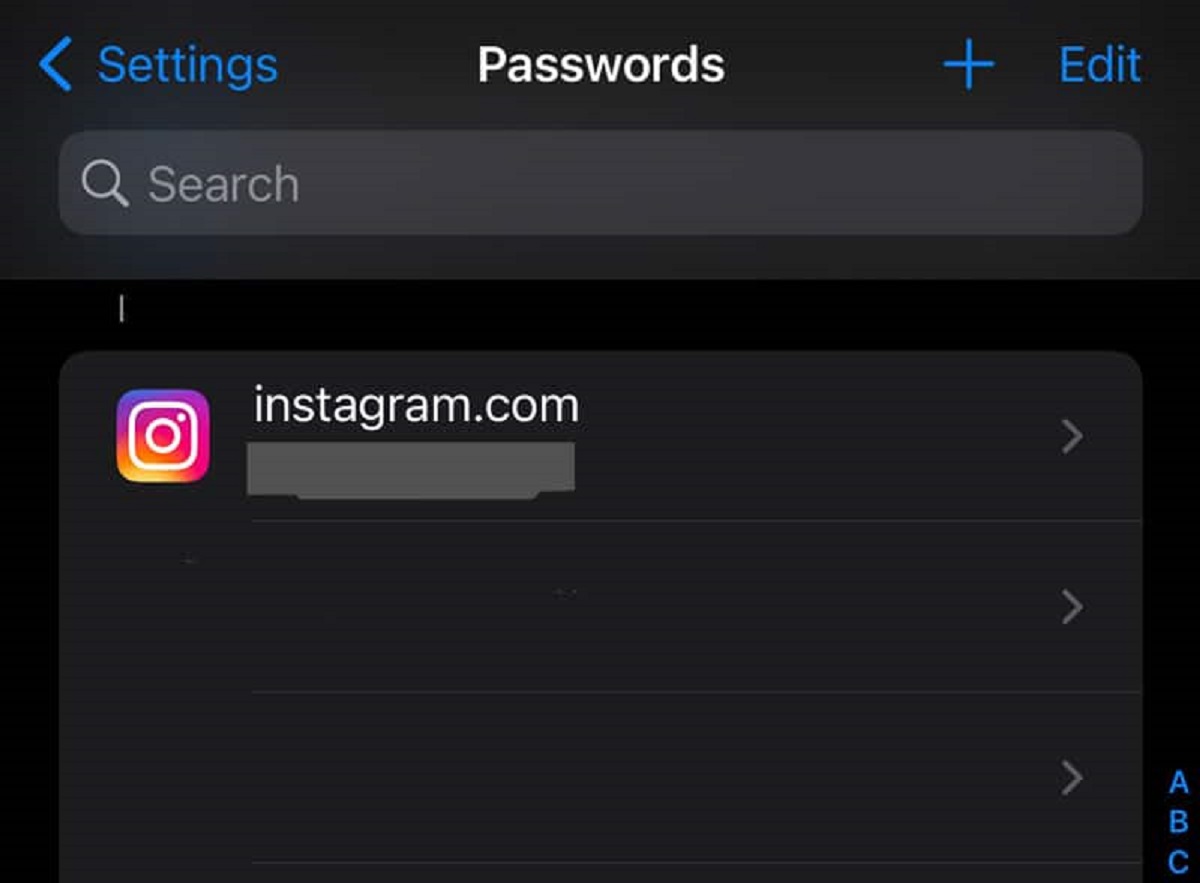
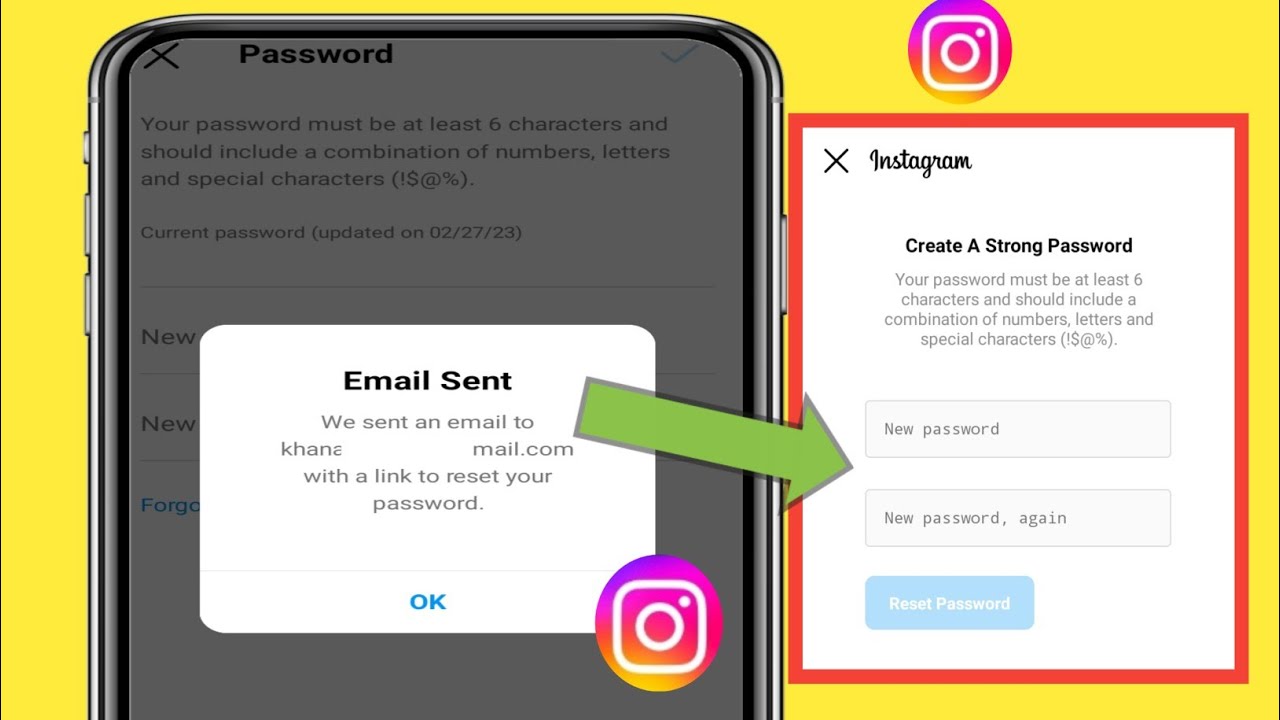
So, what makes a strong password? A strong password should be a combination of uppercase and lowercase letters, numbers, symbols, and punctuation marks. It should be at least 12 characters long and should not contain any easily guessable information such as your name, birthdate, or common words.
- Use a mix of characters, numbers, and symbols to create a unique password.
- Make sure your password is at least 12 characters long.
- Avoid using easily guessable information such as your name or birthdate.
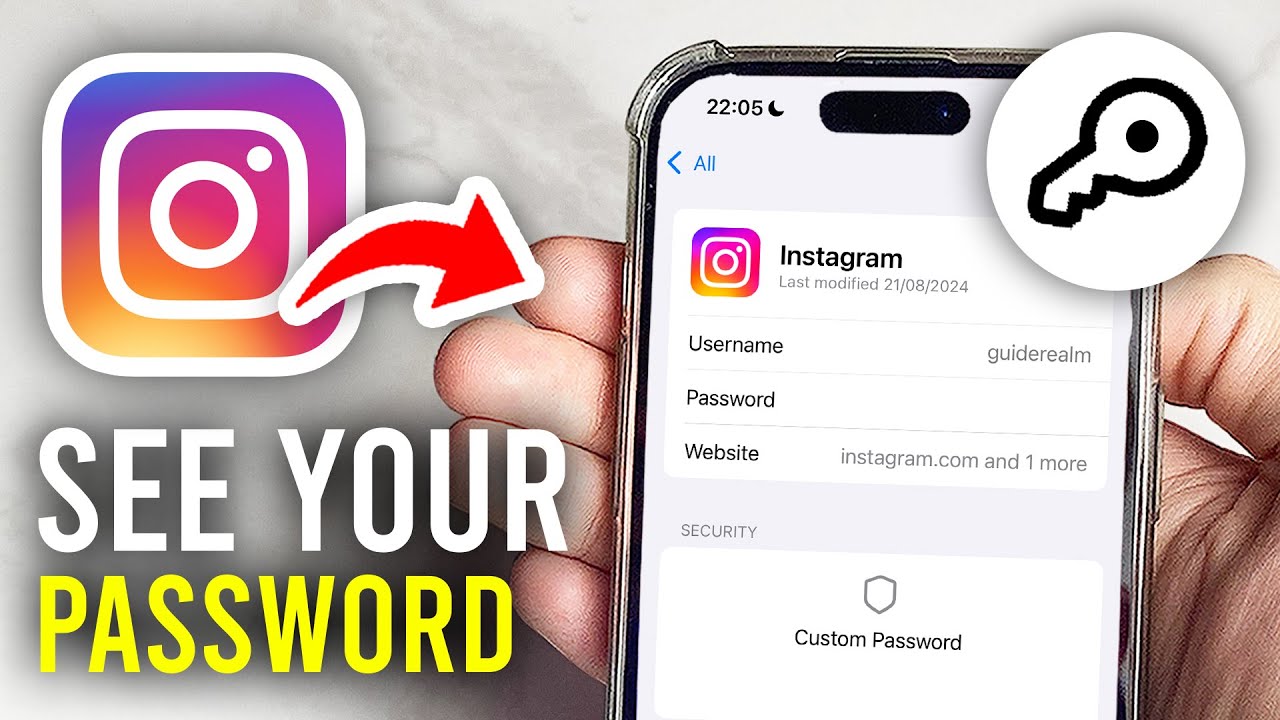
- Use a password manager to generate and store complex passwords.
Enabling Two-Factor Authentication (2FA)
Two-Factor Authentication (2FA) is an additional layer of security that requires you to provide a second form of verification in addition to your password. This can be in the form of a code sent to your phone or a biometric scan. Enabling 2FA adds an extra layer of security to your Instagram account and makes it more difficult for hackers to gain access.
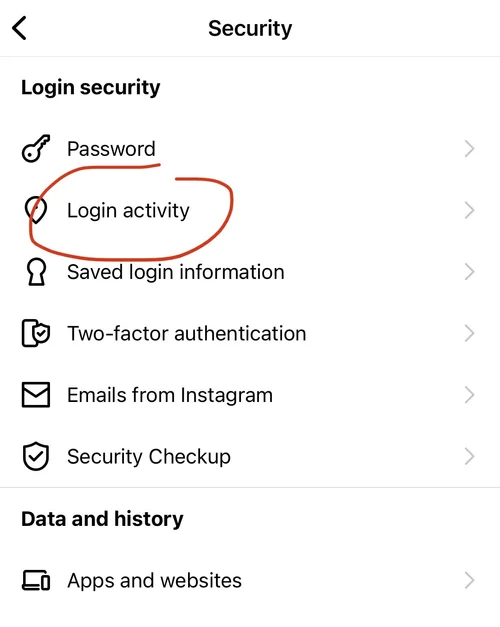
- Enable 2FA on your Instagram account by going to Settings > Security > Two-Factor Authentication.
- Choose a method for 2FA such as SMS or authenticator app.
- Make sure to keep your 2FA method secure and do not share it with anyone.
Regularly Review and Update Your Password
It's essential to regularly review and update your Instagram password to ensure it remains strong and secure. You can do this by checking your password's strength and updating it if necessary. It's also a good idea to change your password every 60-90 days to maintain maximum security.
- Check your password's strength by using a password strength checker.
- Update your password if it's weak or has been compromised.
- Change your password every 60-90 days to maintain maximum security.
Protecting Your Account from Phishing Attacks
Phishing attacks are a common way for hackers to steal your Instagram password. Phishing attacks can take many forms, including fake emails, messages, or even phone calls. To protect your account from phishing attacks, be cautious of any suspicious communication and never share your password with anyone.
- Be cautious of any suspicious communication, including emails, messages, or phone calls.
- Never share your password with anyone.
- Report any suspicious activity to Instagram's support team.
Conclusion
Protecting your Instagram password is crucial to maintaining a secure online presence. By following the tips outlined in this article, you can create a strong password, enable two-factor authentication, regularly review and update your password, and protect your account from phishing attacks. Remember, a strong password is just the first line of defense against security risks. Stay vigilant and keep your account safe by following these best practices.
By taking these simple steps, you can ensure that your Instagram account remains secure and protected from hackers and scammers. Stay safe online and protect your Instagram password today!