Protect Router from Hackers: A Comprehensive Guide
Yes, your router can be hacked. With the increasing number of cyber threats and the rise of smart home devices, it's essential to take steps to protect your router and home network from hackers. In this article, we'll provide you with expert tips on how to safeguard your router and prevent unauthorized access.
Why Hackers Target Home Wi-Fi Networks
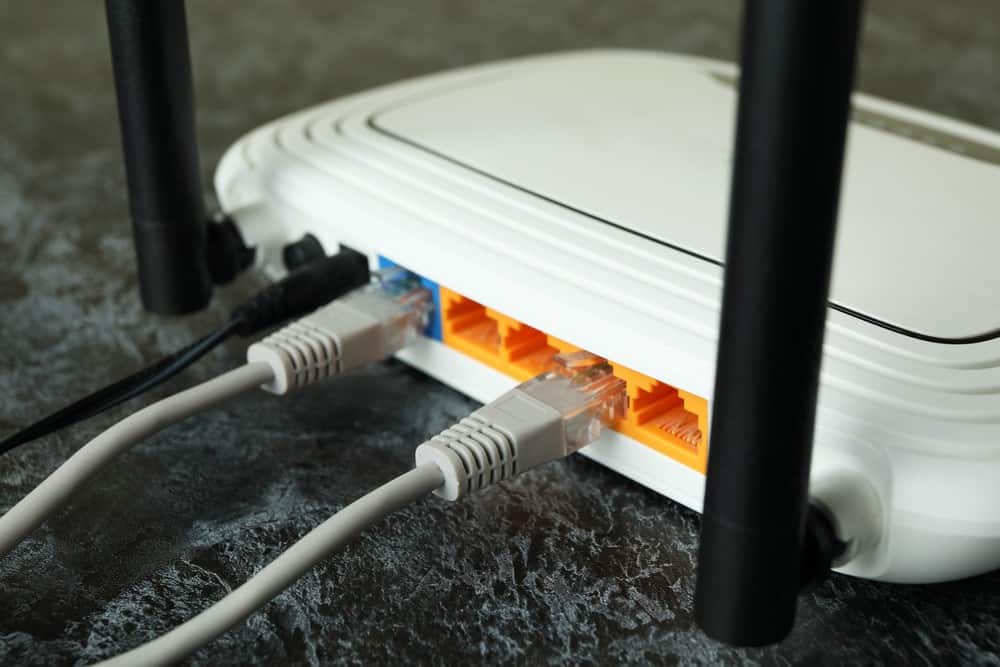
Hackers target home Wi-Fi networks for various reasons, including stealing sensitive information, using your internet connection for malicious activities, and hijacking your devices. Your router is a vulnerable point in your home network, making it an attractive target for hackers. Manufacturers ship routers with default passwords that are publicly listed online, making it easy for hackers to gain access to your network.
Signs That Your WiFi Was Hacked
- Slow internet speeds
- Lost connectivity
- Bizarre error messages
- Unusual login attempts
- Unexplained device connections
Boost Your Router Security with Expert Tips
1. Change Your Router Password
The first step in protecting your router is to change the default password. Hackers may be familiar with the default passwords, so it's essential to create a unique and strong password. A longer password made up of a combination of letters, numbers, and symbols is more secure.
2. Activate the MAC Address Filter
The Media Access Control (MAC) address filter is a feature that allows you to restrict access to your network based on the MAC address of devices. This can help prevent hackers from accessing your network even if they know your password.
3. Use WPA3 Encryption
WPA3 encryption is a more secure encryption protocol than WPA2. It provides better protection against hacking attempts and is essential for securing your home network.
4. Update Your Router Firmware
Router firmware updates often include security patches that fix vulnerabilities and prevent hacking attempts. Regularly update your router firmware to ensure your router is secure.

5. Use a VPN
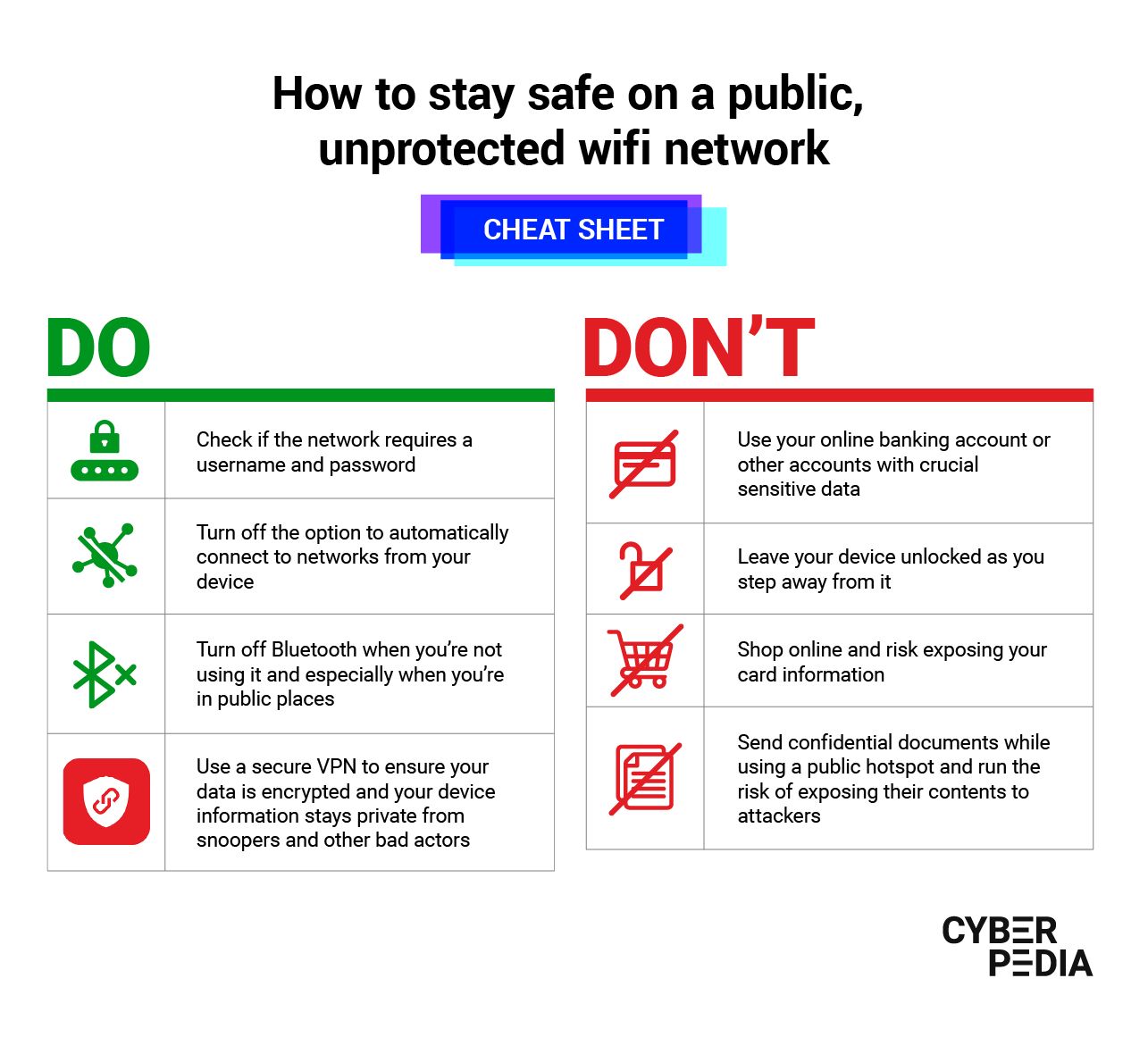
A Virtual Private Network (VPN) creates a secure and encrypted connection between your device and the internet. This can help prevent hackers from intercepting your data and accessing your network.
6. Remove Unknown Users Instantly
Regularly check your router settings to ensure there are no unknown users connected to your network. Remove any unknown users instantly to prevent unauthorized access.
7. Use a Long and Unique Password
A long and unique password is essential for securing your router and preventing hacking attempts. Use a combination of letters, numbers, and symbols to create a strong password.
Protect Every Device in Your Home
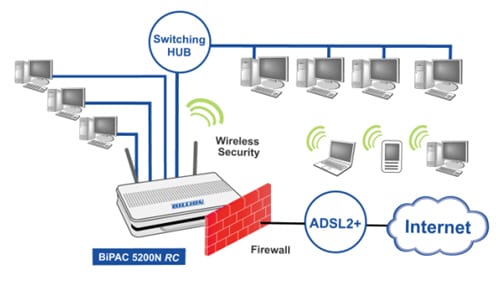
Protecting your router is not enough; you also need to protect every device in your home. Turn on the firewall on your router, and separate your IoT devices to prevent hackers from accessing your network.
Conclusion
Protecting your router from hackers is crucial for securing your home network and preventing cyber threats. By following these expert tips, you can safeguard your router and prevent unauthorized access. Remember to regularly update your router firmware, use a VPN, and remove unknown users instantly to ensure your router is secure.
Additional Resources
For more information on router security and protecting your home network, check out the following resources:
- BleepingComputer: Cybersecurity news and information
- SecurityWeek: Cybersecurity news and analysis
- NETGEAR: Advanced security features for home networks
- TP-Link: Router security and protection