Protect Router Access Level: Boost Your Home Network Security
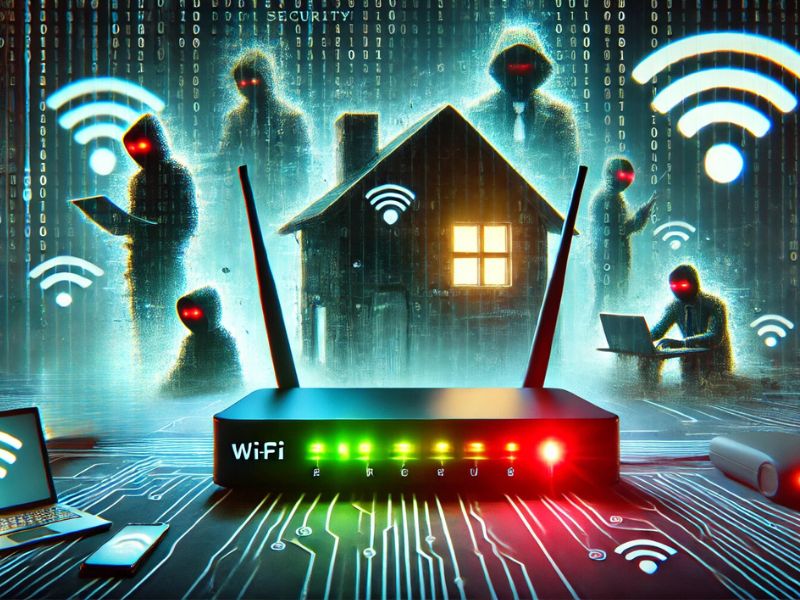
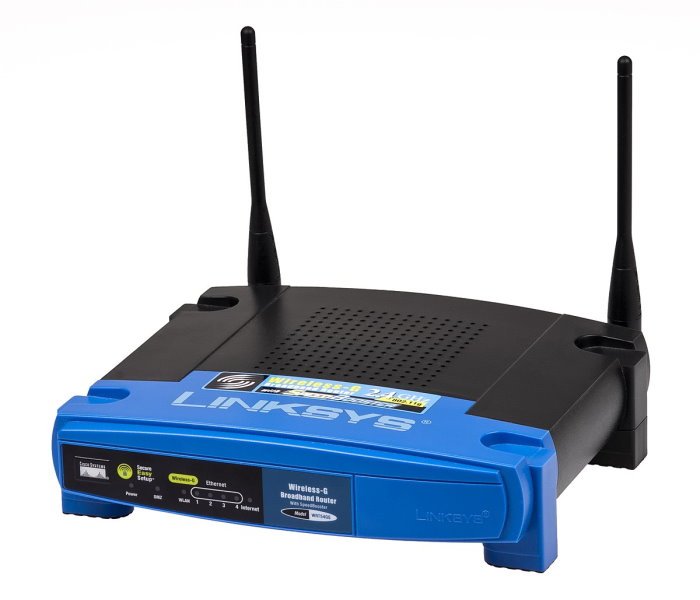
Your router is the hub of your home network, connecting all your devices and safeguarding them against cyber threats. However, leaving your router access level unprotected can lead to unauthorized access and potentially devastating consequences. In this article, we'll explore the importance of protecting your router access level and provide expert tips to enhance your home network security.
Understanding Router Security
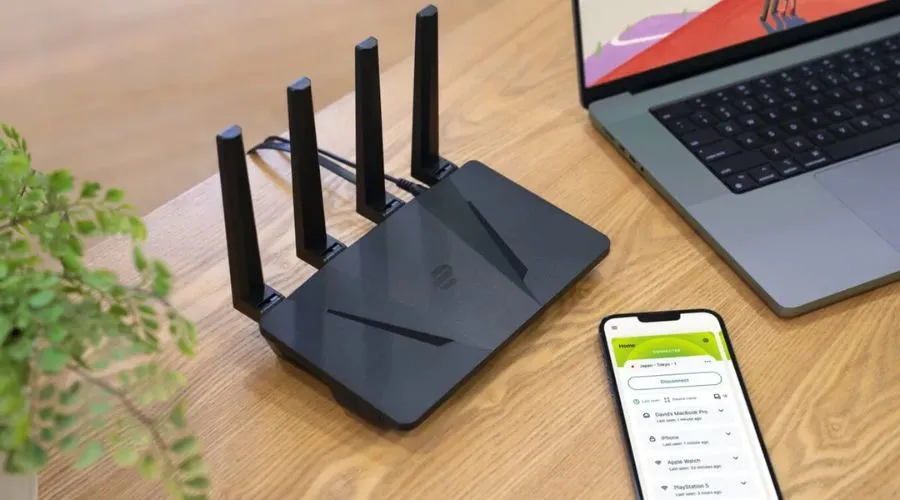
A router is a networking device that forwards data packets between different computer networks, managing traffic by directing packets to their intended IP addresses. It's a critical component of your home network, and protecting it is essential to prevent cyber attacks and data breaches. A compromised router can lead to unauthorized access to your network, devices, and sensitive information.
Consequences of Unprotected Router Access Level
Unauthorized access: Leaving your router access level unprotected can allow hackers to gain access to your network and devices, putting your personal data and sensitive information at risk.
Cyber attacks: A compromised router can be used as a launching point for cyber attacks, allowing hackers to spread malware, ransomware, and other types of cyber threats.
Device vulnerabilities: If your router is not properly secured, it can lead to vulnerabilities in your devices, which can be exploited by hackers.
Protecting Your Router Access Level
To safeguard your home network and devices, it's essential to protect your router access level. Here are some expert tips to help you boost your router security:
1. Change Default Passwords
Most wireless routers come with preset passwords for administering a device's settings. Hackers may be familiar with these default passwords, so it's crucial to change your router's password when you install it.
2. Use WPA3 Encryption
WPA3 encryption is a more secure encryption standard than WPA2, providing enhanced protection against cyber attacks and unauthorized access. Make sure to enable WPA3 encryption on your router to safeguard your home network.
3. Enable Firmware Updates
_20240830055723o.jpg)
Firmware updates often include security patches and bug fixes that can help protect your router from known vulnerabilities. Regularly update your router's firmware to ensure you have the latest security features.
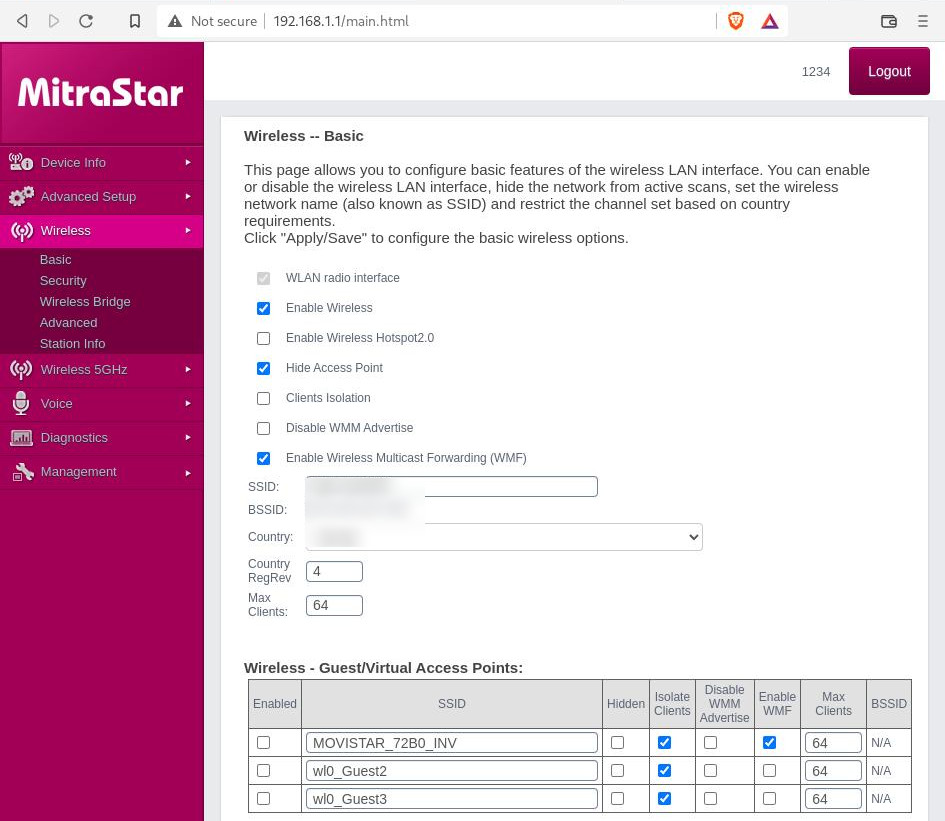
4. Set Up a Guest Network
Creating a guest network can help isolate your main network from unauthorized devices and hackers. This adds an extra layer of security to your home network.
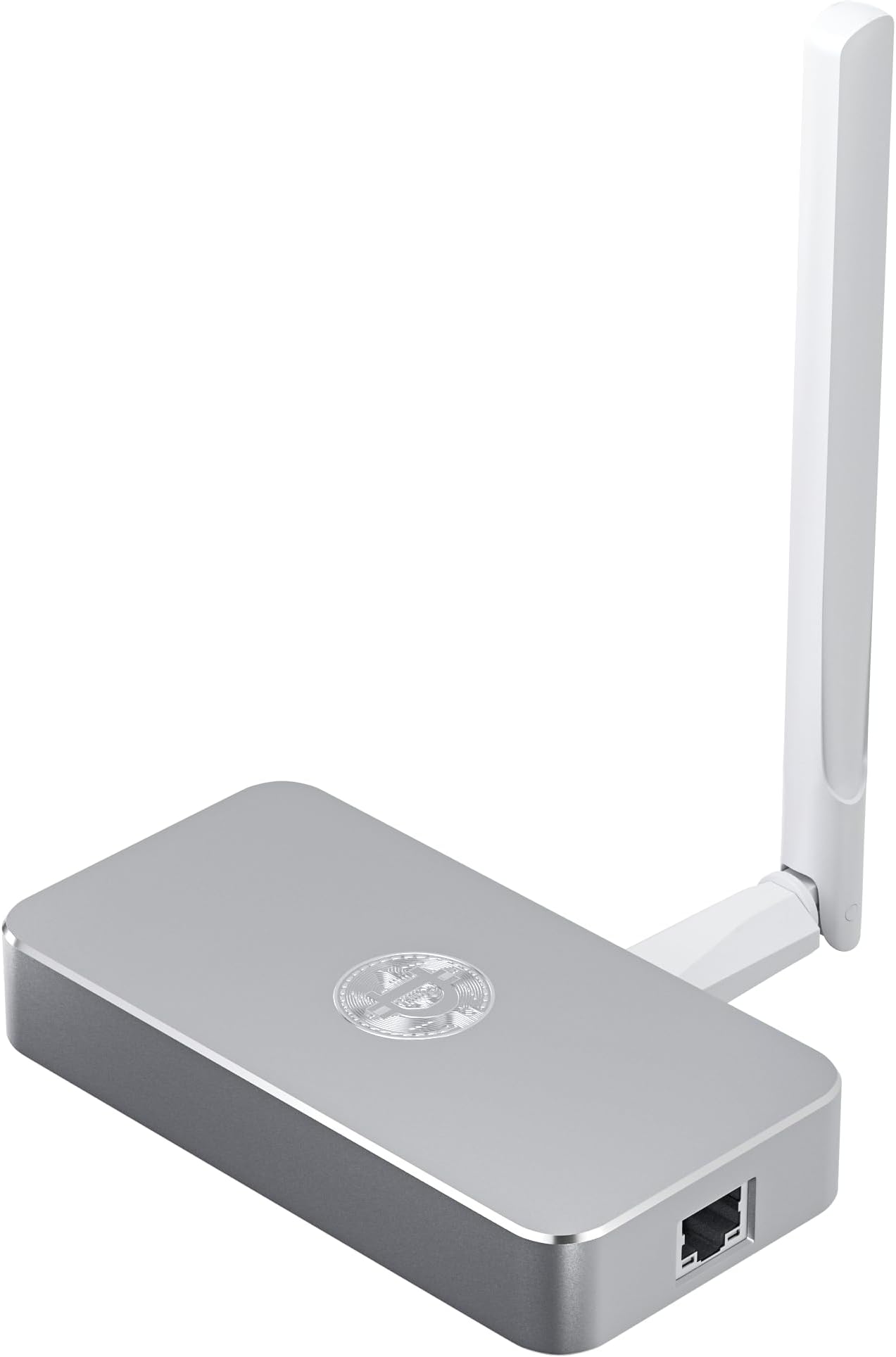
5. Use a VPN Router
Installing a VPN on your router encrypts all internet traffic and covers all connected devices, providing an additional layer of security against cyber attacks and data breaches.
Additional Tips for Router Security
Disable Remote Access: Disable remote access to your router to prevent hackers from accessing your network and devices.
Use Strong Passwords: Use strong, unique passwords for your router and devices to prevent unauthorized access.
Enable SPI Firewall: Enable the Stateful Packet Inspection (SPI) firewall to prevent cyber attacks and validate traffic passing through your router.
Regularly Update Your Router's Firmware: Regularly update your router's firmware to ensure you have the latest security features and patches.
Conclusion
Protecting your router access level is essential to safeguard your home network and devices from cyber threats and unauthorized access. By following the expert tips outlined in this article, you can enhance your router security and ensure a safe and worry-free networking experience.
References
Cisco IOS System Device Security Guide
TP-Link ER605 (TL-R605) Multi-WAN Wired Single-Band 1000 Mbps VPN Router
SonicWall Cybersecurity Solutions


![[Wireless Router] Triple-Level Protection for Comprehensive ... - ASUS](http://exactlyhowlong.com/wp-content/uploads/2025/06/blocking-ads-at-the-router-level.jpeg "[Wireless Router] Triple-Level Protection for Comprehensive ... - ASUS")