Preventing Identity Theft from Networking Groups: A Comprehensive Guide
The Risks of Identity Theft from Networking Groups
In today's digital age, networking has become an essential part of our personal and professional lives. We connect with colleagues, friends, and acquaintances through various online platforms, including social media, online forums, and networking groups. However, these online interactions also increase the risk of identity theft. Identity theft can occur when sensitive information, such as names, addresses, phone numbers, and passwords, is stolen or compromised. This can lead to financial loss, damage to credit scores, and emotional distress.How Identity Theft from Networking Groups Happens
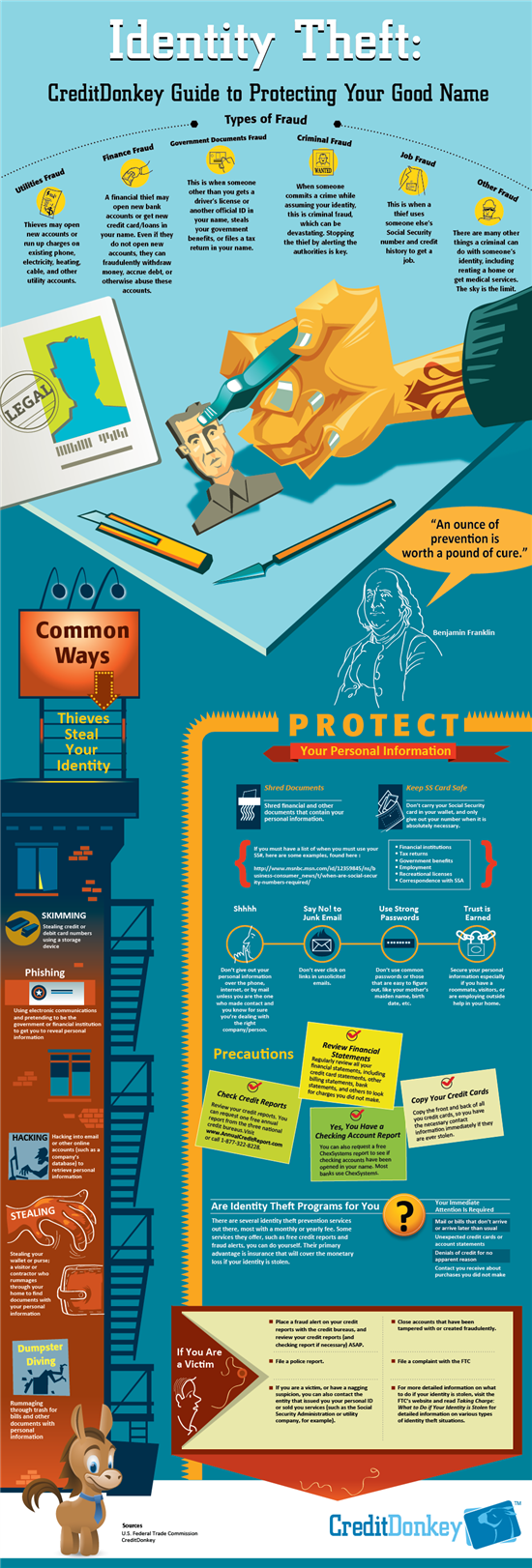
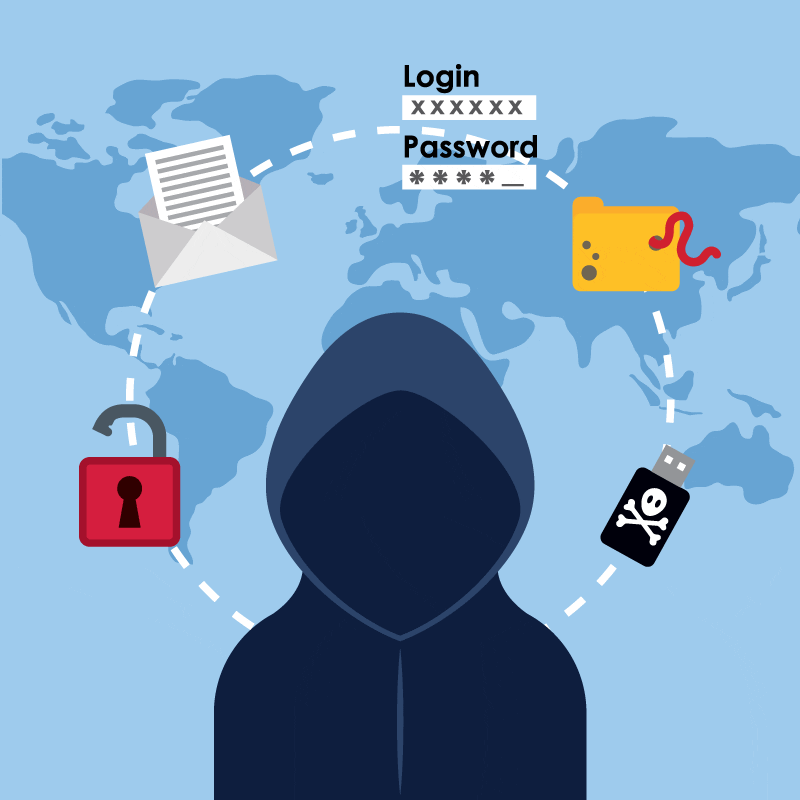
Identity theft from networking groups can occur in several ways: *- Phishing attacks: Scammers may send emails or messages posing as legitimate networking group administrators, asking for sensitive information or login credentials.
- Malware and ransomware attacks: Malicious software can infect devices, allowing hackers to access sensitive information and compromise accounts.
- Social engineering: Scammers may use psychological manipulation to trick users into revealing sensitive information or clicking on malicious links.
- Unsecured networks: Weak passwords, public Wi-Fi, or unencrypted connections can provide opportunities for hackers to intercept sensitive information.
Preventive Measures to Prevent Identity Theft from Networking Groups
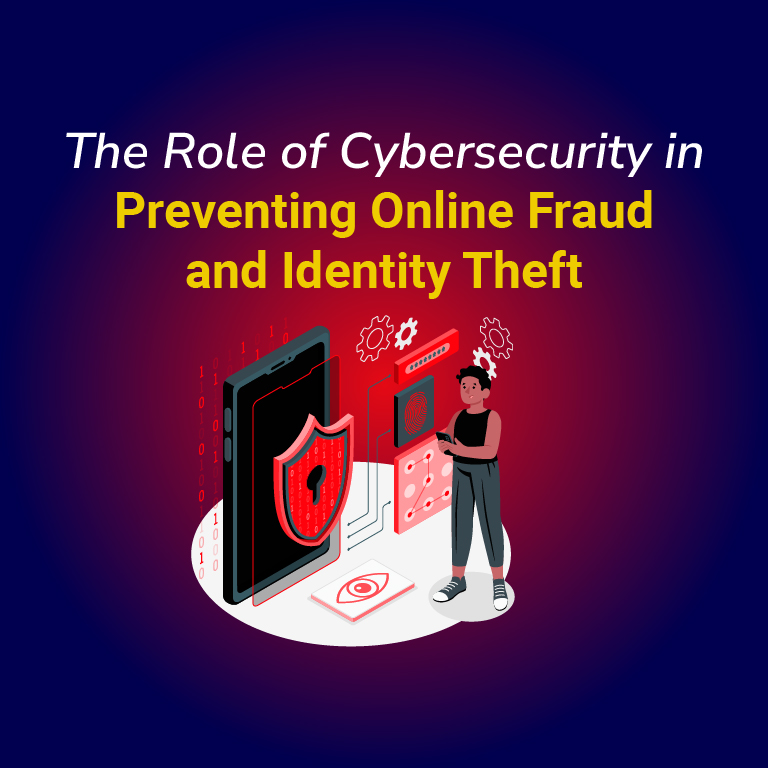
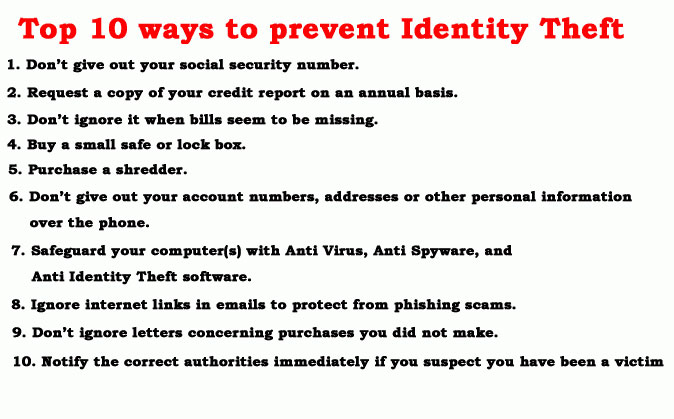
- Use strong and unique passwords: Use a combination of letters, numbers, and special characters to create complex passwords for all accounts.
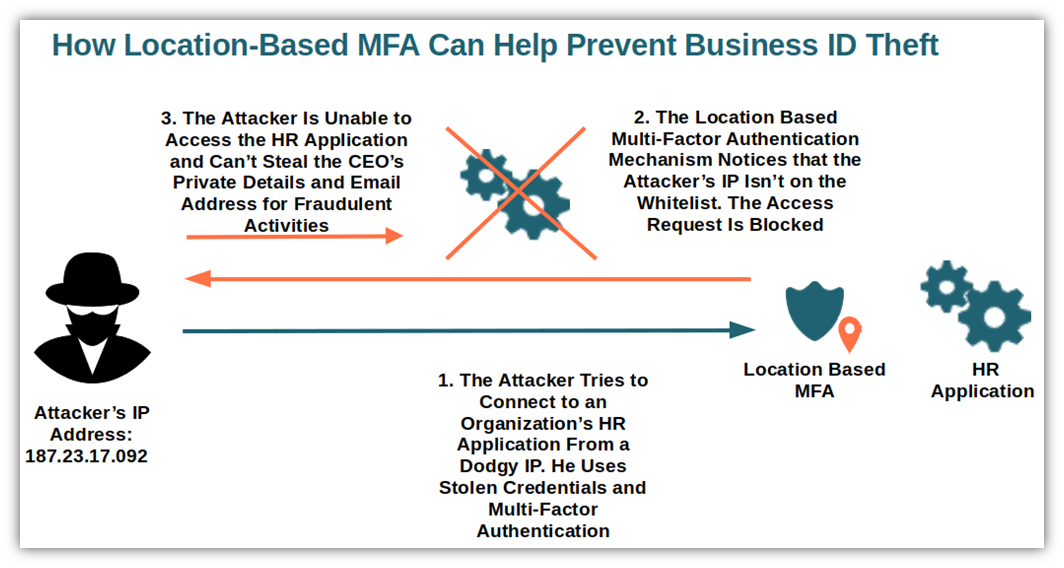
- Enable two-factor authentication (2FA): Activate 2FA to add an extra layer of security, requiring a code sent to a phone or email in addition to a password.
- Use a password manager: A password manager can generate and store complex passwords, making it easier to keep track of multiple accounts.
- Keep software and systems up-to-date: Regularly update operating systems, browsers, and other software to ensure the latest security patches and features.
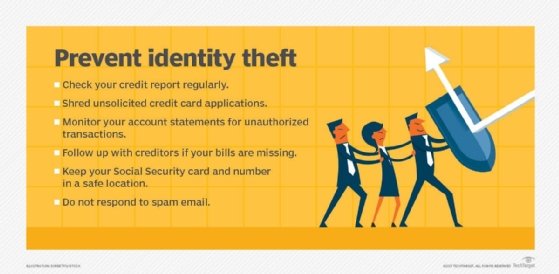
- Monitor account activity: Regularly check account statements and alert settings to detect any suspicious activity.
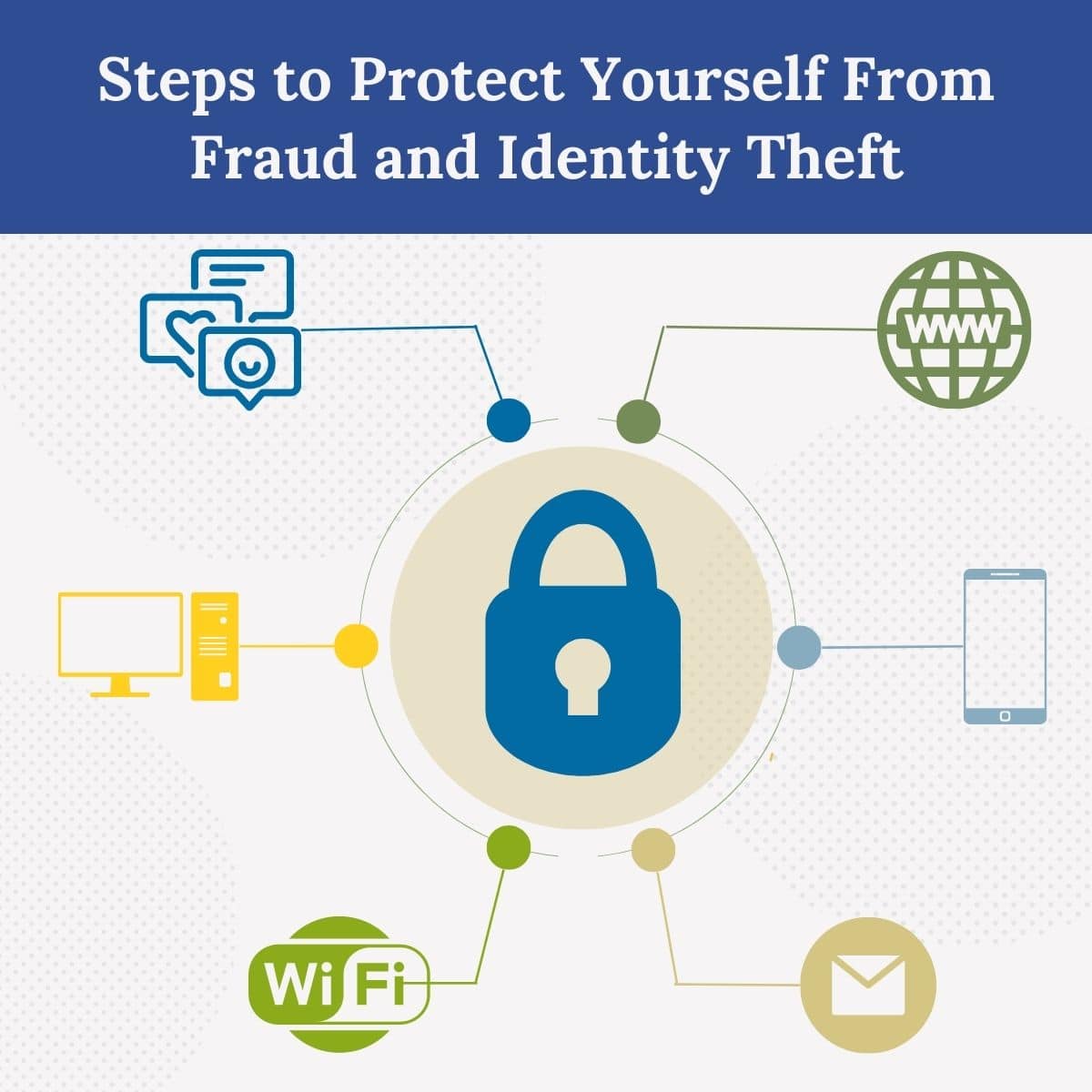
- Use secure connections: Only connect to secure, encrypted networks or use a virtual private network (VPN) when accessing sensitive information.
Protecting Your Personal Information in Networking Groups
To further protect your personal information in networking groups, follow these tips: *- Verify group administrators: Before sharing sensitive information, ensure the request is legitimate and comes from a verified administrator.
- Use secure communication channels: Prefer private messaging or phone calls over public discussions or email for sensitive conversations.
- Limit personal sharing: Avoid sharing sensitive information, such as Social Security numbers, credit card numbers, or addresses, in online forums or discussions.
- Report suspicious activity: Inform group administrators or moderators about any suspicious activity or requests for sensitive information.