Facebook Account Protection Strategies: A Comprehensive Guide
As a Facebook user, you understand the importance of protecting your account from potential cyber threats. With over 3 billion monthly active users, Facebook remains a prime target for hackers and scammers who seek to compromise personal data and information. In this article, we will explore effective Facebook account protection strategies that will help you safeguard your account and maintain its security.
Understanding the Risks
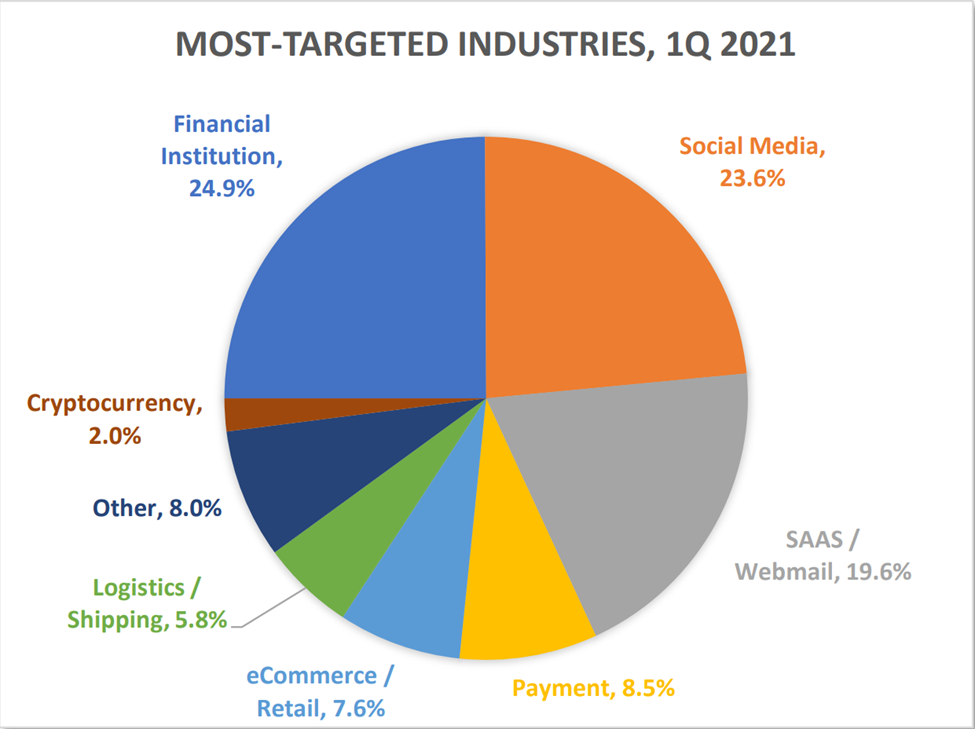
With the rise of social media, the risk of account hacking and data breaches has significantly increased. Hackers and scammers use various methods to gain unauthorized access to Facebook accounts, including phishing, password cracking, and social engineering. To combat these threats, it's essential to be proactive and implement several security measures to protect your Facebook account.
Setting Up Account Protection Strategies
Here are several Facebook account protection strategies that you can use to secure your account:
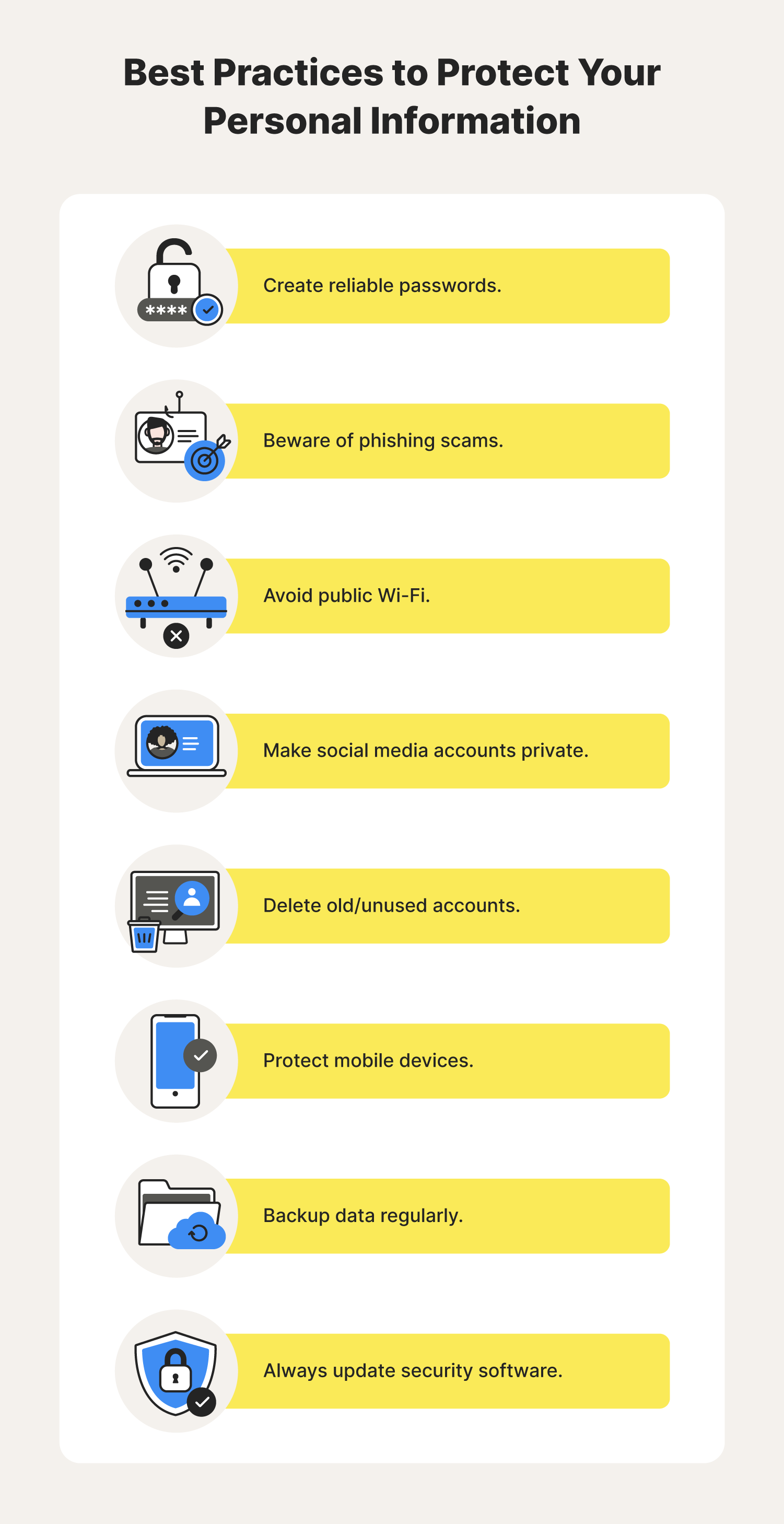
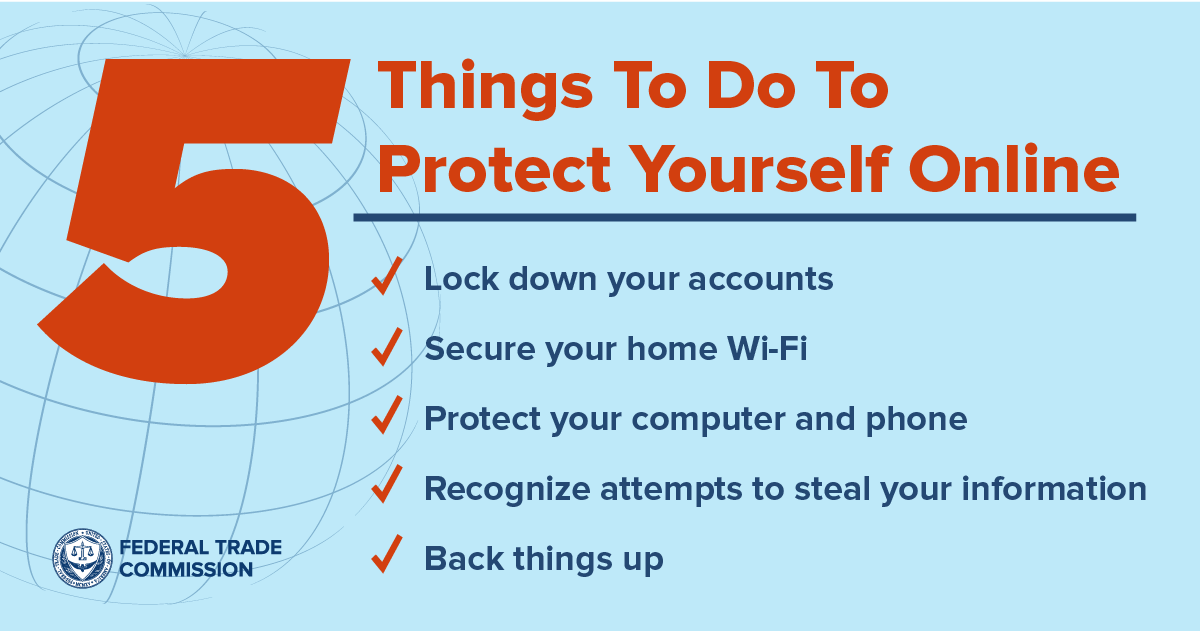
- Password Protection: A strong, unique password is the most basic yet effective way to prevent unauthorized access to your Facebook account. Consider using a combination of uppercase and lowercase letters, numbers, and special characters to create a secure password.
- Two-Factor Authentication (2FA): Enabling two-factor authentication adds an extra layer of security to your Facebook account. This requires you to enter a verification code sent to your phone or email in addition to your password when logging in.
- Unknown Logins: Check your account activity regularly to detect any suspicious activity or unknown logins. You can do this by visiting the Facebook Help Center and accessing the "Security and Login" section. li>Logging out of Public Devices: If you use public computers or devices to access your Facebook account, make sure to log out once you're finished. This will prevent others from accessing your account if they gain access to the device.
- Monitoring Your Account: Regularly review your Facebook account settings to ensure they are up-to-date and correctly configured. Check for any unusual activity, such as strange login times, unknown devices, or suspicious links.
Additional Features for Enhanced Protection

Facebook provides various features to enhance your account protection experience:
- Advanced Protection: This feature offers additional security measures, such as alerts for suspicious activity and enhanced monitoring. To learn more about Advanced Protection and enroll, visit the Facebook Help Center.
- Facebook Protect: This feature helps prevent account breaches by monitoring for suspicious activity and alerting you when someone tries to access your account from an unknown device or location.
Best Practices for Account Security
Avoid common mistakes that may compromise your Facebook account:
- Do not click suspicious links: Avoid clicking on links sent by unknown senders or those that seem suspicious, as they may contain malware or lead to phishing scams.
- Avoid public Wi-Fi: Refrain from accessing your Facebook account over public Wi-Fi, as it may be vulnerable to hacking.
- Keep your browser and operating system updated: Regularly update your browser and operating system to prevent exploits and vulnerabilities.
- Use strong passwords: Avoid using weak passwords and unique information, such as your name, birthdate, or password of a loved one.
Conclusion
Protecting your Facebook account requires ongoing effort and vigilance. By implementing these Facebook account protection strategies and best practices, you can reduce the risk of account hacking and data breaches. Stay informed about the latest security features and updates to maintain a secure and protected Facebook experience.