Best Router Security Practices to Protect Your Home Network
As the gatekeeper of your home network, your router is the first line of defense against cyber threats. However, many home networks remain vulnerable to hacking and unauthorized access. In this article, we will explore the best router security practices to protect your home network and keep your family safe online.
Understanding Router Security
Your router is a critical component of your home network, and its security is essential to protecting your personal data and devices. A secure router ensures that your internet connection is private and secure, and it helps to prevent unauthorized access to your network and devices.
Basic Steps to Secure Your Router
Securing your router is a straightforward process that requires some basic steps. Here are some of the most important steps to take:
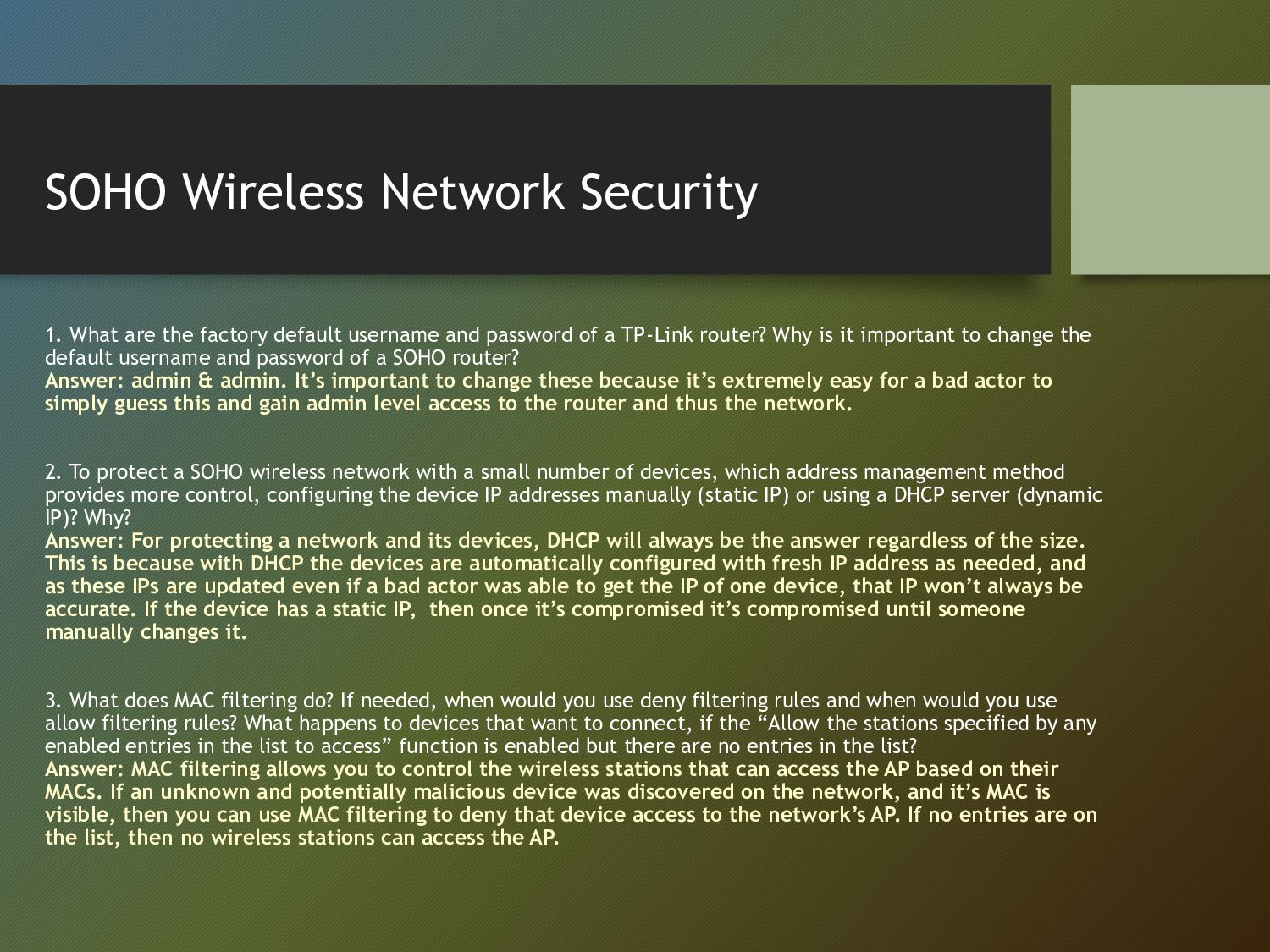
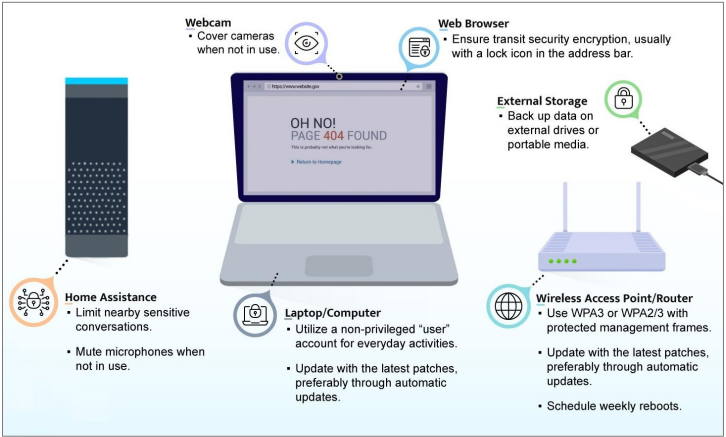
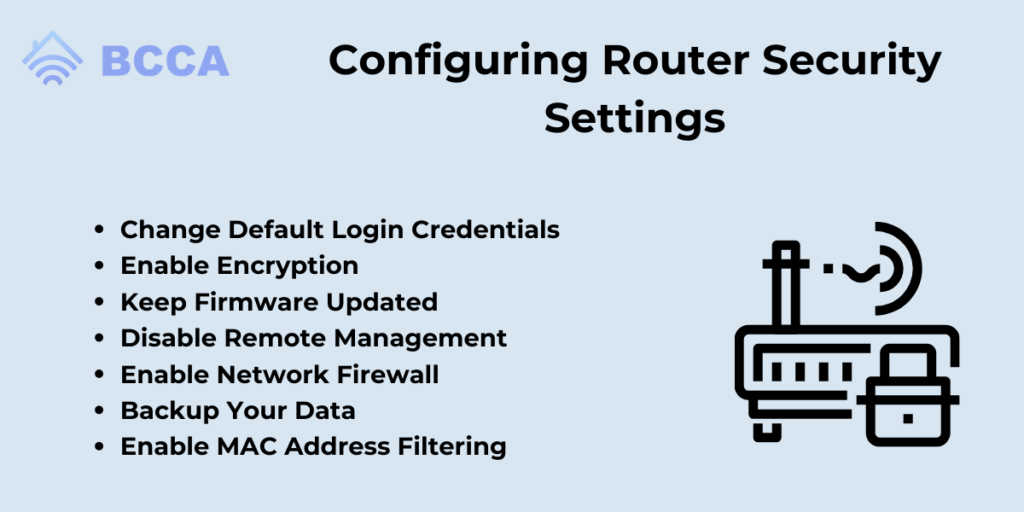
- Change the default admin password**: The default admin password that comes with your router is usually well-known to hackers. Change it to a strong and unique password to prevent unauthorized access.
- Enable WPA3 encryption**: WPA3 is the latest and most secure encryption standard for wireless networks. Enable it on your router to ensure that your network traffic is secure.
- Update your router's firmware**: Regularly update your router's firmware to ensure that you have the latest security patches and features.
- Disable remote access**: Disable remote access to your router's controls to prevent hackers from accessing your network remotely.
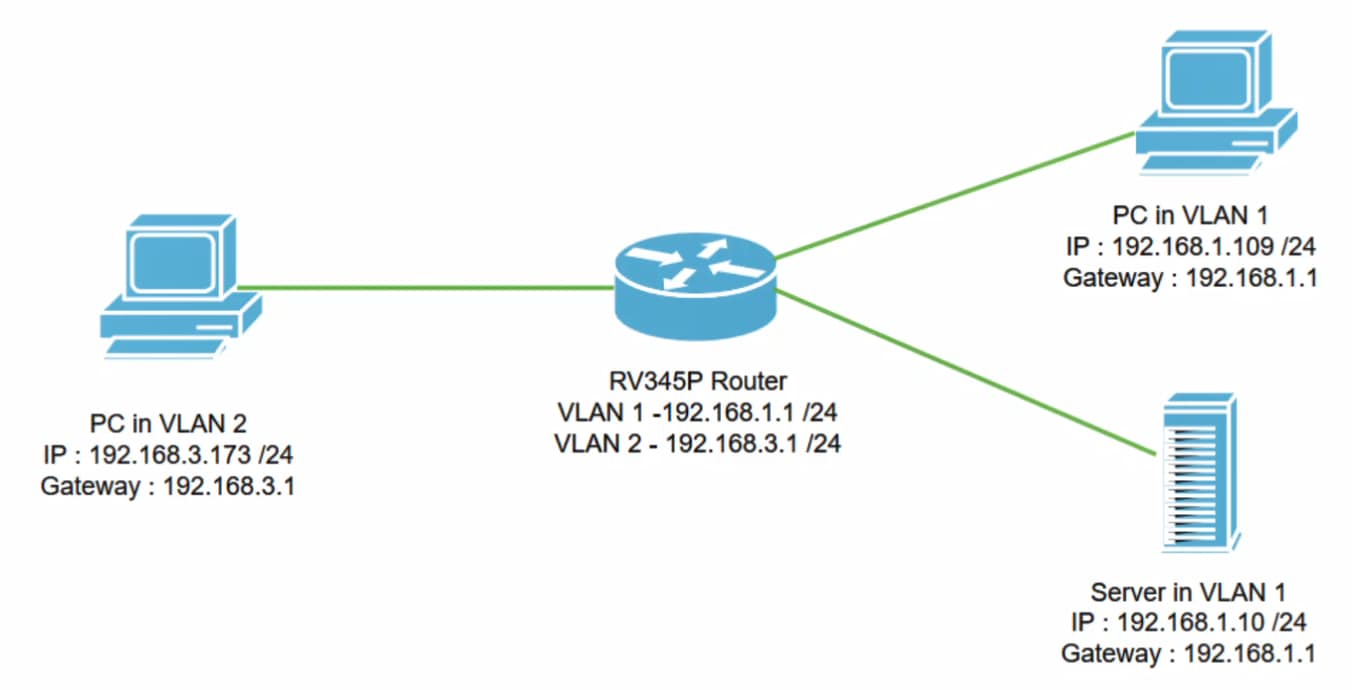
- Set up a guest network**: Set up a guest network to isolate your guests from your main network and prevent them from accessing your personal devices and data.
- Use a strong Wi-Fi password**: Use a strong and unique Wi-Fi password to prevent unauthorized access to your network.
Advanced Router Security Measures
In addition to the basic steps above, there are several advanced router security measures that you can take to further secure your network:
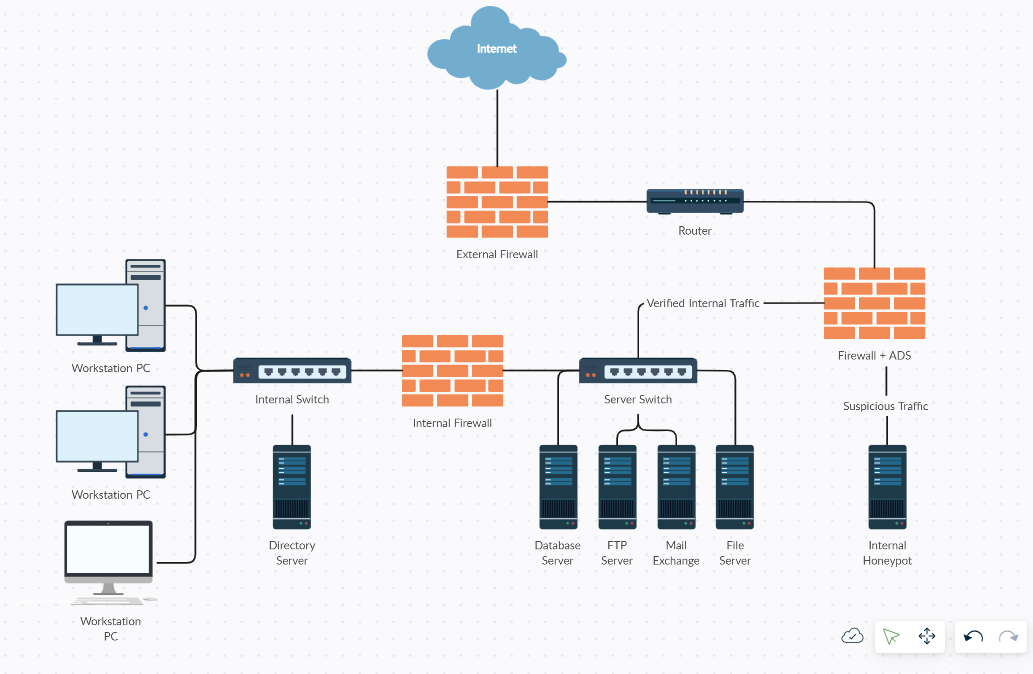
- Enable firewall rules**: Enable firewall rules to block incoming and outgoing traffic based on specific protocols and ports.
- Use a VPN**: Use a virtual private network (VPN) to encrypt your internet traffic and protect your data when using public Wi-Fi networks.
- Regularly reboot your router**: Regularly reboot your router to remove malware and other security threats.
- Use a router with built-in security features**: Look for a router with built-in security features such as intrusion detection and prevention, antivirus software, and firewall protection.
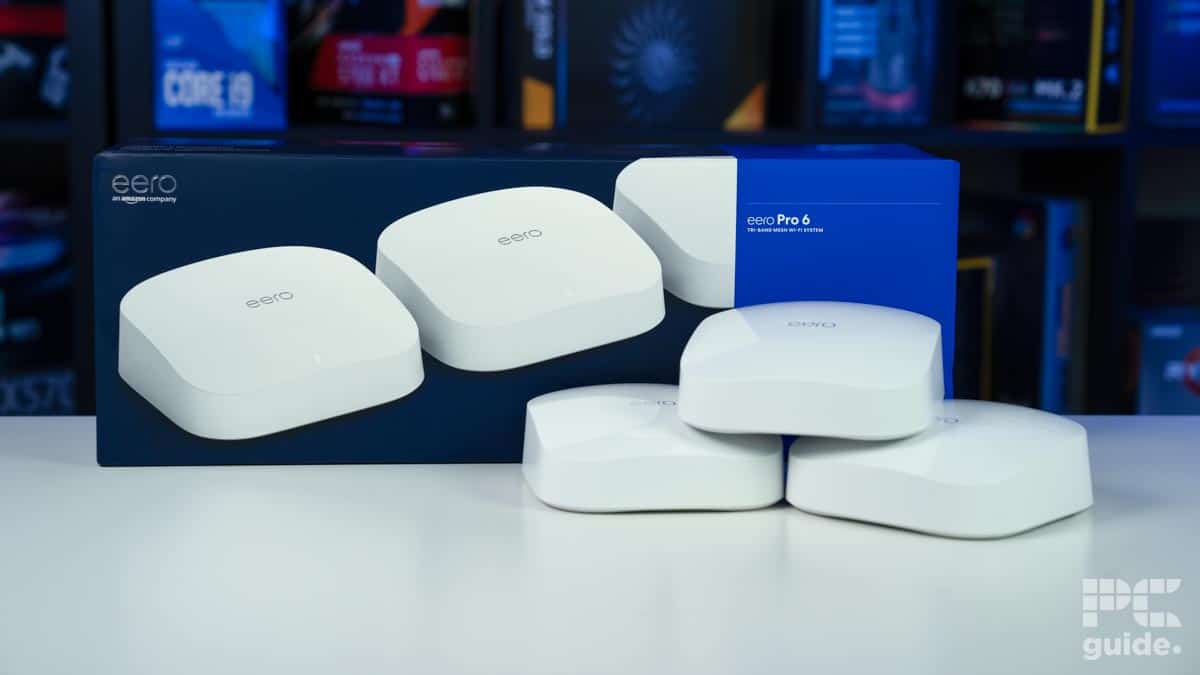
Best Routers for Security in 2024
Conclusion
Securing your router is a critical step in protecting your home network and keeping your family safe online. By following the best router security practices outlined in this article, you can ensure that your router is secure and your network is protected from hacking and unauthorized access.
FAQs
Here are some frequently asked questions about router security:
- Q: What is the most secure router security standard? A: WPA3 is the latest and most secure encryption standard for wireless networks.
- Q: How often should I update my router's firmware? A: Regularly update your router's firmware to ensure that you have the latest security patches and features.
- Q: Can I use a VPN on my router? A: Yes, you can use a VPN on your router to encrypt your internet traffic and protect your data when using public Wi-Fi networks.
- Q: How do I prevent unauthorized access to my router? A: Disable remote access to your router's controls, use a strong Wi-Fi password, and set up a guest network to prevent unauthorized access.
Recommended Reading
For more information on router security, check out these resources:
- National Security Agency (NSA) - Best Practices for Securing Your Home Network
- Cisco - Router Security Best Practices
- TP-Link - Router Security Tips