Simple Password Protection Strategies: Safeguard Your Digital Life
In today's digital age, password protection is more crucial than ever. With the rise of cyber threats and data breaches, it's essential to have robust password protection strategies in place to safeguard your personal and professional information. In this article, we'll explore the simple yet effective password protection strategies that can help you protect your digital life.
Why Password Protection Matters
Weak passwords are a common entry point for hackers and cyber attackers. They can compromise your online accounts, steal your sensitive information, and even put your identity at risk. By implementing simple password protection strategies, you can significantly reduce the risk of cyber threats and protect your digital assets.
Simple Password Protection Strategies
After testing various password strategies, we found the top methods that actually work. Here are some simple yet effective password protection strategies to consider:
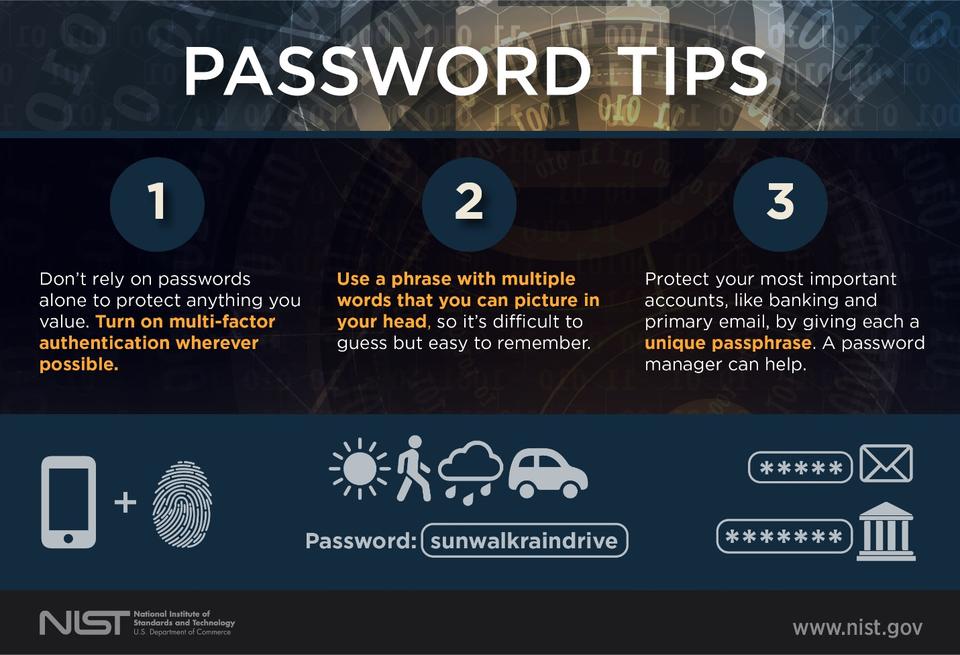
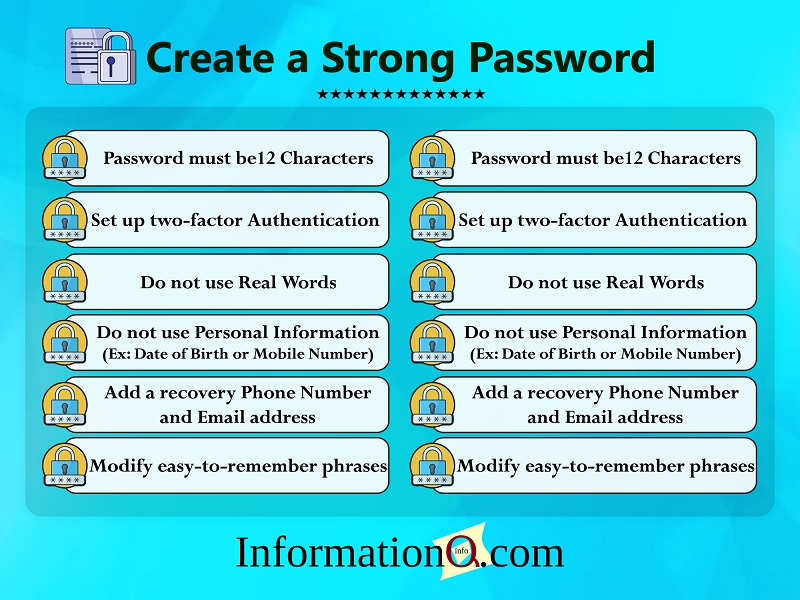
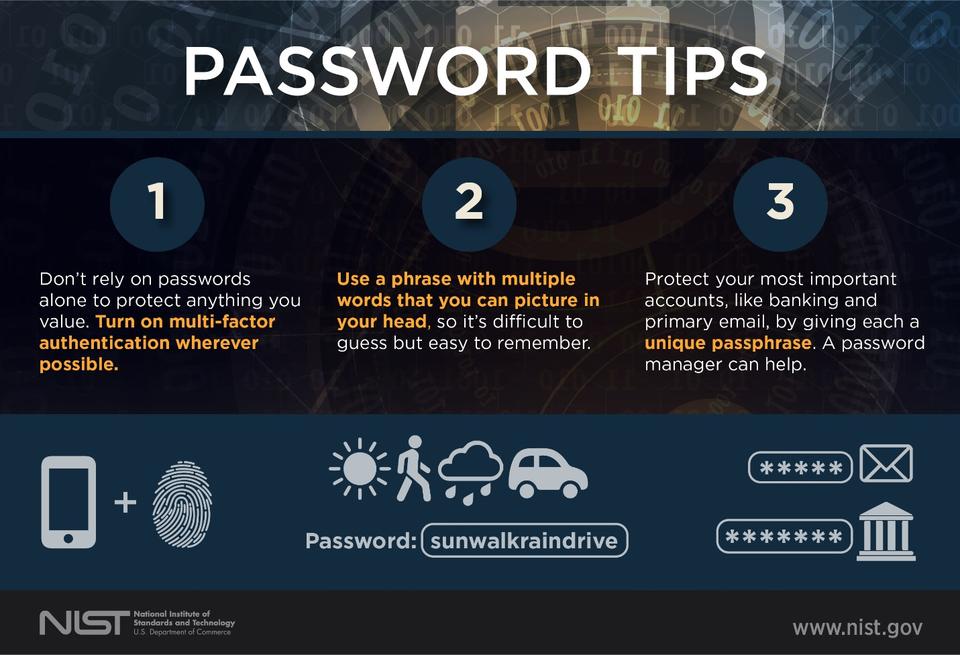
- Create Strong Passwords: A strong password should be at least 12 characters long, a combination of uppercase and lowercase letters, numbers, and special characters. Avoid using easily guessable information such as your name, birthdate, or common words.
- Use Multi-Factor Authentication (MFA): MFA adds an extra layer of security by requiring you to provide a second form of verification, such as a fingerprint or a one-time password, in addition to your password.
- Use a Password Manager: A password manager is a secure program that generates, stores, and fills in all your passwords. It can also alert you when you have weak or reused passwords.
- Enable Two-Factor Authentication (2FA): 2FA adds an extra layer of security by requiring you to provide a second form of verification, such as a code sent to your phone or a biometric scan.
- Change Your Passwords Regularly: Change your passwords every 60 to 90 days to prevent unauthorized access to your accounts.
- Use Passkeys: Passkeys are a new type of password that uses a public key infrastructure (PKI) to securely authenticate users.
- Secure Your Passwords with a Password Vault: A password vault is a secure program that stores and manages all your passwords in a single location.
Additional Password Security Tips
In addition to these simple password protection strategies, here are some additional tips to help you maintain strong password security:
- Don't reuse passwords: Reusing passwords increases the likelihood of someone accessing your accounts.
- Use a password generator: A password generator can create strong, unique passwords for you.
- Enable password history: Password history helps prevent you from reusing previous passwords.
- Monitor your accounts for suspicious activity: Regularly monitor your accounts for suspicious activity, such as unusual login locations or high login activity.
Conclusion
Password protection is a critical aspect of digital security. By implementing simple password protection strategies, you can significantly reduce the risk of cyber threats and protect your digital assets. Remember to create strong passwords, use multi-factor authentication, use a password manager, enable two-factor authentication, change your passwords regularly, use passkeys, and secure your passwords with a password vault. Additionally, don't reuse passwords, use a password generator, enable password history, and monitor your accounts for suspicious activity.
Resources
For more information on password security and simple password protection strategies, check out the following resources: