Password Security for Non-Technical Users: A Comprehensive Guide
As the world becomes increasingly reliant on technology, maintaining strong online security has never been more crucial. For non-technical users, understanding password security can seem like a daunting task, but it doesn't have to be. In this article, we will delve into the world of password security, providing actionable tips and recommendations for those who don't have a technical background.
Why Password Security Matters
Imagine losing access to all your online accounts because someone had stolen your email password. This may seem like a distant possibility, but it's a harsh reality for many people. Password security is essential, and non-technical users should take an active role in protecting themselves online. By understanding the basics of password security, you can significantly reduce the risk of your accounts being compromised.
What is a Password Manager?
A password manager is a secure, encrypted digital vault that stores and organizes your passwords across all your devices. Think of it as a digital version of a physical lockbox, but instead of storing physical items, it stores your login credentials. A password manager comes with a built-in password generator tool, which helps you create strong and randomized passwords. This tool is a game-changer for non-technical users, as it eliminates the need to remember hundreds of complex passwords.
Simple Password Security Tips
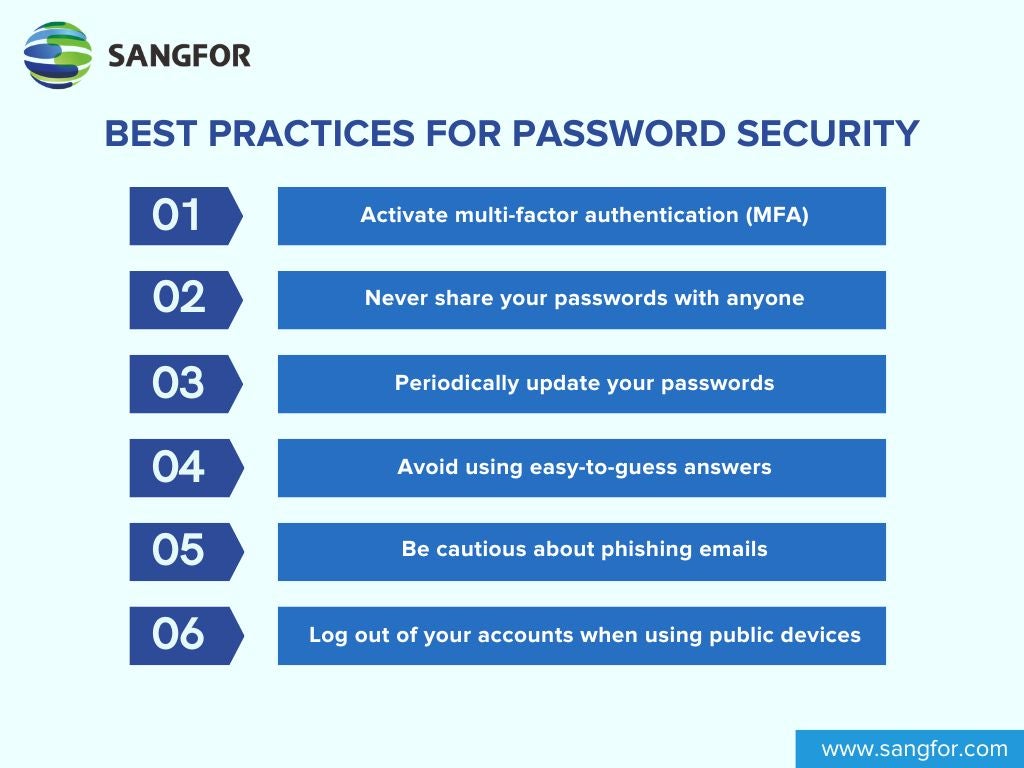
- Use a password manager: This is a straightforward solution that keeps your passwords safe and secure.
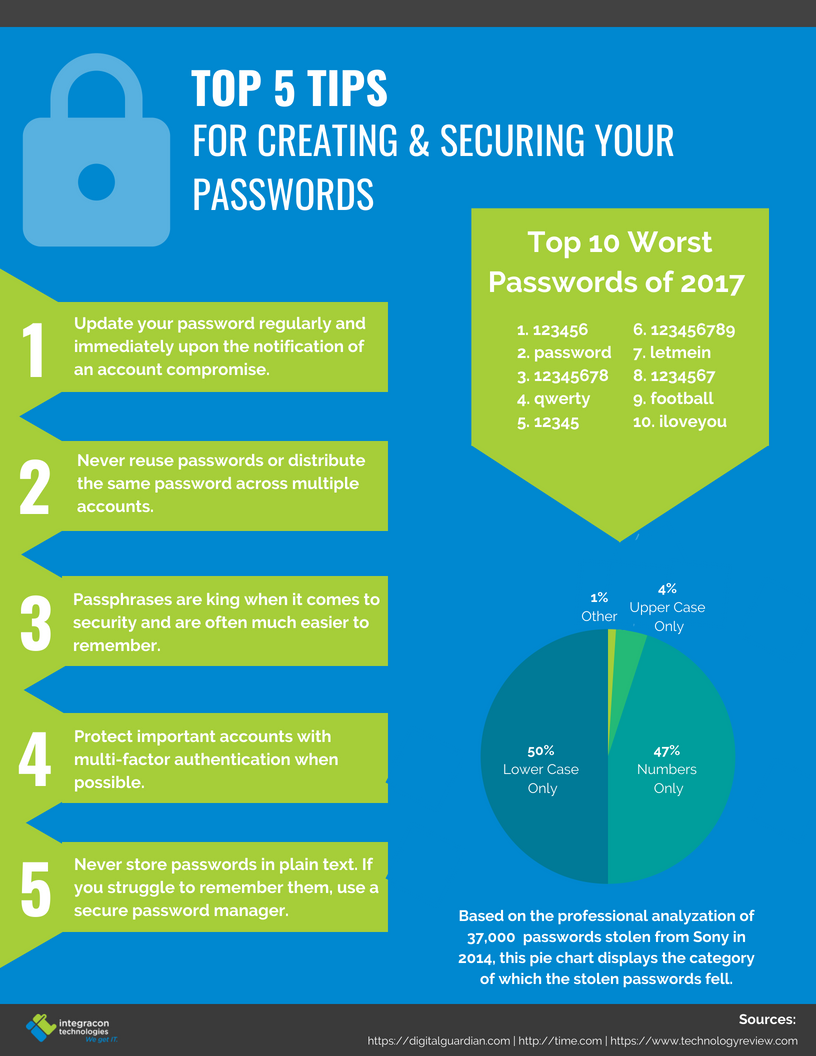
- Generate strong, unique passwords: Use a password generator tool to create complex passwords that are difficult to guess.
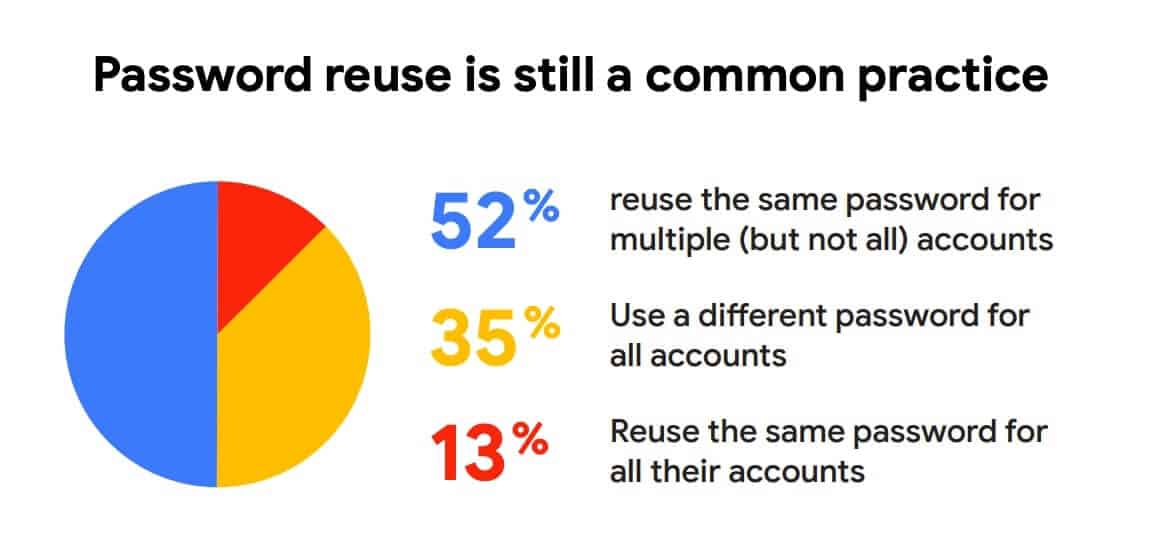
- Avoid using the same password for multiple accounts: This only makes it easier for hackers to gain access to your other accounts.
- Enable two-factor authentication (2FA): This adds an extra layer of security, requiring both your password and another form of verification (such as a fingerprint or code sent to your phone).
- Monitor your accounts regularly: Keep an eye out for any suspicious activity or signs of compromise.
- Change your passwords regularly: This doesn't mean changing your password every week, but rather avoiding using the same password for too long.
Common Password Security Pitfalls to Avoid
- Using easy-to-guess passwords: Avoid using your name, birthdate, or common words and phrases as passwords.
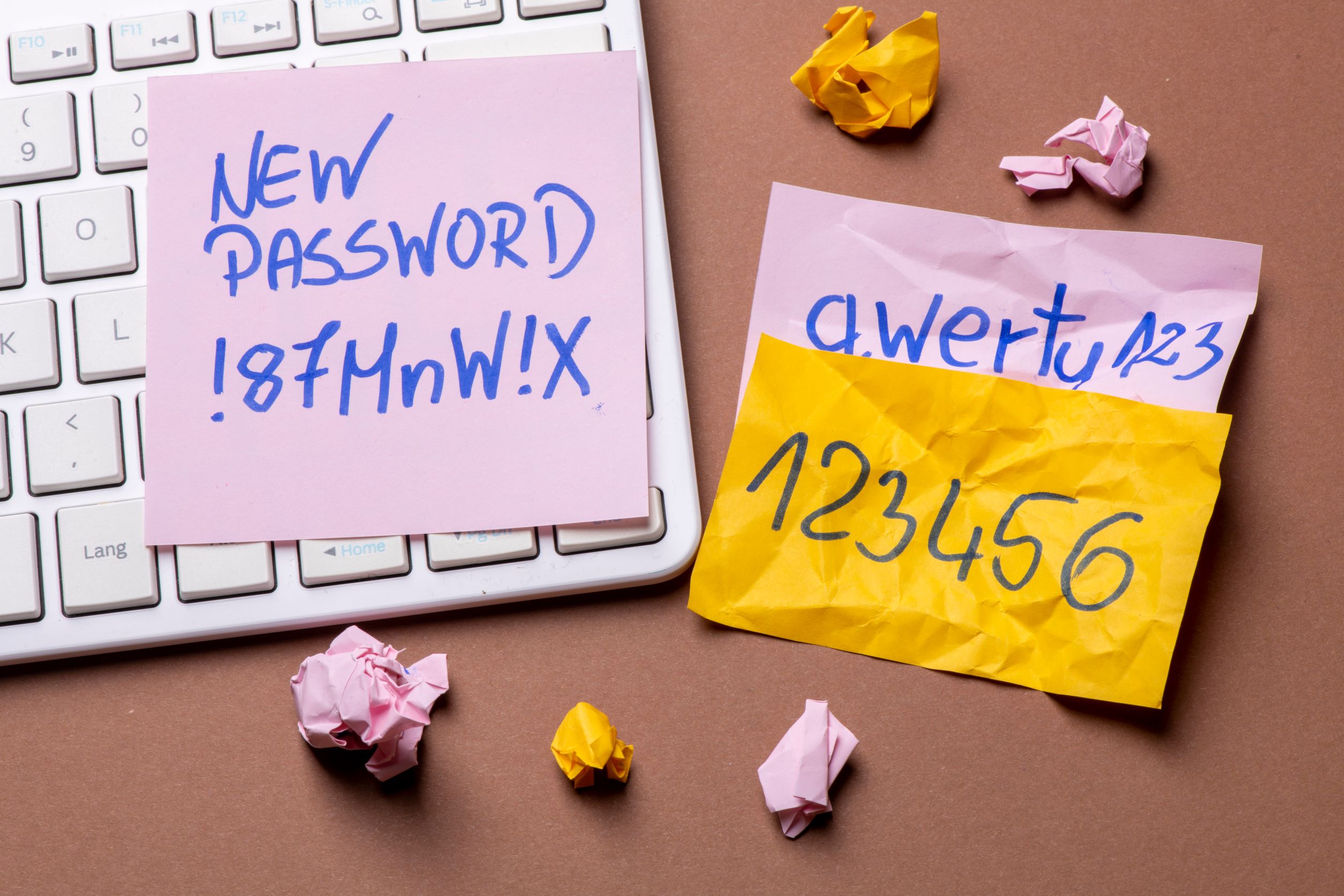
- Writing down your passwords: This defeats the purpose of having a strong password.
- Sharing your passwords with others: This compromises the security of your accounts.
Conclusion
Protecting your online security is an ongoing process, and non-technical users should take an active role in educating themselves about password security. By understanding the basics and implementing these simple tips, you can significantly reduce the risk of your accounts being compromised. Remember, taking control of your password security is just the beginning – stay informed, stay vigilant, and stay safe online.