Motherboard Capacitor Replacement: A Comprehensive Guide
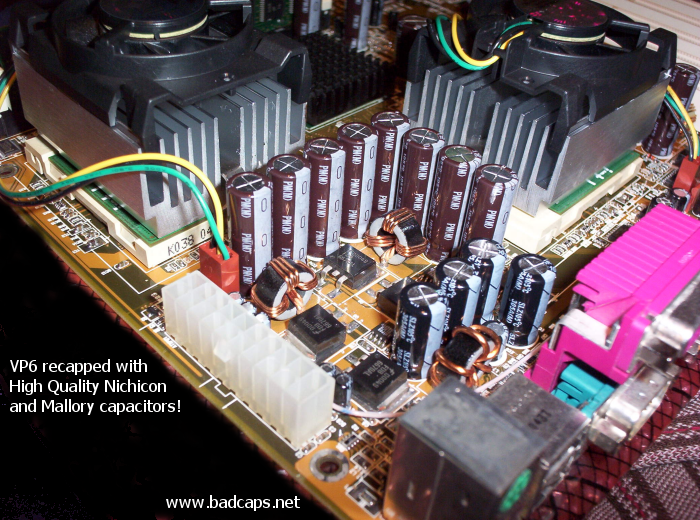
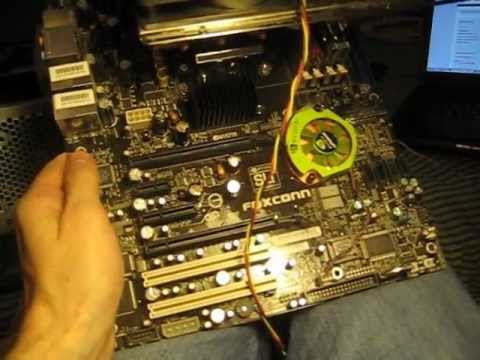
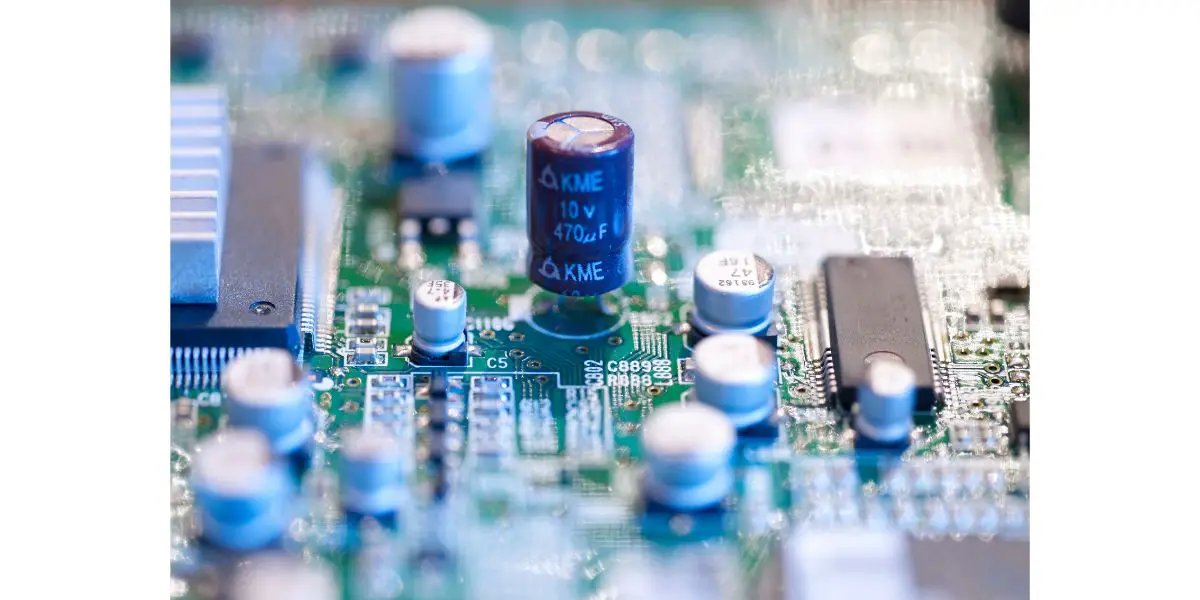
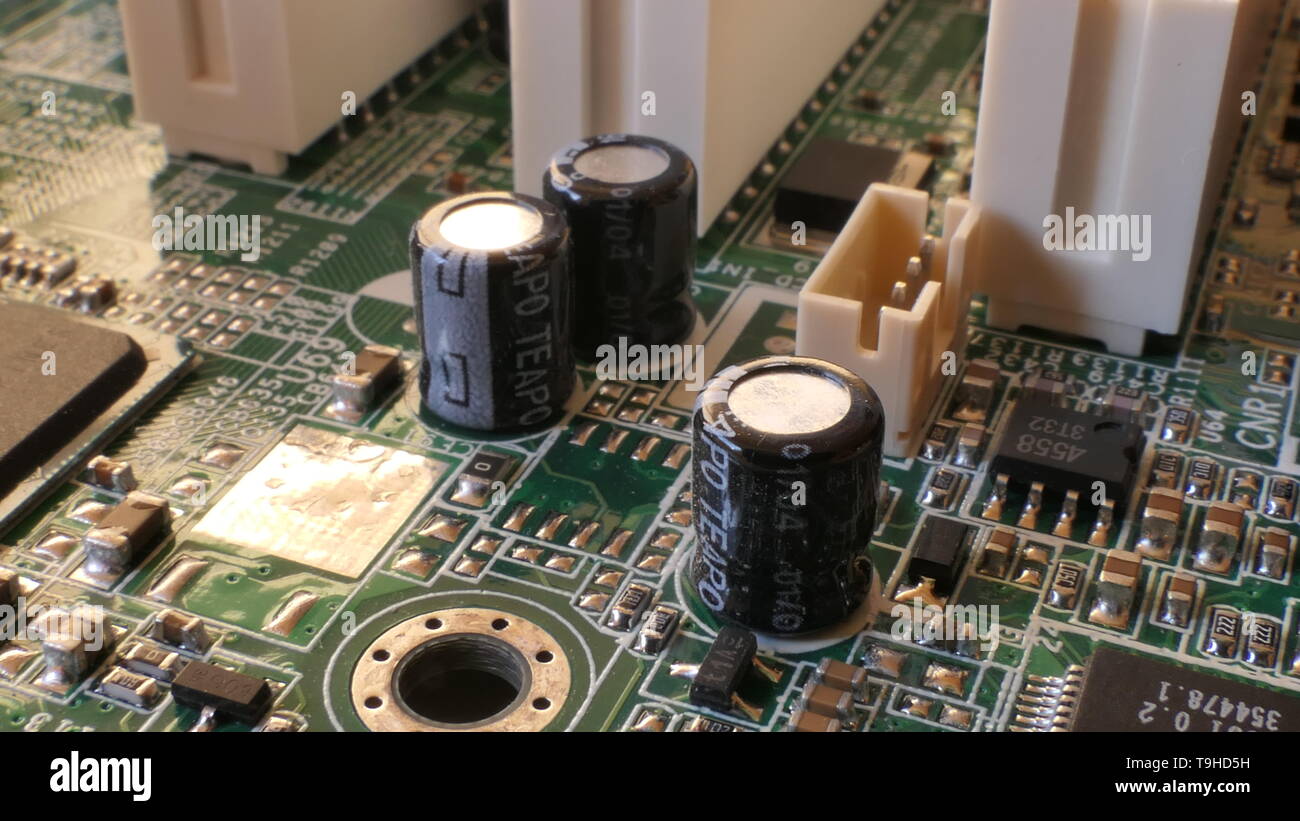
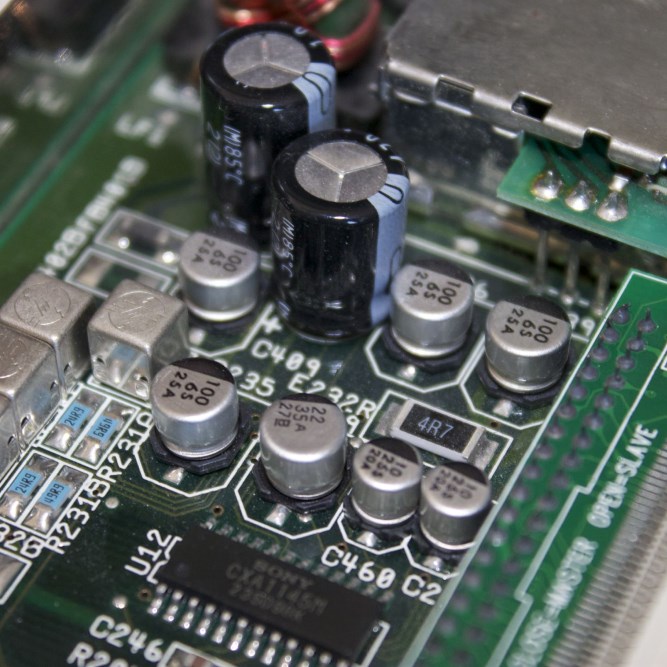
Motherboards are the backbone of any computer system, housing crucial components that enable communication and power supply to various parts of the computer. One of the essential components on a motherboard is the capacitor, which filters, regulates, and stores electrical energy. However, capacitors can deteriorate over time, causing system instability, shutdowns, or even complete failure.
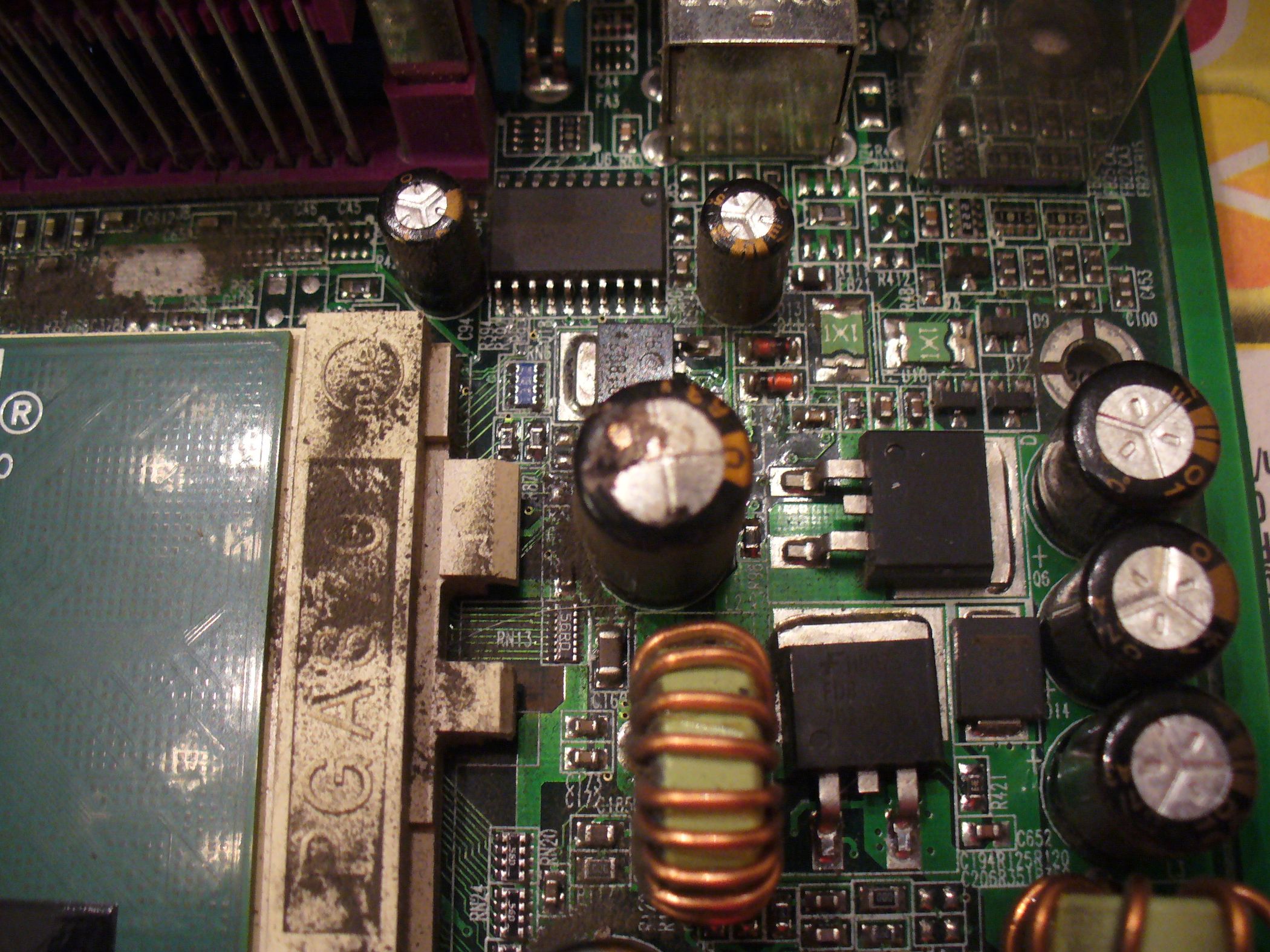
Identifying a Faulty Capacitor
A faulty capacitor can be identified by various symptoms, including:
- System instability, shutdowns, or crashes
- Random restarts or erratic behavior
- A burning electronics smell coming from inside the case
- Visible burn marks, discolored components, or melted plastic on the motherboard
Inspecting the motherboard for these signs can help you determine if a capacitor is faulty and needs to be replaced.
Tools and Equipment Needed for Replacement
To replace a faulty capacitor, you will typically need the following tools and equipment:
- Soldering iron
- Desoldering pump or wick
- Solder wire
- Flux
- Replacement capacitors
Step-by-Step Guide to Replacing a Capacitor

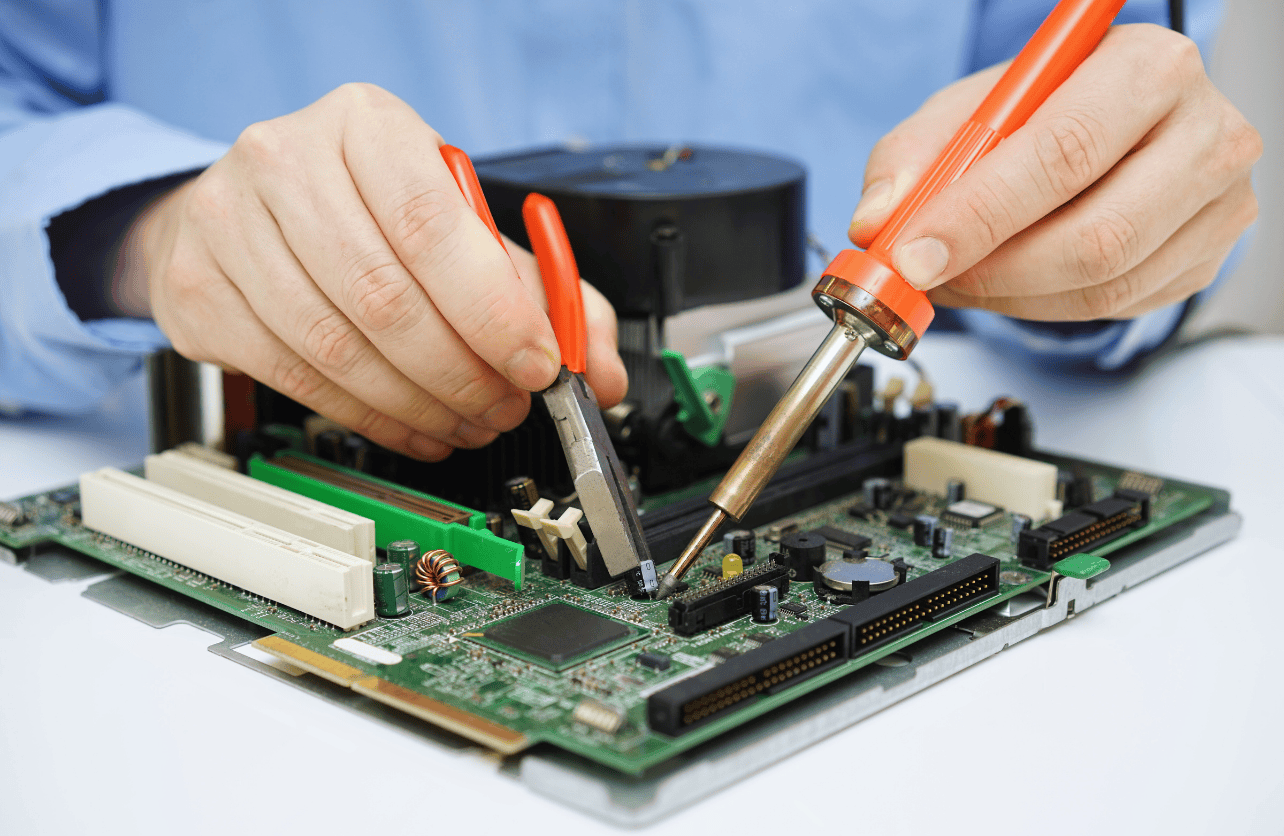
Replacing a capacitor on a motherboard requires attention to detail and a good understanding of electronics. Here's a step-by-step guide to help you replace a faulty capacitor:
- Power off the computer and unplug it from the power source
- Locate the faulty capacitor and mark it for removal
- Use a soldering iron to remove the faulty capacitor from the motherboard
- Inspect the area for any remaining solder or debris
- Install the replacement capacitor and ensure it is securely attached to the motherboard
- Apply solder to the replacement capacitor and make sure it is securely attached
- Test the motherboard to ensure the capacitor has been replaced successfully
Choosing the Right Replacement Capacitor
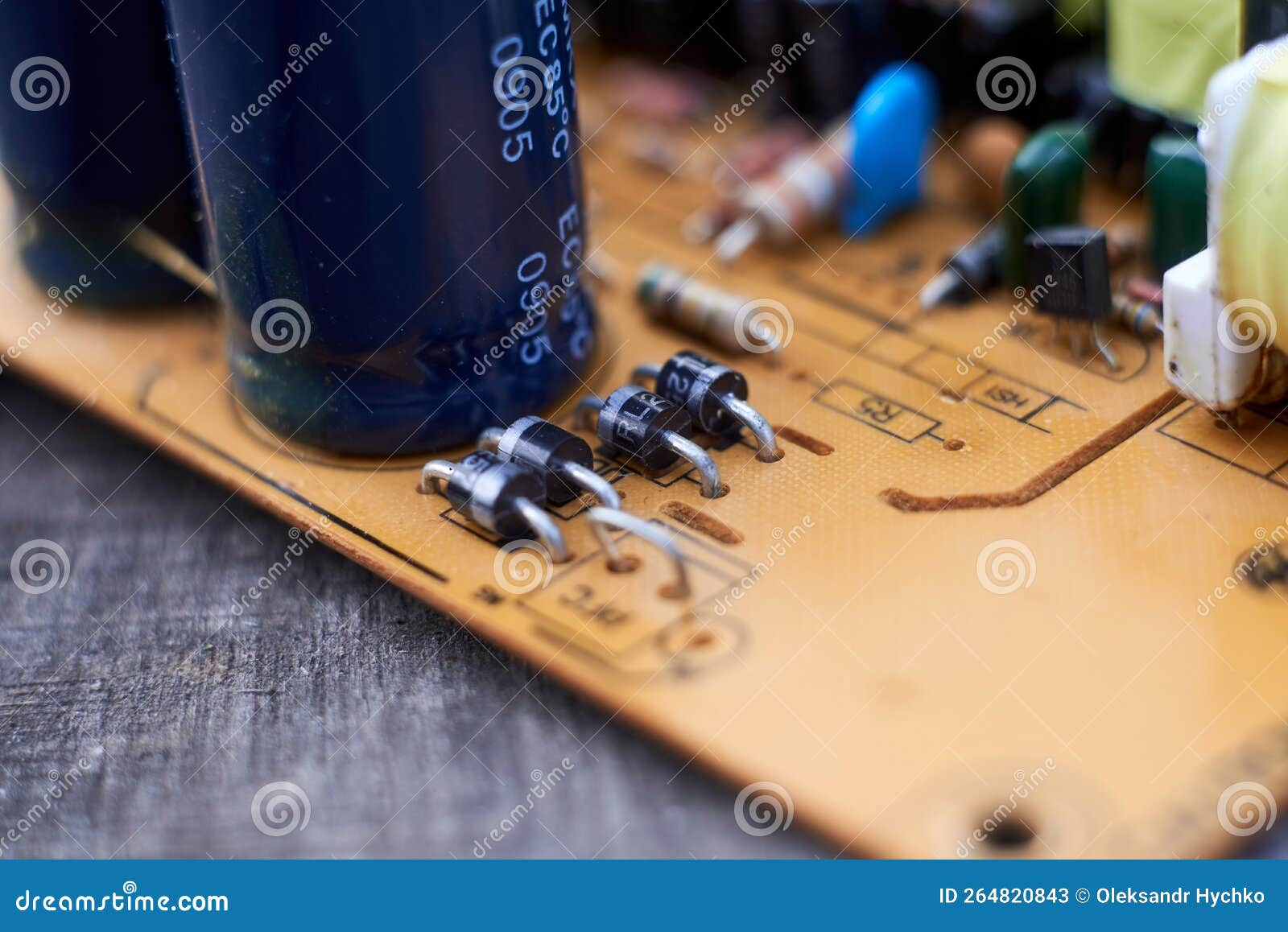
When choosing a replacement capacitor, make sure to select one that matches the original capacitor's specifications, including:
- Capacitance value (measured in Farads)
- Voltage rating (measured in Volts)
- Temperature rating (measured in degrees Celsius)
- Electrolyte type (aluminum or tantalum)
Using a replacement capacitor that does not match the original specifications can cause damage to the motherboard or other components.
Conclusion
Replacing a faulty capacitor on a motherboard can be a complex process, but with the right tools and knowledge, it can be done safely and effectively. Remember to choose the right replacement capacitor and follow proper soldering techniques to avoid damaging the motherboard or other components. By following this guide, you can restore your motherboard's health and extend its lifespan.