How to Set Up New iPhone Mail: A Comprehensive Guide
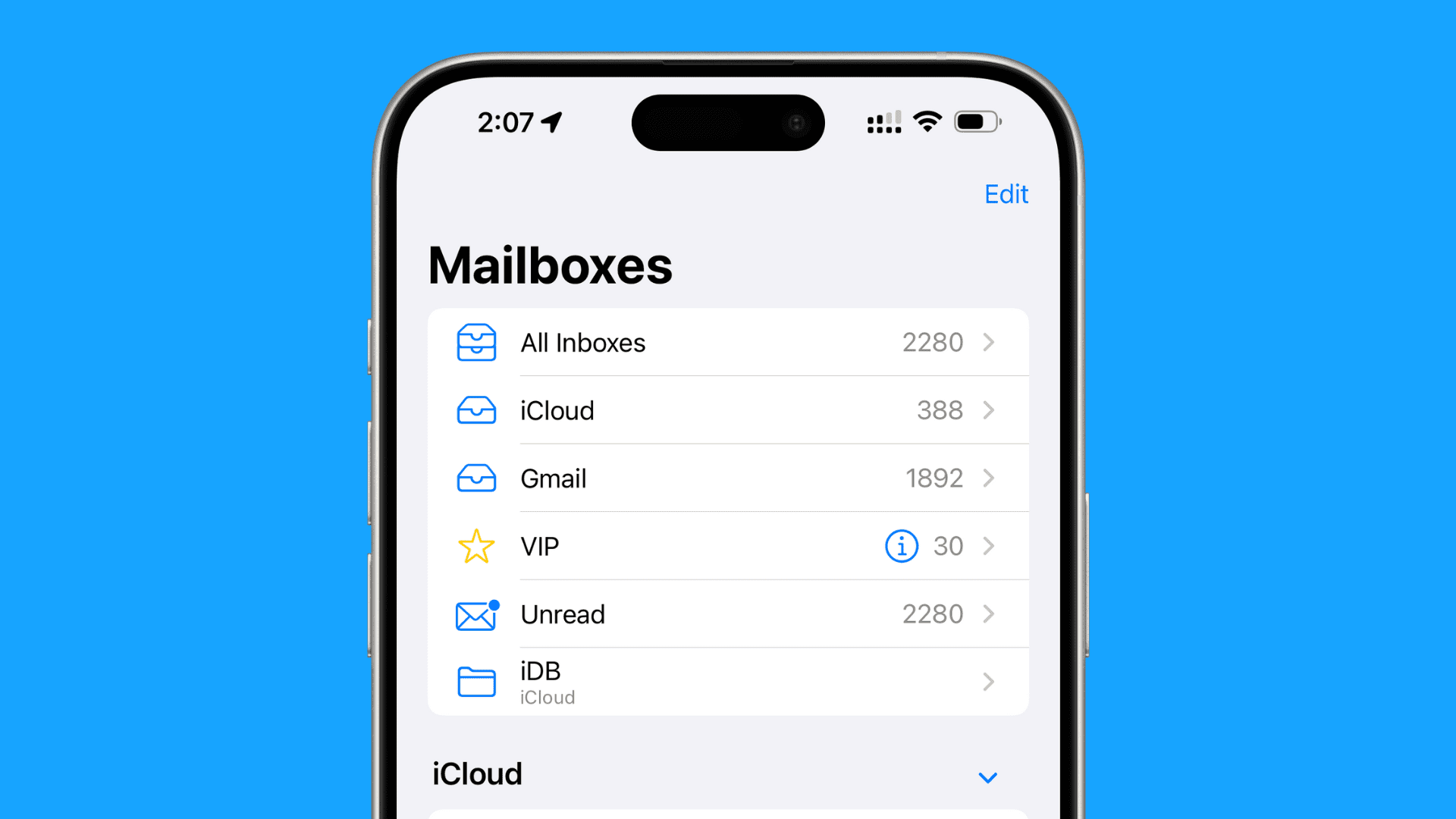
Setting up email on your new iPhone can be a daunting task, especially if you're new to the iOS operating system. In this comprehensive guide, we'll walk you through the process of setting up your new iPhone mail, including how to add and remove email accounts, configure email settings, and sync your email, contacts, and calendars across all your devices.
Setting Up Email on Your New iPhone
The process of setting up email on your new iPhone is straightforward and can be completed in a few simple steps. If you've already set up your iPhone, you can skip to the section on configuring email settings below.
Method 1: Setup Email Account Automatically
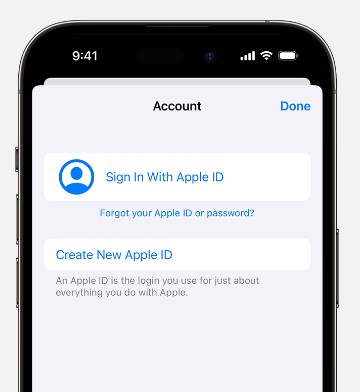
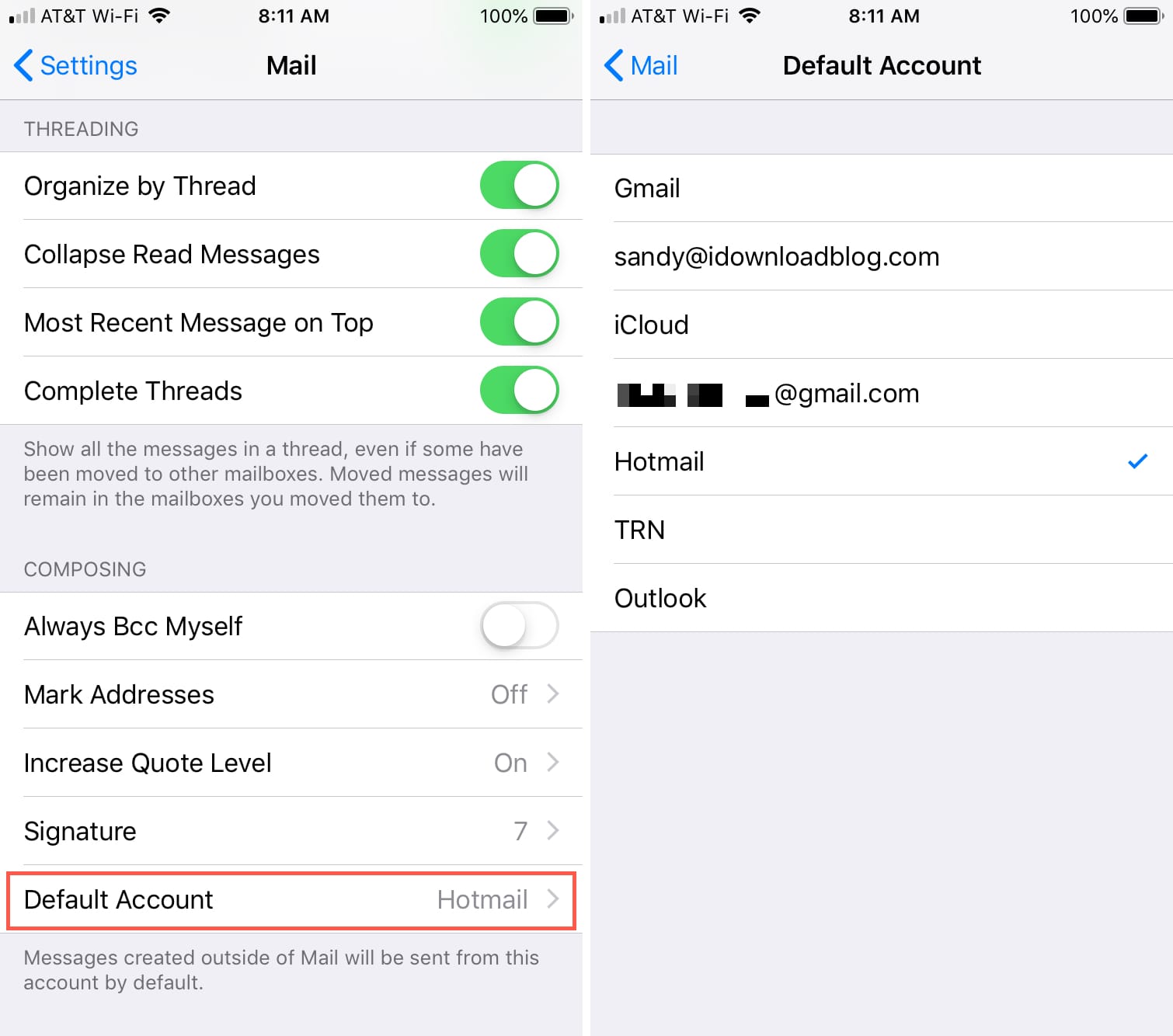
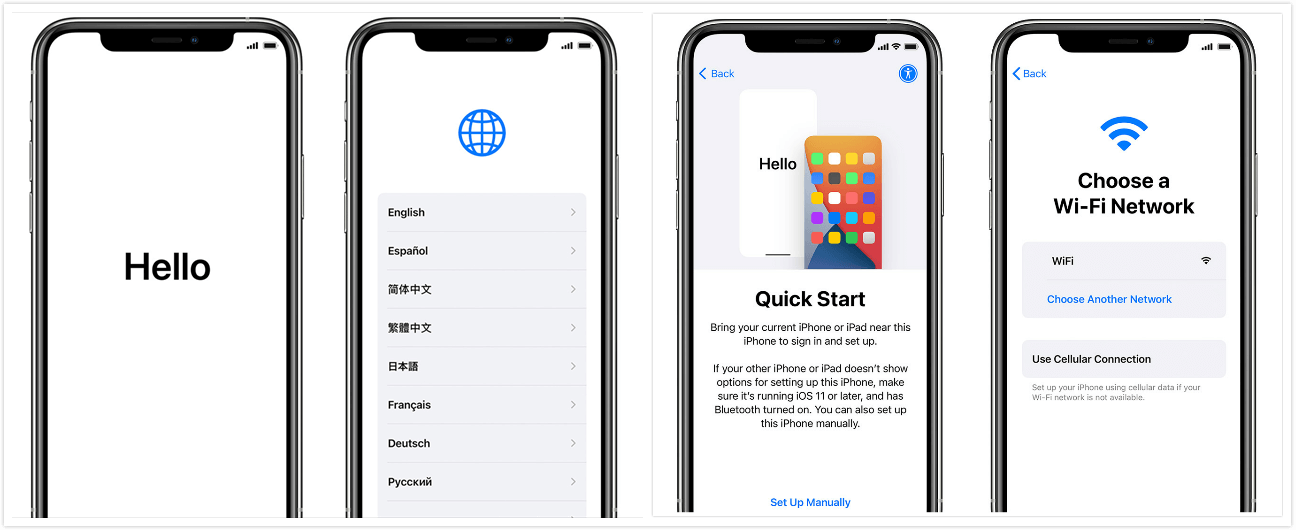
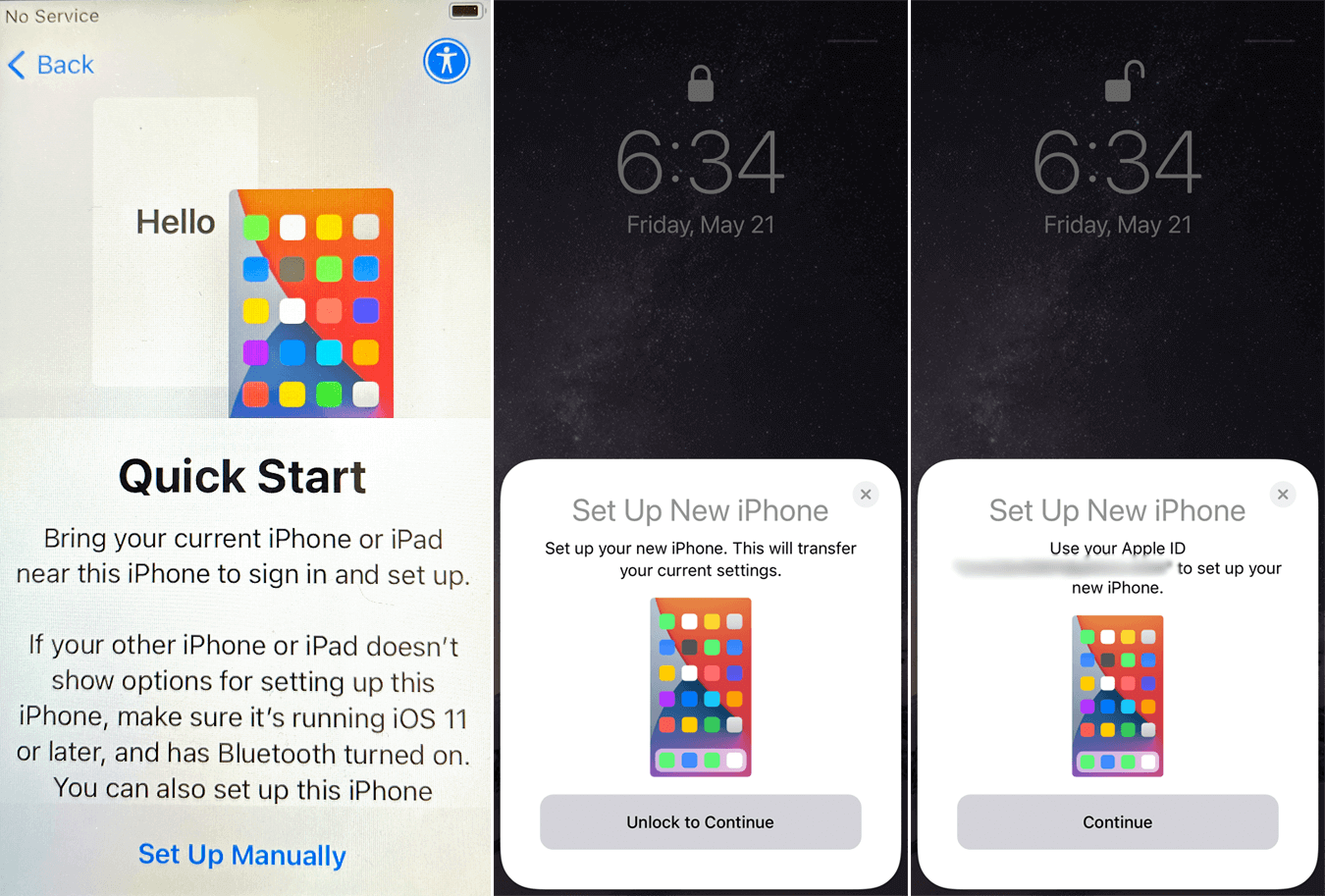
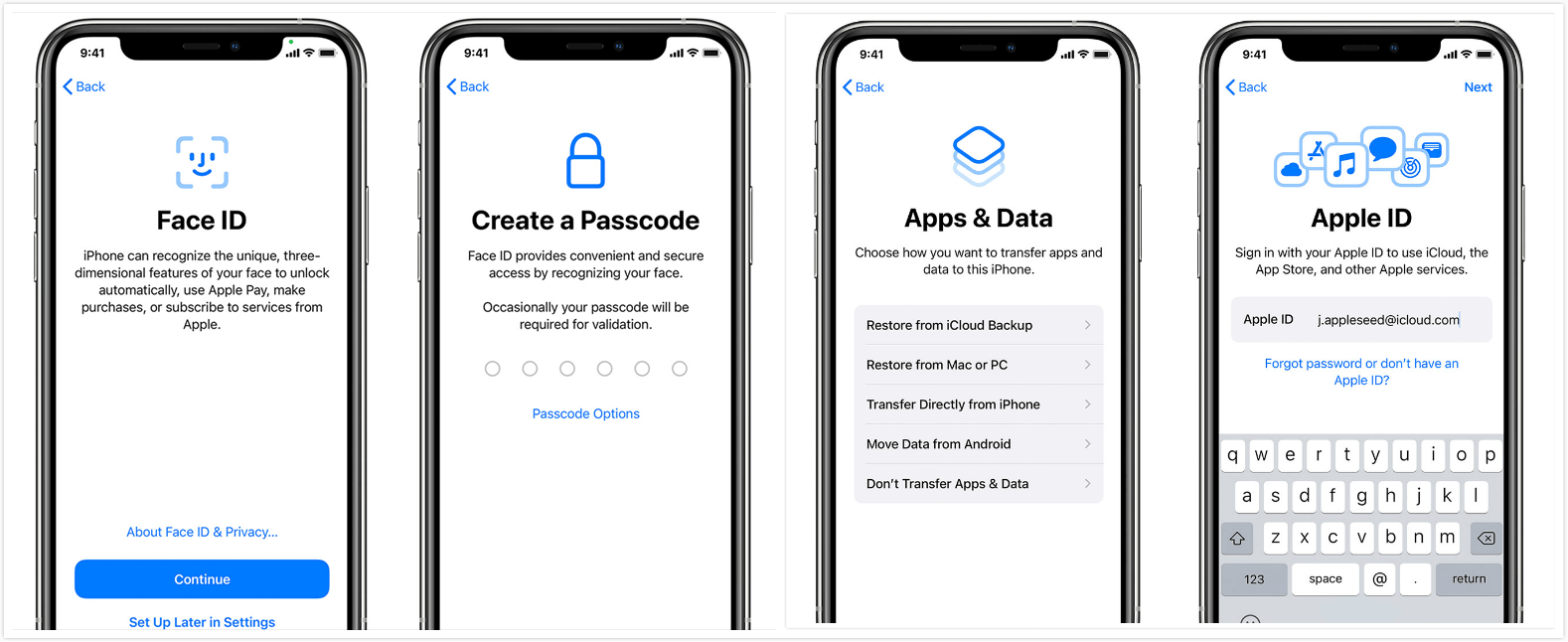
When you first set up your iPhone, you'll be prompted to sign in with your Apple ID. If you have an existing email account set up on your iPhone, the mail app will automatically configure it. If you don't have an email account set up, you'll be prompted to add one.
Method 2: Setup Email Account Manually
If you prefer to set up your email account manually, you can do so by following these steps:
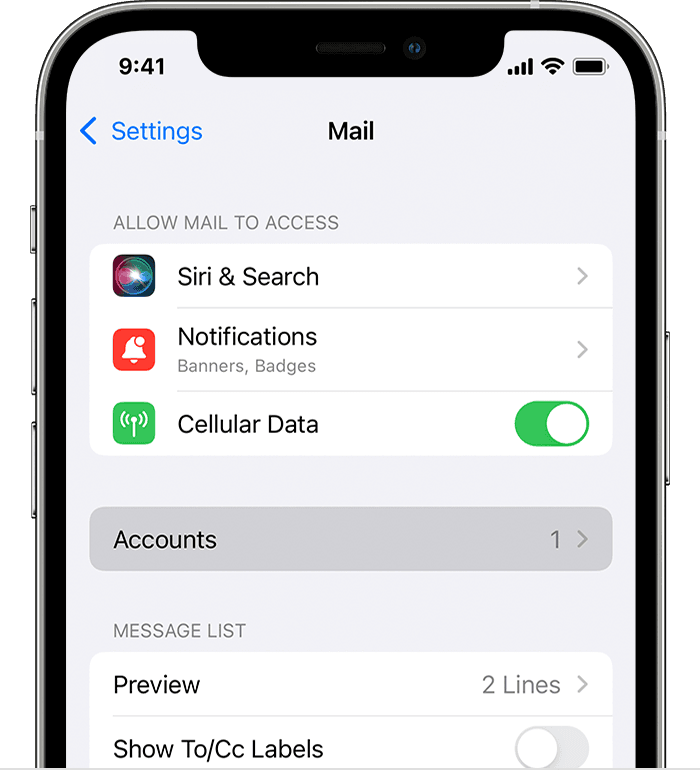
- Go to Settings on your iPhone
- Tap on "Mail"
- Tap on "Accounts"
- Tap on "Add Account"
- Select the type of email account you want to add (e.g. Gmail, Yahoo, Outlook etc.)
- Enter your email address and password
- Tap on "Next"
- Follow the prompts to configure your email settings
Configure Email Settings
Once you've set up your email account, you may need to configure additional settings to ensure everything is working smoothly. Here are some common settings you may need to configure:
IMAP vs POP
IMAP (Internet Message Access Protocol) and POP (Post Office Protocol) are two types of email protocols that allow you to access your email account from multiple devices. IMAP is the default protocol on the iPhone and allows you to access all your email across all your devices. POP is an older protocol that allows you to download your email to your iPhone and access it only through the iPhone.
SMTP Settings
SMTP (Simple Mail Transfer Protocol) is an email protocol that allows you to send email from your iPhone. You may need to configure your SMTP settings if you're experiencing issues sending email from your iPhone.
SSL/TLS Settings

SSL (Secure Sockets Layer) and TLS (Transport Layer Security) are encryption protocols that secure your email transmission. You may need to configure your SSL/TLS settings if you're experiencing issues connecting to your email account.
Syncing Email, Contacts, and Calendars
Once you've set up your email account, you can sync your email, contacts, and calendars across all your devices using iCloud, Exchange, or Google Sync.
Adding and Removing Email Accounts
Adding and removing email accounts on your iPhone is a straightforward process. Here's how:
Adding an Email Account
- Go to Settings on your iPhone
- Tap on "Mail"
- Tap on "Accounts"
- Tap on "Add Account"
- Select the type of email account you want to add (e.g. Gmail, Yahoo, Outlook etc.)
- Enter your email address and password
- Tap on "Next"
- Follow the prompts to configure your email settings
Removing an Email Account
- Go to Settings on your iPhone
- Tap on "Mail"
- Tap on "Accounts"
- Find the email account you want to remove
- Tap on the minus (-) button next to the email account
- Tap on "Remove Account"
Troubleshooting Email Issues
If you're experiencing issues with your email account, here are some troubleshooting steps you can try:
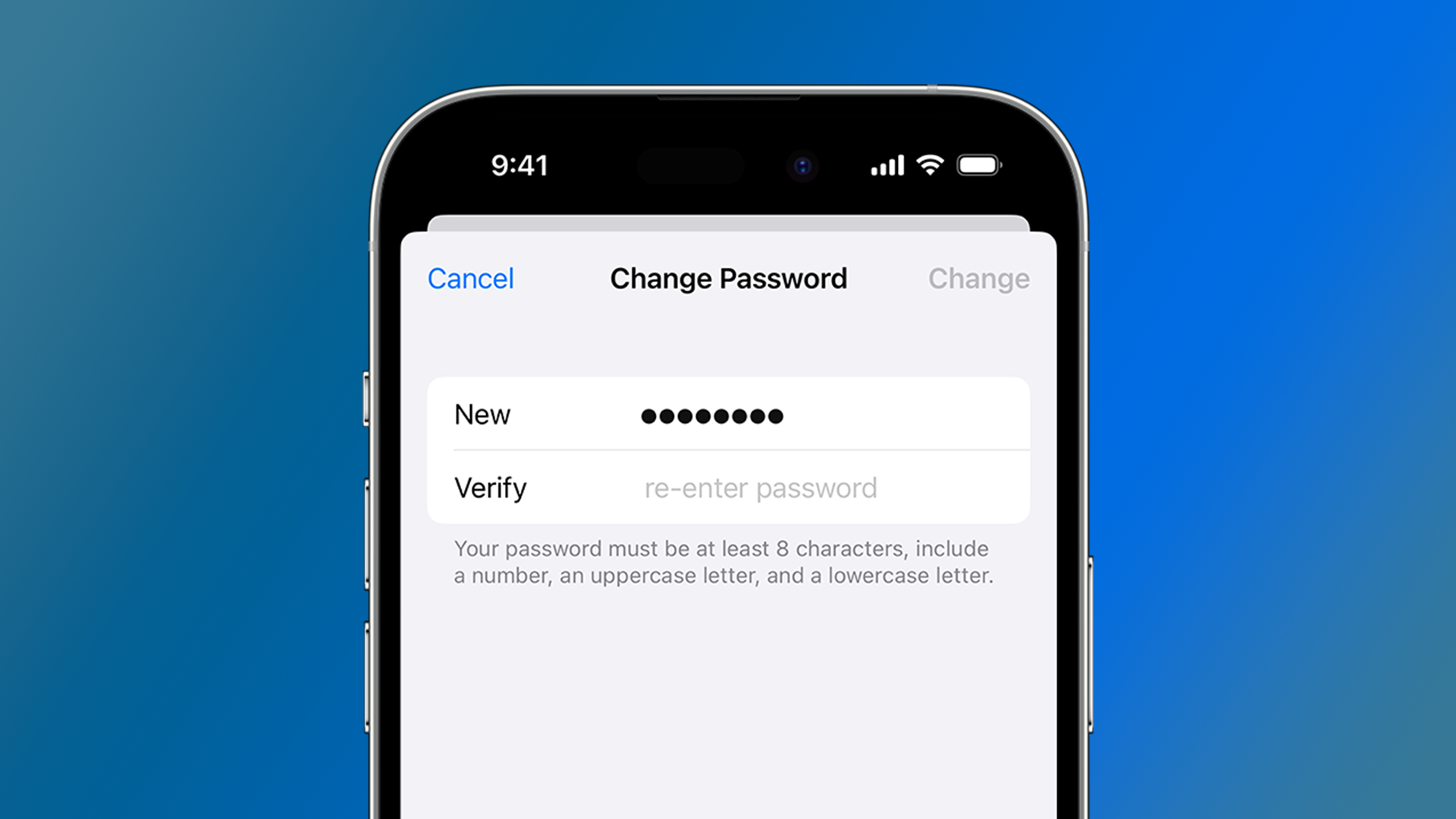
Check Your Email Password
Make sure your email password is correct and matches the password on your other devices.
Check Your Email Account Settings
Make sure your email account settings are correct, including your email address, password, and SMTP settings.