How to Set Up Arlo Camera: A Comprehensive Guide
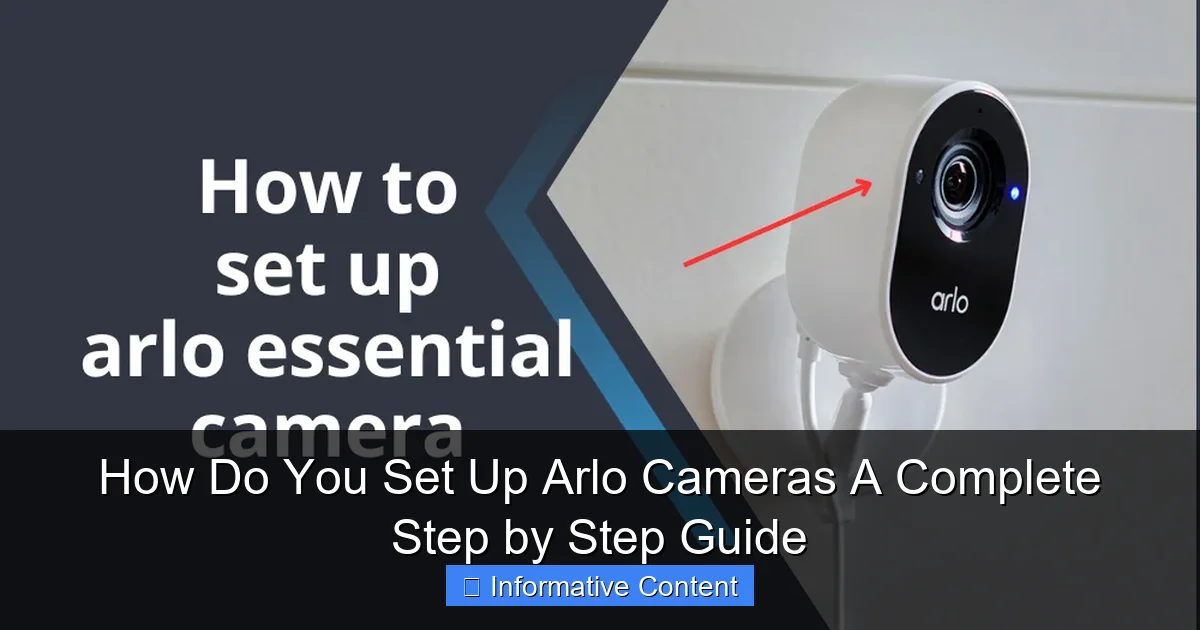
If you're looking to enhance your home security with a smart camera system, consider investing in an Arlo camera. With its wireless design and user-friendly setup process, it's no wonder why Arlo systems are a top choice among homeowners. Whether you own an Arlo Pro series, Ultra series, or Essential Wire-Free series camera, we'll walk you through each step of the process to get your system up and running.Choosing the Right Arlo Camera for Your Home
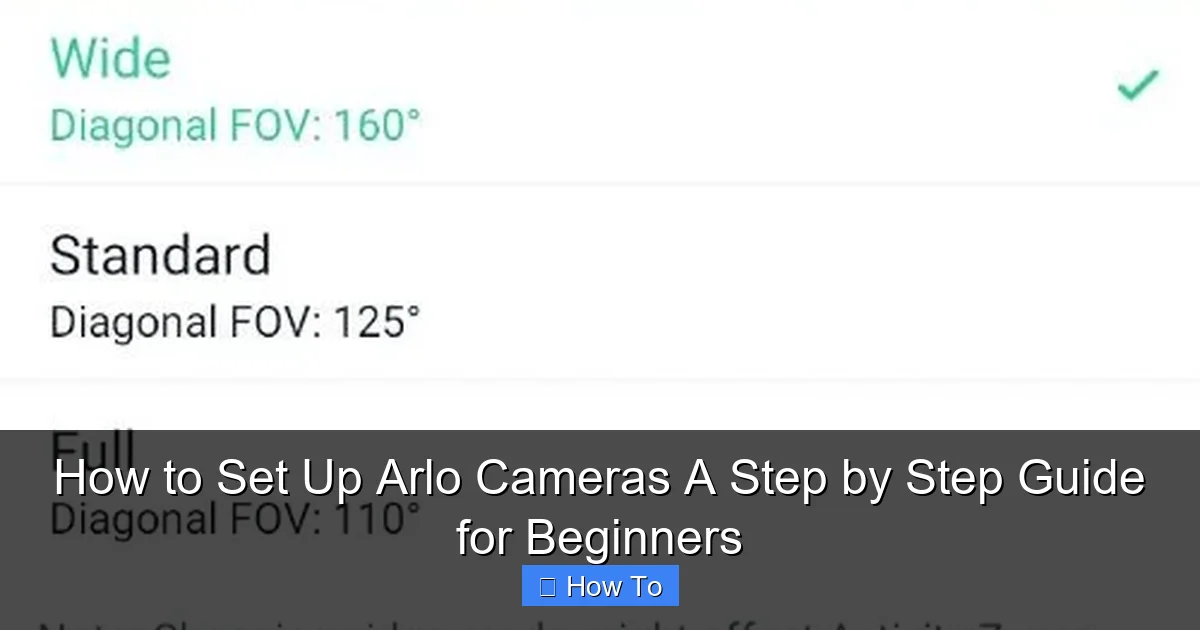
Before we dive into the setup process, it's essential to select the right Arlo camera for your home. Consider the following factors: * Camera location: Whether you plan to mount your Arlo camera indoors or outdoors, make sure to choose a model that suits your needs. * Field of view: Select a camera with a wide-angle lens to ensure you capture a clear view of your space. * Resolution: Opt for a camera with a high resolution (4K or 2K) for crisp and clear video footage. * Additional features: Consider cameras with features like night vision, motion detection, and built-in spotlights. Now that you have your Arlo camera, it's time to proceed with the setup process.Step 1: Download and Install the Arlo App
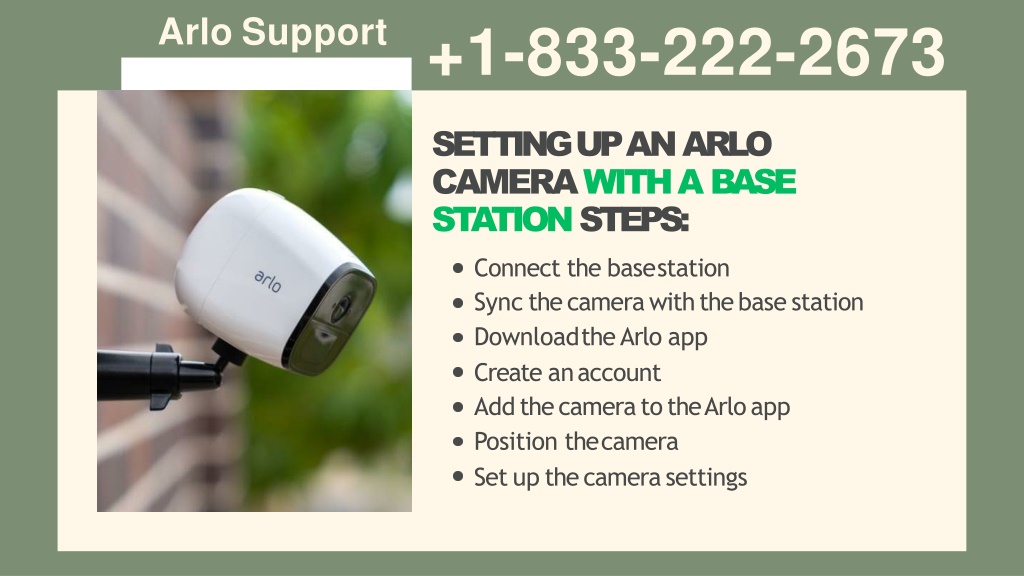
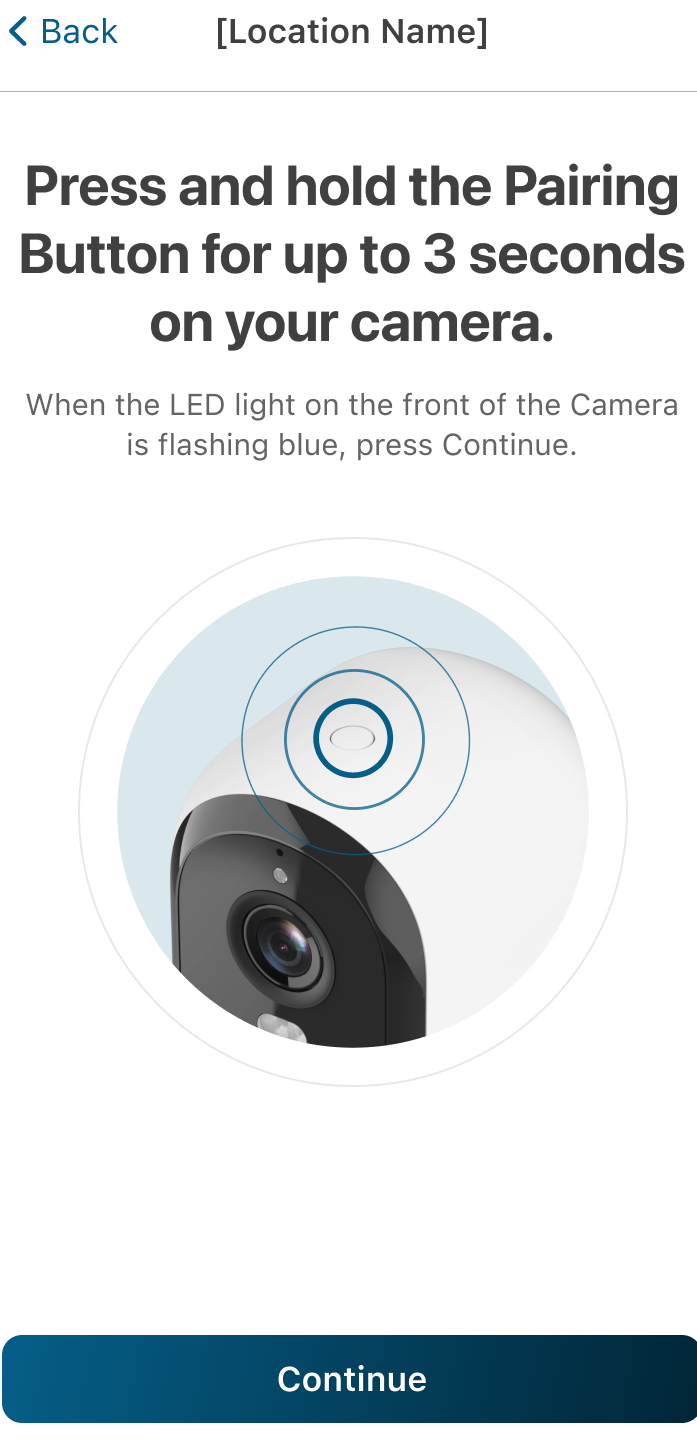
To start the setup process, download and install the Arlo app on your smartphone or tablet. The app is available for both iOS and Android devices. Create an account or log in if you already have one. Once logged in, you'll be prompted to connect your Arlo camera to your account.Step 2: Connect Your Arlo Camera to Wi-Fi
Next, you'll need to connect your Arlo camera to your home Wi-Fi network. Make sure to follow these steps: * Restart your modem