Facebook Profile Protection Tips: Secure Your Online Presence
As the world's largest social media platform, Facebook has become an essential tool for personal and professional connections. However, with the increasing number of online threats, it's crucial to take proactive steps to protect your Facebook profile. In this article, we'll share valuable tips to help you safeguard your online presence and prevent potential risks.
Understand the Risks
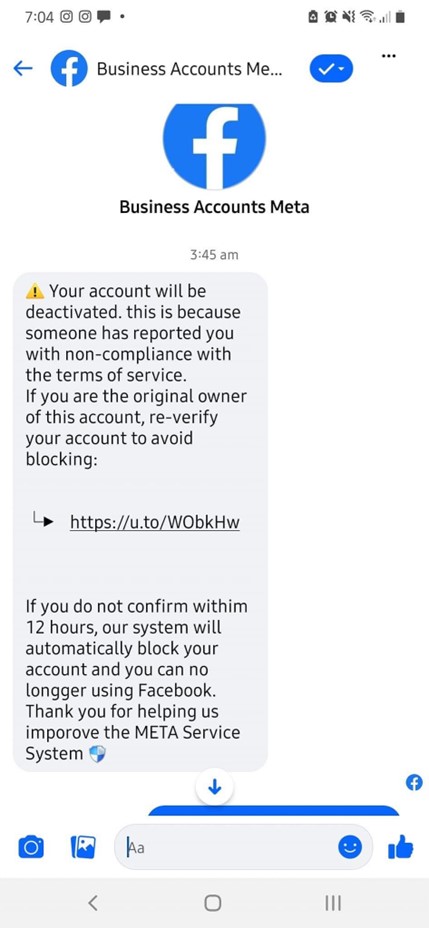
Facebook and Instagram profiles, including those of public figures, may be targeted to gain access to contacts and sensitive information. If your profile is compromised, you could lose access to the Pages and Groups that you manage as well. It's essential to be aware of the risks and take necessary precautions to secure your online presence.
Basic Facebook Profile Protection Tips
- Think carefully about everything you upload or type into Facebook. Criminals and predators may be interested in your Facebook activity and use it against you.
- Do not share your whereabouts or plans to go somewhere at a certain time.
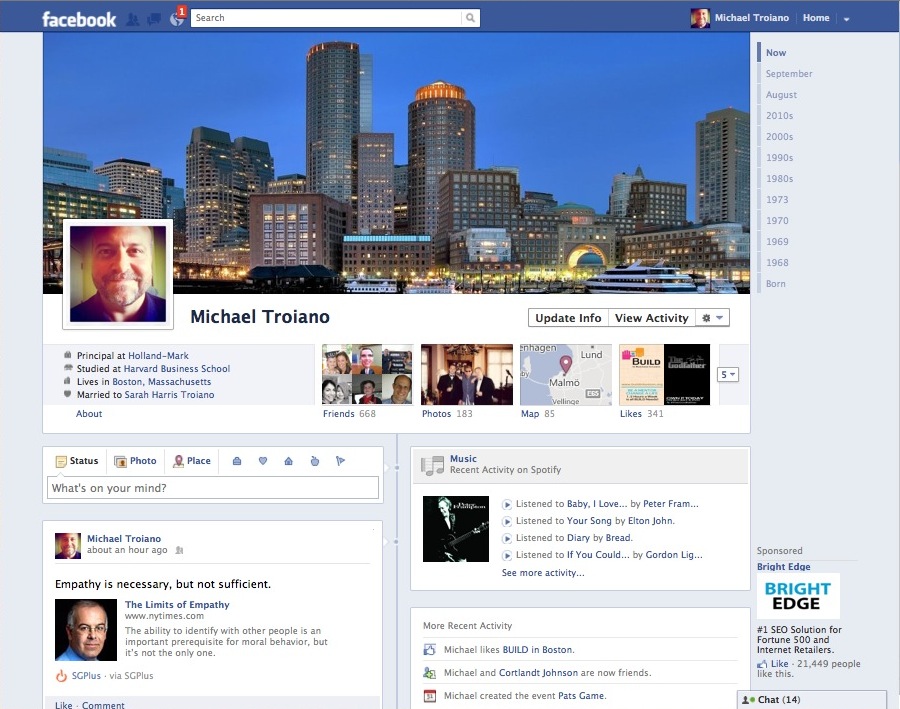
- Be vague with basic profile information, such as your hometown, employer, birth date, and contact information.
- Set the audience for your posts to "Friends" or a specific group to limit who can see your content.
- Use strong passwords and keep them confidential. Avoid using the same password on multiple sites.
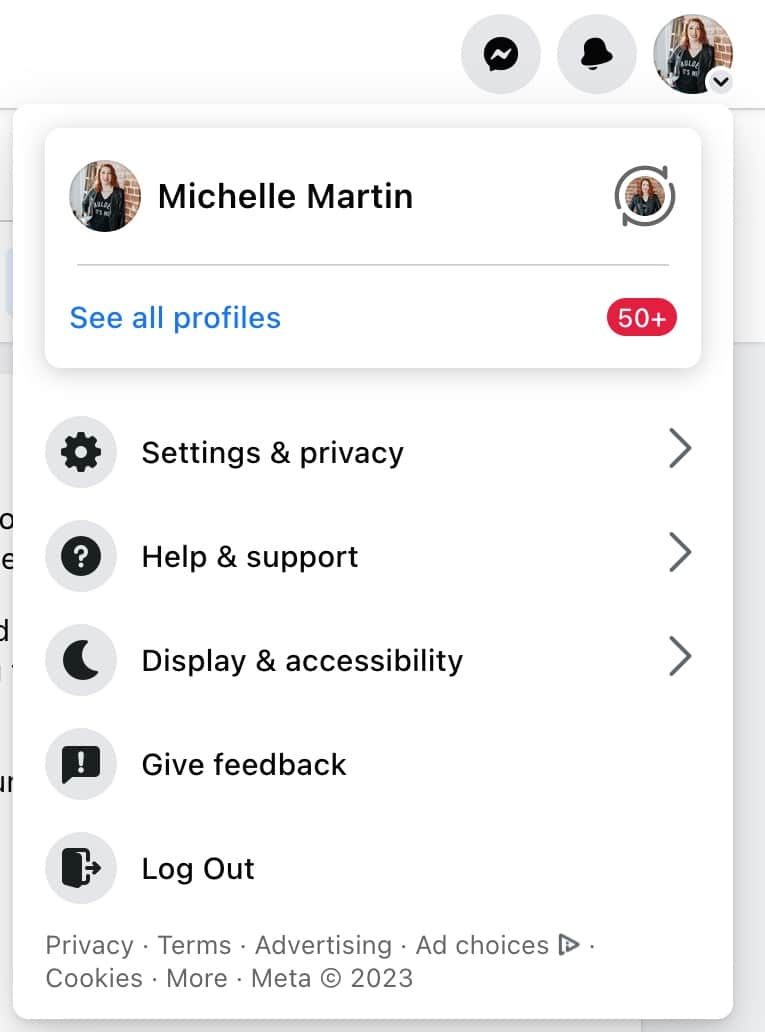
- Log out of your Facebook account if you use it on a public computer.
Advanced Facebook Profile Protection Tips
- Enable two-factor authentication (2FA) to add an extra layer of security to your account. This will require you to enter a verification code sent to your phone or email in addition to your password.
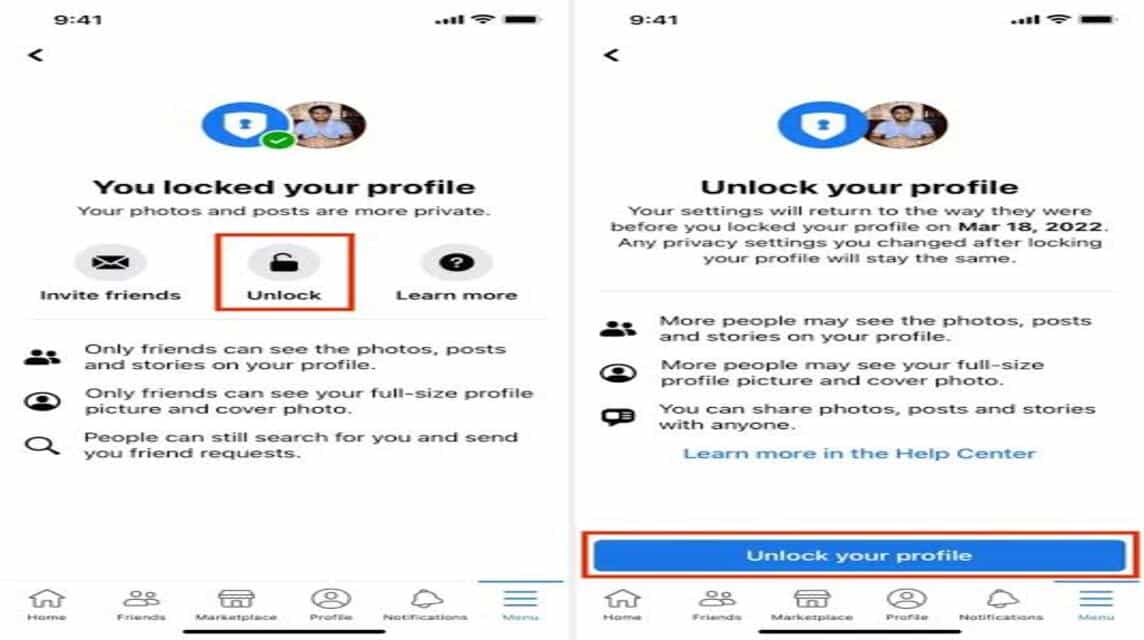
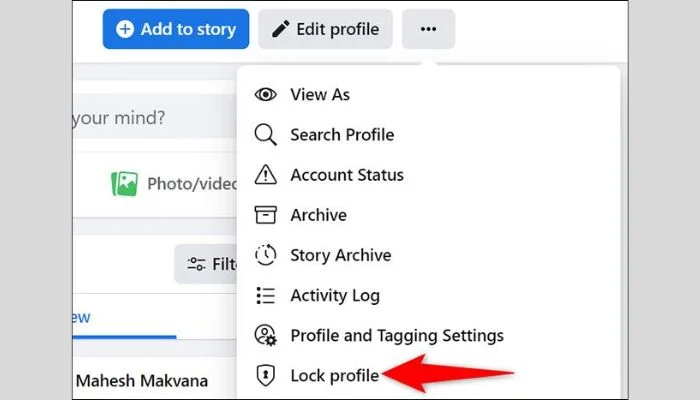
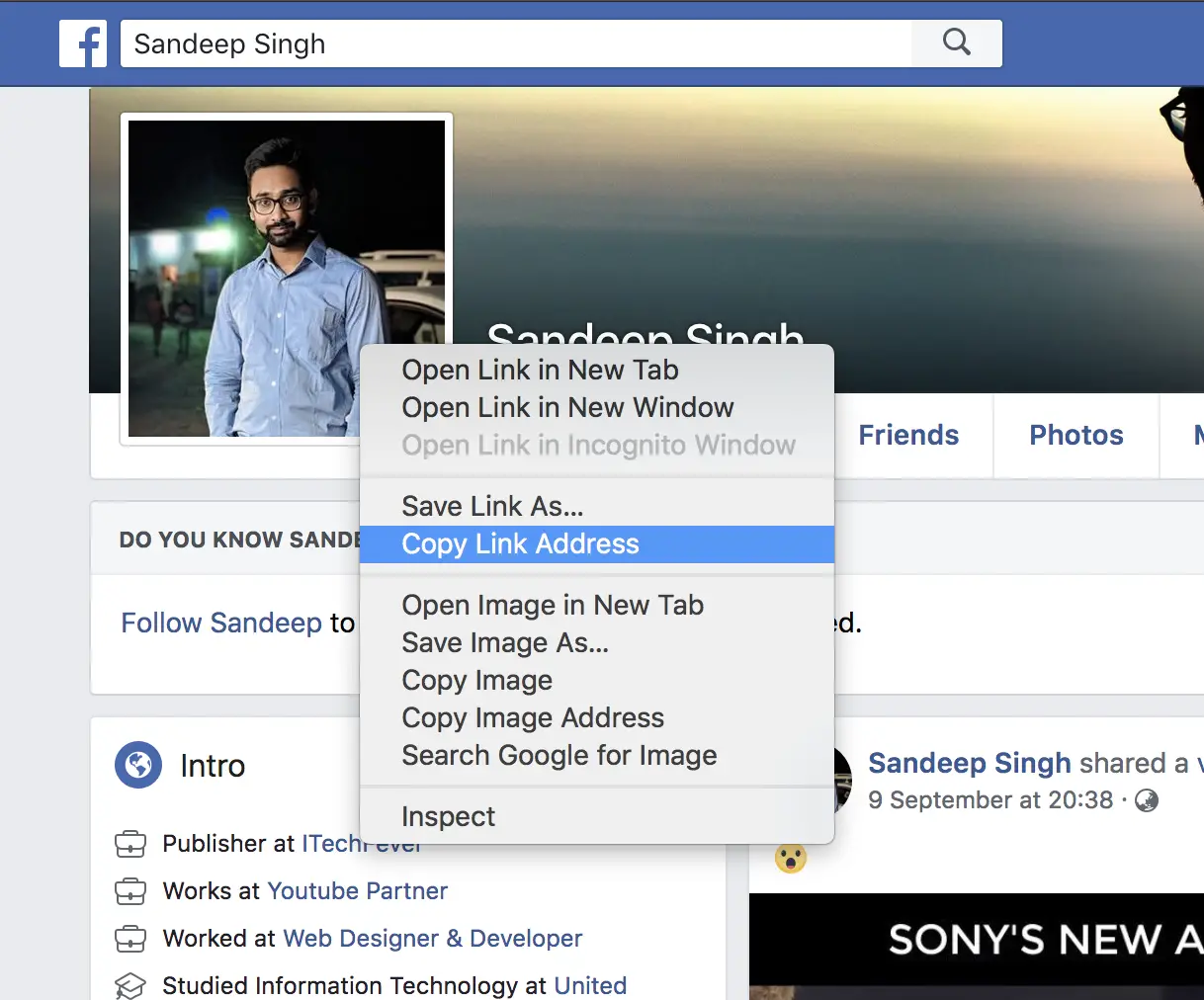
- Use Facebook's "Profile Locking" feature to limit what people who aren't your friends can see. This will also stop strangers from downloading your profile or cover photo.
- Monitor your account activity regularly and report any suspicious behavior or unauthorized access.
- Keep your email account associated with your Facebook account secure. Use strong passwords and enable 2FA on your email account as well.

Facebook's Security Features
Meta provides multiple security features and tools to secure your account and protect you from scams and hacks. Some of these features include:
- Login Alerts: Receive notifications when someone logs into your account from a new device or location.
- Secure Browsing: Enable this feature to automatically redirect you to a secure version of Facebook if the site you're visiting is not secure.
- Profile Verification: Get verified on Facebook to increase the credibility of your profile and reduce the risk of impersonation.
Conclusion
Protecting your Facebook profile is an ongoing process that requires attention and vigilance. By following these Facebook profile protection tips, you can significantly reduce the risk of identity theft, hacking, and other online threats. Remember to stay informed about the latest security features and best practices to keep your online presence secure.
Additional Resources
For more information on Facebook security and privacy, visit the official Facebook Help Center or consult the Facebook Security page. Additionally, you can explore the Facebook Creator Community to learn more about growing your audience, monetizing content, and engaging with fans.