How to Safeguard Your Email Account: A Comprehensive Guide
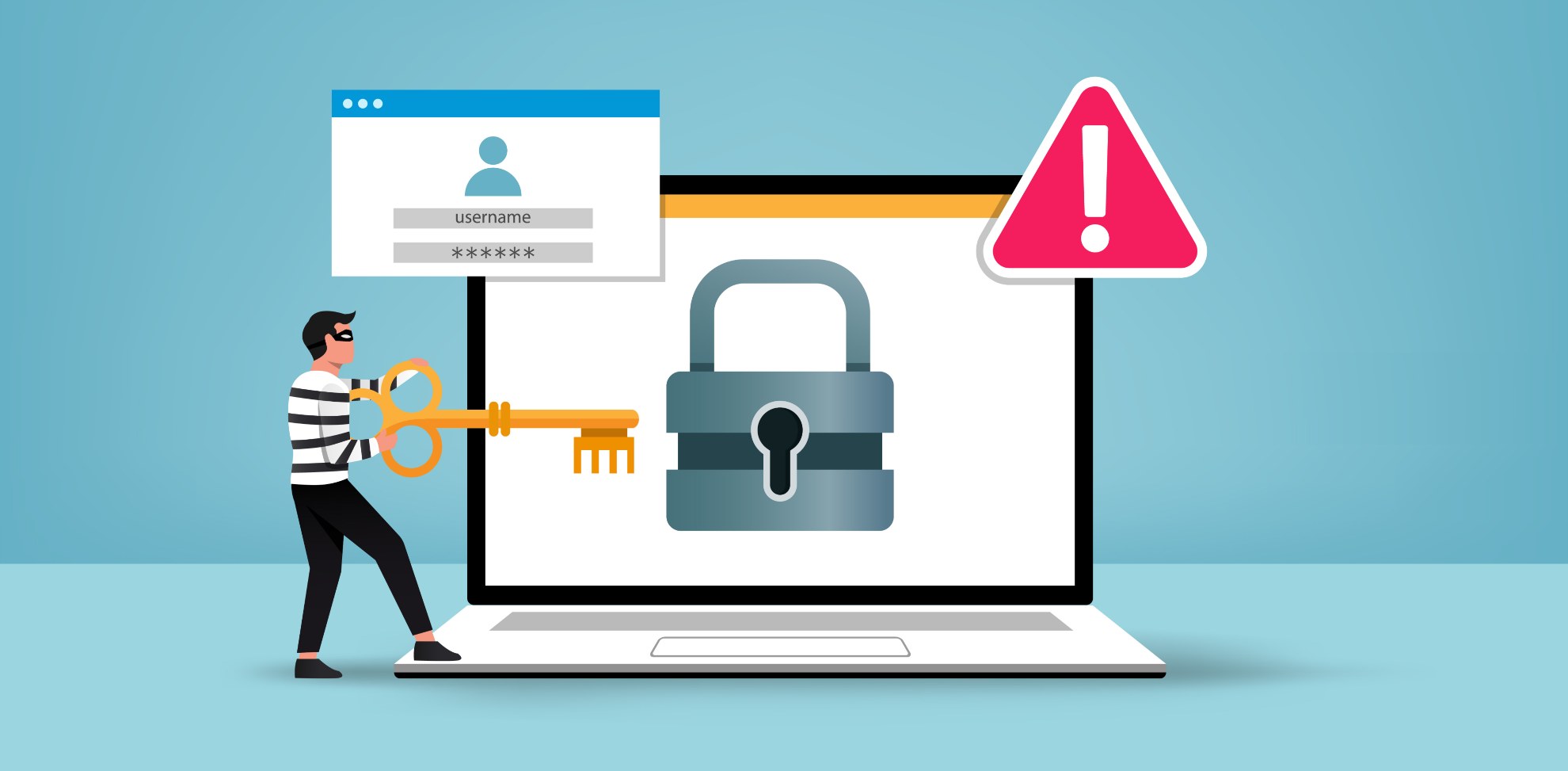
Your email account is one of the most critical accounts you have, containing valuable information and serving as a gateway to various online services. Unfortunately, it's also a popular target for cybercriminals, who can use stolen email credentials to reset other passwords or gain unauthorized access to sensitive data. In this article, we'll provide you with a comprehensive guide on how to safeguard your email account against hackers, phishing scams, and other online threats.
Understand How Email Accounts Get Compromised
Becoming a victim of email account hacking can be a devastating experience. Typically, hackers use two primary methods to gain access to your account: through phishing scams or password cracking. Weak passwords, reused passwords, and not enabling two-factor authentication are common reasons why email accounts get compromised. If you want to keep your email account safe, it's essential to understand these tactics and take proactive measures to prevent them.
Best Practices to Secure Your Email Account
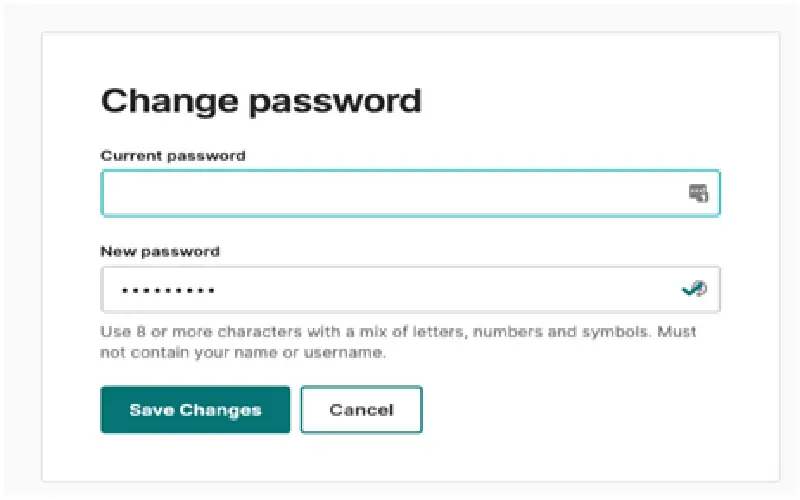
- Use a strong password**: A strong and unique password is the foundation of email security. Make sure to use a combination of uppercase and lowercase letters, numbers, and special characters. Avoid using easily guessable information like names, birthdays, or common words.
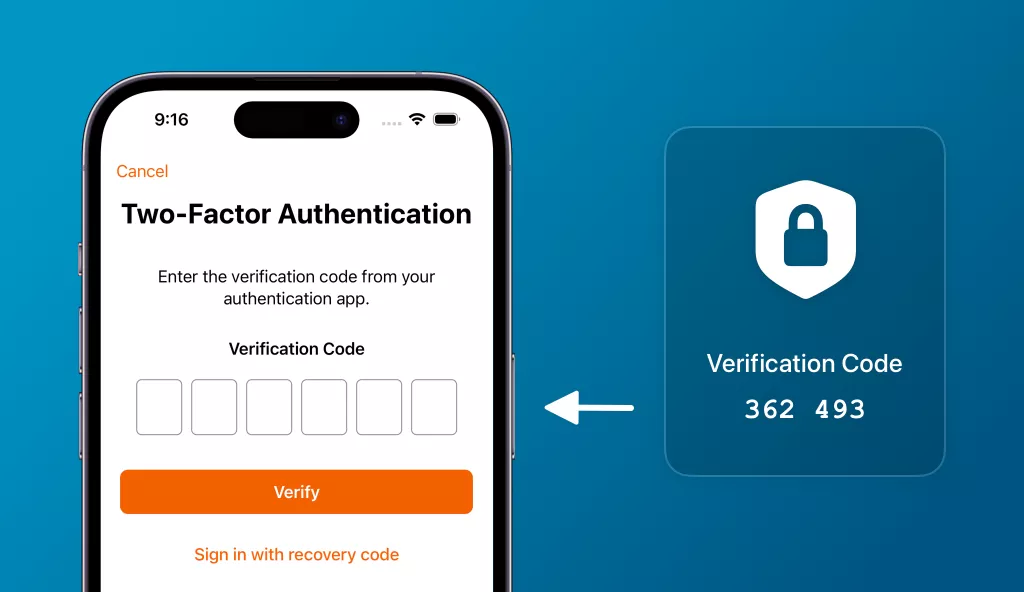
- Enable two-factor authentication**: Two-factor authentication (2FA) adds an extra layer of security to your email account by requiring a second form of verification, such as a code sent to your phone or a biometric scan. This makes it much harder for hackers to gain unauthorized access to your account.
- Monitor your account activity**: Keep an eye on your email account activity, especially after making changes or updating your password. If you notice any suspicious activity, report it to your email provider immediately.
- Use a reputable email client**: Use a well-established and reputable email client, such as Gmail or Outlook, to ensure that you're protected by robust security features and regular updates.
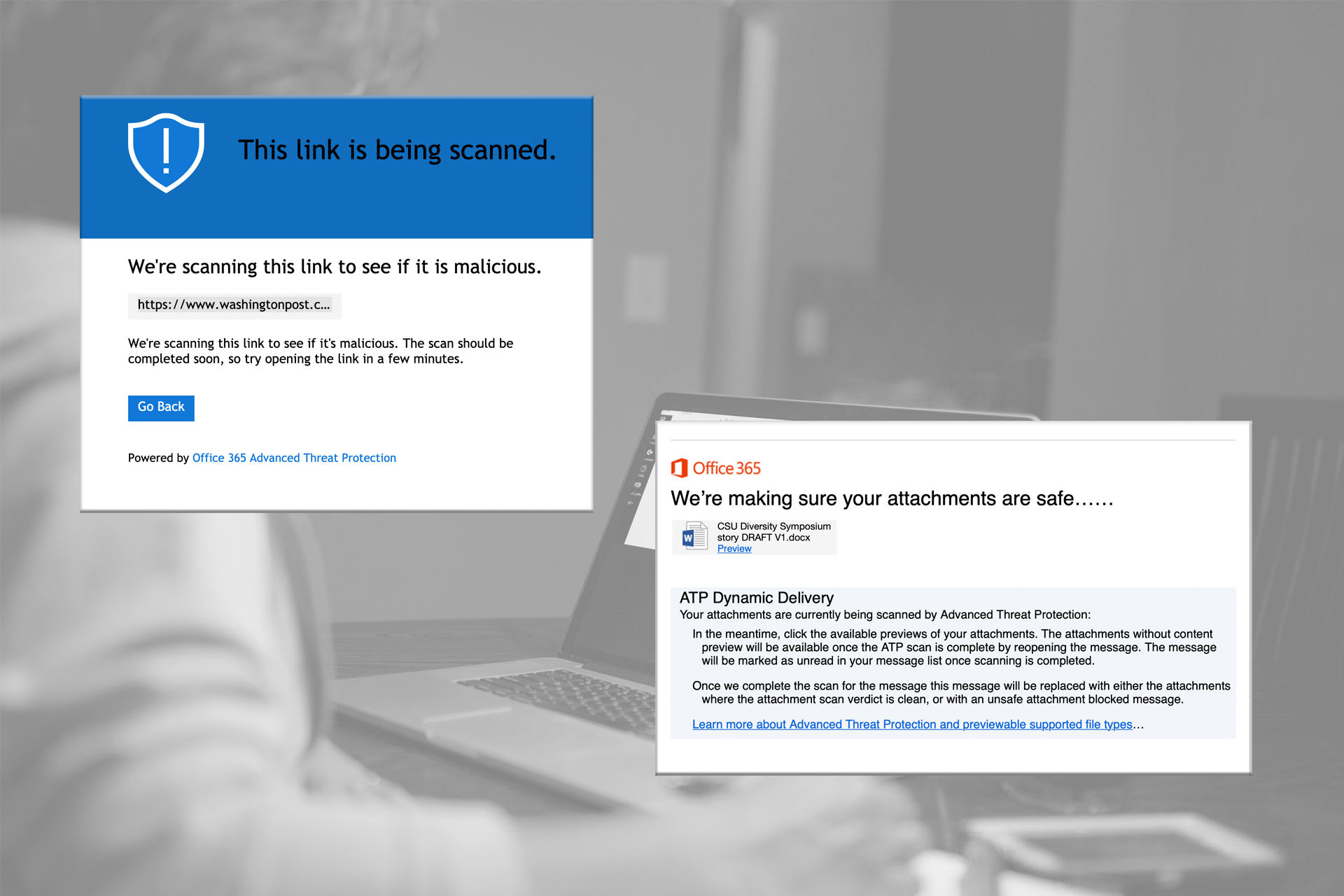
- Be cautious with links and attachments**: Be wary of links and attachments from unknown senders, as they may contain malware or phishing scams.
- Use a spam filter**: Set up a spam filter to block unwanted emails and prevent them from reaching your inbox.

Additional Tips to Safeguard Your Email Account
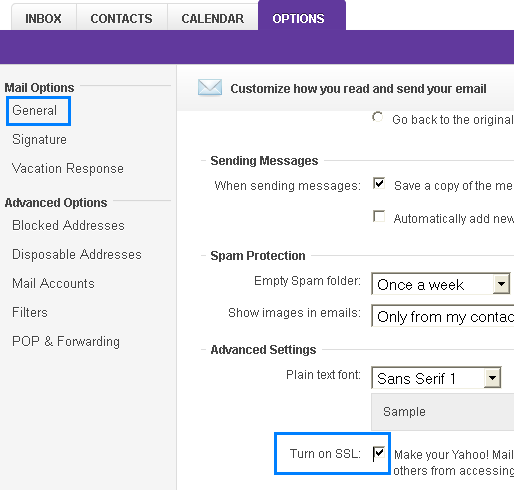
- Keep your account up-to-date**: Regularly update your email client and account settings to ensure you have the latest security patches and features.
- Use a second email account for online transactions**: Consider creating a secondary email account for online transactions, such as signing up for new services or responding to notifications.
- Be aware of phishing scams**: Be cautious of phishing scams, which often create a sense of urgency or fear to prompt you into revealing sensitive information.
- Use a password manager**: Use a reputable password manager to generate and store unique passwords for each of your online accounts.
- Report suspicious activity**: If you notice any suspicious activity or receive a phishing email, report it to your email provider and take immediate action to secure your account.
Conclusion
Safeguarding your email account is an ongoing process that requires vigilance, knowledge, and the right tools. By following the best practices and additional tips outlined in this article, you can significantly reduce the risk of your email account being compromised. Remember, email security is a shared responsibility between you and your email provider. By taking proactive steps, you can protect your valuable information, prevent unauthorized access, and maintain trust in your online interactions.


:max_bytes(150000):strip_icc()/yahoomailaccountsecurity-3c7a0d84fc364f1ebaa732176c748b72.jpg "Block or unblock senders in Outlook - Microsoft Support")