How to Keep Passwords Secure Online: A Comprehensive Guide
In today's digital age, passwords are the primary means of securing our online accounts, personal data, and financial information. However, the risks associated with weak or compromised passwords are becoming increasingly apparent. A weak password can put your personal information at risk, making it essential to learn how to keep passwords secure online.
Why Password Security is Crucial
Passwords are the first line of defense against unauthorized access to your online accounts, making them a critical component of your digital security. Weak or compromised passwords can lead to identity theft, financial loss, and reputational damage. In fact, a study by Cybersecurity Ventures reveals that password attacks are the leading cause of data breaches, with over 80% of hacking-related breaches involving weak or compromised passwords.
Best Practices for Creating Strong Passwords
To keep your passwords secure online, follow these best practices:
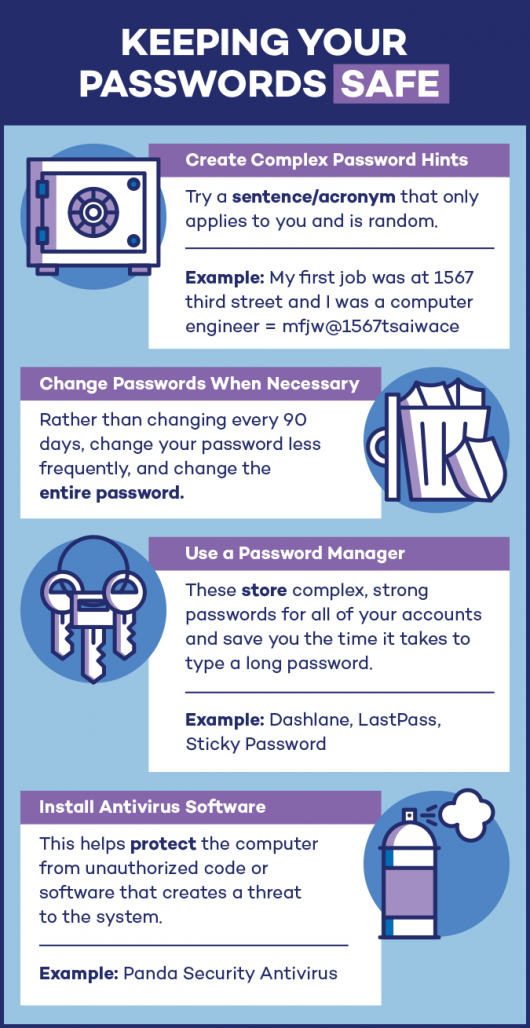
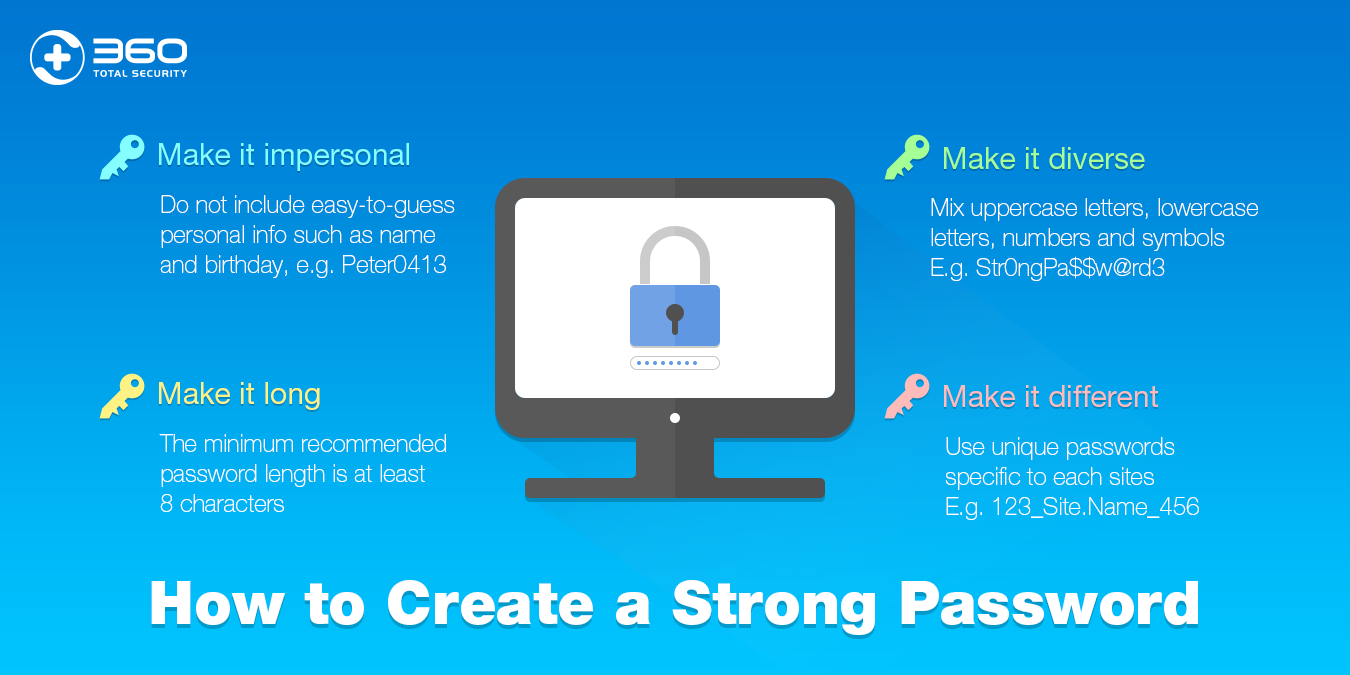
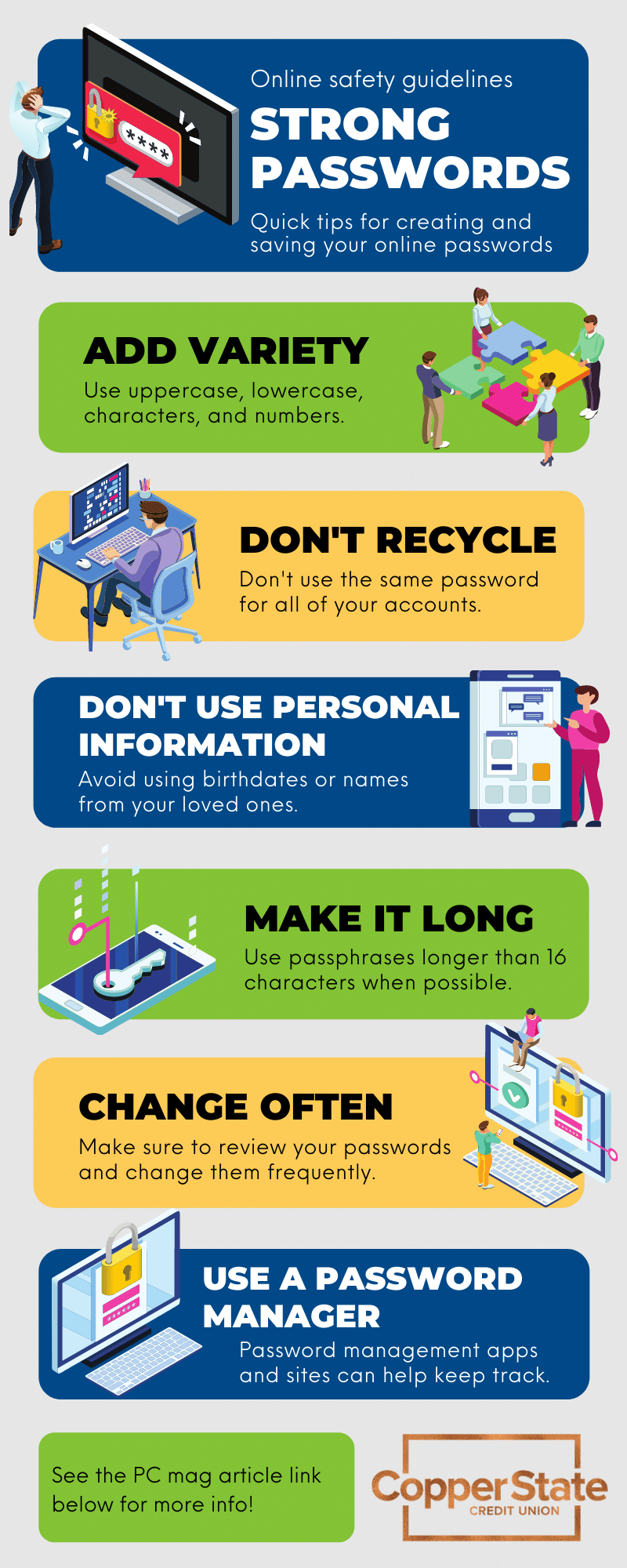
- Use unique passwords: Avoid using the same password across multiple accounts. Instead, create a unique password for each account, making it harder for hackers to gain access to multiple accounts with a single breach.
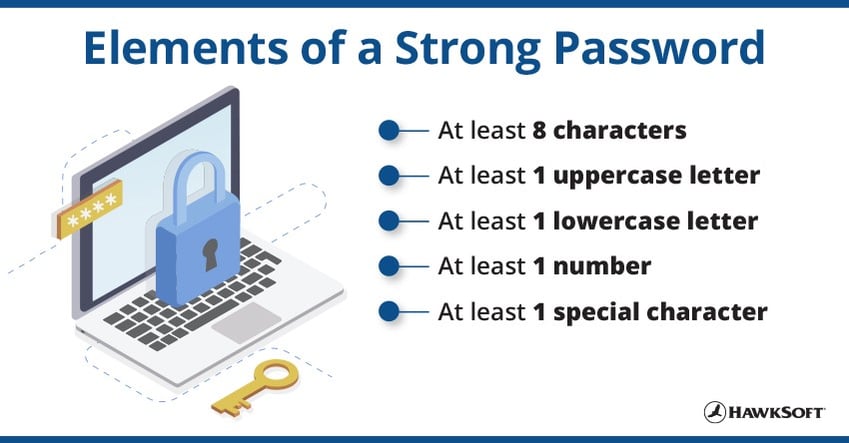
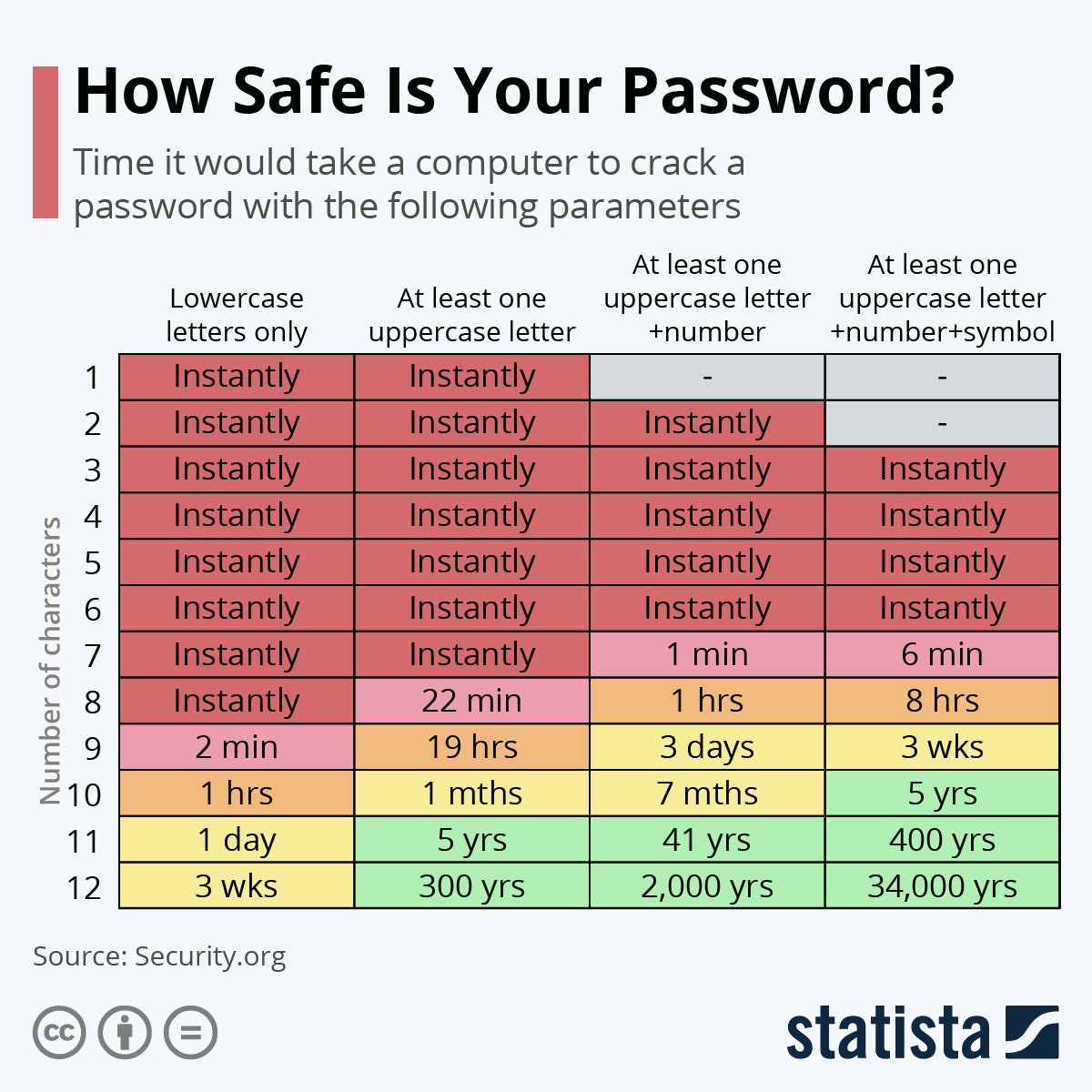
- Choose strong passwords: Create passwords that are at least 12 characters long, including a mix of uppercase and lowercase letters, numbers, and special characters.
- Use a password manager: A password manager can simplify your login experience by securely storing and autofilling your login credentials.
- Enable two-factor authentication (2FA): 2FA adds an extra layer of security by requiring a second form of verification, such as a fingerprint, face scan, or one-time password, in addition to your password.
How to Store Passwords Safely
Storing passwords securely is just as important as creating strong passwords. Consider using a password manager, such as LastPass or 1Password, which can securely store and autofill your login credentials. You can also use a password vault or a secure note-taking app, like Bitwarden, to store your passwords.

Common Password Security Mistakes to Avoid
Avoid these common password security mistakes:
- Using easily guessable information: Avoid using your name, birthdate, or common words as your password.
- Reusing passwords: Create unique passwords for each account to prevent hackers from gaining access to multiple accounts with a single breach.
- Using weak passwords: Avoid using short or easily guessable passwords that can be easily cracked by hackers.
Conclusion
Keeping your passwords secure online requires a combination of best practices, strong passwords, and secure storage. By following these tips, you can significantly reduce the risk of password-related breaches and protect your personal information. Remember, password security is a shared responsibility between individuals and organizations, so stay vigilant and take the necessary steps to keep your online accounts secure.
Additional Resources
For more information on password security and how to keep your passwords secure online, check out these additional resources:
- NIST Special Publication 800-63: https://pages.nist.gov/800-63-3/
- Bitwarden Password Manager: https://bitwarden.com/
- LastPass Password Manager: https://lastpass.com/