Setting Up a GoFundMe Donation Page: A Step-by-Step Guide
GOFundMe is a popular online platform for creating and sharing fundraising campaigns. Whether you're raising money for a personal emergency, a community project, or a charitable cause, GoFundMe has become the go-to destination for turning compassion into action. In this article, we'll provide a comprehensive guide on how to set up a GoFundMe donation page, complete with tips and best practices for maximizing donations.
Why Choose GoFundMe?
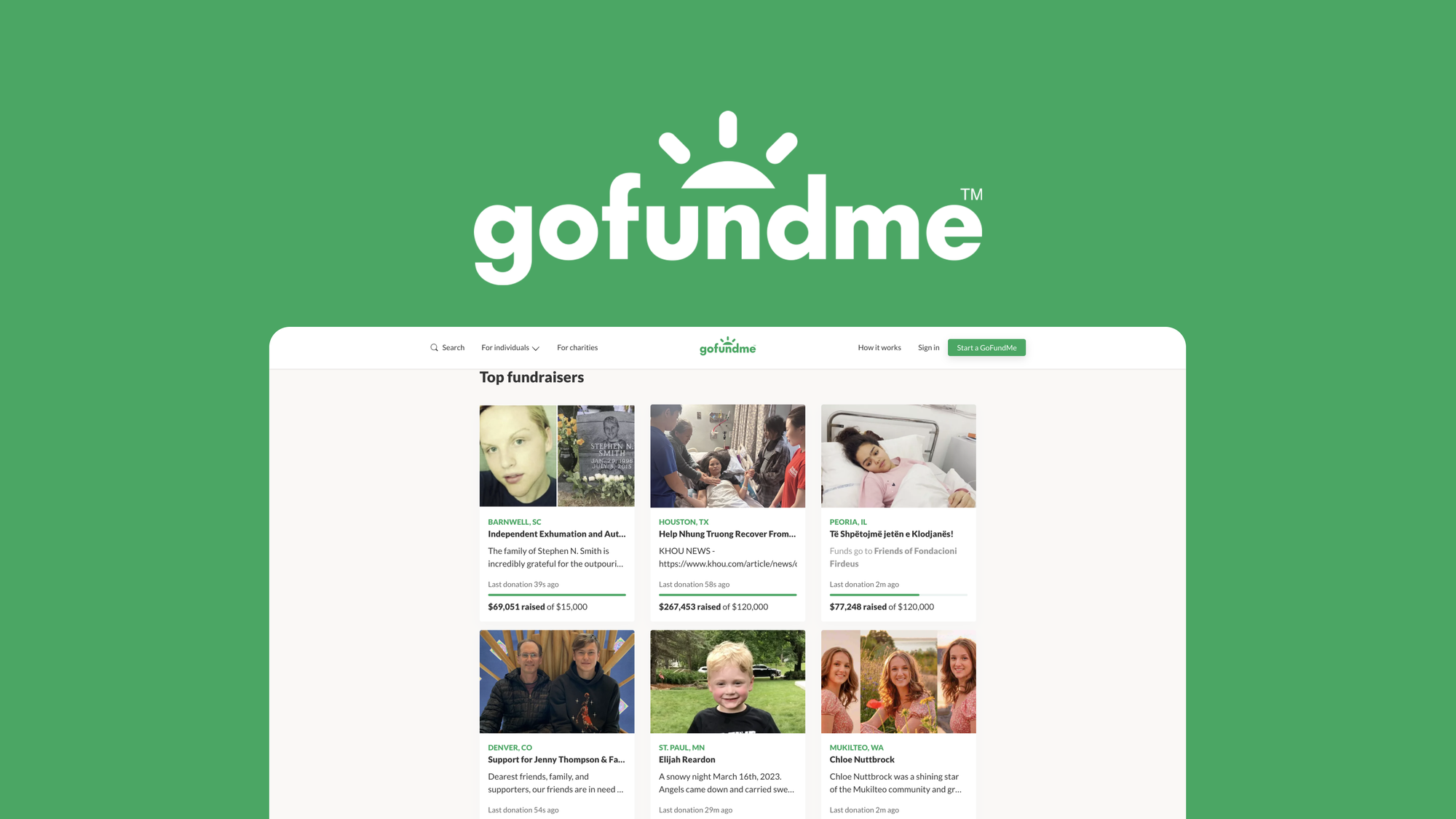
GoFundMe offers a user-friendly platform that allows you to create a donation page in a matter of minutes. With over 50 million users worldwide, GoFundMe has raised over $9 billion to date, making it one of the largest and most successful crowdfunding platforms in the world. Here are just a few reasons why you should choose GoFundMe for your fundraising needs:
- Easy to use: Creating a GoFundMe donation page is simple and straightforward.
- No fees to start or manage a fundraiser: GoFundMe doesn't charge any fees to create or manage a fundraiser.
- Secure and trusted: GoFundMe is a secure and trusted platform that has been recognized for its safety and security features.
- Customizable: You can add photos, videos, and stories to your donation page to make it stand out.
- Shareable: Share your donation page on social media, email, and messaging apps to reach a wider audience.
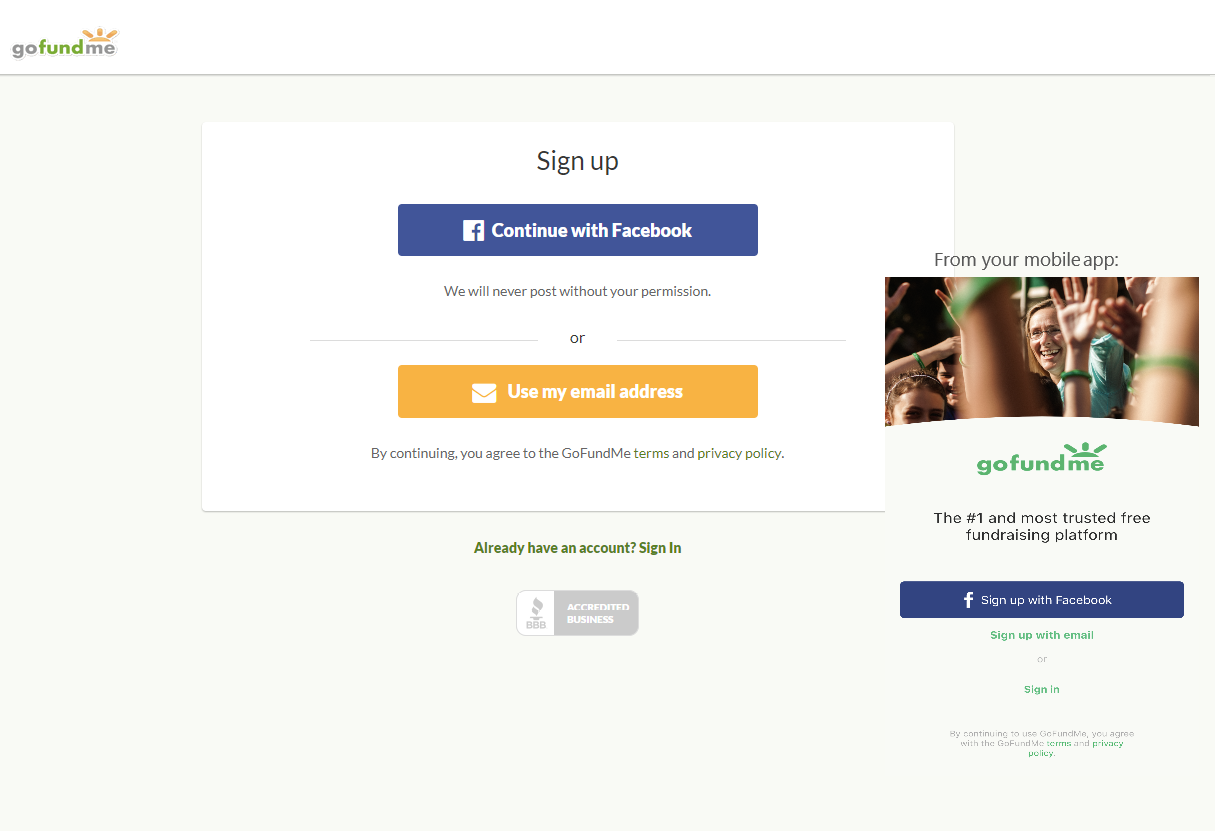
Step 1: Create a GoFundMe Account
To create a GoFundMe account, you'll need to provide some basic information, including your name, email address, and password. You can sign up for a free account and start creating a fundraiser immediately.
Step 2: Set Up Your Fundraiser
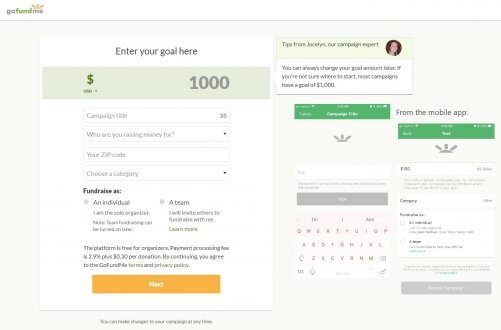
Before you start creating your donation page, you'll need to provide some basic information about your fundraiser. This includes:
- Fundraiser title: Come up with a clear and compelling title for your fundraiser.
- Story: Write a concise and compelling story about why you're raising money.
- Goal: Set a specific fundraising goal and add a countdown timer to boost motivation.
- Photos and videos: Add photos and videos to make your donation page more engaging.
Step 3: Customize Your Donation Page
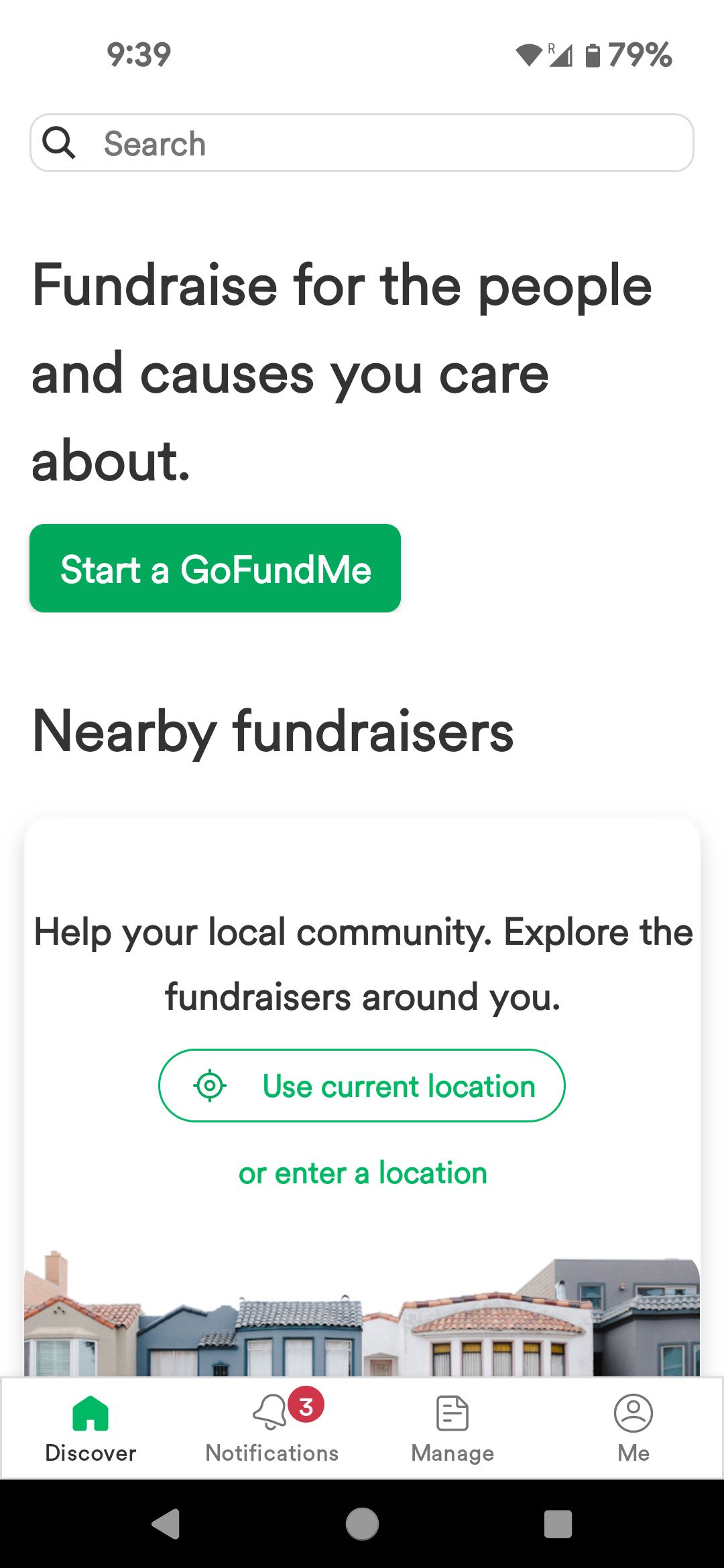
Once you've set up your fundraiser, it's time to customize your donation page. This includes:
- Adding a personal touch: You can add a personal photo, message, or story to your donation page.
- Customizing your theme: Choose a theme that matches your fundraiser's purpose or personality.
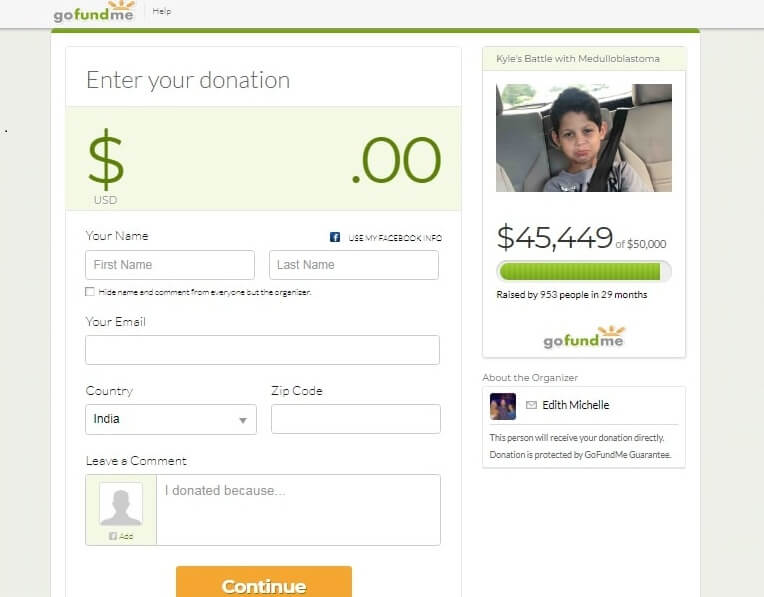
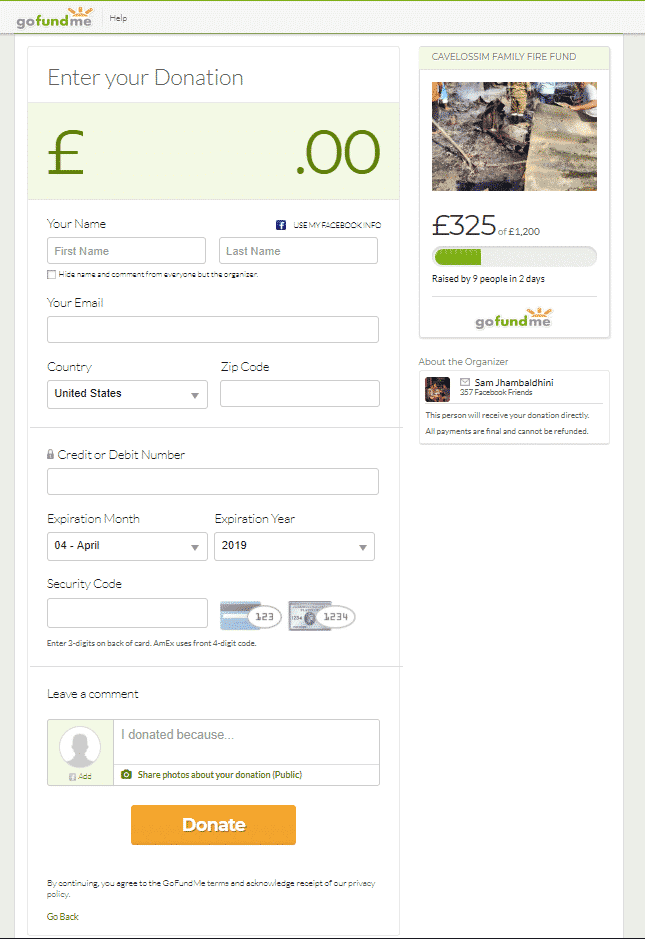
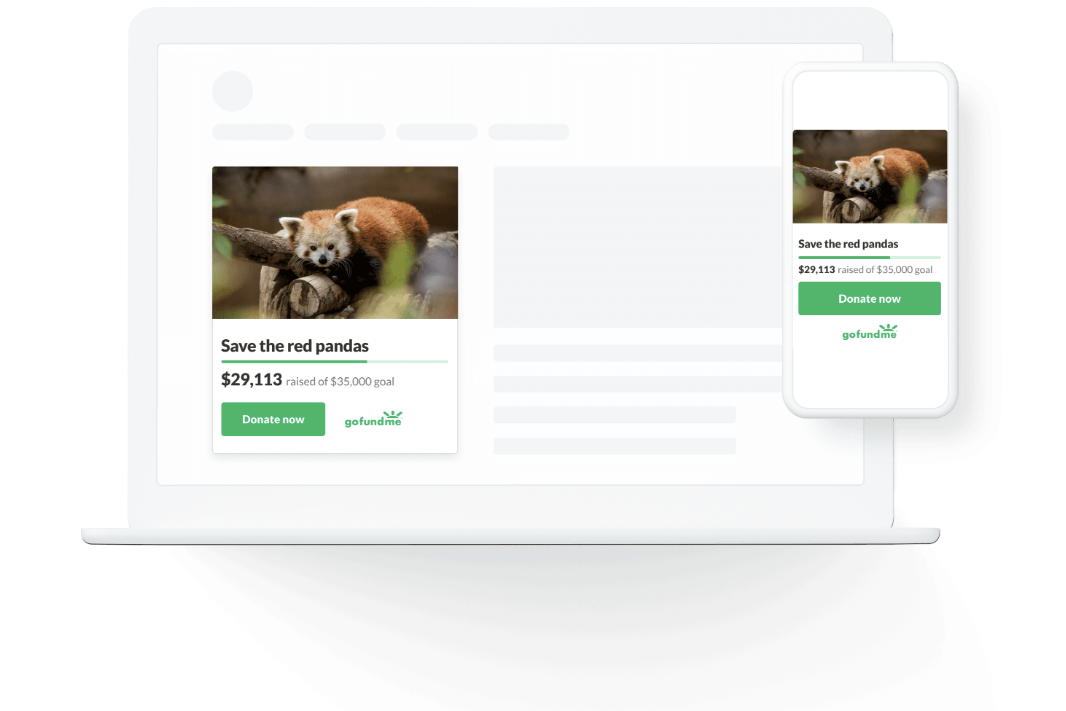
- Adding a button: Add a donate button to make it easy for donors to contribute to your fundraiser.
- Sharing: Share your donation page on social media, email, and messaging apps to reach a wider audience.
Step 4: Promote Your Fundraiser
Once you've created and customized your donation page, it's time to promote your fundraiser. Here are some tips to help you get started:
- Share on social media: Share your donation page on Facebook, Twitter, Instagram, and other social media platforms.
- Email your network: Send emails to your friends, family, and colleagues with a link to your donation page.
- Use search engines: Use search engines like Google to reach a wider audience.
- Collaborate with influencers: Partner with influencers or celebrity supporters to amplify your message.
Step 5: Manage Your Donations
Once you've received donations, it's essential to manage your donations efficiently. This includes:
- Tracking donations: Use the GoFundMe dashboard to track donations and monitor your progress.
- Sending thank-you messages: Send personalized thank-you messages to each donor.
- Updating your donors: Keep your donors informed about your progress and any changes to your fundraiser.
Conclusion
Setting up a GoFundMe donation page is a straightforward process that requires some basic information and a compelling story. By following these steps and tips, you can create a successful fundraiser that reaches your goals and maximizes donations. Remember to customize your donation page, promote your fundraiser, and manage your donations efficiently to ensure a successful fundraising campaign.