Charging Port Repair: A Step-by-Step Guide to Fixing a Faulty Charging Port
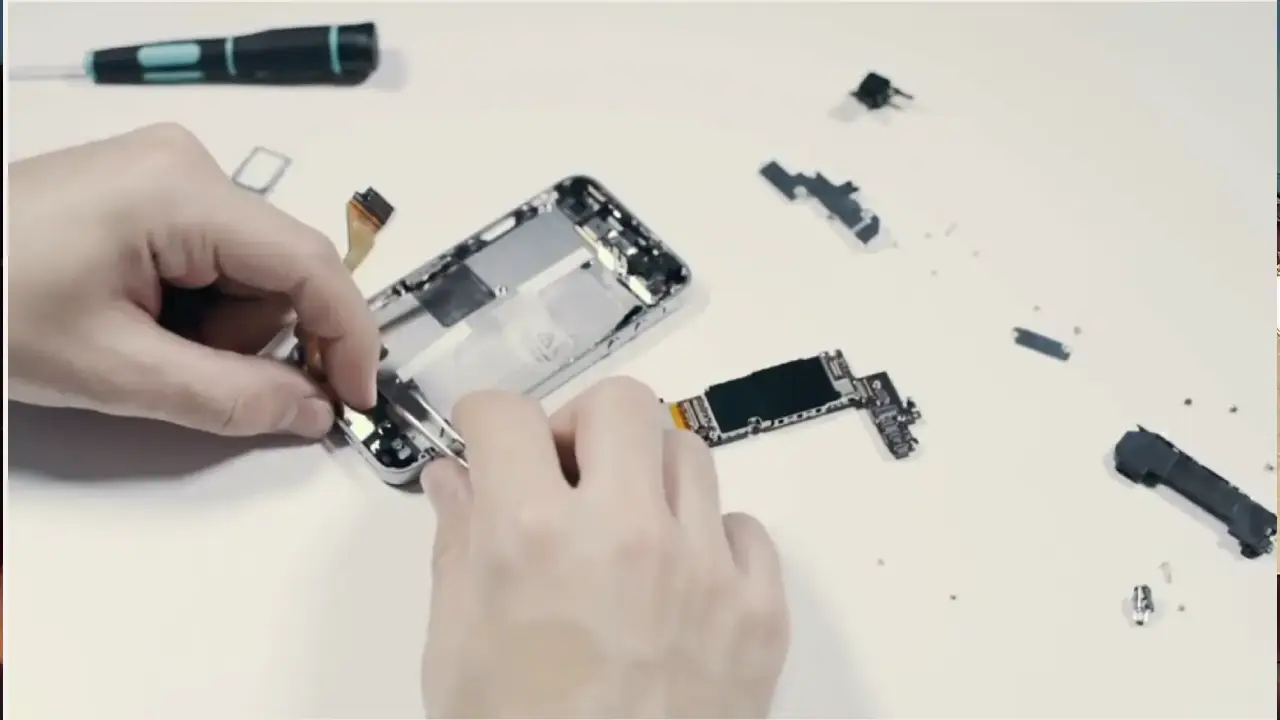
Have you ever struggled with a faulty charging port on your phone, laptop, or other device? A broken charging port can be a real nuisance, but fortunately, in most cases, it can be repaired with the right tools and a bit of patience. In this article, we'll provide a comprehensive guide on how to diagnose, clean, and repair a faulty charging port, as well as when to seek professional help.Understanding Charging Port Problems
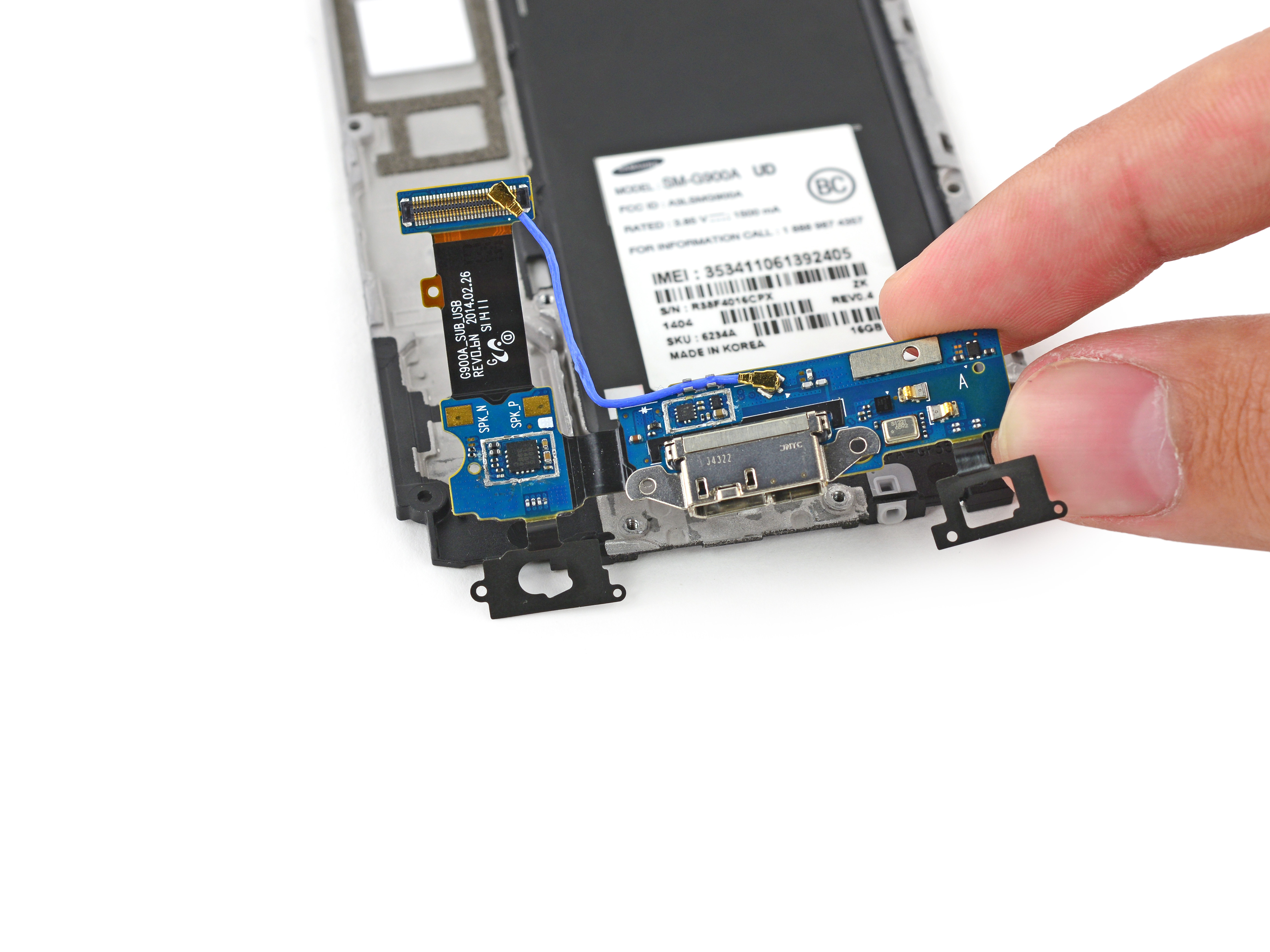
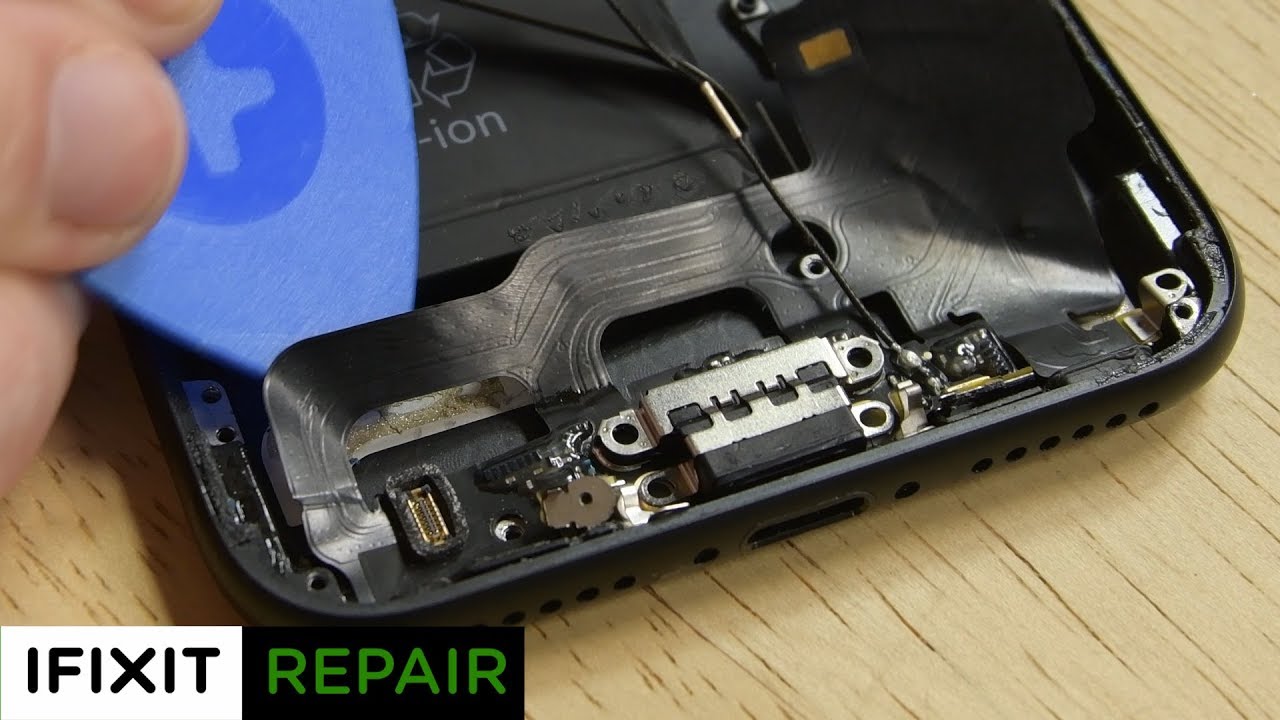
A charging port, also known as a DC jack, is a crucial component that plays a vital role in charging and data transfer between a device and a charging cable. However, due to wear and tear, dust, or liquid damage, the port can become faulty, causing difficulties in charging your device. Some common signs of a damaged charging port include: * A refusal to charge or charge slowly * Audio issues or sound delays * Difficulty transferring data * Water or liquid ingressDiagnostic Steps
Before attempting to repair a faulty charging port, it's essential to identify the root cause of the problem. Here are some diagnostic steps to consider: 1. **Visual Inspection**: Check the charging port for any visible signs of damage, such as corrosion, bent or broken pins, or debris buildup. 2. **Test the Charging Cable**: Try a different charging cable and a different charging source to rule out any issues with the charging cable or power source. 3. **Clean the Charging Port**: Use a soft brush or a cotton swab to remove any debris or dust from the charging port.How to Clean a Charging Port