Ways to Get Rid of Malware on Your Phone
Malware is a significant threat to the security of your smartphone. It can slow down your system, create glitches, and even steal your personal information. The good news is that removing malware from your phone is relatively easy, and it can be done using various methods.
Understanding Malware and its Risks
Before we dive into the ways to remove malware from your phone, it's essential to understand what malware is and its risks. Malware, short for malicious software, is any type of software that is designed to harm your device or steal your data. It can be installed on your phone through various means, including downloading infected apps, clicking on phishing links, or opening malicious emails.
Common Signs of Malware on Your Phone
Here are some common signs that your phone may have malware:
- Slow performance
- Pop-up ads and notifications
- Unwanted apps
- Battery drain
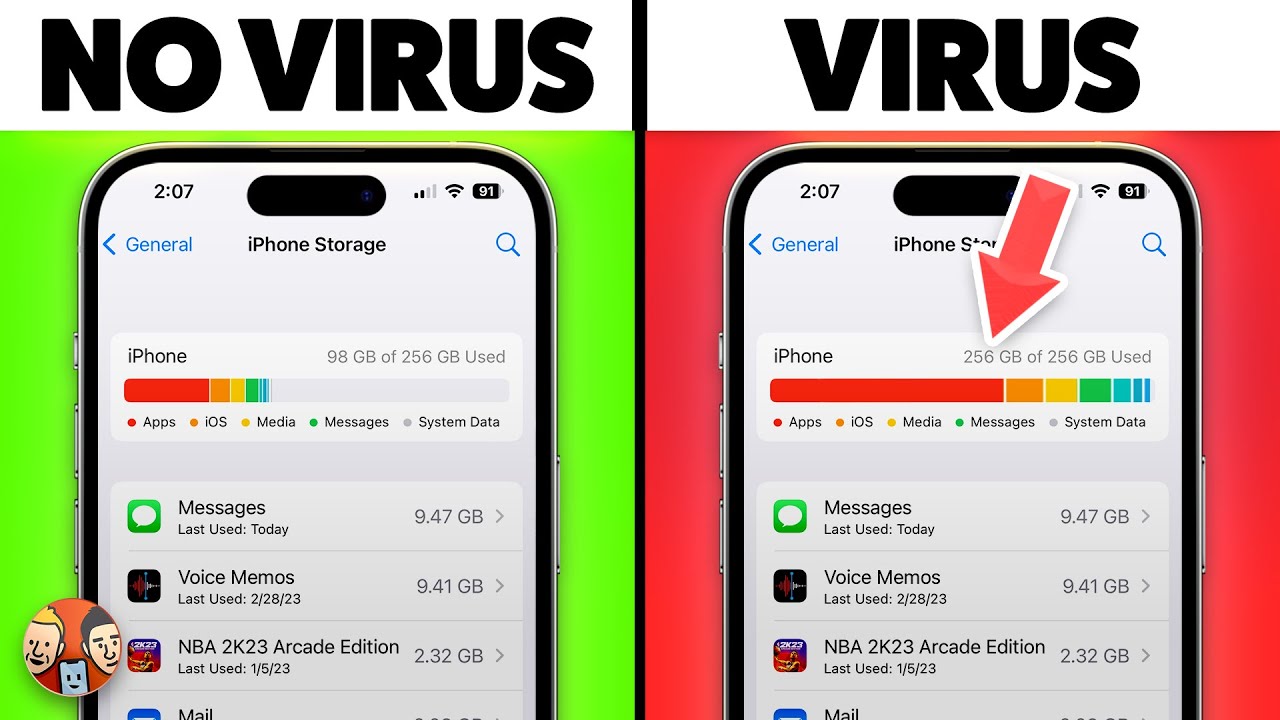
- Unusual behaviour, such as automatic app installation or data syncing
These signs may indicate that your phone has malware. However, not all issues with your phone are caused by malware, so it's essential to act on these signs and investigate further.
Ways to Get Rid of Malware on Your Phone
Here are the ways to remove malware from your phone:
Method 1: Restart Your Phone in Safe Mode
Restarting your phone in safe mode is a simple and effective way to remove malware. This method involves booting your phone in a limited state, which disables all third-party apps, and then removing the offending app.
Method 2: Identify and Remove the Malware
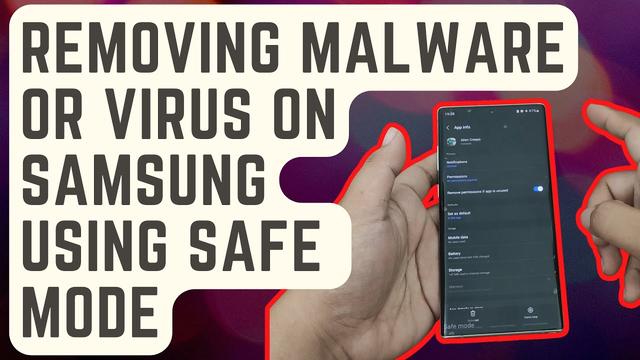
Locate the app that caused the malware infection and remove it. Check your phone's settings to see if the app is listed. If you cannot find the app, you can perform a factory reset, which will remove all data on your phone.
Method 3: Use an Antivirus App
Many antivirus apps, such as Avast and Norton, offer free versions that can scan and remove malware from your phone. These apps can be downloaded from the app store and can be an effective way to remove malware.
Method 4: Perform a System Update
Ensure your phone's operating system (OS) is up to date. Regular updates often include security patches that can help remove malware.
Method 5: Back Up Your Data and Factory Reset
Performing a factory reset will remove all data on your phone. However, this should only be done as a last resort, as it will erase all your data.
Prevention is Better than Cure
Malware is often caused by user error or installing infected apps. If you want to prevent malware from infecting your phone, ensure to:
- Avoid downloading apps from untrusted sources
- Keep your phone's OS and apps up to date
- Use strong passwords and avoid sharing them
- Use an antivirus app to scan and protect your phone
- Be cautious when clicking on links and opening emails
Conclusion
Removing malware from your phone can be easy and straightforward. By understanding the risks of malware, identifying the common signs, and using the methods outlined above, you can get rid of the malware and prevent future infections. Remember, prevention is better than cure, and taking the necessary precautions can save you from a lot of hassle in the future.
Want to know more about ways to get rid of malware on your phone? Visit our website to find more information andtips on how to protect your device.
![How to Remove Malware from Your Android Phone [Guide]](https://cdn.techjockey.com/blog/wp-content/uploads/2022/01/31182351/apps-for-cleaning-viruses.jpg "How to Remove Malware from Your Android Phone [Guide]")