Smart Home Setup with Alexa and Philips Hue: A Comprehensive Guide
Are you looking to create a futuristic smart home where you can control every aspect of your living space with just your voice? Look no further than combining Amazon's Alexa with Philips Hue's smart lighting systems. In this article, we'll walk you through a step-by-step guide on how to set up a seamless smart home experience using Alexa and Philips Hue.
Why Choose Philips Hue and Alexa?
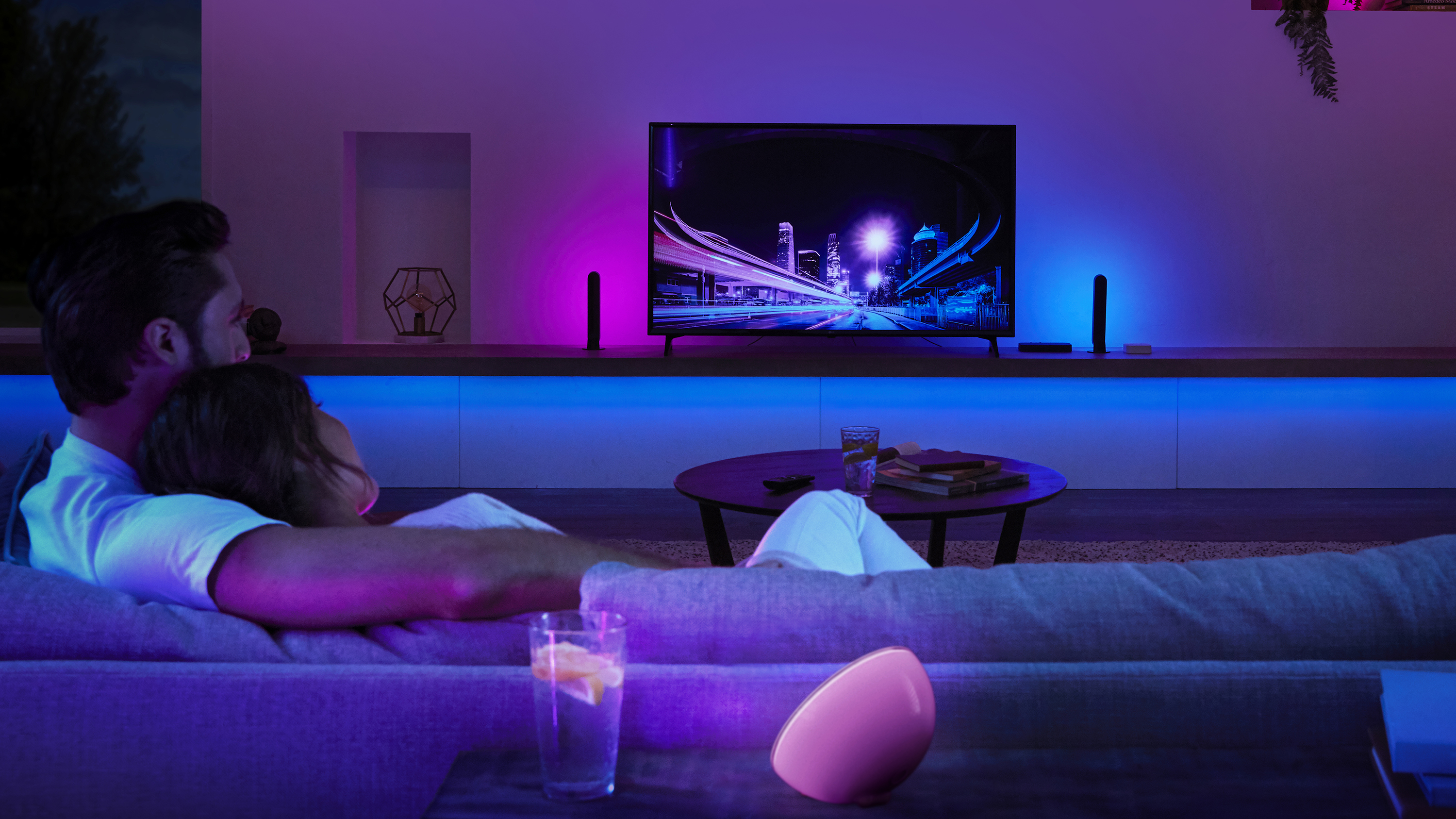
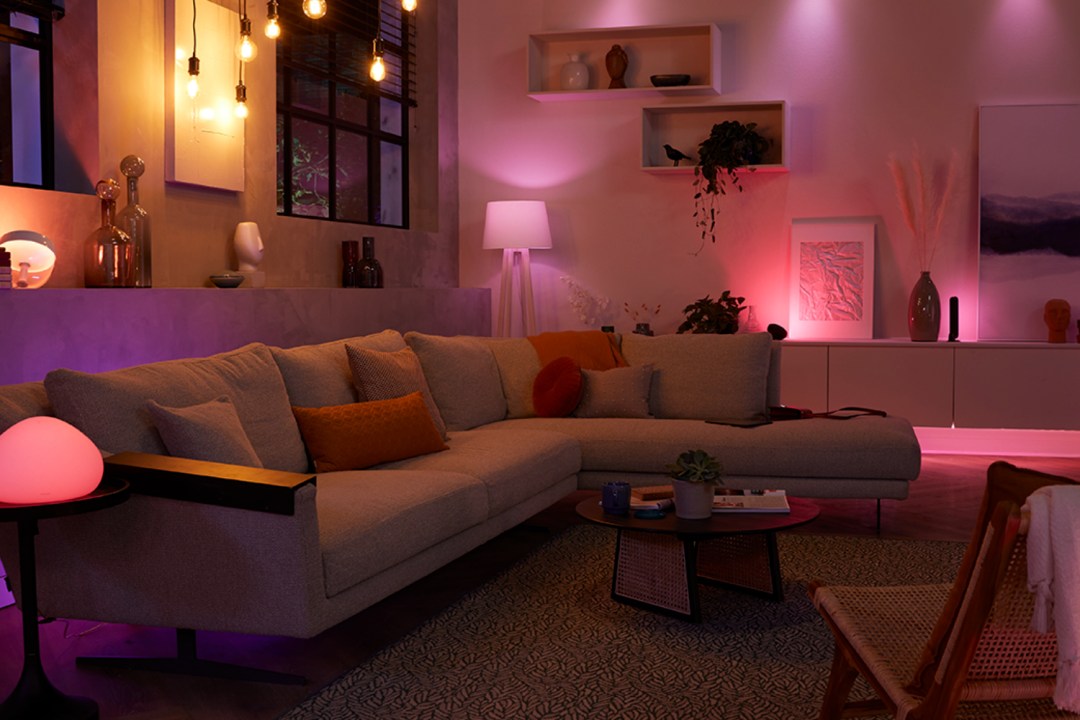
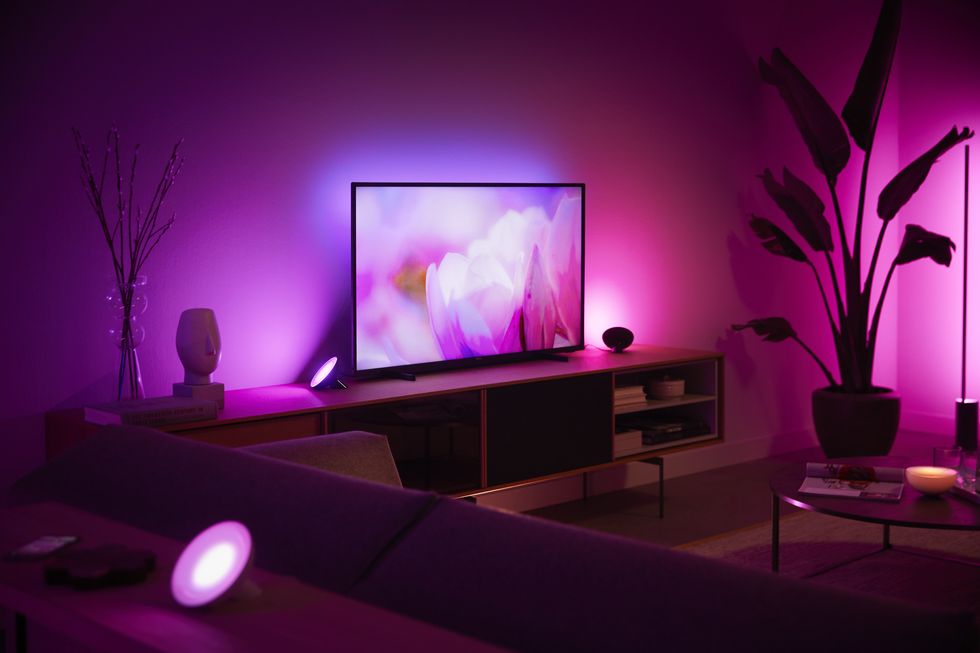
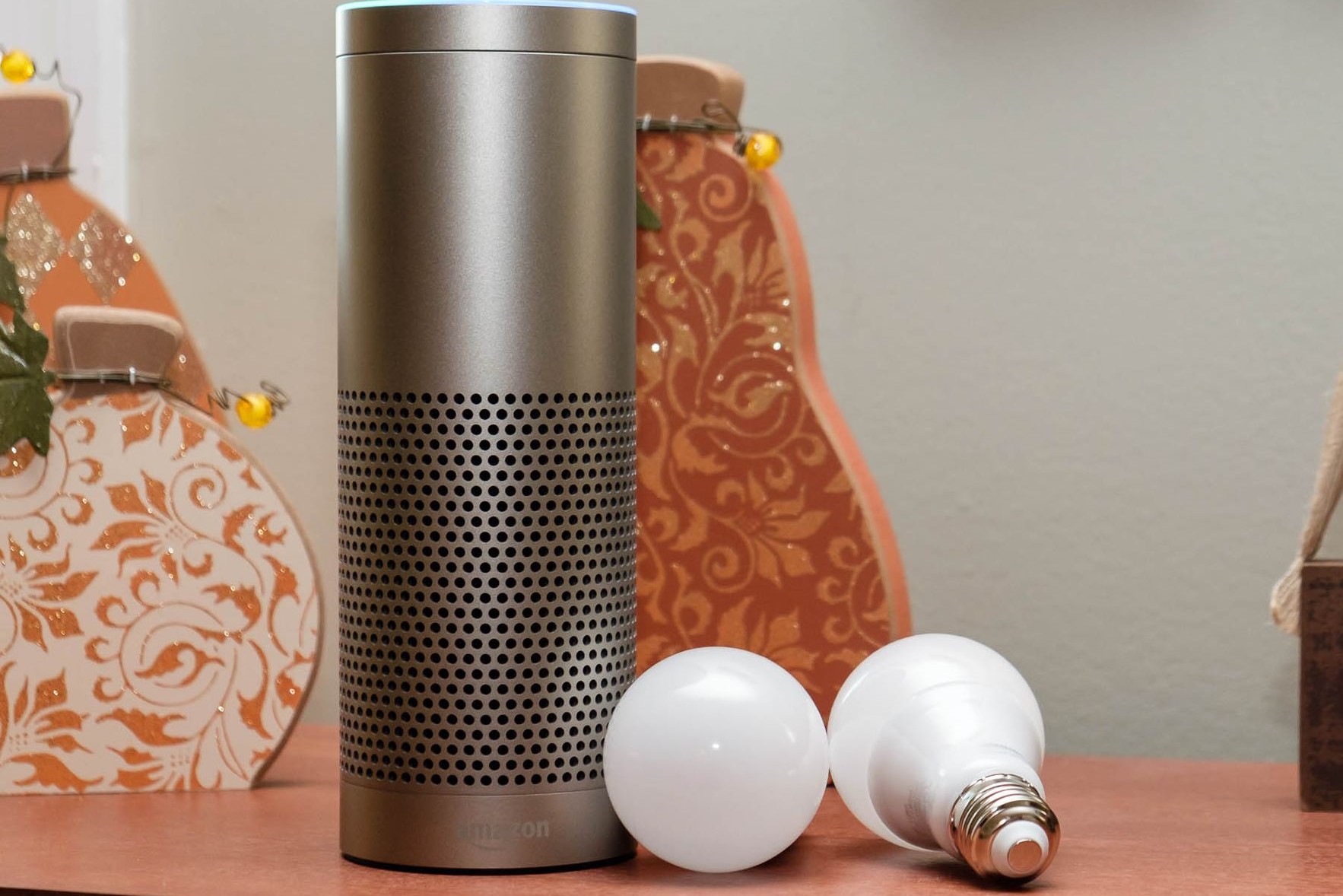
Philips Hue offers a wide range of innovative smart lighting solutions that can be controlled remotely, adjusted in color and brightness, and even programmed to respond to events and routines. Meanwhile, Alexa is a powerful voice assistant that can integrate with various smart home devices, including Philips Hue lights, to create an immersive experience. By combining these two technologies, you can enjoy the benefits of smart lighting, voice control, and automation in one convenient and user-friendly package.
Setup Process for Alexa and Philips Hue
Step 1: Connect Your Philips Hue Account to Alexa
First, you need to connect your Philips Hue account to your Alexa account. To do this, follow these simple steps:
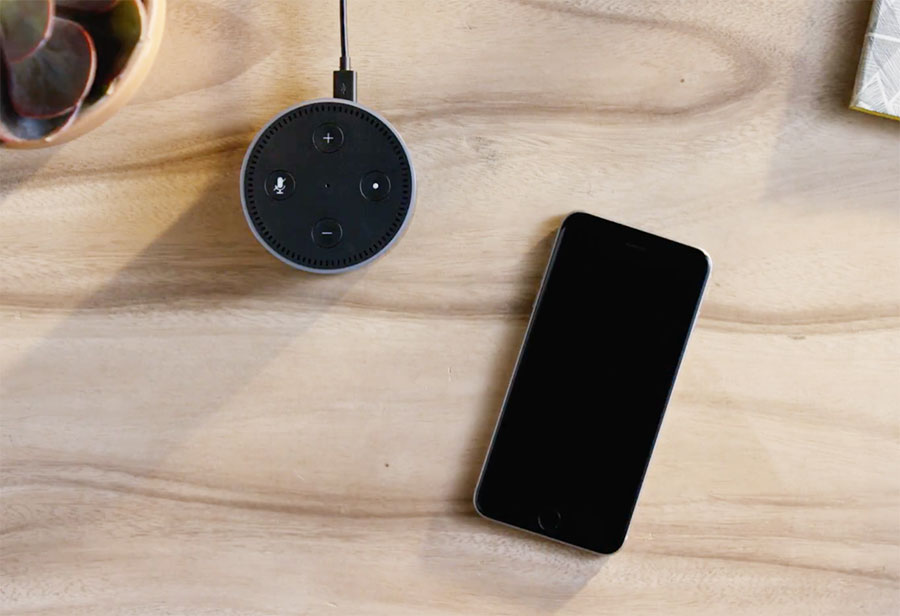
- Open the Alexa app on your smartphone or tablet.
- Navigate to the Settings menu and select "Smart Home."
- Choose Philips Hue from the list of available smart home devices.
- Follow the on-screen instructions to log in to your Philips Hue account and grant Alexa permission to access your smart lighting system.
Step 2: Discover and Control Your Philips Hue Devices with Alexa
Once you've connected your Philips Hue account to Alexa, you can discover and control your Philips Hue devices using voice commands. Here's how:
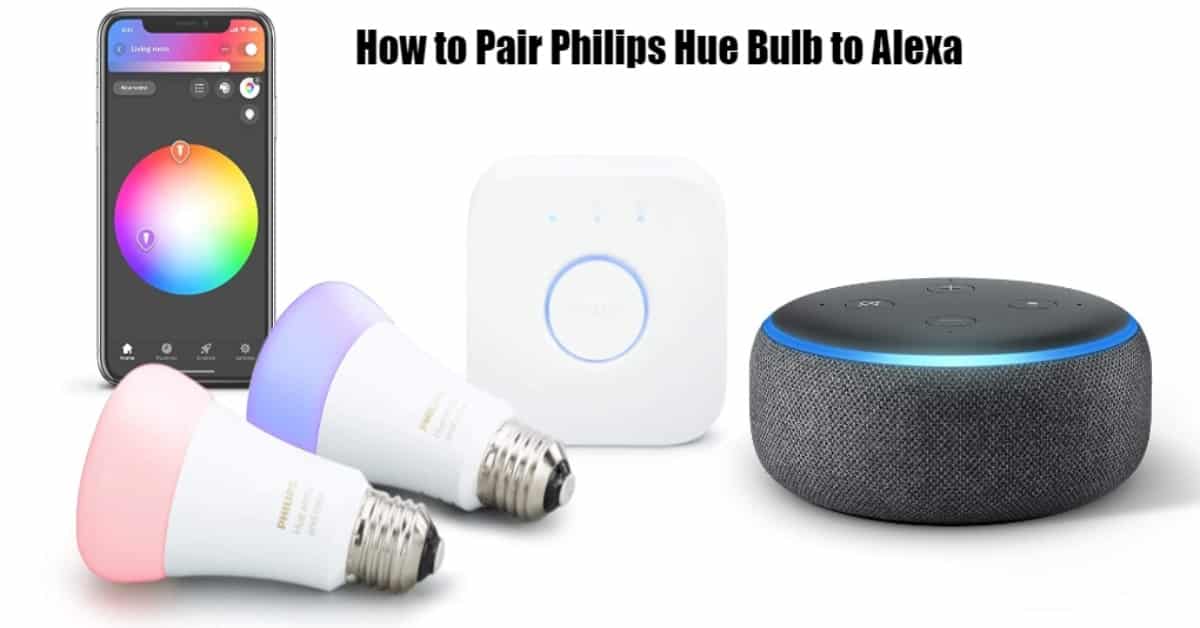
- Open the Alexa app and navigate to the Smart Home section.
- Find your Philips Hue devices listed and select one to control.
- Use voice commands like "Alexa, turn on the living room lights" or "Alexa, dim the kitchen lights to 50%."
Advanced Smart Home Features with Philips Hue and Alexa
In addition to basic lighting control, Philips Hue and Alexa offer a range of advanced features that can enhance your smart home experience. These include:
- Scene control: Create custom scenes that adjust lighting colors, brightness, and temperature to match different moods or activities.
- Routine creation: Program Alexa to execute complex lighting scenarios based on specific times of day, days of the week, or even weather conditions.
- Multi-room control: Use Alexa to control multiple Philips Hue light groups in different rooms, simultaneously.
Philips Hue's Additional Features and Benefits
When you pair Philips Hue lights with Alexa, you unlock additional features and benefits that make your smart home experience even more engaging. Some of these include:
- Wide color gamut: Philips Hue lights offer an expanded color palette, allowing you to personalize the colors and effects of your smart lighting system.
- Dimming and color adjustment: Use the Philips Hue app or voice commands to adjust the brightness and color of your lights to suit different situations.
- Smart automation: Create complex automation scenes that integrate lighting, temperature, and other smart home devices to create a seamless experience.
Conclusion
Setting up a smart home with Alexa and Philips Hue is easier than ever. With this comprehensive guide, you can enjoy the benefits of voice-controlled smart lighting, advanced scene control, and seamless multi-room automation. Remember to explore Philips Hue's extensive features and benefits to create a truly immersive smart home experience.