Setting Up Alexa with Smart Surge Protector: A Comprehensive Guide
Are you tired of manually turning off your devices or worrying about power surges damaging your electronics? Setting up Alexa with a smart surge protector can bring a new level of convenience and safety to your home. In this article, we will guide you through the process of choosing the right smart surge protector, setting it up with Alexa, and exploring the benefits of this smart home solution.
Choosing the Right Smart Surge Protector
When selecting a smart surge protector, consider the following factors:
- Number of outlets and USB ports**: Make sure the surge protector has enough outlets and USB ports to accommodate all your devices.
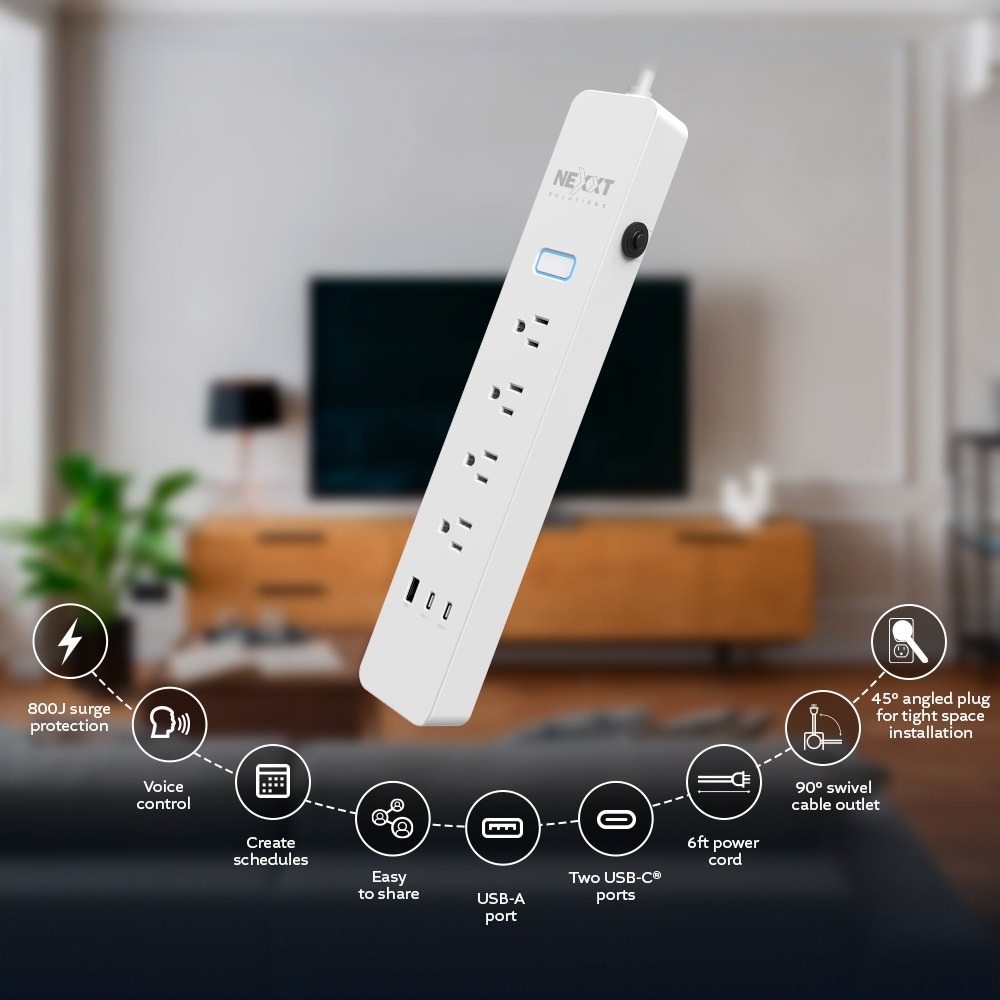
- Surge protection rating**: Choose a surge protector with a high surge protection rating, measured in joules, to ensure protection against power spikes.
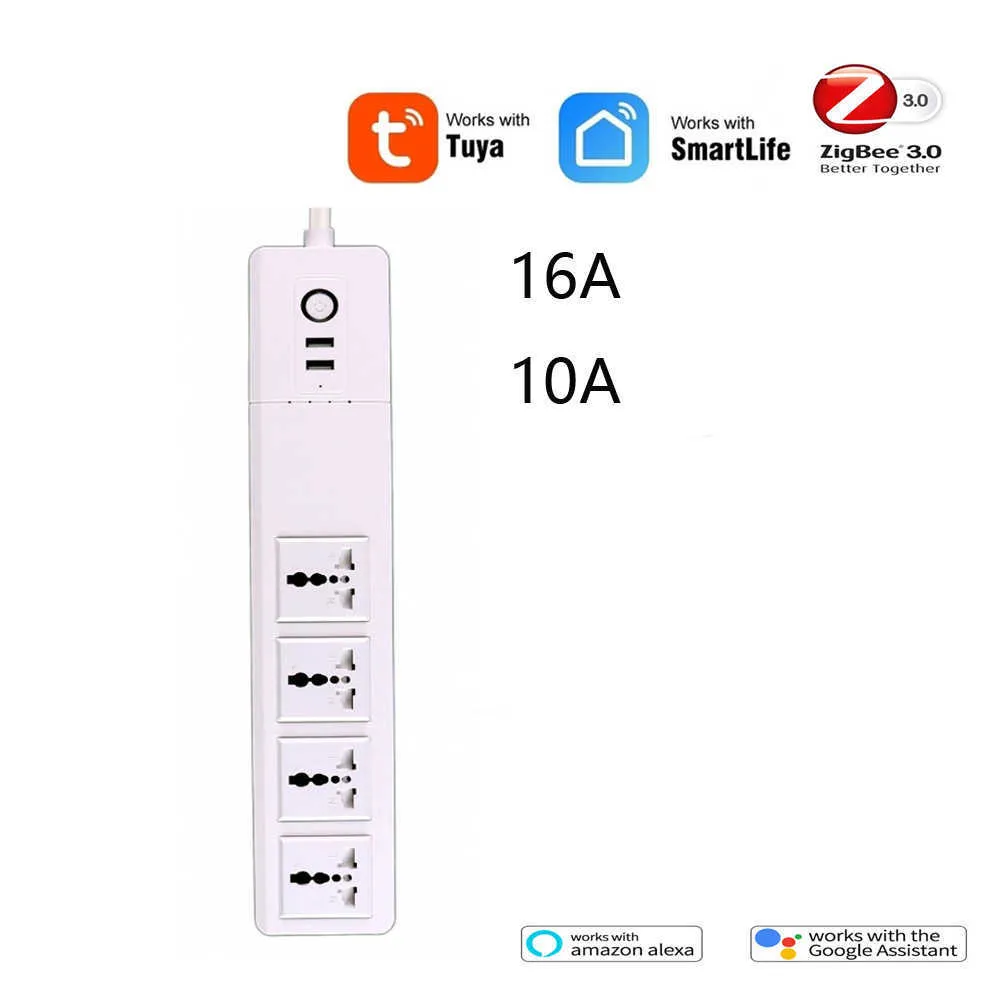
- Compatibility with Alexa**: Ensure the surge protector is compatible with Alexa and can be controlled using the Alexa app.
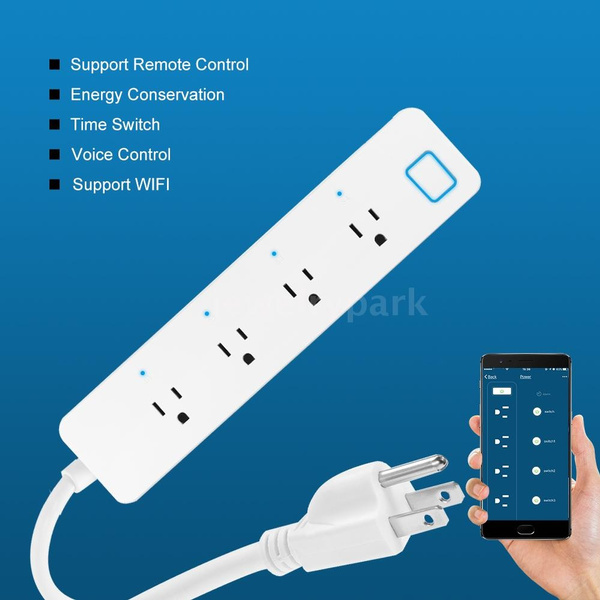
- Additional features**: Consider features like energy monitoring, scheduling, and remote control.
Suitable options include the Amazon SmartPlug, which works with Alexa to add voice control to any outlet, and the TP-Link Smart Plug Kasa Smart Plug Power Strip KP303, which has 3 individually controlled smart outlets and 2 USB ports.
Setting Up Alexa with Smart Surge Protector
Setting up Alexa with a smart surge protector is a straightforward process that involves the following steps:
- Plug in the smart surge protector**: Connect the surge protector to a power outlet and plug in your devices.
- Download the Alexa app**: Download and install the Alexa app on your smartphone or tablet.
- Discover devices**: Open the Alexa app and go to Devices > Add Device > Smart Plug > Install the Smart Plug Skill.
- Link the smart surge protector to Alexa**: Follow the in-app instructions to link your smart surge protector to your Alexa account.
- Control devices with Alexa**: Use voice commands to turn on/off devices, check energy consumption, and more.
For example, you can use the Kasa Smart Plug Power Strip KP303 with Alexa to control multiple devices with a single voice command.

Benefits of Setting Up Alexa with Smart Surge Protector
Setting up Alexa with a smart surge protector offers numerous benefits, including:
- Convenience**: Control devices remotely using the Alexa app or voice commands.
- Energy efficiency**: Monitor energy consumption and adjust your device usage accordingly.
- Safety**: Protect your devices from power surges and spikes.
- Customization**: Set schedules and routines to accommodate your daily routine.
Conclusion
Setting up Alexa with a smart surge protector is a great way to enhance your smart home experience. By choosing the right smart surge protector and following the setup process, you can enjoy the convenience, energy efficiency, and safety benefits that this solution offers. With various options available in the market, you can select the best smart surge protector that suits your needs and preferences.
Recommended Smart Surge Protectors
Some of the top smart surge protectors include:
- Amazon SmartPlug: Works with Alexa to add voice control to any outlet.
- TP-Link Smart Plug Kasa Smart Plug Power Strip KP303: 3 individually controlled smart outlets and 2 USB ports.
- Meross Smart Surge Protector: 3 AC outlets and 2 USB ports that can be controlled individually.
- CyberPower Smart Surge Protector: 6 individually controlled smart outlets and 3 USB ports.
These smart surge protectors offer advanced features, compatibility with Alexa, and high surge protection ratings, making them ideal choices for your smart home setup.