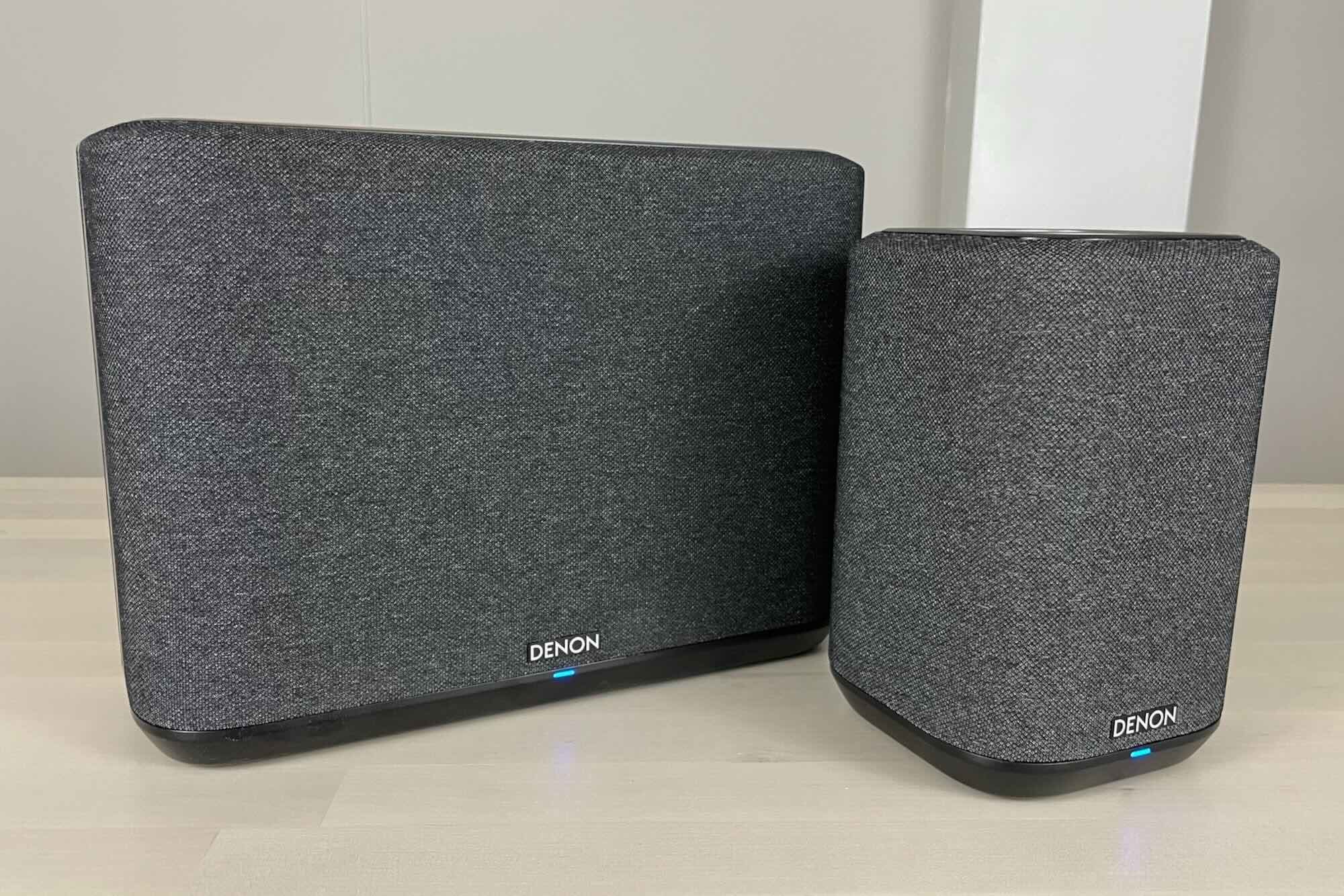
Setting up Alexa in a Small Apartment: A Step-by-Step Guide
Are you considering setting up Alexa in your small apartment? With its user-friendly interface and compatibility with various smart home devices, Alexa can greatly enhance the convenience, security, and energy efficiency of your living space. In this article, we'll walk you through the process of setting up Alexa in a small apartment, from selecting the right devices to creating seamless routines and controlling your smart home with ease.
Step 1: Choose the Right Alexa Devices for Your Small Apartment
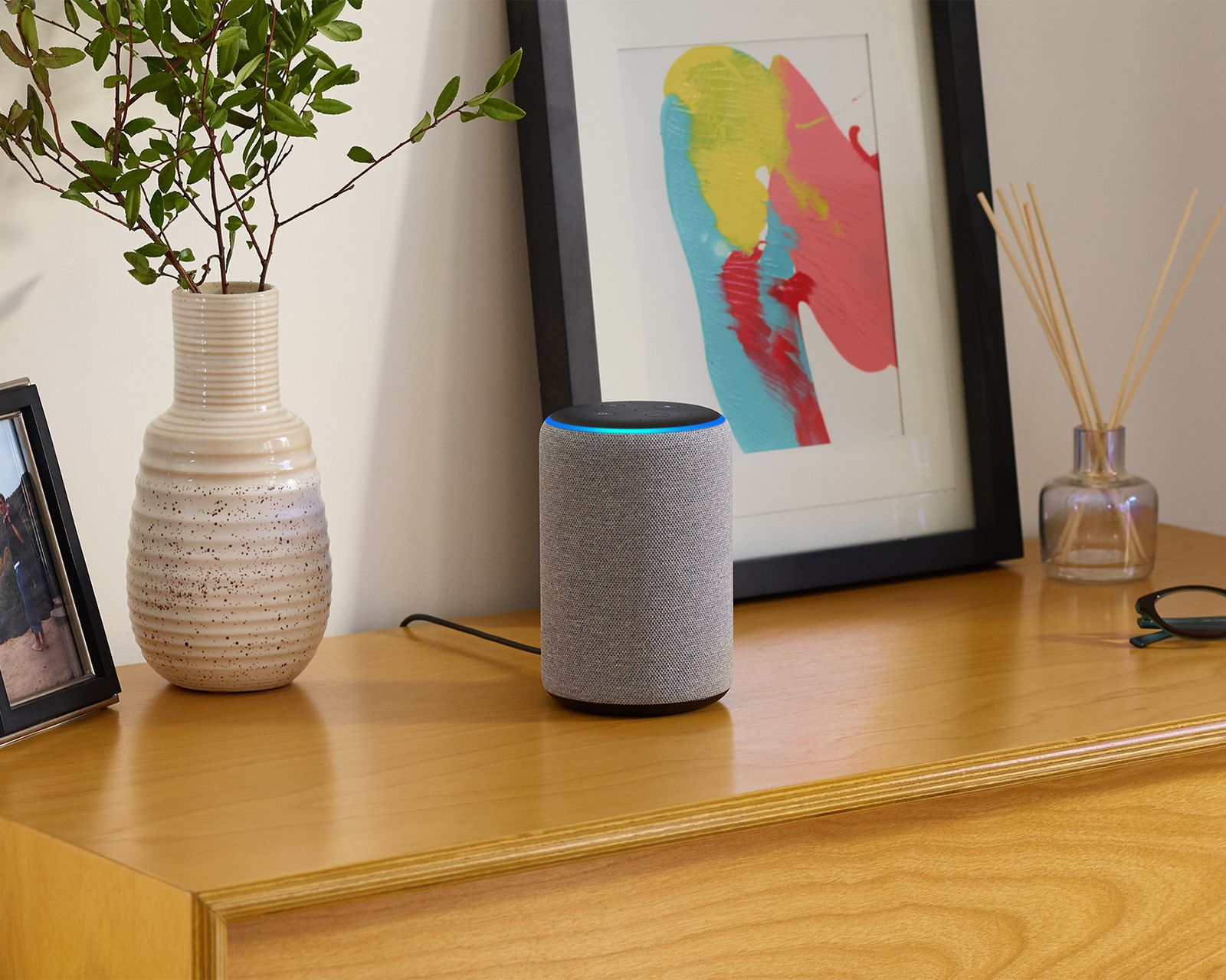
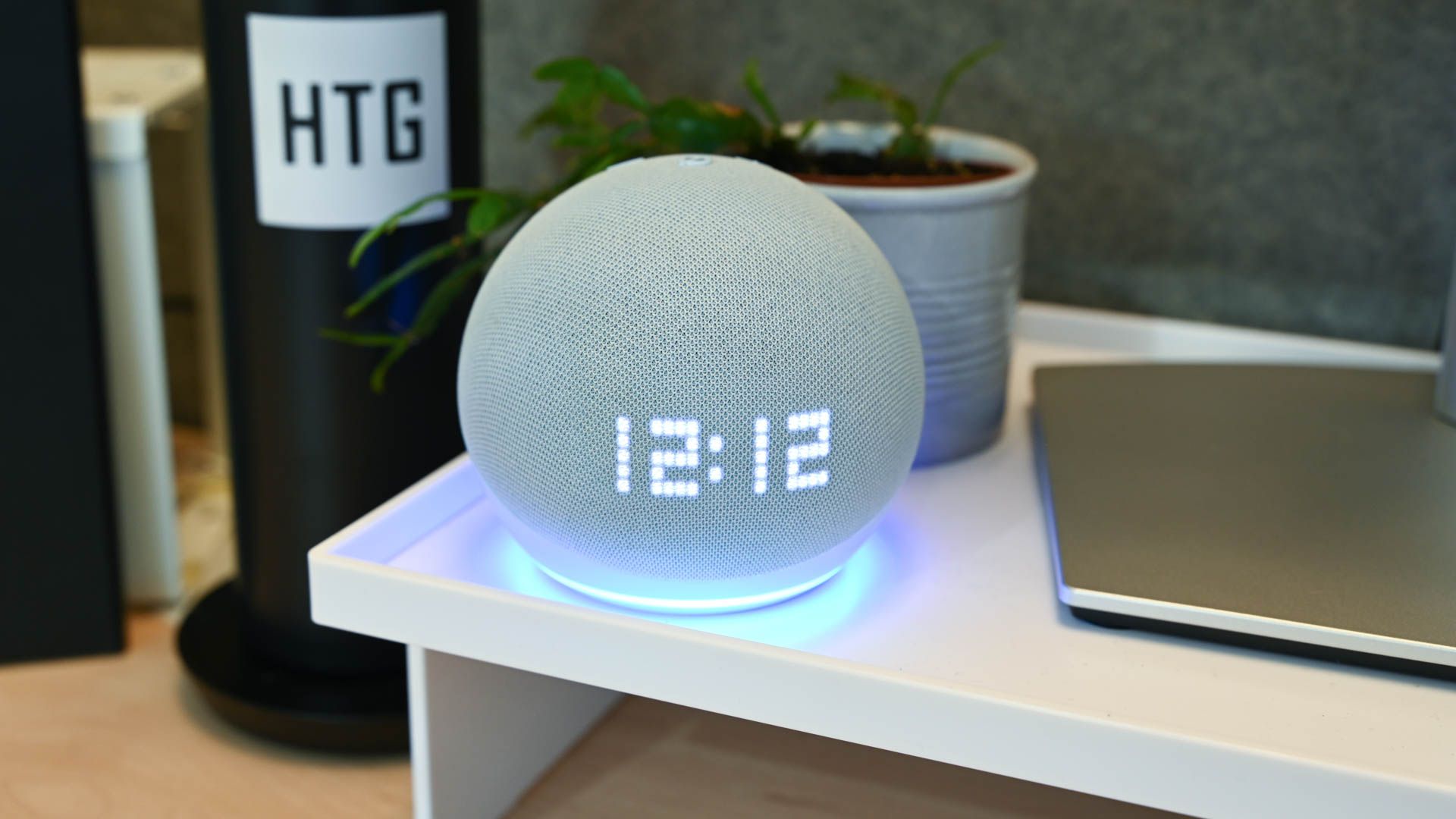
When selecting Alexa devices for your small apartment, consider the size of your space, your specific needs, and the types of devices you want to control. For a small apartment, a compact speaker like the Amazon Echo Dot or Echo Flex might be the perfect fit. If you're looking for a device with a visual interface, consider the Echo Show 5, which is ideal for bedrooms, kitchens, or any small space where counter space is limited.
- Amazon Echo Dot: A compact speaker with Alexa built-in, perfect for small spaces.
- Amazon Echo Flex: A compact plug-in device that fits into any power outlet and offers Alexa voice control.
- Echo Show 5: A compact display with Alexa, ideal for small spaces and visual interfaces.
Step 2: Connect Alexa to Your Wi-Fi Network
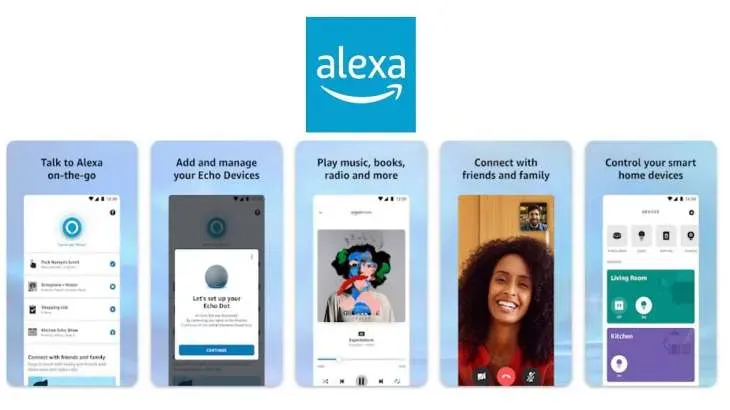
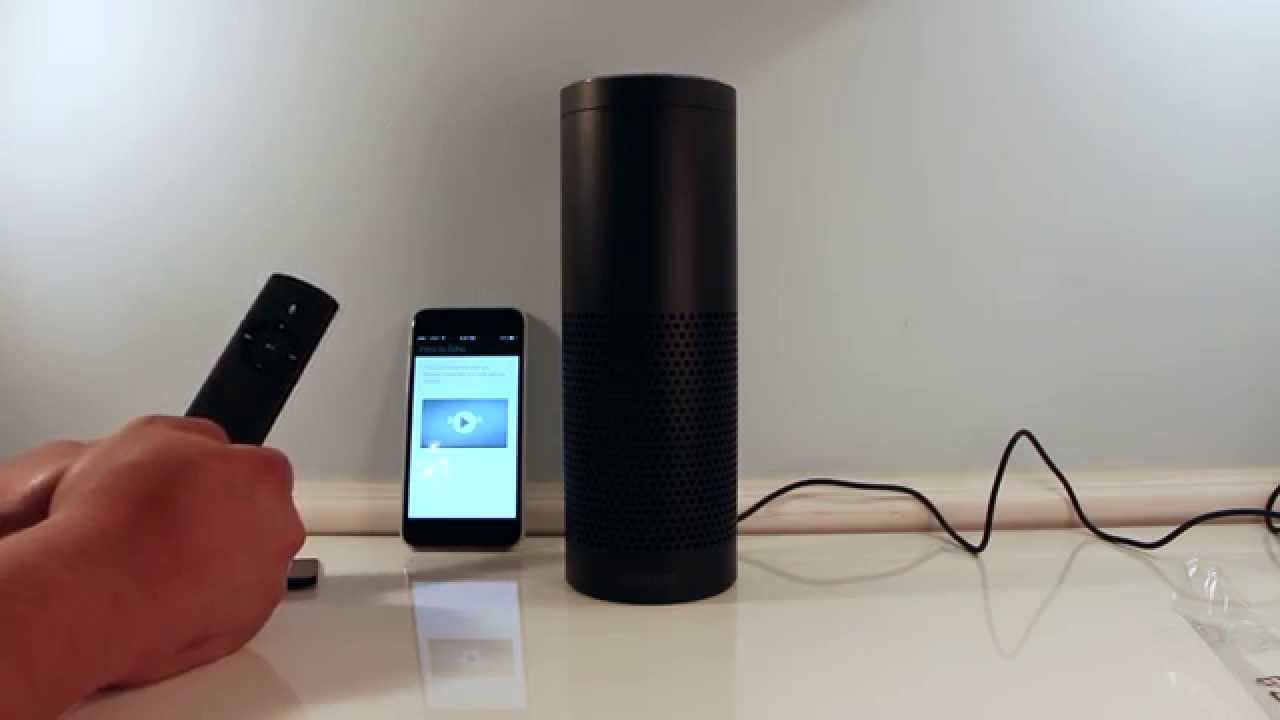
Once you've selected the right Alexa device, the first step is to connect it to your Wi-Fi network. This is relatively straightforward and can be done using the Alexa app on your mobile device. From positioning the device to connecting to Wi-Fi and personalizingAlexaskills, this article covers everything from troubleshooting common issues to enhancing your overall experience.
Step 3: Add Smart Devices to Your Alexa Setup
After setting up your Alexa device, it's time to connect smart devices to your setup. This can involve adding devices like smart bulbs, plugs, and thermostats to your Alexa account using the device's app or through the Alexa app. You may need to first name your device before it can work with Alexa, but this is a simple step that can be done within the device's app.

Step 4: Create Routines and Control Your Smart Home with Alexa
Once you've connected smart devices to your Alexa setup, it's time to create routines and start controlling your smart home with ease. This can involve creating voice commands to turn on lights, adjust thermostats, and more, all hands-free and with the convenience of Alexa's voice control.
- Use voice commands to turn on lights, adjust thermostats, and control other smart devices.
- Create routines for seamless control of your smart home.
- Use the Alexa app to customize your automated routines and voice commands.
Step 5: Explore Advanced Features and Tips for Your Small Apartment
With your Alexa setup complete, it's time to explore advanced features and tips for your small apartment. This can include using the Alexa app to group your smart devices into rooms, creating custom voice commands, and utilizing the 'Certified for Humans' or 'Works with Alexa' label for easy setup of compatible devices.
Conclusion
Setting up Alexa in a small apartment can greatly enhance the convenience, security, and energy efficiency of your home. By following these steps, you can enjoy a seamless smart home experience, complete with voice control and automation. Whether you're a first-time smart home user or an experienced smart home enthusiast, Alexa is an excellent choice for integrating smart devices into your daily life.
So, whether you're looking to optimize space, boost efficiency, or simply enhance your living experience, setting up Alexa in your small apartment is an excellent way to achieve a more streamlined, connected, and convenient home. With these simple steps and tips, you can unlock the full potential of your smart home and enjoy the many benefits that Alexa has to offer.