The Importance of a Secure Wi-Fi Internet Connection
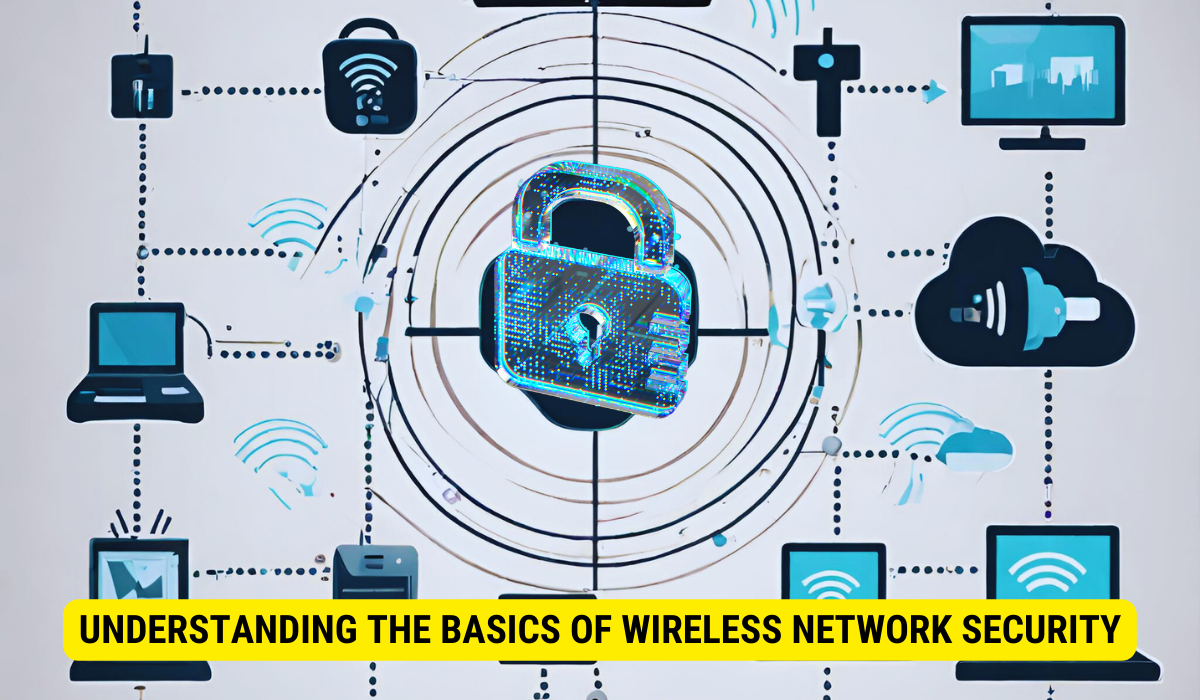
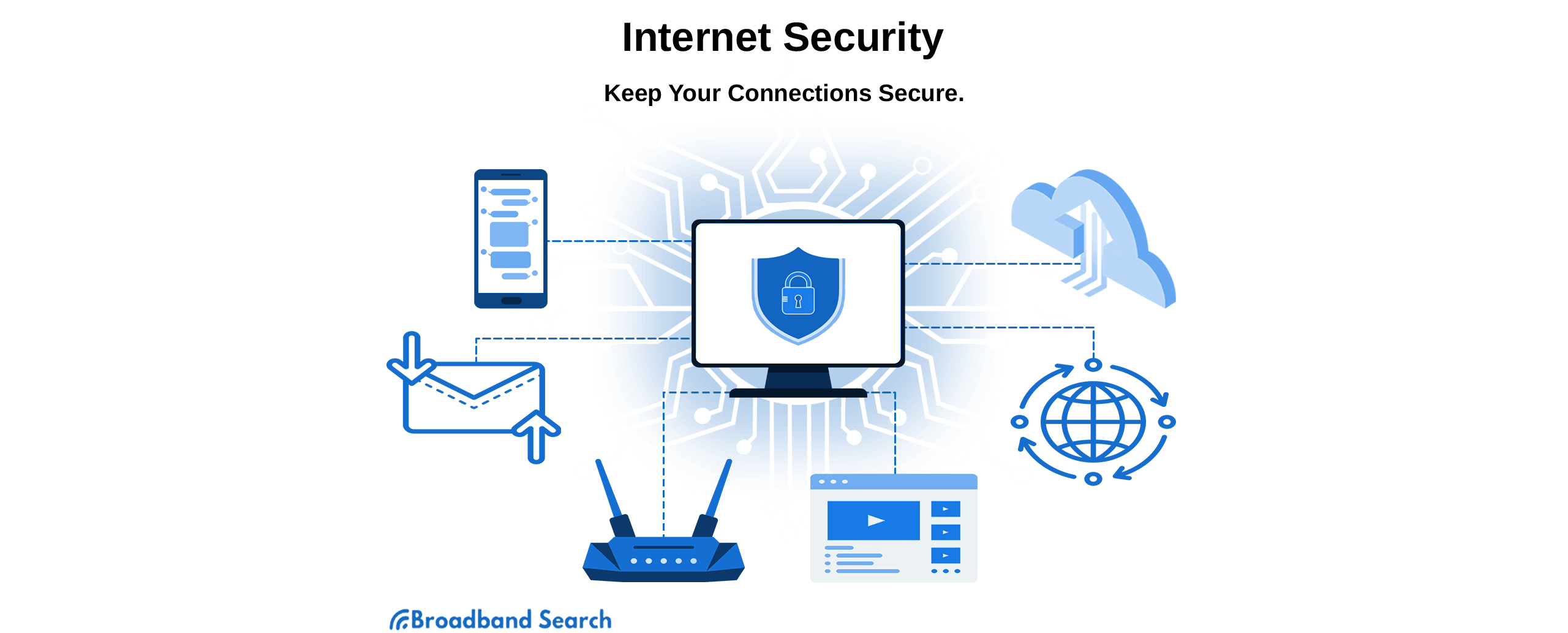
In today's digital age, having a secure Wi-Fi internet connection is more crucial than ever. With the increasing number of wireless devices connected to our home networks, the risk of hacking and data breaches has never been higher. Your home networks might have a range of wireless devices on them — from computers and phones to IP cameras, voice assistants, smart TVs, and connected appliances. Taking some basic steps to secure your home Wi-Fi network will help protect your devices from getting hacked — and your information from getting stolen.Why is a Secure Wi-Fi Internet Connection Important?
Securing your home Wi-Fi helps stop internet intruders from sneaking onto your network. It helps keep your devices safe from malware, viruses, and other online threats. A secure Wi-Fi internet connection also protects your personal data, including passwords, credit card information, and other sensitive information. By protecting your network, you can prevent identity theft, financial loss, and other serious consequences.Steps to Secure Your Wi-Fi Internet Connection
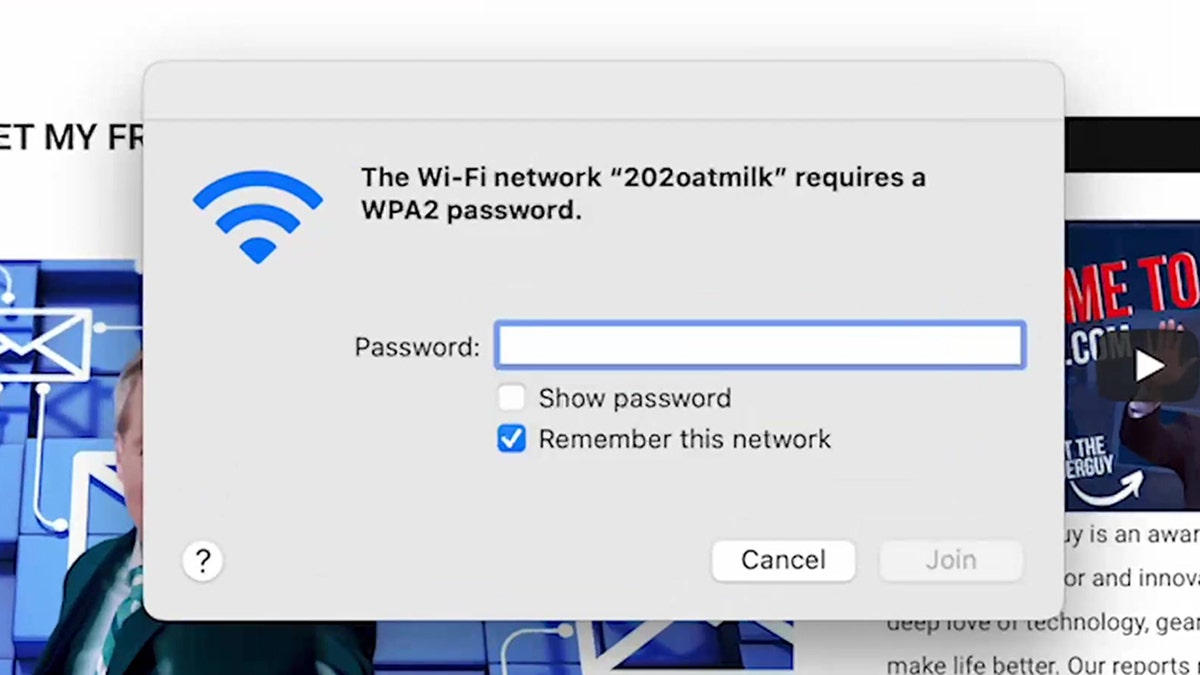
Securing your home Wi-Fi network is easier than you think. Here are some simple steps to get you started:- Password Protection:** Use a strong password for your Wi-Fi network, and make sure it's different from your default admin password. Choose a password that's at least 12 characters long and includes a mix of uppercase and lowercase letters, numbers, and special characters.
- Change Your Network Name:** Use a unique network name (SSID) that doesn't give away your personal information. This will make it harder for hackers to guess your network name and access your network.
- Change Your Channel:** If you have a router, change the channel to a less crowded channel to reduce the risk of interference from other wireless networks.
- Upgrade Your Router:** Consider upgrading to a router that supports the latest Wi-Fi standard (Wi-Fi 6) for better security and faster speeds.
- Use a VPN:** A virtual private network (VPN) can help encrypt your internet traffic and protect your data when using public Wi-Fi networks.
- Regularly Update Your Devices:** Regularly update your devices, including your router, to ensure you have the latest security patches and features.
WPA (Wi-Fi Protected Access)
Best Practices for a Secure Wi-Fi Internet Connection
In addition to the steps above, here are some best practices to ensure a secure Wi-Fi internet connection:- Regularly Monitor Your Network:** Keep an eye on your network activity and look for any suspicious behavior or unauthorized devices connected to your network.
- Use a Firewall:** Enable the firewall on your router to block unauthorized access to your network.
- Disable WPS:** Wireless Protected Setup (WPS) can make it easier for hackers to access your network, so it's best to disable it if you don't need it.
- Change Your Password Regularly:** Change your password regularly to reduce the risk of your network being hacked.
- Use a Secure Browser:** Use a secure browser that has built-in security features, such as password management and antivirus protection.