Routing Issues on Network: Causes, Effects, and Troubleshooting Techniques
Routing is the backbone of network communication, ensuring that data packets are forwarded correctly across different networks. However, routing issues can lead to severe disruptions, causing slow performance, intermittent connectivity, or complete network failures.
Common Routing Issues and Their Causes
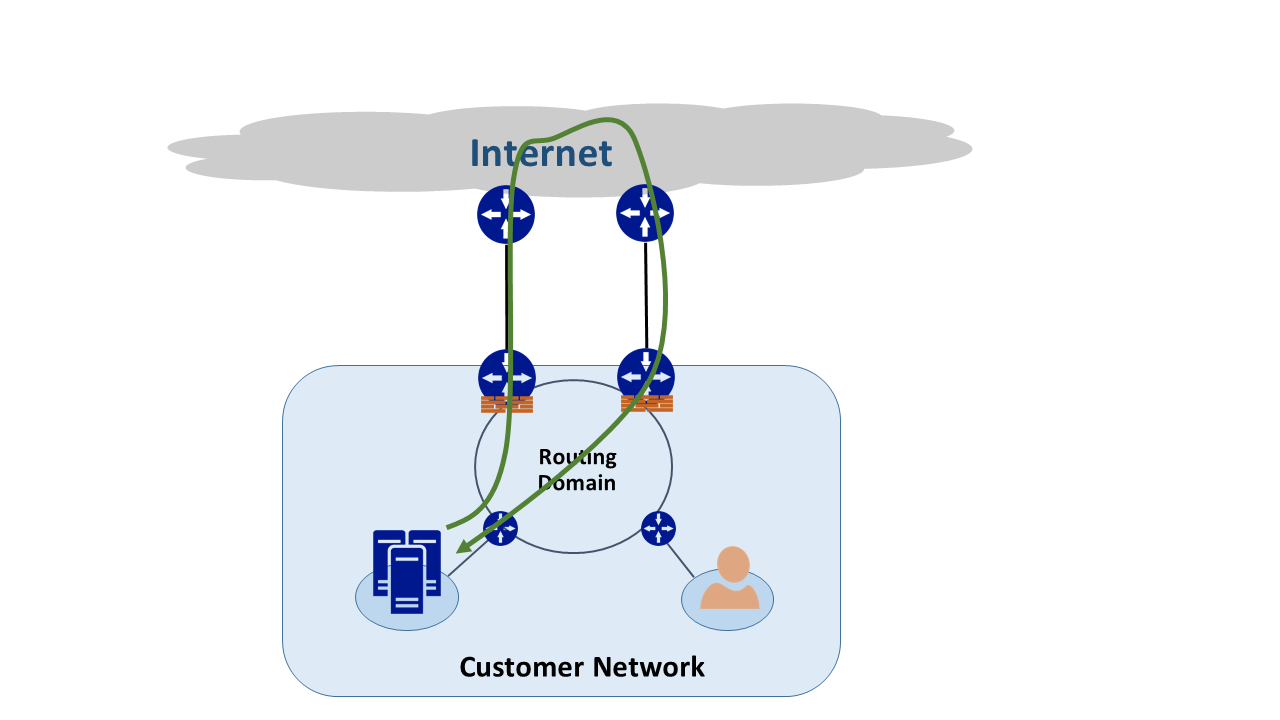
- Misconfigured BGP and OSPF: Misconfigurations in Border Gateway Protocol (BGP) and Open Shortest Path First (OSPF) can lead to routing issues. BGP is responsible for exchanging routing information between autonomous systems, while OSPF is used for routing within a network.
- Unmet Neighbor Requirements: If a network device does not meet the requirements of its neighboring devices, routing issues can occur.
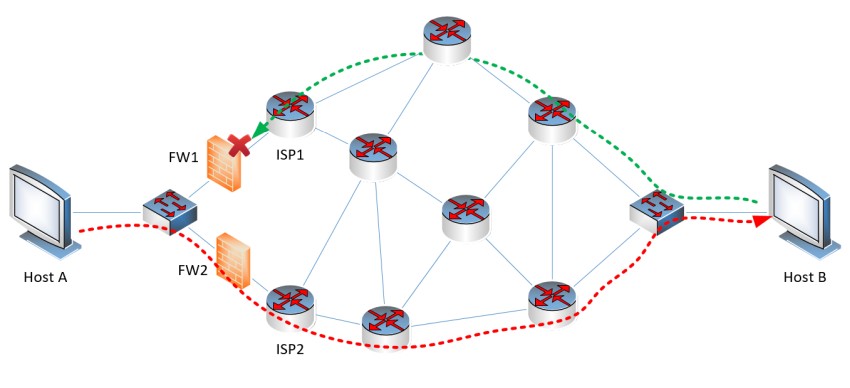
- Routing Loops: Routing loops can occur in complex network environments, leading to connectivity issues, high CPU utilization, and degraded network performance.
- Routing Table Issues: Problems with routing tables can lead to inefficient network connectivity and performance.
Best Practices for Troubleshooting Routing Issues
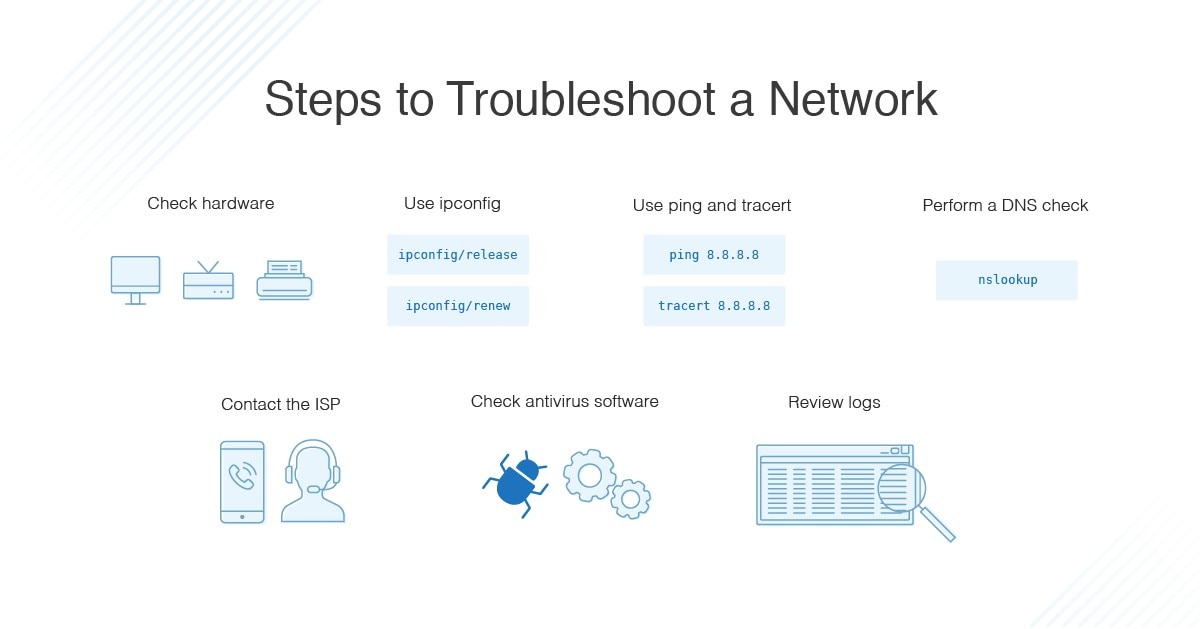
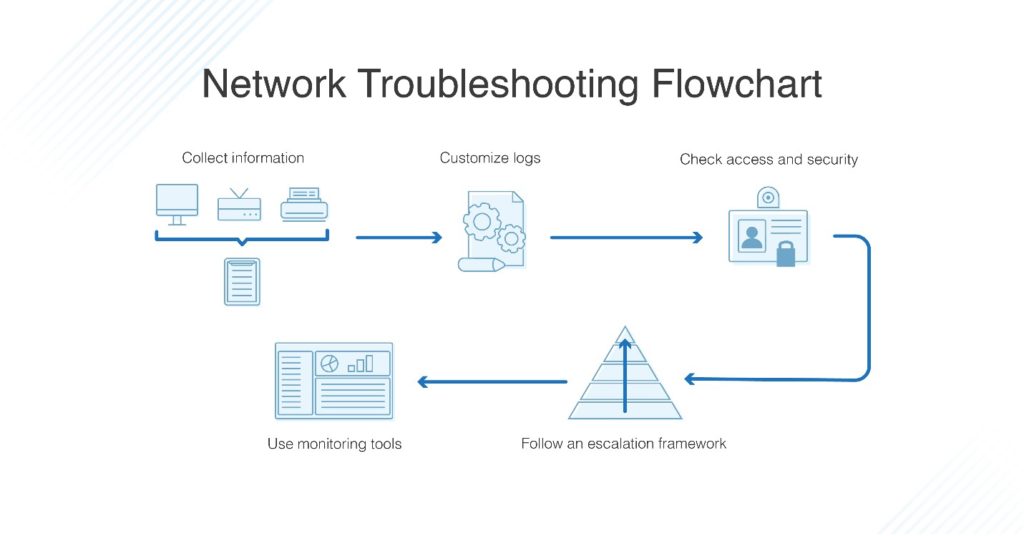
To troubleshoot routing issues, it is essential to use the right tools and techniques. Here are some best practices:
- Perform a Traceroute: A traceroute can show if traffic is being routed inefficiently or if a specific router is misconfigured.
- Use Ping and PathPing: These tools can help identify and isolate routing issues.
- Analyze Routing Tables: Understanding routing tables is crucial in identifying and resolving routing issues.
- Check for Misconfigured BGP and OSPF: Verify that BGP and OSPF are configured correctly to avoid routing issues.
- Identify and Resolve Routing Loops: Routing loops can cause significant network disruptions, so it is essential to identify and resolve them promptly.
Real-World Examples and Commands
Here are some real-world examples and commands that can help you troubleshoot routing issues:
- Example 1: Troubleshooting a routing issue on a Cisco router using the command `show ip route` to analyze the routing table.
- Example 2: Identifying a routing loop on a network using the command `traceroute` to track the path of traffic.
- Example 3: Resolving a misconfigured BGP issue using the command `show bgp summary` to verify BGP configurations.
Conclusion
Routing issues can have a significant impact on network performance and reliability. By understanding the causes of routing issues and using the right tools and techniques, network administrators can troubleshoot and resolve these issues efficiently. Remember to analyze routing tables, check for misconfigured BGP and OSPF, and identify and resolve routing loops to maintain a stable and efficient network infrastructure.