Replacing an Old Battery: A Step-by-Step Guide
As a car owner, you may have encountered a situation where your car's battery has died or is no longer holding a charge. In this case, replacing the old battery with a new one is a necessary step to get your vehicle running again. Fortunately, replacing an old battery is a relatively simple process that you can do yourself with the right tools and knowledge.
When to Replace an Old Battery
Before we dive into the step-by-step guide, it's essential to know when to replace an old battery. Here are some signs that indicate your car's battery needs to be replaced:
- Dimming headlights or other electrical components
- Need for a jump-start due to a dead battery
- Battery is more than 3 years old
- Battery terminals are corroded or damaged
Tools and Materials Needed
To replace an old battery, you'll need the following tools and materials:
- Socket wrench or ratchet and socket
- Torx screwdriver (for some battery types)
- Battery terminal cleaning brush
- New battery (make sure it's compatible with your vehicle)
- Battery cables (if necessary)
Step 1: Prepare the Area and Disconnect the Battery
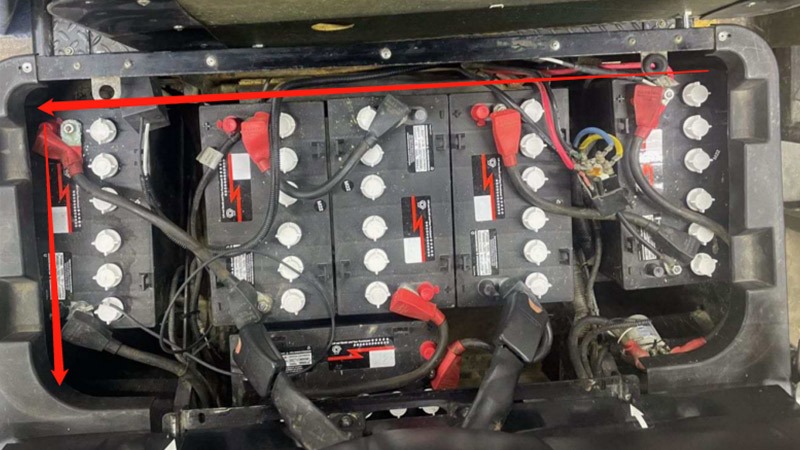
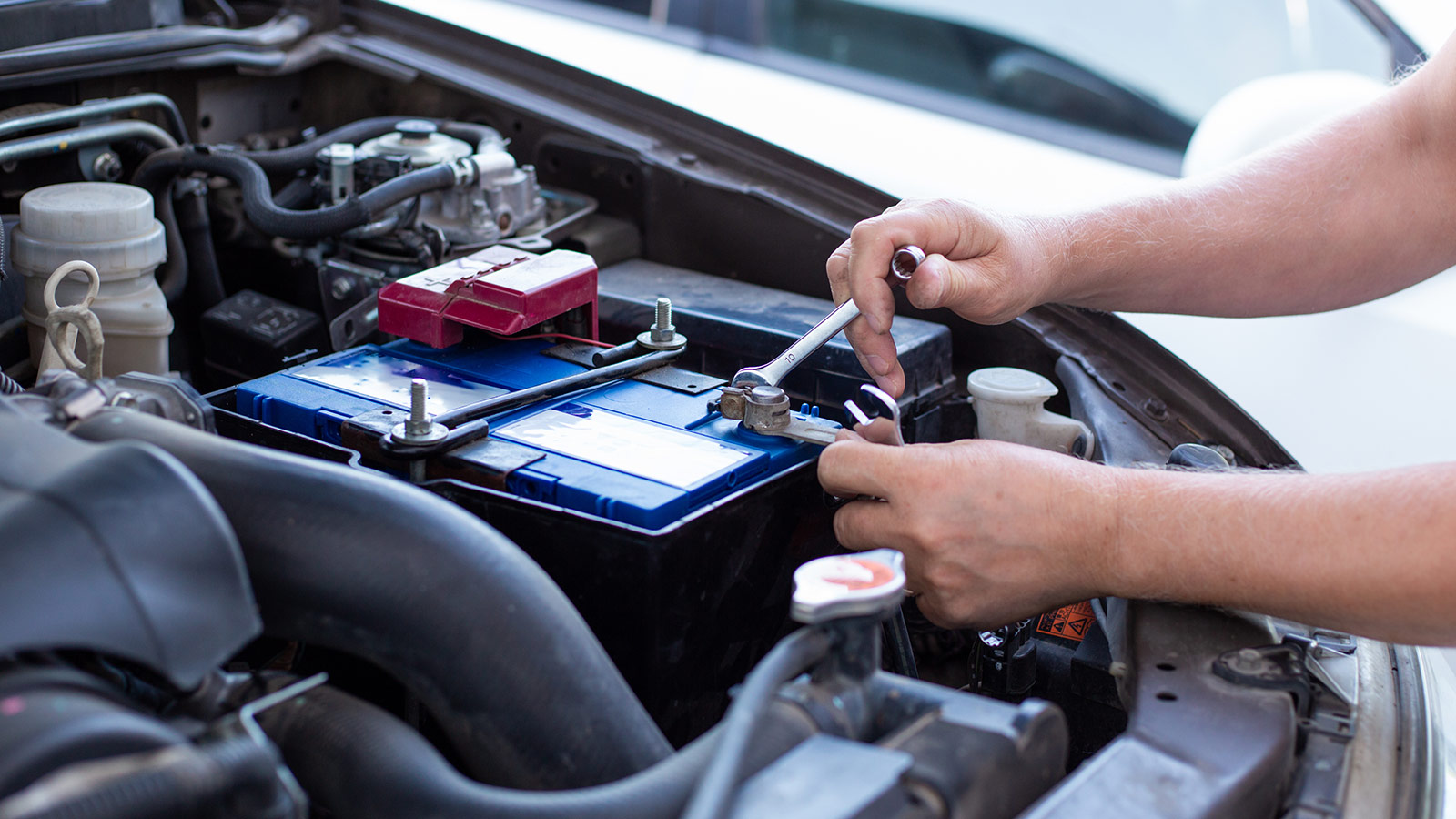
Before starting the replacement process, make sure you're in a well-ventilated area and wear protective gloves and safety glasses. Locate the battery in your vehicle and disconnect the negative (black) cable from the negative terminal.
Step 2: Remove the Battery Hold-Down Clamp
Next, locate the battery hold-down clamp and loosen it by turning the bolt counterclockwise. Remove the clamp and set it aside.
Step 3: Remove the Old Battery
With the clamp removed, you should be able to lift the old battery out of the compartment. Take care not to spill any acid or electrolyte solution.
Step 4: Inspect and Clean the Battery Compartment
Inspect the battery compartment for any corrosion or debris. Use a wire brush or cloth to clean the area and remove any corrosion.
Step 5: Install the New Battery
Place the new battery in the compartment and secure it with the battery hold-down clamp. Make sure the clamp is tightened securely.
Step 6: Reconnect the Battery Cables
Reconnect the positive (red) cable to the positive terminal and the negative (black) cable to the negative terminal. Make sure the cables are securely connected.
Step 7: Test the Battery
Start the engine and turn on the headlights to test the battery. If the lights are bright and the engine starts easily, the replacement was successful.
Conclusion
Replacing an old battery is a relatively simple process that you can do yourself with the right tools and knowledge. By following the steps outlined in this guide, you can save time and money by replacing your car's battery yourself.
Frequently Asked Questions
Q: How often should I replace my car's battery?
A: Most car batteries last for 3-5 years, depending on the type and usage. If you notice any signs of battery failure, it's best to replace it promptly.
Q: Can I replace my car's battery myself?
A: Yes, you can replace your car's battery yourself with the right tools and knowledge. However, if you're not comfortable with DIY projects, it's best to consult a professional mechanic.
Q: What type of battery should I use for my car?
A: Make sure to use a battery that's compatible with your vehicle's make and model. You can consult your owner's manual or contact a dealership for recommendations.