Protecting Your Twitter Account from Cyber Attacks
In today's digital age, your Twitter account is more than just a platform for sharing thoughts and updates; it's often tied to your personal identity, professional reputation, and online security. With cyber threats becoming increasingly sophisticated, safeguarding your Twitter account from hackers is essential to prevent unauthorized access, data theft, and potential misuse.
The Risks of Cyber Attacks on Twitter
Twitter, with its hundreds of millions of active monthly users, is a hotbed for hackers. Cybercriminals target Twitter users due to the platform's widespread use and the potential for financial gain. A single Twitter account can be used to spread malware, phishing scams, or even ransomware attacks, putting not only your personal data but also your online presence at risk.
The Common Signs of a Hacked Twitter Account
Spotting a hacked Twitter account can be challenging, but there are some common signs to look out for:
- Unusual login locations or IP addresses
- Suspicious tweets or posts from your account
- Unexplained changes to your account settings or profile
- Unfamiliar login sessions or devices
- Failed login attempts or notifications
Protecting Your Twitter Account from Cyber Attacks
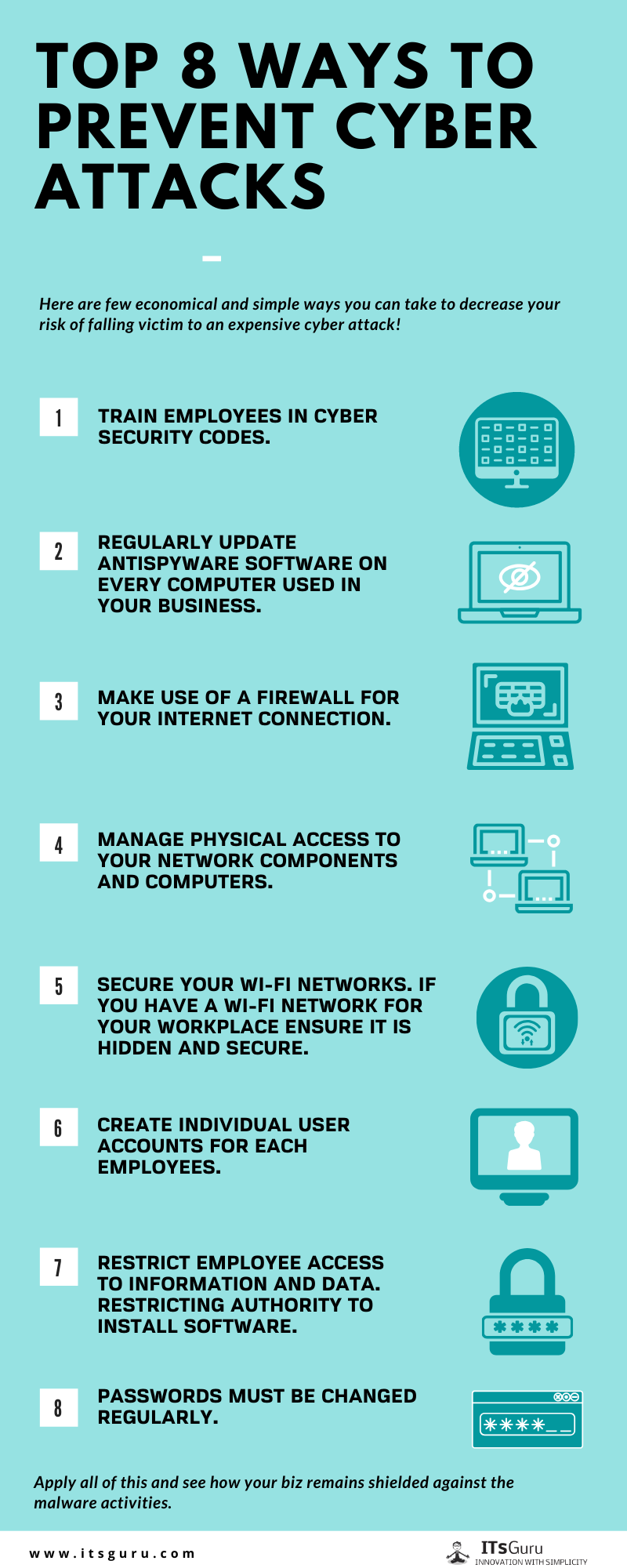
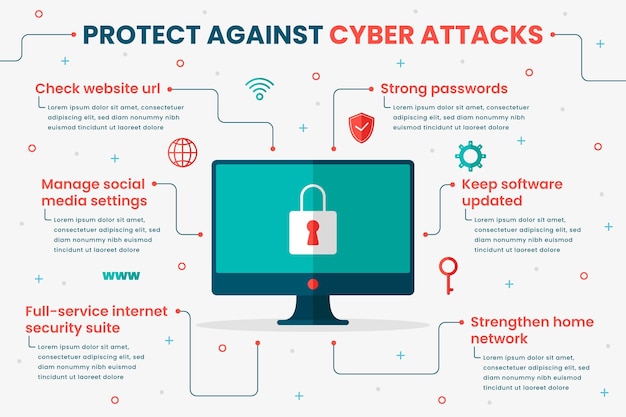
To safeguard your Twitter account from cyber attacks, follow these best practices:
1. Use a Strong and Unique Password
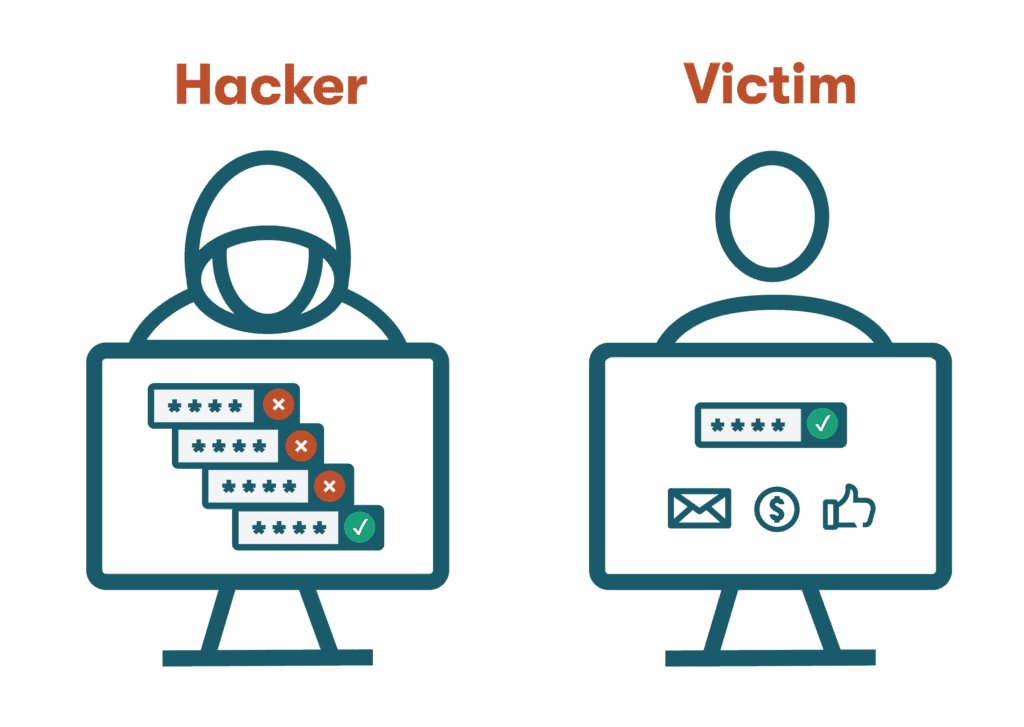
Create a strong password that is difficult to guess and avoid using the same password across multiple accounts. Consider using a password manager to generate and store unique passwords for each of your accounts.
2. Enable Two-Factor Authentication (2FA)
Turn on 2FA to add an extra layer of security to your Twitter account. This requires a second form of verification, such as a code sent to your phone or a biometric scan, in addition to your password.
3. Monitor Your Account Activity
Regularly check your account activity to detect any suspicious behavior. Look for unusual login locations, unfamiliar devices, or changes to your account settings or profile.
4. Use a Secure Internet Connection
Always use a secure internet connection when accessing your Twitter account, especially when logging in or performing sensitive actions like updating your password or security settings.
5. Keep Your Twitter Account Updated
Ensure your Twitter account is running the latest version of the app or browser extension. This will help protect your account from known vulnerabilities and ensure you receive the latest security updates.
6. Be Cautious with Email and Direct Messages
6. Be Cautious with Email and Direct Messages
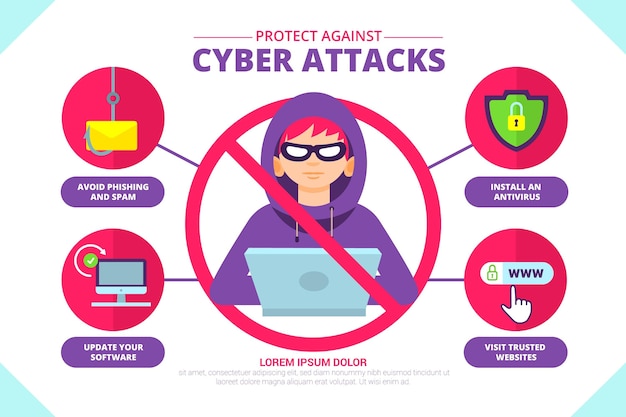
Beware of phishing emails or direct messages that attempt to trick you into revealing sensitive information or clicking on suspicious links. Legitimate Twitter emails or messages will never ask for your password or other sensitive data.
Additional Tips to Protect Your Twitter Account
To further safeguard your Twitter account, consider the following:
1. Use a Twitter Password Generator
Use a password generator to create a unique and strong password for your Twitter account. This can help ensure your password is not easily guessed or cracked.
2. Enable Twitter's Security Features
Twitter offers various security features, such as login alerts, account activity notifications, and security questions. Enable these features to receive notifications about suspicious activity on your account.
3. Regularly Update Your Password
Change your Twitter password regularly, ideally every 60 to 90 days. This will help reduce the risk of your account being compromised if your password is leaked or guessed.
4. Use a Secure Browser Extension
Use a secure browser extension, such as a password manager or a security browser extension, to help protect your Twitter account from phishing scams and other cyber threats.
Conclusion
Protecting your Twitter account from cyber attacks requires a combination of awareness, vigilance, and proactive measures. By following the best practices outlined in this article, you can significantly reduce the risk of your account being hacked and compromised. Remember, cybersecurity is an ongoing process that requires regular updates and maintenance to stay ahead of evolving cyber threats.