Protect Internet from Hacking Through Router: A Comprehensive Guide
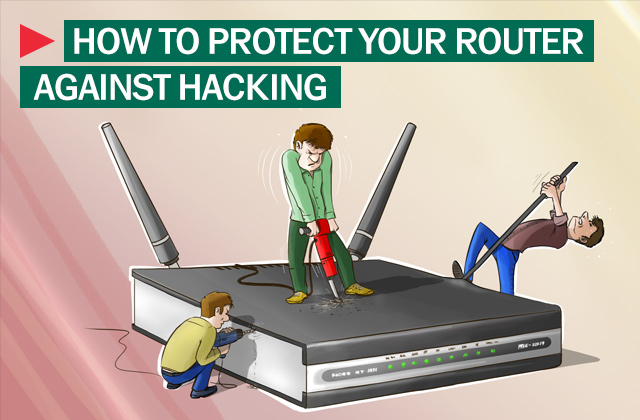
Are you worried that your home internet connection is vulnerable to hacking? With the increasing number of cyber threats, protecting your internet from hacking is a crucial step in maintaining your digital safety and security. In this article, we will help you understand how hackers target home Wi-Fi networks and provide you with simple, proven steps to secure your router and prevent unauthorized access.
Why Router Security Matters
Routers have become an essential part of our daily lives, connecting our devices to the internet and enabling us to stream, browse, and communicate freely. However, this increased reliance on routers has made them an attractive target for hackers. As the latest WiFi 7 routers now feature advanced security features like WPA3 encryption, it's essential to upgrade your router and take control of your home network.
The Risks of a Hacked Router
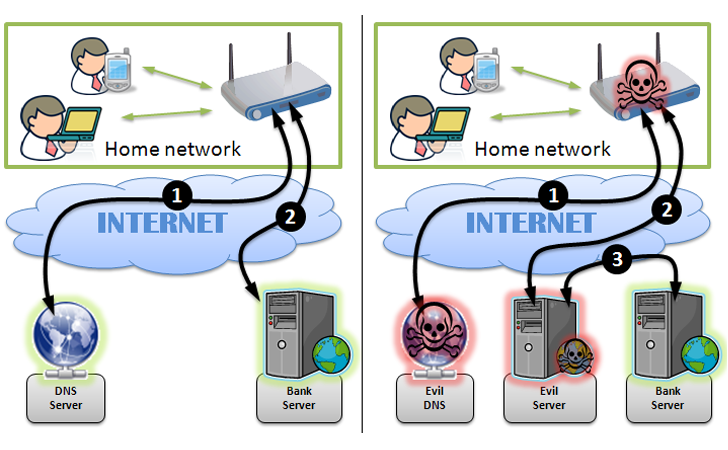
Router hacking can result in unauthorized access to your home network, stolen data, and even malicious activities such as spreading malware and viruses. With the rise of the Internet of Things (IoT), your router is connected to a multitude of devices, making it a prime target for hackers. A compromised Wi-Fi network can expose sensitive data, enable unauthorized access to connected devices, and facilitate larger network intrusions.
Signs of a Hacked Router
- Slow internet speed
- Unusual network behavior
- Device connections dropping unexpectedly
- Malware or virus warnings
- Unusual energy consumption
Prevention and Protection

Preventing a hacked router is easier than fixing one. Here are some simple steps to protect your router from hackers:
- Turn on encryption: Make sure your router is using WPA2 or WPA3 encryption to secure your connection.
- Update firmware: Regularly update your router's firmware to patch security holes and exploit vulnerability.
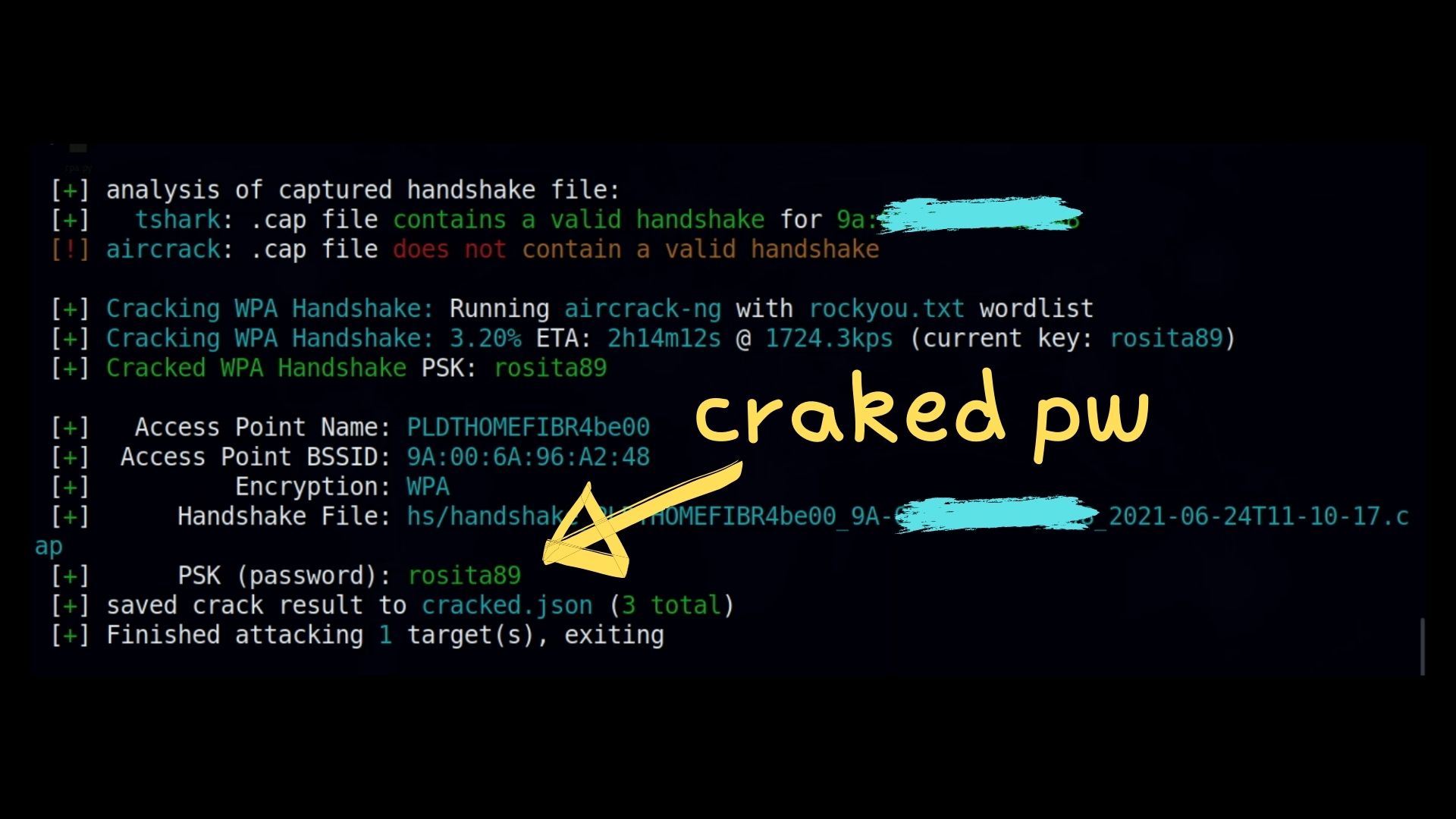
- Use a strong password: Use a long and unique password mixing letters, numbers, and symbols to prevent brute force attacks.
- Disable remote management: Turn off remote management access to your router to prevent unauthorized access.
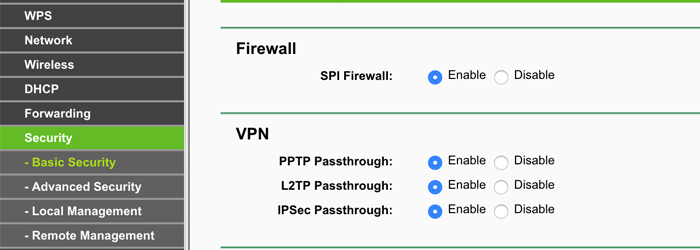
- Firewall protection: Enable your router's firewall to block unauthorized incoming and outgoing traffic.
- Regularly scan your network: Regularly scan your network for malware and prevent unauthorized devices from joining your network.
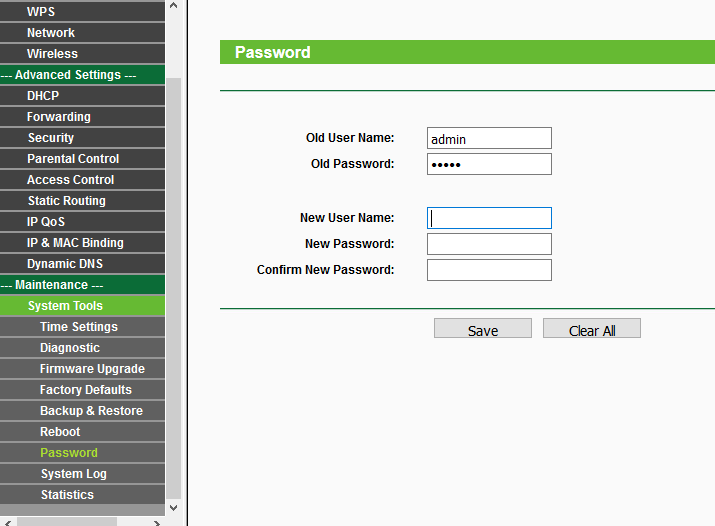
- Change the default admin password: Use a strong and unique admin password to prevent hackers from accessing your router settings.
Conclusion
Protecting your internet from hacking through your router is a straightforward process. By following these simple steps, you can prevent unauthorized access, secure your home network, and maintain your digital safety and security. Remember, a secure router is the first line of defense against cyber threats. Stay informed, stay protected, and keep your internet secure.
Additional Tips and Resources:
For more information on router security and protection, check out the following resources:
- BleepingComputer for the latest cybersecurity news and updates.
- CISA for cyber threat information and resources.
- Reuters for breaking international news and updates.
- SecurityWeek for cybersecurity news and information for enterprise professionals.