Preventing Malware from Running as Administrator: A Guide
In today's digital age, malware and viruses are becoming increasingly sophisticated, and protecting your computer from infection is more crucial than ever. One of the most effective ways to prevent malware from wreaking havoc on your system is to prevent it from running as administrator. In this article, we'll explore the concept of administrator protection, its benefits, and provide step-by-step instructions on how to enable it on Windows 11.
What is Administrator Protection?
Administrator Protection, also known as User Account Control (UAC) or Guard, is a security feature that requires explicit authorization from the user before allowing a program or process to run with administrative privileges. This feature acts as a safeguard against malicious activities, ensuring that users are aware of potentially harmful actions before they occur.
Benefits of Administrator Protection
- Enhanced security: By requiring explicit authorization for every administrative task, Administrator Protection protects Windows from accidental changes by users and changes by malware.
- Accidental damage prevention: Running a computer in standard user mode can help prevent malware infections and reduce the risk of security breaches.
Why Prevent Malware from Running as Administrator?
Malware can spread and cause significant damage if it gains administrator privileges on your system. By preventing malware from running as administrator, you can mitigate the risk of Accidental and unintentional damage to your system. Most malware-ridden systems stem from the rootkit or the primary executable file being installed as administrator.
How to Enable Administrator Protection on Windows 11

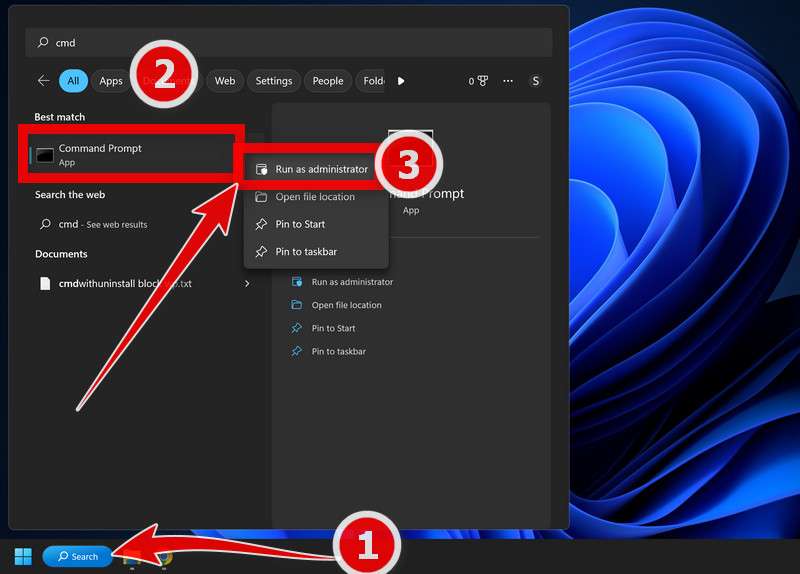
To enable Administrator Protection on Windows 11, follow these steps:
- Go to Group Policy: Press the Windows + R keys to open the Run dialog box, type "gpedit.msc" and press Enter.
- Expand User Configuration > Administrative Templates > Windows Components > Windows Core.
- Look for "Admin Approval Mode for the user's administrator account" and click on the file to open it.
- Choose "Enabled," and then select "2" from the dropdown menu, and click on OK.
Additional Measures to Prevent Malware
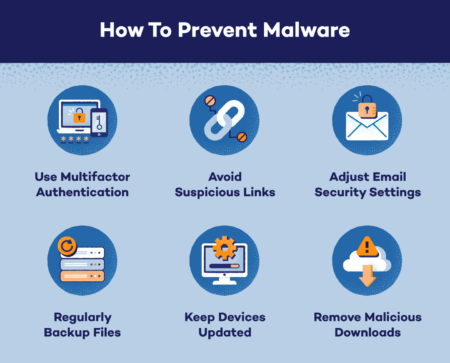
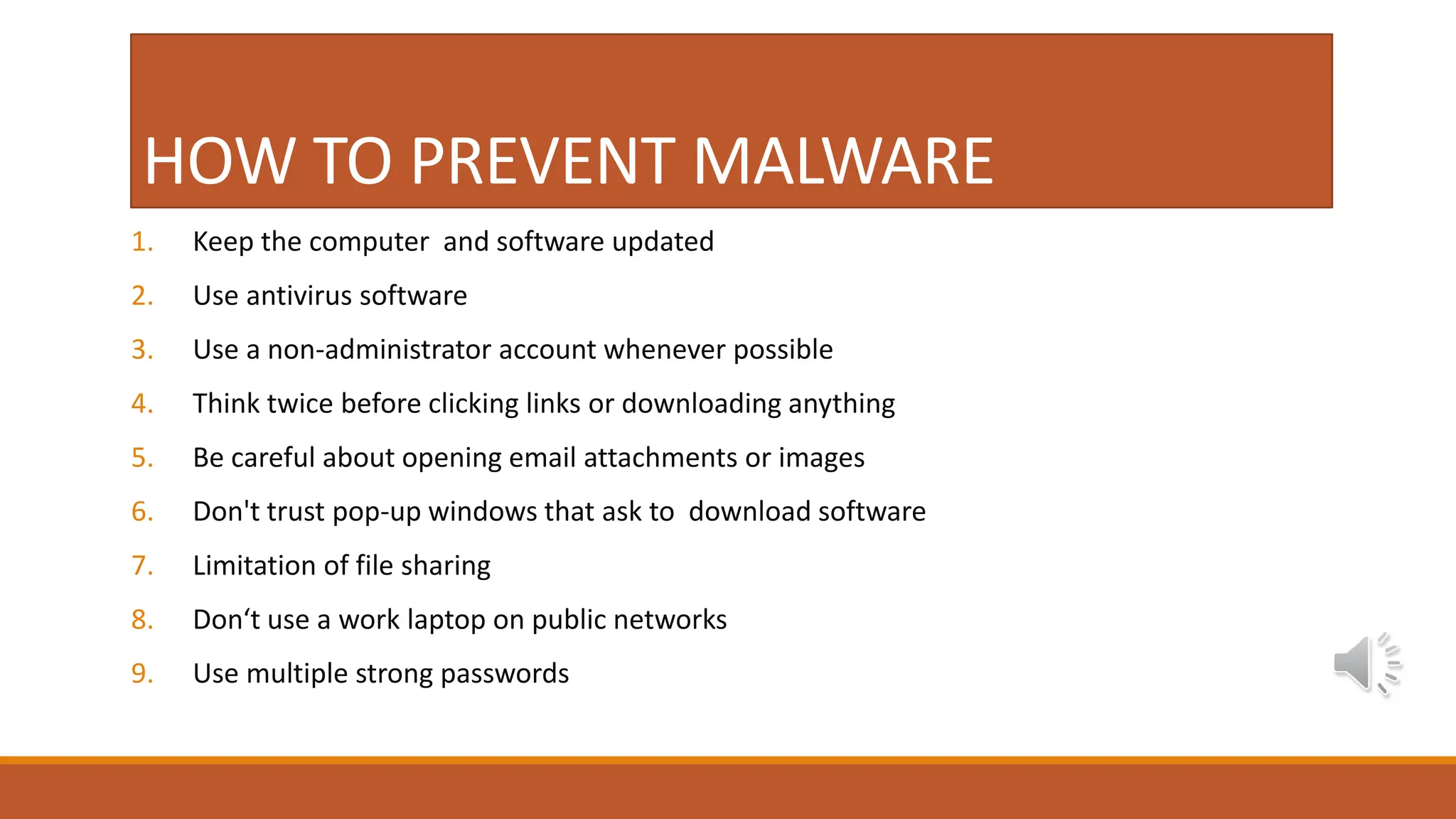
- Remove local administrator rights from Windows endpoints to reduce malware risks while maintaining application access for enterprise users.
- Use antivirus software with robust capabilities to detect and remove malware
- Regularly update your operating system and software to prevent vulnerabilities.
- Be cautious when downloading files and installing apps, especially free software that may include malware
Conclusion
Preventing malware from running as administrator is a critical step in maintaining a secure operating system. By following the steps outlined in this article, you can enable Administrator Protection on Windows 11 and significantly reduce the risk of malware infection. Remember to also take additional measures to prevent malware from spreading, such as removing local administrator rights, using antivirus software, and updating your system regularly.