Preventing Malware from Accessing System Files: A Comprehensive Guide
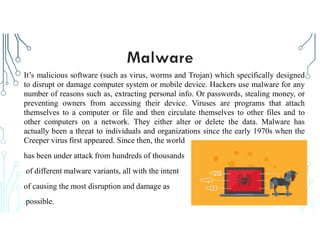
Malware is one of the biggest threats to the security of your computer, tablet, phone, and other devices. It can cause significant harm to your device, steal your personal data, and compromise your online security. As a result, it is crucial to take preventive measures to prevent malware from accessing system files. In this article, we will discuss the importance of preventing malware from accessing system files, types of malware, how to prevent malware attacks, and the best practices to secure your device.
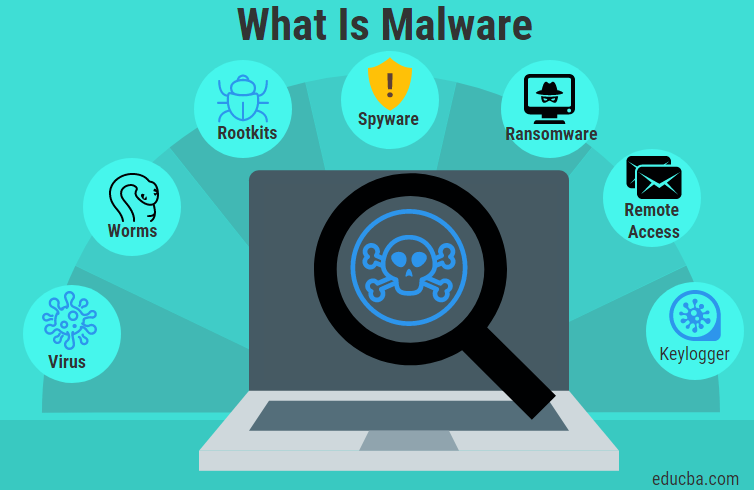
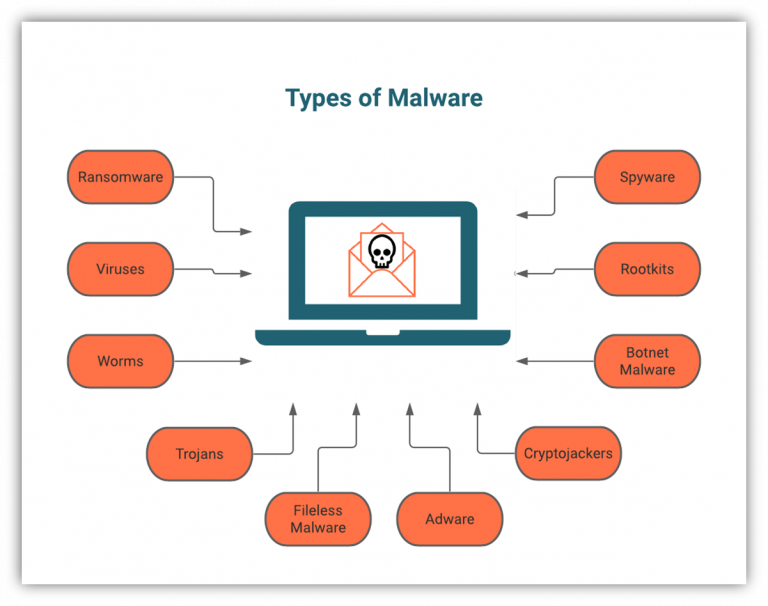
Types of Malware
- Trojan Horses: Disguises itself as legitimate software to gain access to a system.
- Viruses: Infects files and spreads from one system to another.
- Worms: Self-replicating malware that spreads across networks.
- Backdoor: Allows unauthorized access to a system.
- Rootkits: Conceal malware activities and maintain persistence.
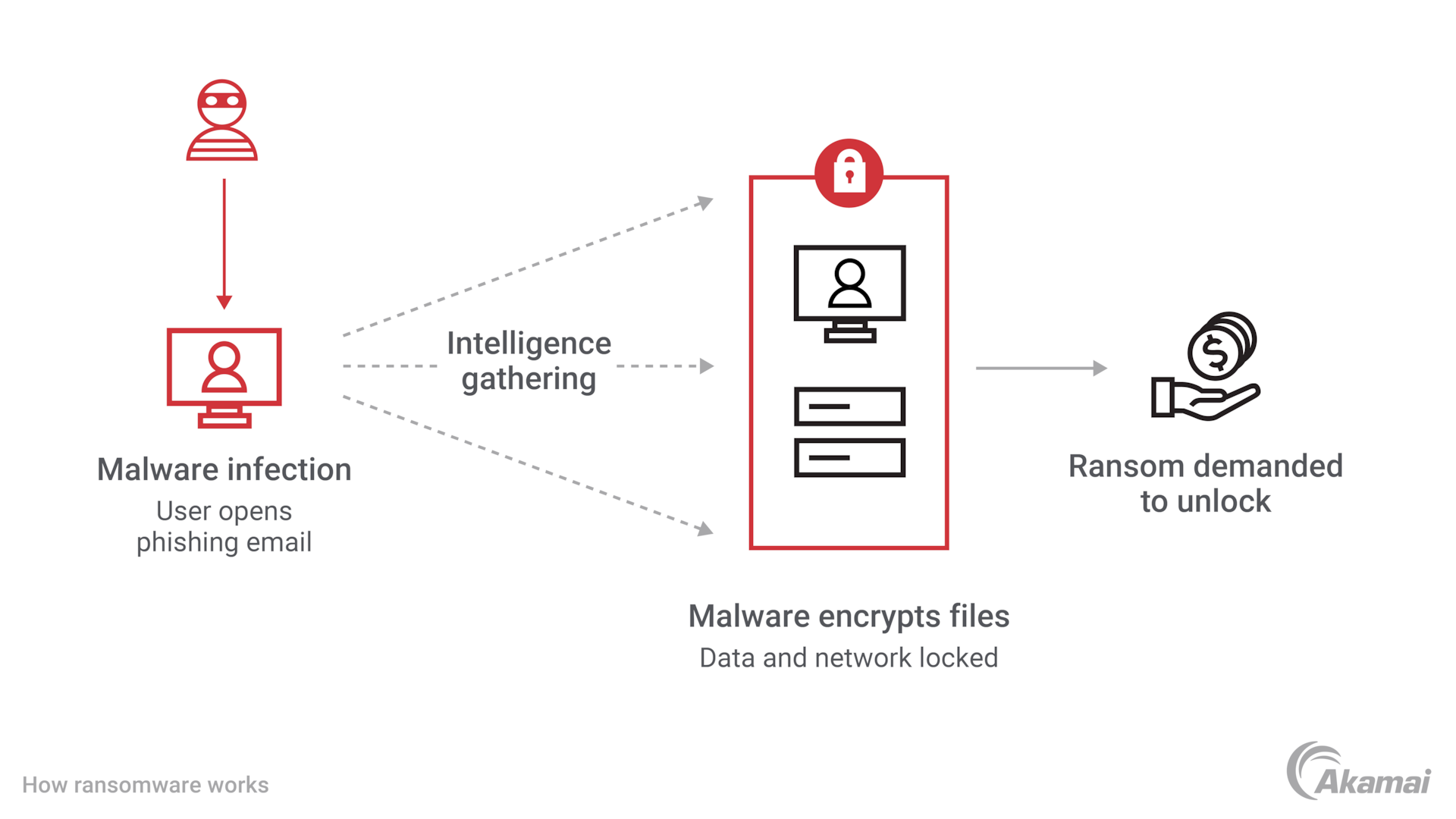
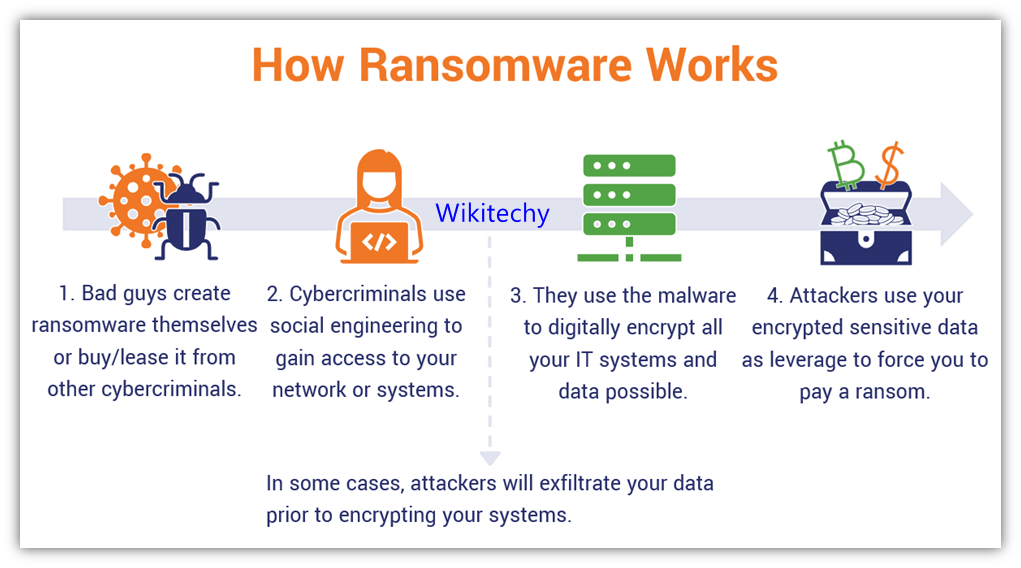
- Ransomware: Encrypts files and demands ransom in exchange for decryption.
How to Prevent Malware Attacks
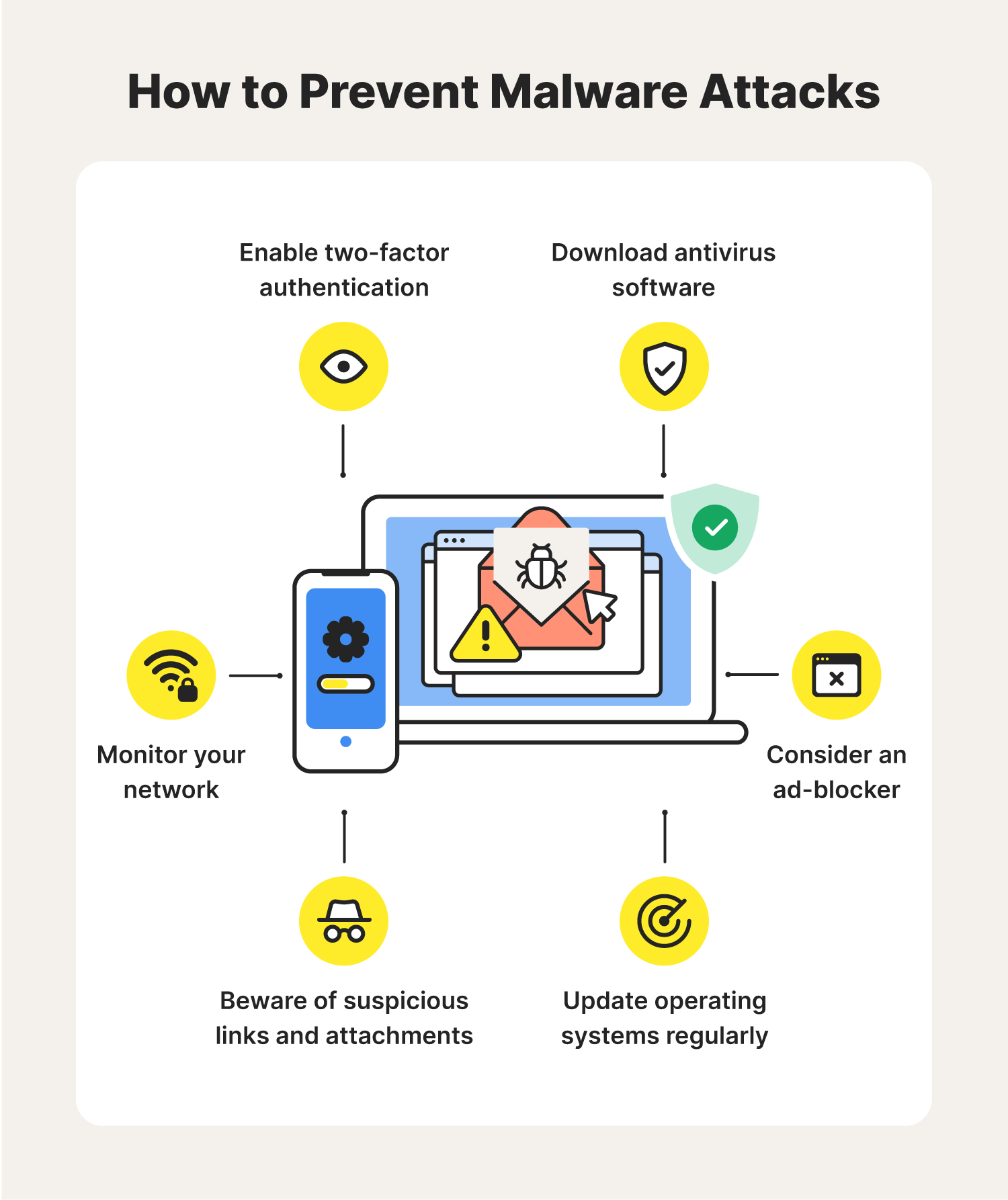
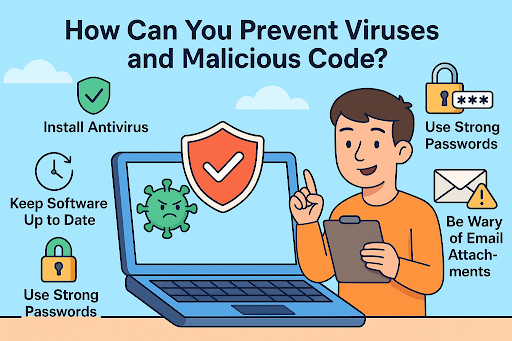
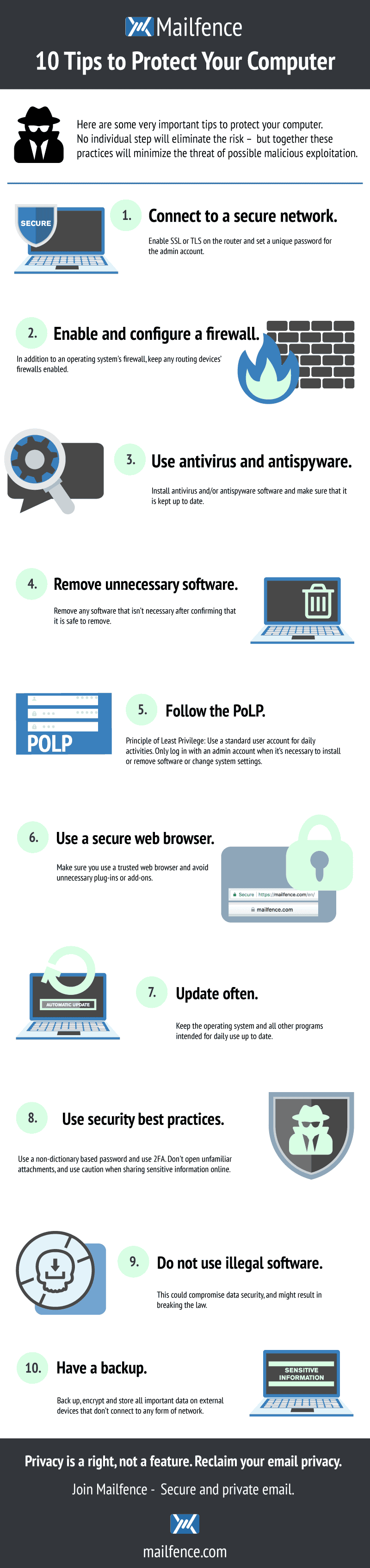
Preventing malware from accessing system files requires a multi-faceted approach. Here are some effective ways to prevent malware attacks:
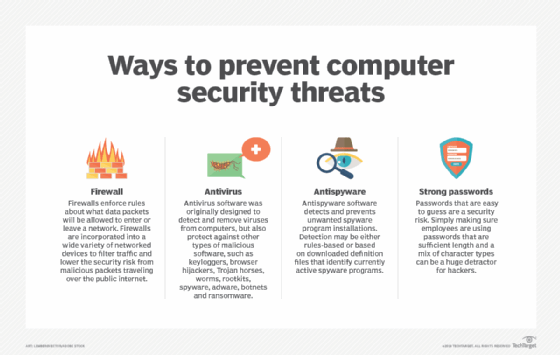
- Keep your operating system and software up to date.
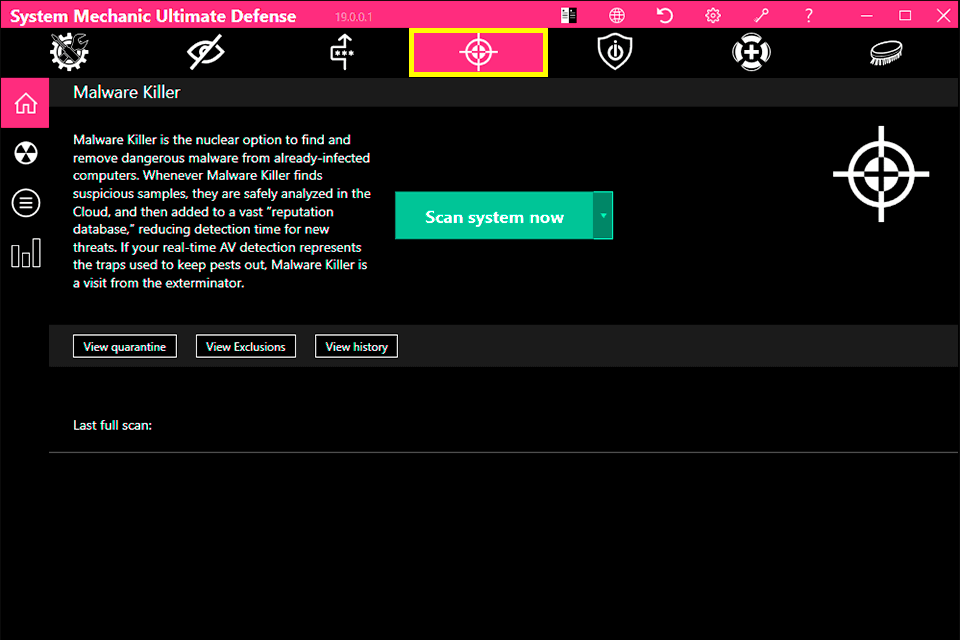
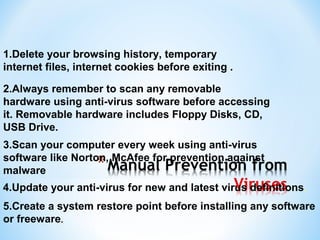
- Use strong antivirus software and keep it updated.
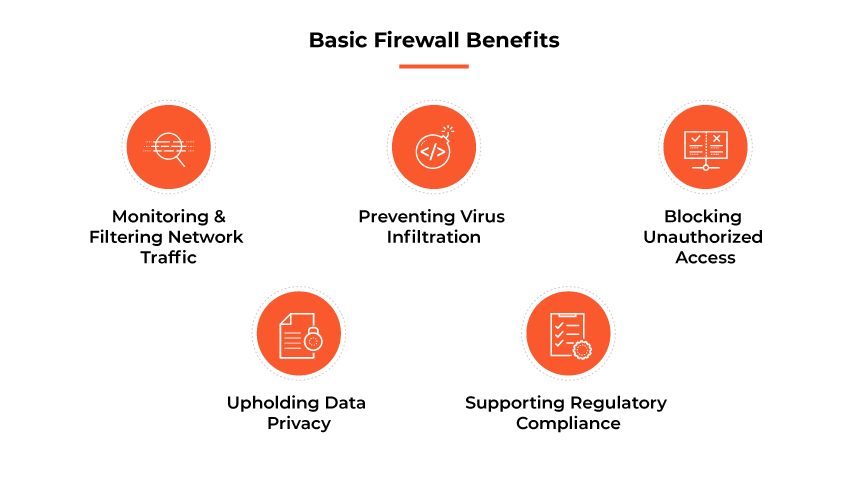
- Use a firewall to block unauthorized access to your device.
- Be cautious while opening email attachments and clicking on links.
- Use strong passwords and enable two-factor authentication.
- Use a secure browser and avoid using public Wi-Fi.
Best Practices to Secure Your Device
Securing your device against malware is not a one-time task. It requires regular maintenance and attention. Here are some best practices to secure your device:
- Regularly back up your data.
- Use a reputable internet security suite.
- Avoid using pirated software.
- Disable macros in Microsoft Office.
- Be cautious while installing software and apps.
- Monitor your device's performance and update your operating system regularly.

Preventing Malware from Accessing System Files
Preventing malware from accessing system files is crucial to protect your device and personal data. Here are some tips to prevent malware from accessing system files:
- Use the "User Account Control" feature to restrict unauthorized access to system files.
- Disable the "Guest" account to prevent malware from using it to gain access to system files.
- Use a reputable antivirus software to scan your system files regularly.
- Use the "Windows Defender" to scan your device for malware.
- Regularly update your operating system and software to patch vulnerabilities.
Conclusion
Preventing malware from accessing system files is a critical aspect of device security. Malware can cause significant harm to your device, steal your personal data, and compromise your online security. By following the best practices outlined in this article, you can prevent malware from accessing system files and protect your device and personal data.
Additional Resources
For more information on preventing malware from accessing system files, visit the following resources:
- Microsoft's Windows Security Guide
- Norton's Cybersecurity Guidance
- Cisco's Malware Prevention Guide